Office 2021 is the personal and small business ‘perpetual licence’, non-subscription version of Microsoft Office. For Windows and Mac.
Office LTSC (Long Term Servicing Channel) is the volume licence ‘perpetual licence’, non-subscription version of Microsoft Office for organizations, companies and governments. Also for Windows and Mac.
The features in Office 2021 and Office LTSC are very similar, if not the same.

Microsoft 365 “Kill Switch” Publisher Stops After October 2026
Microsoft is set to permanently disable Publisher 365 for Microsoft 365 subscribers on October 1, 2026, not just end support, with a hard “kill switch” that will block opening or editing .pub files after that date. This aggressive move means the desktop publishing tool will stop functioning entirely for subscription users, a major shift from […]
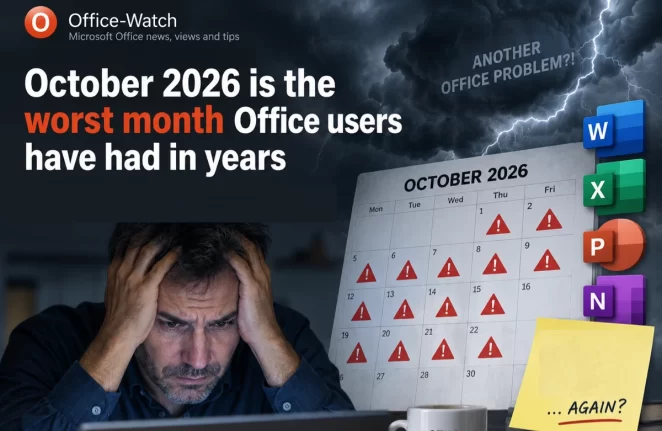
October 2026 Office Changes: Publisher Dies, Office 2021 Support Ends
Publisher 365 stops working on October 1, 2026, and that is just the first of eight October 2026 Office changes. Within days, Exchange Web Services starts shutting down in Exchange Online, Word’s Similarity Checker is deleted on October 3 and Teams live chat closes on October 5. Then on October 13, Office 2021 loses all […]
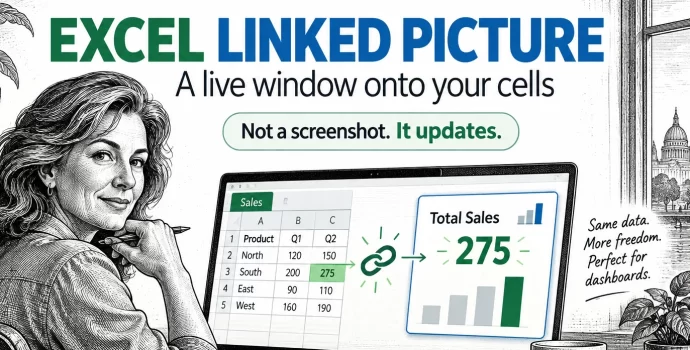
Excel Linked Picture: The Hidden Trick Behind Pro Dashboards
Excel’s Linked Picture turns any block of cells into a live picture you can drop anywhere in your workbook. Change a number in the source cells and the picture redraws instantly, colors, conditional formatting and all. It’s the hidden trick behind most polished Excel dashboards, and it’s already in your copy of Excel 365, Excel […]
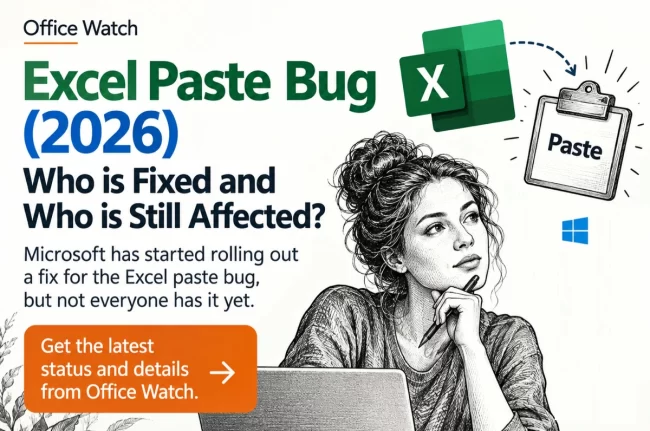
Excel Copy Paste Bug: Is Your Office Version Fixed Yet?
Microsoft has partly fixed their Excel copy paste bug in some versions of Office but left others broken or with an incomplete fix. If you run Office 2024, Office 2021 or Office 2019 for Windows, your paste can still fail silently and quietly lose data. Office LTSC 2021 and Office LTSC 2024 are fixed, Office […]
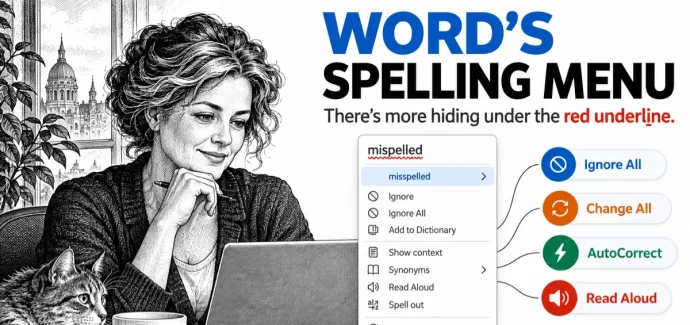
Word Spell Check: 10 Hidden Options You’re Probably Missing
Clicking a red underlined word in Microsoft Word shows more than a few suggested spellings. Word’s spell check menus hide ten useful options, including Change All to fix every copy of a typo at once, Add to AutoCorrect so Word fixes that mistake for you in the future, and Ignore All, which only appears when […]
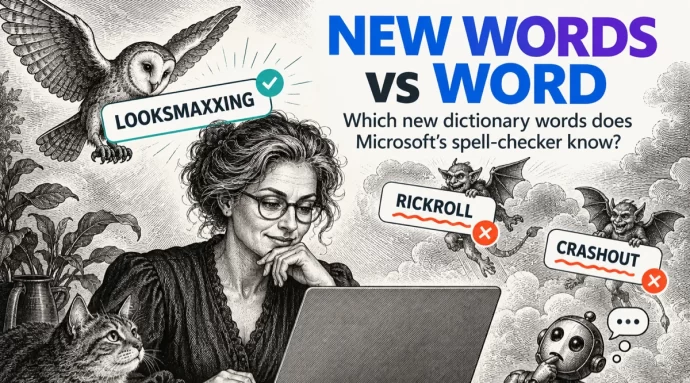
Merriam-Webster new words vs Microsoft Word
Merriam-Webster has added 1,400 new words and definitions to its dictionary, including looksmaxxing, crashout and Rickroll. We typed the headline internet slang into Microsoft Word to see which words get the red squiggly underline. Word already knows some surprisingly fresh slang but still flags a prank that’s been around since 2007. If you use these […]
Excel Copy and Paste Broken by Microsoft’s Own Security Update — How to Fix It
Microsoft’s September 2026 security update for Excel has broken copy and paste for users across Excel 2016, 2019, 2021, and 2024. Update KB5002914, released on September 8, silently kills paste operations with no error message and no warning, creating a serious data integrity risk. Here is how to check whether you are affected, how to […]
Microsoft Office Updates: A No-Win Scenario and How to Stay Safe
Updating Microsoft Office is a no-win scenario. Install updates automatically and you risk buggy patches that break features or crash your computer. Delay updates and you leave yourself exposed to zero-day security attacks. It’s a dilemma Star Trek fans will recognize as the Kobayashi Maru, the famous test where every choice leads to trouble. Here’s […]
September 2026 Patch Tuesday: 20 Critical Office Bugs to Fix Now
Microsoft’s September 2026 Patch Tuesday landed on September 8, 2026 with a record 966 fixes, and Office took the worst of it: 124 patches across Word, Excel, Outlook and the shared code, 20 of them rated Critical. Excel alone has six Critical remote code execution holes, which means a single booby trapped workbook can run […]
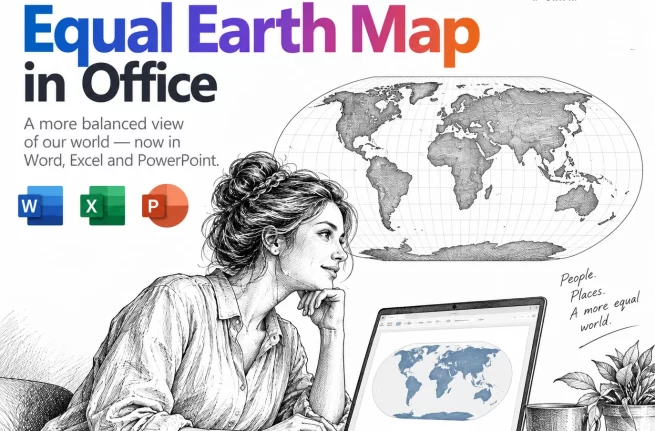
Equal Earth Map in Word, Excel and PowerPoint: How to Add It Free
The UN has just picked a new favorite world map, and the Mercator projection most of us grew up with is out of favor. If your reports, slides or dashboards use a world map, the Equal Earth projection is now the one to reach for. Microsoft Office does not include it, but you can drop […]
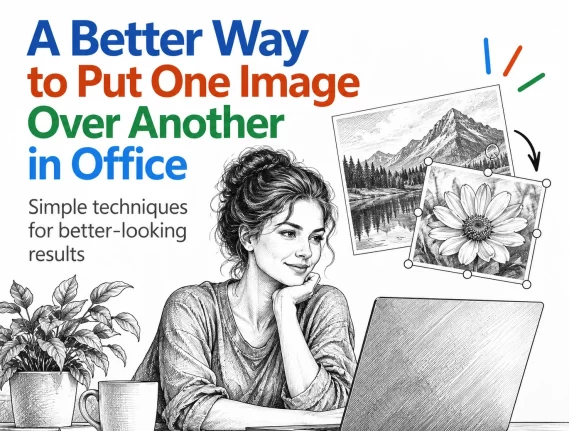
Put a Picture Inside Another Picture in Office, Even at an Angle
Dragging one image on top of another almost never looks right. The moment the screen or frame in the background photo sits at an angle, the picture you drop on it looks pasted on. There is a better way built into Word, Excel and PowerPoint that takes about two minutes: draw a shape over the […]
Windows 11 26H2: 5 Improvements for Microsoft Office Users
Windows 11 26H2 is rolling out now, and for once there is something in it for Microsoft 365 and Office users. The headline change is that Windows Search will finally stop padding your results with Bing hits and Microsoft Store listings, so hunting for a Word document actually finds Word documents. You also get the […]

Letter or A4 in Word: Two Ways to Switch Without Wrecking Your Layout
Get a document formatted for the wrong paper size and Word gives you two very different ways out. One rescales the printout and leaves your document untouched. The other changes the document itself and can shift your margins, headers and images without warning. Which one you pick matters, so here is when to use each, […]
August 2026 Patch Tuesday: Office Bugs That Fire From the Preview Pane
Ten Critical bugs fixed in Microsoft’s August 2026 Patch Tuesday can be triggered just by previewing a file. No opening it, no macro warning, no “Enable Content” click. Selecting a message in Outlook’s Reading Pane or clicking a file once in File Explorer is enough to run an attacker’s code on an unpatched machine. That […]
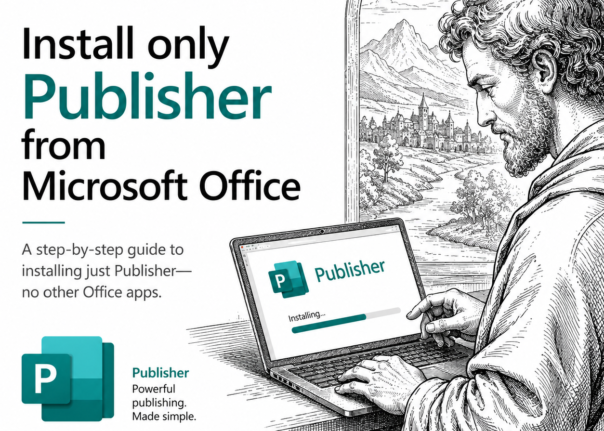
How to Install Only Publisher and Skip the Rest of Microsoft Office
Publisher 365 stops working on 13 October 2026. If you are moving to an older Microsoft Office to keep Publisher alive, you do not have to install the whole suite. Here is how to install only Publisher from Office 2019 or Office 2021, leaving Word, Excel, Outlook and the rest off your computer. It takes […]
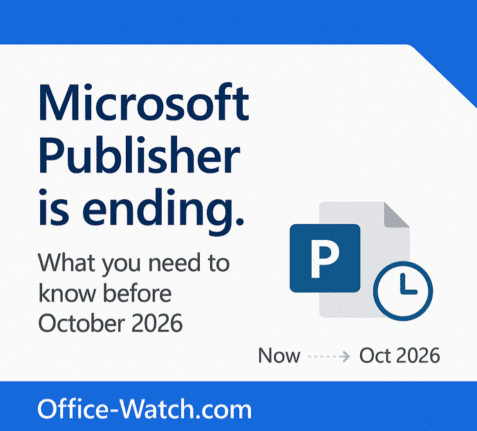
Microsoft Publisher Ends October 2026: How to Keep It Working
Microsoft Publisher is ending in October 2026, and what happens to you depends entirely on how you bought it. If you use Publisher 365 from a Microsoft 365 plan, the app will simply stop opening. That is a kill switch, not a polite end of support notice. If you have Publisher 2019 or Publisher 2021 […]








