Office 2021 is the personal and small business ‘perpetual licence’, non-subscription version of Microsoft Office. For Windows and Mac.
Office LTSC (Long Term Servicing Channel) is the volume licence ‘perpetual licence’, non-subscription version of Microsoft Office for organizations, companies and governments. Also for Windows and Mac.
The features in Office 2021 and Office LTSC are very similar, if not the same.
Microsoft Office Updates: A No-Win Scenario and How to Stay Safe
Updating Microsoft Office is a no-win scenario. Install updates automatically and you risk buggy patches that break features or crash your computer. Delay updates and you leave yourself exposed to zero-day security attacks. It’s a dilemma Star Trek fans will recognize as the Kobayashi Maru, the famous test where every choice leads to trouble. Here’s […]

September 2026 Patch Tuesday: 20 Critical Office Bugs to Fix Now
Microsoft’s September 2026 Patch Tuesday landed on September 8, 2026 with a record 966 fixes, and Office took the worst of it: 124 patches across Word, Excel, Outlook and the shared code, 20 of them rated Critical. Excel alone has six Critical remote code execution holes, which means a single booby trapped workbook can run […]
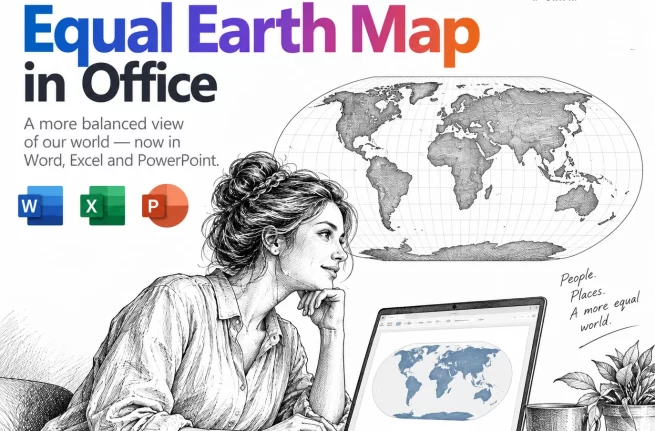
Equal Earth Map in Word, Excel and PowerPoint: How to Add It Free
The UN has just picked a new favorite world map, and the Mercator projection most of us grew up with is out of favor. If your reports, slides or dashboards use a world map, the Equal Earth projection is now the one to reach for. Microsoft Office does not include it, but you can drop […]
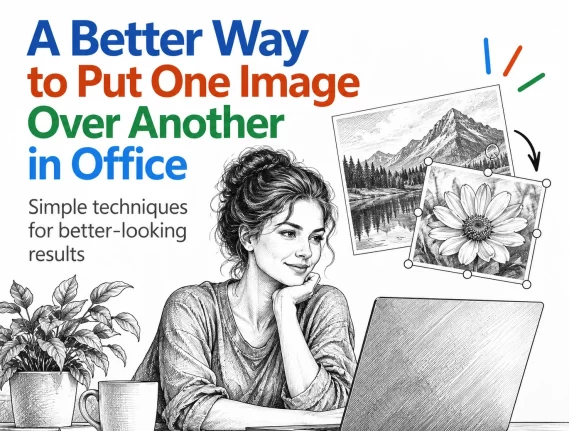
Put a Picture Inside Another Picture in Office, Even at an Angle
Dragging one image on top of another almost never looks right. The moment the screen or frame in the background photo sits at an angle, the picture you drop on it looks pasted on. There is a better way built into Word, Excel and PowerPoint that takes about two minutes: draw a shape over the […]
Windows 11 26H2: 5 Improvements for Microsoft Office Users
Windows 11 26H2 is rolling out now, and for once there is something in it for Microsoft 365 and Office users. The headline change is that Windows Search will finally stop padding your results with Bing hits and Microsoft Store listings, so hunting for a Word document actually finds Word documents. You also get the […]

Letter or A4 in Word: Two Ways to Switch Without Wrecking Your Layout
Get a document formatted for the wrong paper size and Word gives you two very different ways out. One rescales the printout and leaves your document untouched. The other changes the document itself and can shift your margins, headers and images without warning. Which one you pick matters, so here is when to use each, […]
August 2026 Patch Tuesday: Office Bugs That Fire From the Preview Pane
Ten Critical bugs fixed in Microsoft’s August 2026 Patch Tuesday can be triggered just by previewing a file. No opening it, no macro warning, no “Enable Content” click. Selecting a message in Outlook’s Reading Pane or clicking a file once in File Explorer is enough to run an attacker’s code on an unpatched machine. That […]
How to Install Only Publisher and Skip the Rest of Microsoft Office
Publisher 365 stops working on 13 October 2026. If you are moving to an older Microsoft Office to keep Publisher alive, you do not have to install the whole suite. Here is how to install only Publisher from Office 2019 or Office 2021, leaving Word, Excel, Outlook and the rest off your computer. It takes […]
Don’t be a Fauci – how to keep a private diary, private
If you keep a digital diary or any kind of personal notes, recent headlines are a reminder that where you save it, and whether it is password protected, really matters. An unprotected diary saved in the wrong place can be read, copied, or leaked without your knowledge. Here is how to keep your private notes […]
OneNote as a Digital Commonplace Book: A Simple Way to Save Ideas
If you’re copying quotes, links, and half formed ideas into random Word documents or sticky notes, OneNote can replace all of that with one searchable place. This habit is centuries old. Renaissance writers called it a commonplace book. OneNote just makes it faster to fill and far easier to search later. The commonplace book isn’t […]
Publisher 365 Kill Switch: What Microsoft’s New Email Gets Wrong
Microsoft just emailed Microsoft 365 subscribers with a warning that badly undersells the Publisher 365 problem. The real deadline is 1 October 2026, less than two months away, not “next year” as the email claims. After that date, Publisher 365 stops opening or editing your files completely, not just “no longer supported.” Here is what […]
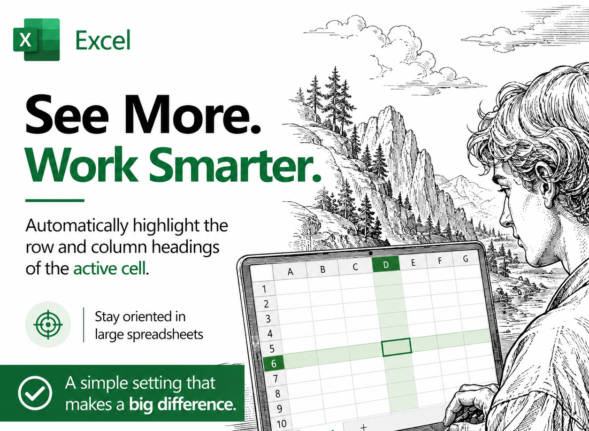
Highlight the Selected Row and Column in Excel and Stop Data Errors
Large Excel worksheets punish you for a moment of inattention. Your eye drifts one row, you type a score or a price into the wrong cell, and nobody notices for weeks. Excel can fix that by highlighting the row and column of whatever cell you click on, so the right cell is always obvious. It […]
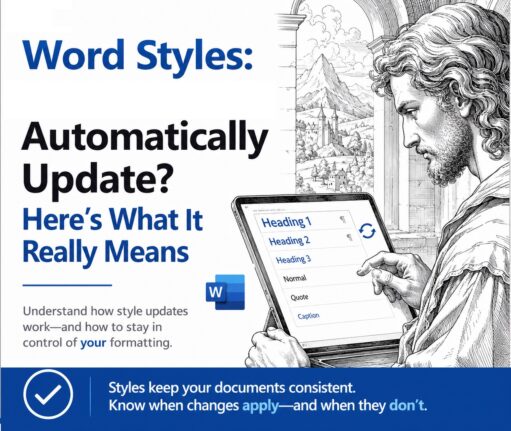
Word Style ‘Automatically Update’: Why You Should Turn It Off
Change the font on one paragraph in Microsoft Word and watch the rest of the document change with it. That is ‘Automatically update’, a checkbox hiding in every Word style’s Modify Style box. It is off for most styles, but when it is on, Word rewrites the style itself every time you reformat a paragraph, […]
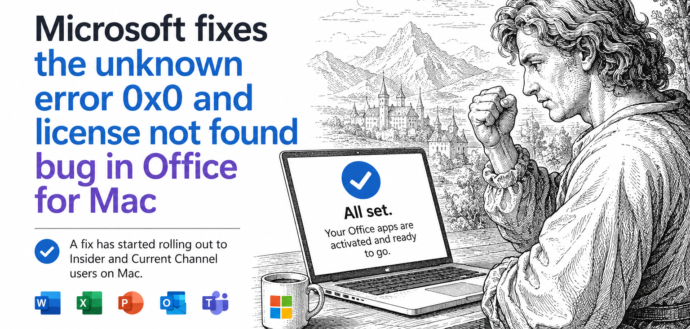
Office for Mac Won’t Open? Fix “Unknown Error 0x0” and “License Not Found” in Two Minutes
If Word, Excel, Outlook, PowerPoint or OneNote suddenly refuse to open on your Mac and flash Unknown Error 0x0 or License Not Found, you are not locked out and your subscription is fine. It was a licensing bug on Microsoft’s side, now fixed. The repair is free, needs no reinstall, and takes about two minutes: […]
Word: get a better list of styles in a document
Word makes it surprisingly hard to see a full list of styles in a document. There’s no tidy panel that lays out every style and shows how they connect to each other. The only option built into Word is a hidden Print setting that produces a long, flat report that’s a chore to read. The […]
How to Make a Better Word Index: Page Ranges, Hidden Tags and AutoMark
Making an index in Word by hand gets tedious fast, but Word hides three real time savers most people never touch. In this second part of our indexing guide we show you how to mark an index entry that spans a range of pages using bookmarks, why Word fills your document with hidden {XE} tags […]









