All about Microsoft Office for Apple Mac. Word, Excel, PowerPoint, Outlook on macOS, Microsoft 365 for Mac, Office 2021 for Mac and earlier versions.
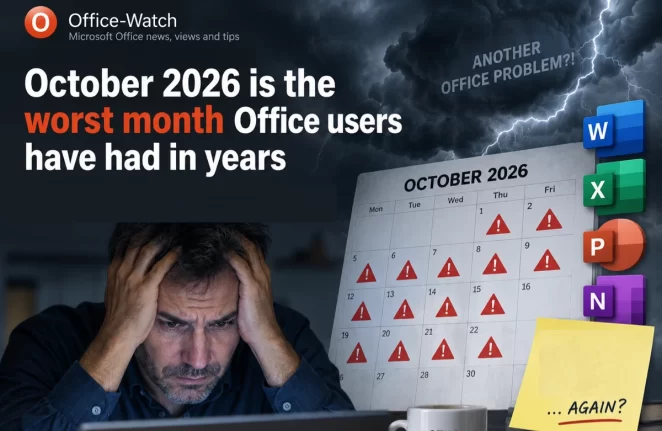
October 2026 Office Changes: Publisher Dies, Office 2021 Support Ends
Publisher 365 stops working on October 1, 2026, and that is just the first of eight October 2026 Office changes. Within days, Exchange Web Services starts shutting down in Exchange Online, Word’s Similarity Checker is deleted on October 3 and Teams live chat closes on October 5. Then on October 13, Office 2021 loses all […]
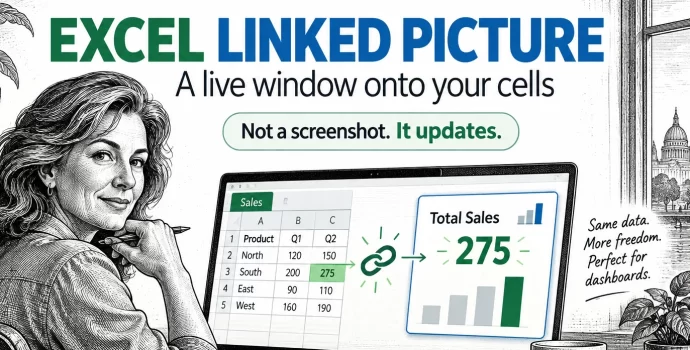
Excel Linked Picture: The Hidden Trick Behind Pro Dashboards
Excel’s Linked Picture turns any block of cells into a live picture you can drop anywhere in your workbook. Change a number in the source cells and the picture redraws instantly, colors, conditional formatting and all. It’s the hidden trick behind most polished Excel dashboards, and it’s already in your copy of Excel 365, Excel […]
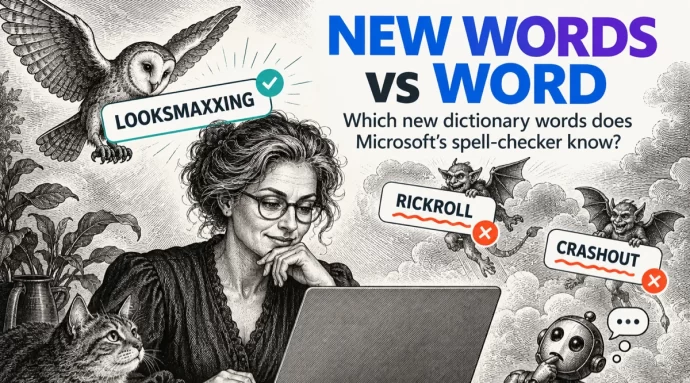
Merriam-Webster new words vs Microsoft Word
Merriam-Webster has added 1,400 new words and definitions to its dictionary, including looksmaxxing, crashout and Rickroll. We typed the headline internet slang into Microsoft Word to see which words get the red squiggly underline. Word already knows some surprisingly fresh slang but still flags a prank that’s been around since 2007. If you use these […]
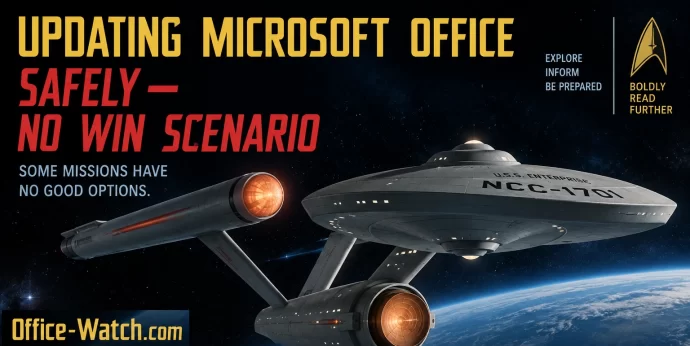
Microsoft Office Updates: A No-Win Scenario and How to Stay Safe
Updating Microsoft Office is a no-win scenario. Install updates automatically and you risk buggy patches that break features or crash your computer. Delay updates and you leave yourself exposed to zero-day security attacks. It’s a dilemma Star Trek fans will recognize as the Kobayashi Maru, the famous test where every choice leads to trouble. Here’s […]
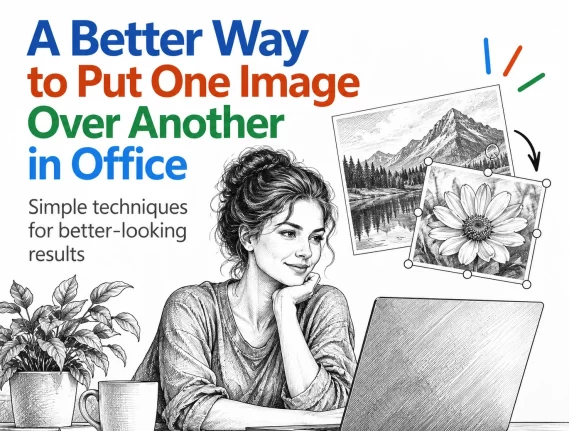
Put a Picture Inside Another Picture in Office, Even at an Angle
Dragging one image on top of another almost never looks right. The moment the screen or frame in the background photo sits at an angle, the picture you drop on it looks pasted on. There is a better way built into Word, Excel and PowerPoint that takes about two minutes: draw a shape over the […]
AI at Work Roadmap: Microsoft Renames the Microsoft 365 Roadmap
Microsoft has renamed the Microsoft 365 Roadmap to the AI at Work Roadmap. Your bookmarks still work and nothing has moved, but from September 2026 the list gets a lot longer, with Dynamics 365, Power Platform and Dataverse entries pouring into the same page you use to track Word, Excel, Outlook and Teams. If you […]

Letter or A4 in Word: Two Ways to Switch Without Wrecking Your Layout
Get a document formatted for the wrong paper size and Word gives you two very different ways out. One rescales the printout and leaves your document untouched. The other changes the document itself and can shift your margins, headers and images without warning. Which one you pick matters, so here is when to use each, […]
Microsoft 365 Insiders: The Risks Microsoft Does Not Mention
Microsoft keeps nudging you to become a Microsoft 365 Insider, with little prompts inside Word, Excel and Outlook offering early access to new features. Before you click yes, understand what you are agreeing to: unfinished software, more data sent to Microsoft, add-ins and macros that may stop working, and no real support if something breaks. […]
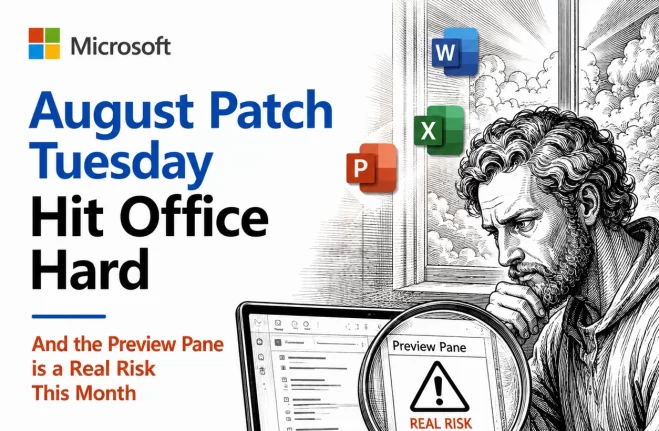
August 2026 Patch Tuesday: Office Bugs That Fire From the Preview Pane
Ten Critical bugs fixed in Microsoft’s August 2026 Patch Tuesday can be triggered just by previewing a file. No opening it, no macro warning, no “Enable Content” click. Selecting a message in Outlook’s Reading Pane or clicking a file once in File Explorer is enough to run an attacker’s code on an unpatched machine. That […]
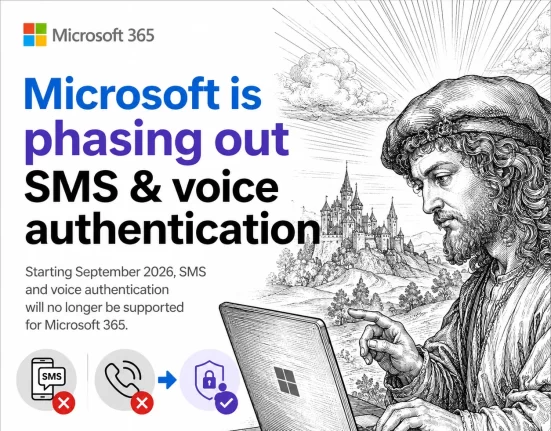
Microsoft ends SMS and Voice Authentication: Passkeys Become Mandatory
If your organization uses Microsoft Entra ID, the days of logging in with a text message code or an automated phone call are numbered. Microsoft has set February 1, 2027 as the shutdown date for its free SMS and voice login service, and passkeys become the default in its place. Here is exactly what changes, […]
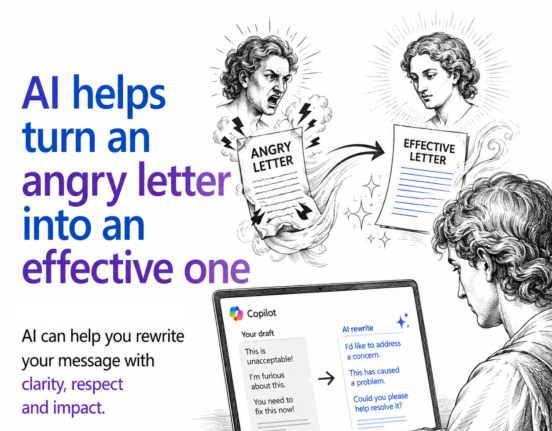
AI Can Turn Your Angry Email Into One That Actually Gets Results
If you have ever typed an angry email and hesitated before hitting send, AI can help. Paste your unfiltered draft into Copilot, ChatGPT, or any AI tool and ask for a polite but firm rewrite. You still get to vent everything you are feeling, but the version you actually send is calmer, clearer, and far […]

Don’t be a Fauci – how to keep a private diary, private
If you keep a digital diary or any kind of personal notes, recent headlines are a reminder that where you save it, and whether it is password protected, really matters. An unprotected diary saved in the wrong place can be read, copied, or leaked without your knowledge. Here is how to keep your private notes […]
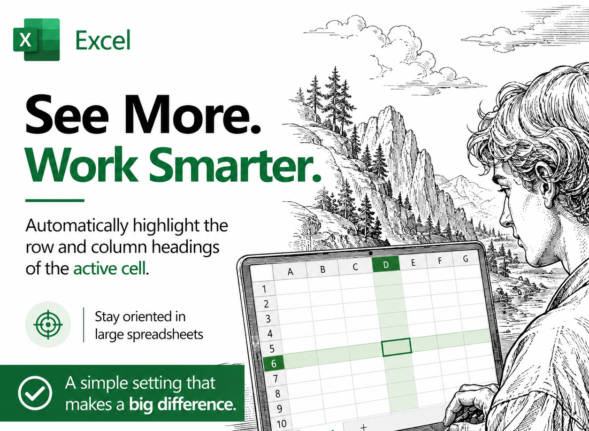
Highlight the Selected Row and Column in Excel and Stop Data Errors
Large Excel worksheets punish you for a moment of inattention. Your eye drifts one row, you type a score or a price into the wrong cell, and nobody notices for weeks. Excel can fix that by highlighting the row and column of whatever cell you click on, so the right cell is always obvious. It […]
Microsoft 365 Subscribers 2026: 95 Million and Rising Bills
Microsoft will not tell you how many people pay for Microsoft 365 anymore. The last official figure was 89 million consumer subscribers in July 2025, and the estimate for mid 2026 is about 95 million. What Microsoft did report on July 29, 2026 is the part that reaches your wallet: Microsoft 365 consumer cloud revenue […]
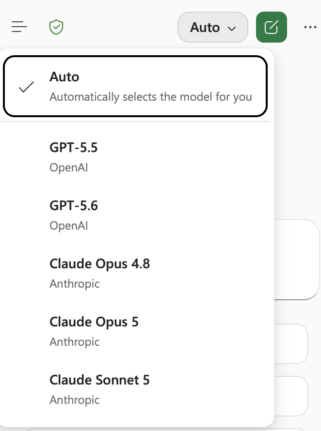
Claude’s Opus 5 model in Microsoft 365 apps
Another day, another AI model. At least that’s how it seems. Just between Anthropic’s Claude, OpenAI’s ChatGPT, and Microsoft’s own MAI models, there’s a constant flow of new and updated AI models for Microsoft 365 apps. Be aware of changes in AI models because the new software can behave in a different way. Sometimes better, […]
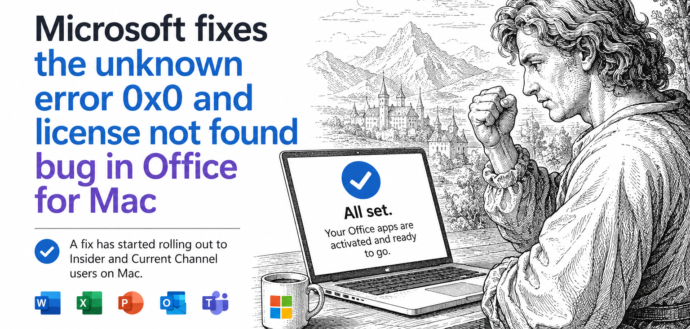
Office for Mac Won’t Open? Fix “Unknown Error 0x0” and “License Not Found” in Two Minutes
If Word, Excel, Outlook, PowerPoint or OneNote suddenly refuse to open on your Mac and flash Unknown Error 0x0 or License Not Found, you are not locked out and your subscription is fine. It was a licensing bug on Microsoft’s side, now fixed. The repair is free, needs no reinstall, and takes about two minutes: […]









