October 2026 Patch Tuesday: 173 Office Fixes, 26 Critical Flaws, and Office 2021’s Final Update
Microsoft’s October 2026 Patch Tuesday fixes 173 security flaws in Office, 26 of them Critical. Excel alone gets 69 patches, Outlook has five Critical bugs, and Office 2021 receives its very last security update. Here’s what you need to do right now — and why you should wait a week before installing. There is some […]
GPT 6.1 Sol and Claude Sonnet 5.5 in Copilot: What to Pick and When
Microsoft 365 Copilot now lets you choose two more AI models, OpenAI’s GPT 6.1 Sol and Anthropic’s Claude Sonnet 5.5 across Word, Excel, PowerPoint, Copilot Chat, Cowork, and Copilot Studio. Each model has different strengths, and picking the right one can save you time and give you better results. Here’s what’s changed, which model suits […]
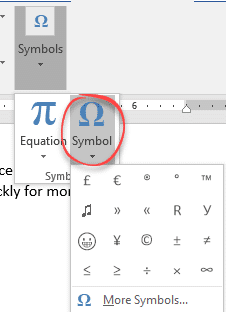
How to Insert Degree, Currency and Other Symbols in Microsoft Office
Need to type a degree sign, Euro symbol or other special characters in Word, Excel or Outlook? Here’s how to insert symbols in Microsoft Office — from one-off use to fast shortcuts for characters you need every day. Degree mark for temperature. Has no special shortcut but you can make one (see below). Currency symbols. […]
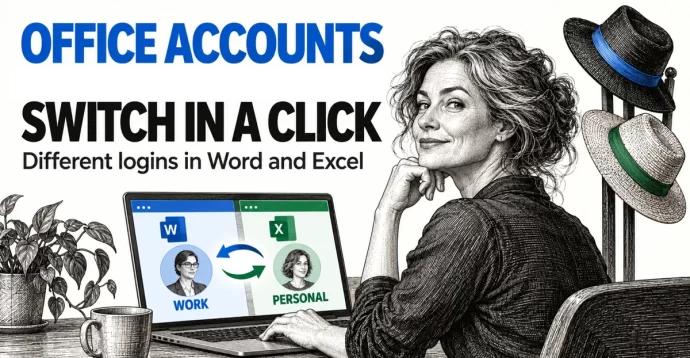
Switch Microsoft Accounts in Word, Excel and PowerPoint Without Signing Out
Juggling a work login, a personal Microsoft account and maybe a volunteer role? You don’t need to sign out and back in to Word, Excel or PowerPoint. Microsoft 365, Office 2024, Office 2021 and earlier for Windows lets you switch Microsoft accounts in Office with two clicks from the account menu at the top right […]
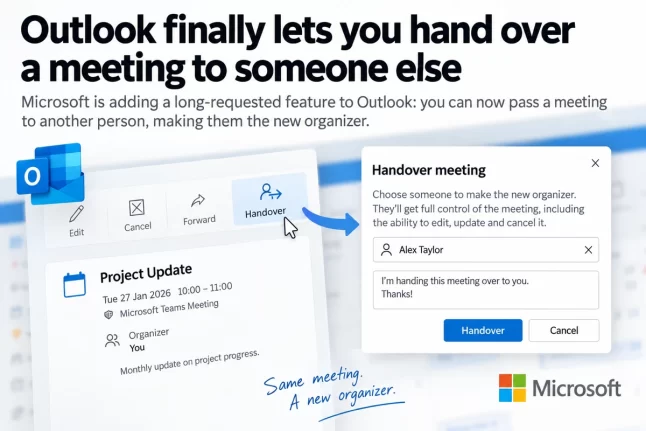
Outlook Change Organizer: Hand Off Meetings Without Canceling
Outlook is getting a Change organizer option that lets you hand a meeting or recurring series to a colleague instead of canceling it and sending new invitations. It rolls out worldwide from late September to late October 2026 in Outlook on the web, new Outlook for Windows and the Teams calendar. It’s switched on automatically, […]
September 2026 Patch Tuesday: 20 Critical Office Bugs to Fix Now
Microsoft’s September 2026 Patch Tuesday landed on September 8, 2026 with a record 966 fixes, and Office took the worst of it: 124 patches across Word, Excel, Outlook and the shared code, 20 of them rated Critical. Excel alone has six Critical remote code execution holes, which means a single booby trapped workbook can run […]
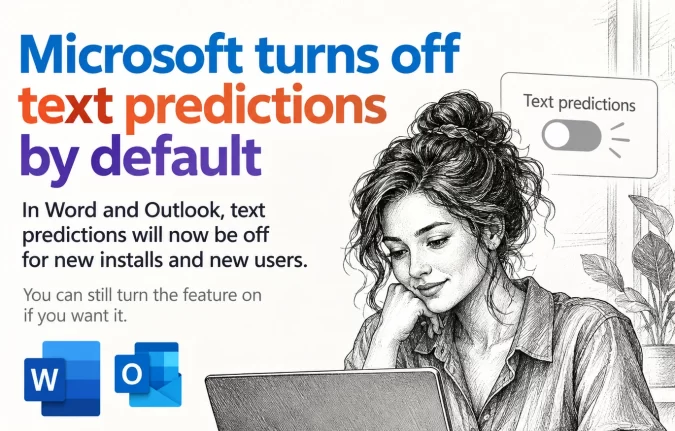
Text Predictions Now Off by Default in Word and Outlook
Microsoft is switching Text Predictions off by default in Word 365 and Outlook 365. If you rely on the gray suggested text that appears ahead of your cursor, it may simply stop showing up. The feature is not gone, just no longer automatic, and you can switch it back on in about ten seconds. Here […]
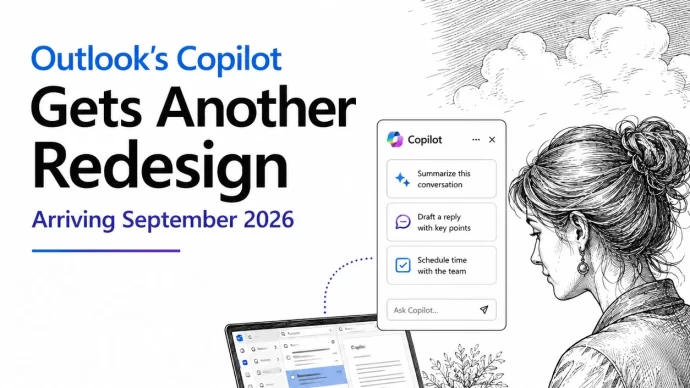
Copilot in Outlook Is Changing this month: Here’s What Moves
Microsoft is changing the look and layout of Copilot inside Outlook, with general availability set for sometime this month. The change lands automatically but Microsoft won’t say which of their many “Outlook” apps are affected. Which $&*@! Outlook? Microsoft Won’t Say Before we explain the changes, there’s one question we’d like to answer but can’t […]
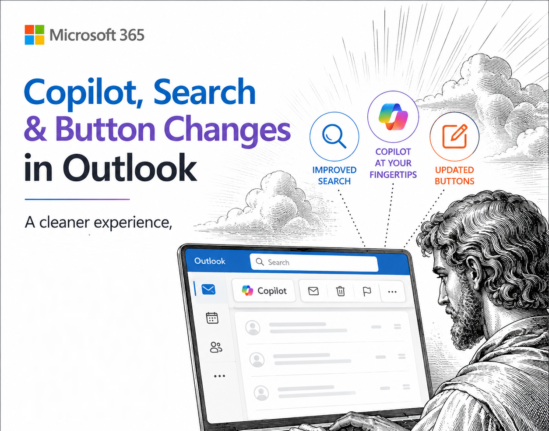
Microsoft Cancels Copilot Search in Outlook, But the Copilot Button Gets Bigger
Microsoft has cancelled the Copilot suggestions it started pushing into the Outlook search box in June 2026, after three months of complaints that AI answers were burying the emails people were actually looking for. If you saw Copilot results appear above your own messages, they will vanish again as the rollback reaches your account, and […]
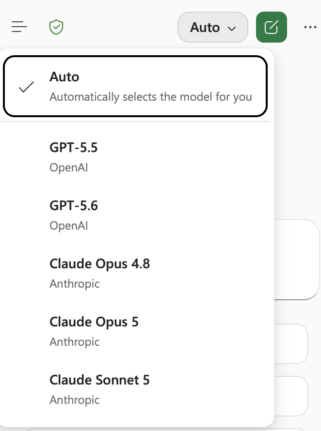
Claude’s Opus 5 model in Microsoft 365 apps
Another day, another AI model. At least that’s how it seems. Just between Anthropic’s Claude, OpenAI’s ChatGPT, and Microsoft’s own MAI models, there’s a constant flow of new and updated AI models for Microsoft 365 apps. Be aware of changes in AI models because the new software can behave in a different way. Sometimes better, […]
Microsoft Kills Free Meeting Insights: What Outlook Users Lose in September 2026
Microsoft is switching off Meeting Insights, the free Outlook feature that automatically shows emails and files linked to your upcoming meetings. From mid August 2026 it starts disappearing, and by early September 2026 it is gone. The catch: the replacement only works if you pay for a Microsoft 365 Copilot license. If you do not, […]
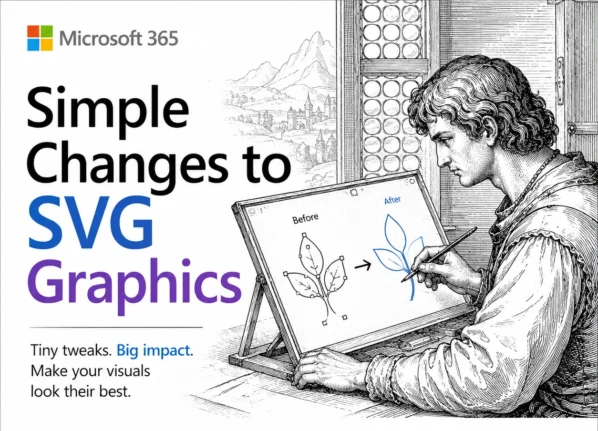
Edit SVG colors in Word, Excel and PowerPoint the Easy Way
Microsoft Office lets you drop an SVG graphic into Word, Excel or PowerPoint, then recolor the whole thing and nothing more. Want the circle orange and the bar black? The fix is simpler than you would guess: open the SVG in Notepad or any plain text editor, change a few color values, delete or hide […]
📅 Microsoft Office Support End Dates 2026: The Complete Checklist
Wondering when your version of Microsoft Office stops getting security updates? This is the plain English Microsoft Office support end dates checklist, kept current for 2026. Microsoft 365, Office 2024, Office 2021 and every older release run out of security and bug fixes on different dates, and once that day passes, any newly discovered flaw […]
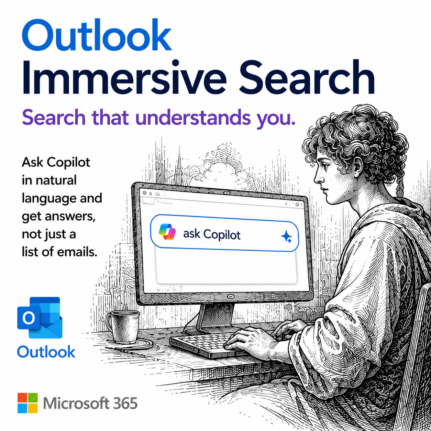
Outlook Immersive Search: Ask Questions Instead of Typing Keywords
Outlook search has vastly improved with Immersive Search, and if your mailbox has a Copilot plan attached, it is worth trying today. Instead of hunting for exact keywords, you can type a plain English question like and get a real answer, complete with links back to the source emails. It works in new Outlook, classic […]
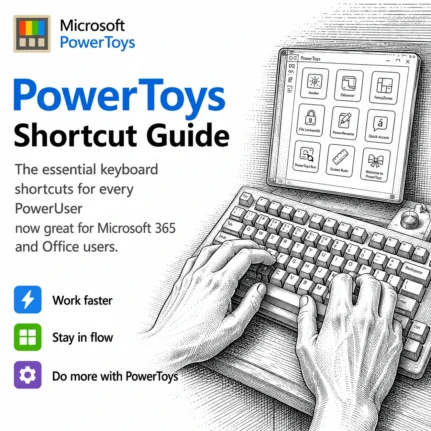
PowerToys Shortcut Guide Now Works With Word, Excel and Outlook
Microsoft has rebuilt the PowerToys Shortcut Guide, and this version finally earns a place in every Microsoft 365 or Microsoft Office user’s toolkit. Instead of a generic list of Windows shortcuts, the guide is now app aware. Open Word, Excel, Outlook classic, PowerPoint, Access, OneNote, Project, Publisher or Visio, and the guide instantly shows the […]
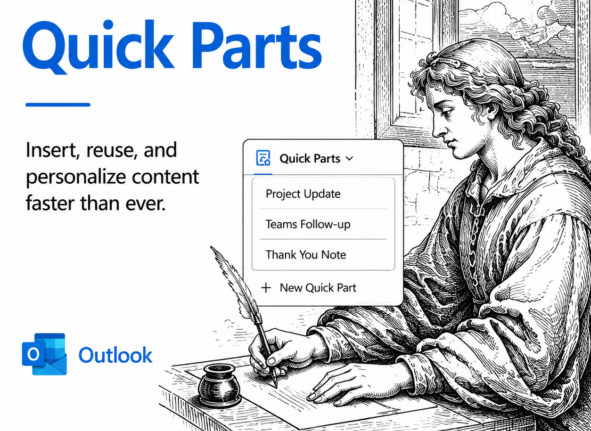
Quick Parts in New Outlook: Reuse Email Text in Two Clicks
Quick Parts in New Outlook for Windows and web lets you save reusable chunks of text, complete with formatting, images and tables, then drop them into any email in two clicks. Standard replies, disclaimers, directions to your office or a greeting you type fifty times a week: save it once and reuse it forever. Best […]