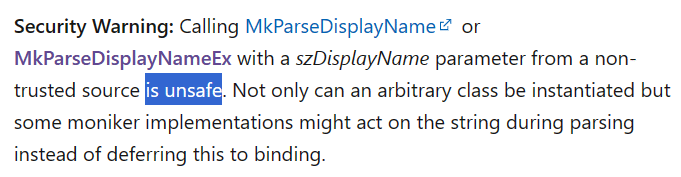
A large security risk has appeared in Microsoft Word, a zero-day security problem which can infect even fully updated Word. Microsoft has taken at least 14 months and still hasn’t fixed the security hole. We’ll explain the problem and what you can do. It’s a relatively simple hack which takes
Sometimes you need to convert a date from the Excel cell saved format to a particular format. There are at least five ways to do that. DateValue(), Date() or converting Unix dates to Excel. Simply typing dates into a cell also works but there are traps for the unwary. Excel’s
Another way to convert text to dates is by adding zero to the text. This is a trick which forces Excel to convert the text into an Excel value so it can then add the zero. Since adding zero doesn’t change the value, you end up with text converted to
Excel has some nifty and simple options for color highlights the extremes in a list of values. It’s called Conditional Formatting and you can do all sorts of clever things with it. First let’s look at the simple presets that Microsoft has given us, some of the obvious choices they’ve
It’s easy to share appointment details with other people, whether they use Outlook or not. No need to type in appointments when you can send and receive the details right in your calendar. We’ll explain how it works for both sender and receiver (organizer and invitees) on various platforms, including
An IF statement might sound like a complicated thing that programmers do, but it’s actually fairly easy to do in Excel. An IF statement basically puts something into a cell depending on certain conditions – if A is true, put X in this cell. You can even use what’s called a nested
Type the fun Otter 🦦 emoji into Microsoft Word, Excel, PowerPoint or Outlook. Both in Office for Windows and Office for Mac. Otter 🦦 emoji represents a light-brown otter (a member of the weasel family) on its back with its paws held together. But the emoji can just be used
What are the real words for really big numbers, waaay over a trillion? Does Microsoft Word’s dictionary recognize them? (Answer: most but not all and there’s even a spelling mistake in Word!). How many is a billion anyway? We’ve looked at the informal words for vague large numbers such as
Does Microsoft Word recognize the nicknames for ‘big numbers’ like zillion, jillion etc? There are many informal words to describe a non-specific but really large numbers. Word’s dictionary (at least in English) recognizes them as correct spellings. If you want to be more specific see Real words for really big
Type the Grinning Cat with Smiling Eyes 😸 emoji into Microsoft Word, Excel, PowerPoint or Outlook. Both in Office for Windows and Office for Mac. Grinning Cat with Smiling Eyes 😸 emoji is a variant of the grinning face emoji or the cat face emoji, which is yellow on most
There are a couple of email preview options in Outlook. These include the Message Preview and using the Reading Pane (once called the Preview Pane). We’ll explain them in detail including how to turn these features on and off plus viewing attachments in the Reading Pane. Message Preview Message Preview
There’s a small but important point about Microsoft Word with Footnotes and Endnotes. It’s so important we’ve made this separate little article about copying or moving. The footnote or endnote is stored in that little superscript character in the document text. Copy, move or delete that superscript character and the
How to compare caffeine levels in coffee, tea, soda and other drinks from an Excel spreadsheet. The Guardian’s Datablog has interesting analysis of caffeine levels in different foods. Sounds boring until you read that: reduced sugar colas have almost double the caffeine of a regular, sugared, cola. 1 cup of
Changing the case upper/lower for text through all of a Word document is easy because the default Find / Replace settings don’t need changing. We’ve already talked about the manual Change Case options in Word, now we’ll move onto bulk changes. Sometimes the spelling of a product or brand has
Change Case options in Word, like many Word features goes beyond the obvious choices from the basic shortcut. There’s up to five choices on the ribbon with a keyboard shortcut to reach it. Alter the upper/lower case of words, phrases or more. ‘change case’ can become ‘Change Case’ or ‘CHANGE
Inserting a link to a PDF (or any other file) into a Word document or email is easy to do. All you need is the web or other link to the PDF and paste that link into your document or email. The key question to ask is ‘Where is the
If you have included equations in a document, Word can generate a list of them all for you. Like a table of contents, this list or Table of Equations can include page references or links to each equation. A Table of Equations can be useful for creating a proper appendix
With a little Office formatting trickery, you can make a Twitter ‘message’ that looks like what you see on the Twitter web site or app to put in a Word document or PowerPoint slide. Use this trick to recreate a real Tweet that’s part of a document. Or as a
Add a background image to any page in a Word document instead of a solid color or pattern. Using a picture as the background for Word page isn’t as straight forward because the official or approved method doesn’t work very well. We’ll show you other Word features that work better
Google has just doubled the cells available in their Sheets spreadsheet, taking it to 10 million cells. Still well short of Excel’s 17 million cells. Sheets can now stretch to 18,278 columns (column ZZZ) for all Google Workspace customers, as well as legacy G Suite Basic and Business customers. Excel has
A long-standing bug in Microsoft Word quietly breaks your document navigation when you place Heading styles inside a table. The Table of Contents shows all your headings correctly, but the Navigation Pane silently drops any heading that lives inside a table cell. The same broken behavior ripples into PDF Bookmarks
As long time space and SF nerds, Office Watch can’t resist putting the look of 2001: A Space Odyssey into Word documents and PowerPoint slides. We’ll show you how to make a ‘close match’ using just the fonts and features in Microsoft Office. We’ll also explain the details behind that
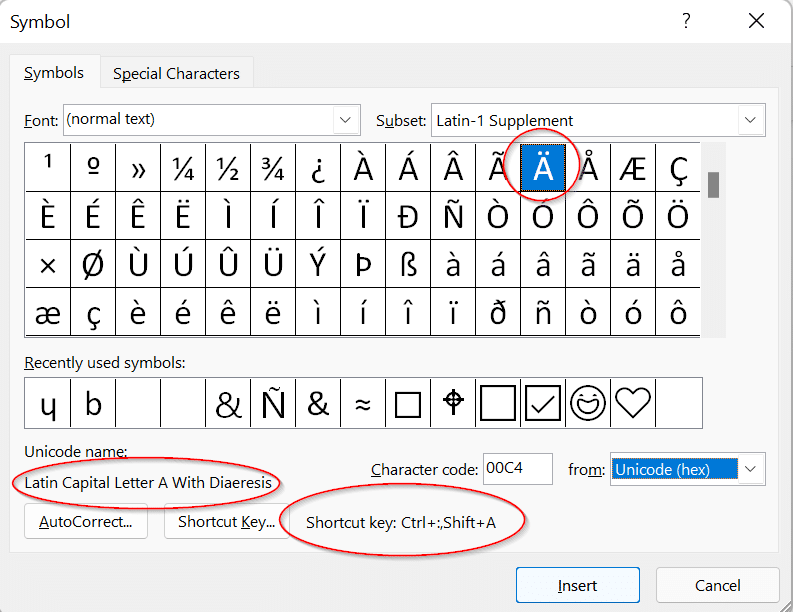
Character Map is a Windows feature that’s very useful for Microsoft Office users. It lets you insert symbols and, importantly, find them which is not possible within apps like Word. Windows Character Map has been around for as long as we’d like to remember and it’s mostly done right. If
Google has a color selector among the many features in their home page. It’s free, works in any browser and it’s easy to copy color codes into Office. Search for ‘Color picker’ or https://www.google.com/?q=color+picker then move the two circles to choose the exact color and shade you want. The HEX