Delays when ‘Preparing Outlook for first use.’
When you first start Outlook or in a new profile you will probably see a starting box that seems to get stuck at the 30% mark … what to do?
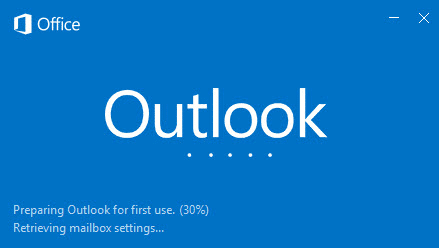
You can wait and Outlook will eventually get going. It might seem like forever …..
Or you can shut Outlook down after the 30% indicator has been showing for a little while. Click on the X in the top right corner. Then restart Outlook and lo! … it should start up with no further delay with the main window appearing.
It’s not clear why Outlook ‘hangs’ for so long at that 30% mark. There’s apparently no good reason for it since the Outlook restart trick is a lot faster than waiting for the software to get moving.
Once started properly Outlook will connect to the mail host and download mail to fill up your folders.