All about Microsoft Office Word, Excel, PowerPoint and Outlook, Microsoft 365, Office 2021 and earlier versions.

Microsoft 365 “Kill Switch” Publisher Stops After October 2026
Microsoft is set to permanently disable Publisher 365 for Microsoft 365 subscribers on October 1, 2026, not just end support, with a hard “kill switch” that will block opening or editing .pub files after that date. This aggressive move means the desktop publishing tool will stop functioning entirely for subscription users, a major shift from […]
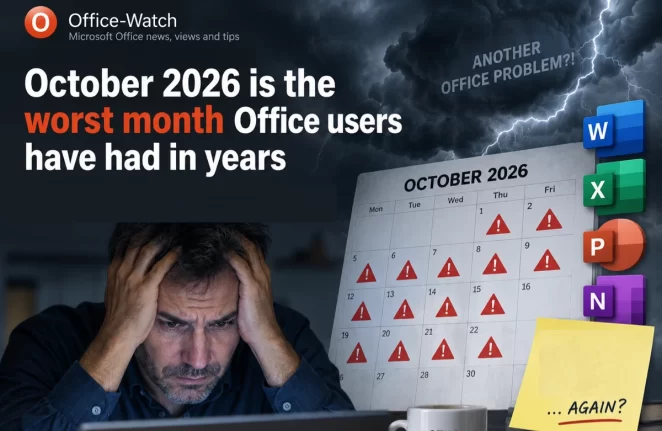
October 2026 Office Changes: Publisher Dies, Office 2021 Support Ends
Publisher 365 stops working on October 1, 2026, and that is just the first of eight October 2026 Office changes. Within days, Exchange Web Services starts shutting down in Exchange Online, Word’s Similarity Checker is deleted on October 3 and Teams live chat closes on October 5. Then on October 13, Office 2021 loses all […]
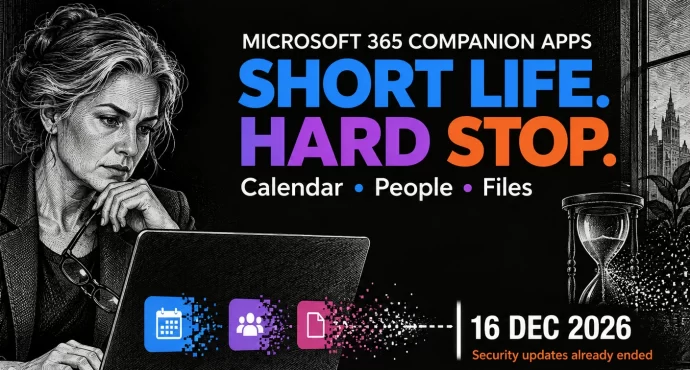
Microsoft 365 Companion Apps Die December 16: Uninstall Them Now
Microsoft is killing its Microsoft 365 companion apps, Calendar, People and Files, barely a year after it started forcing them onto Windows 11 business PCs. They stop working by December 16, 2026, but the deadline that matters is now: security fixes have already stopped, so every copy is running unpatched. Your files, meetings and contacts […]
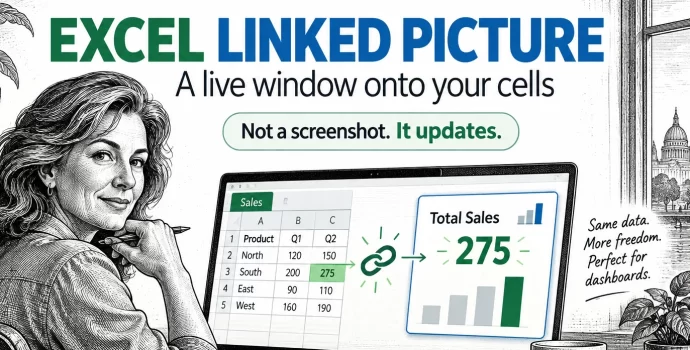
Excel Linked Picture: The Hidden Trick Behind Pro Dashboards
Excel’s Linked Picture turns any block of cells into a live picture you can drop anywhere in your workbook. Change a number in the source cells and the picture redraws instantly, colors, conditional formatting and all. It’s the hidden trick behind most polished Excel dashboards, and it’s already in your copy of Excel 365, Excel […]
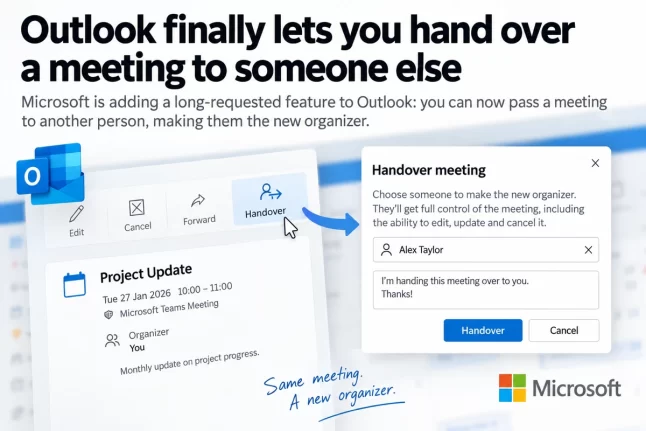
Outlook Change Organizer: Hand Off Meetings Without Canceling
Outlook is getting a Change organizer option that lets you hand a meeting or recurring series to a colleague instead of canceling it and sending new invitations. It rolls out worldwide from late September to late October 2026 in Outlook on the web, new Outlook for Windows and the Teams calendar. It’s switched on automatically, […]
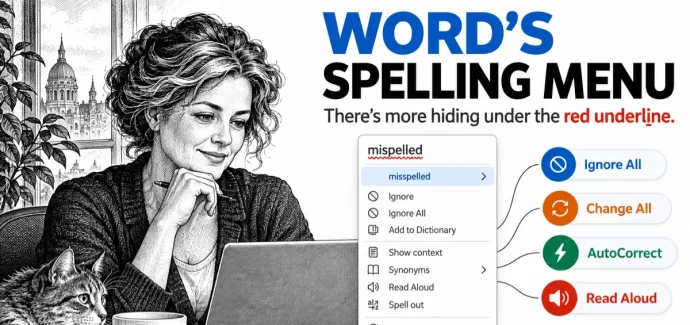
Word Spell Check: 10 Hidden Options You’re Probably Missing
Clicking a red underlined word in Microsoft Word shows more than a few suggested spellings. Word’s spell check menus hide ten useful options, including Change All to fix every copy of a typo at once, Add to AutoCorrect so Word fixes that mistake for you in the future, and Ignore All, which only appears when […]
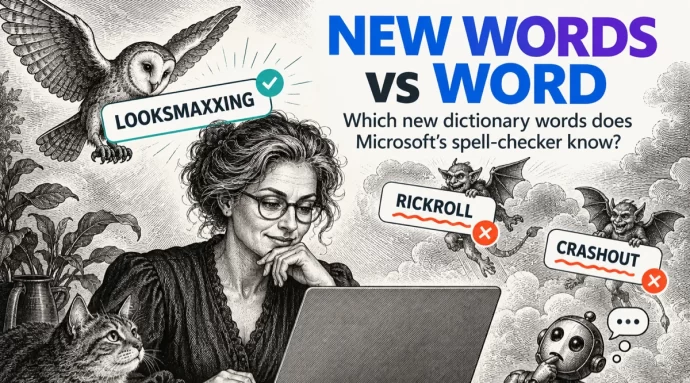
Merriam-Webster new words vs Microsoft Word
Merriam-Webster has added 1,400 new words and definitions to its dictionary, including looksmaxxing, crashout and Rickroll. We typed the headline internet slang into Microsoft Word to see which words get the red squiggly underline. Word already knows some surprisingly fresh slang but still flags a prank that’s been around since 2007. If you use these […]
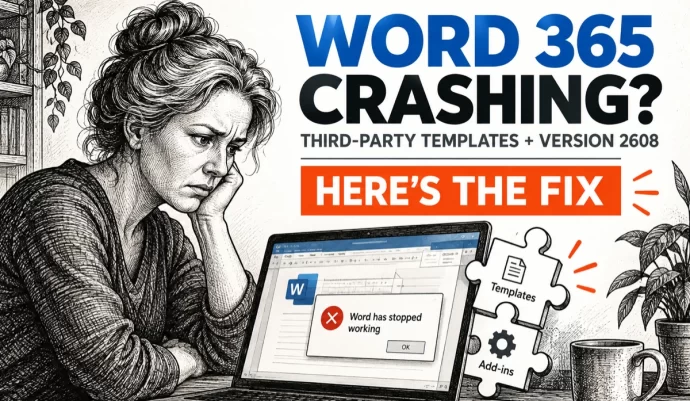
Word 365 crashes when third-party apps fill templates, how to fix it
Word 365 is crashing when third-party document assembly, case management and practice management programs try to generate documents from templates. Microsoft has confirmed the bug in Version 2608 but offers no fix yet. Here’s how to check whether you’re affected and what to do about it. Microsoft says that after updating to Version 2608 (Build […]
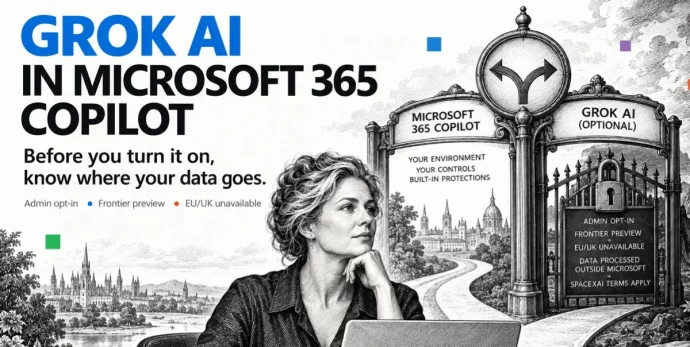
Grok AI in Microsoft 365: What Copilot Users Need to Know Before Turning It On
Microsoft has added Grok AI from SpaceXAI as a model option in Copilot for Word, Excel and PowerPoint. Before you turn it on, there are privacy trade-offs and restrictions you need to understand. Choosing Grok means your data leaves Microsoft’s servers, the feature is blocked in Europe and the UK, and your admin has to […]
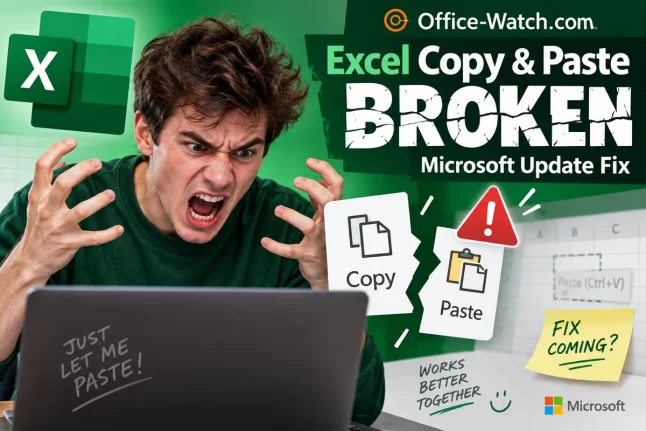
Excel Copy and Paste Broken by Microsoft’s Own Security Update — How to Fix It
Microsoft’s September 2026 security update for Excel has broken copy and paste for users across Excel 2016, 2019, 2021, and 2024. Update KB5002914, released on September 8, silently kills paste operations with no error message and no warning, creating a serious data integrity risk. Here is how to check whether you are affected, how to […]
Microsoft Office Updates: A No-Win Scenario and How to Stay Safe
Updating Microsoft Office is a no-win scenario. Install updates automatically and you risk buggy patches that break features or crash your computer. Delay updates and you leave yourself exposed to zero-day security attacks. It’s a dilemma Star Trek fans will recognize as the Kobayashi Maru, the famous test where every choice leads to trouble. Here’s […]
September 2026 Patch Tuesday: 20 Critical Office Bugs to Fix Now
Microsoft’s September 2026 Patch Tuesday landed on September 8, 2026 with a record 966 fixes, and Office took the worst of it: 124 patches across Word, Excel, Outlook and the shared code, 20 of them rated Critical. Excel alone has six Critical remote code execution holes, which means a single booby trapped workbook can run […]
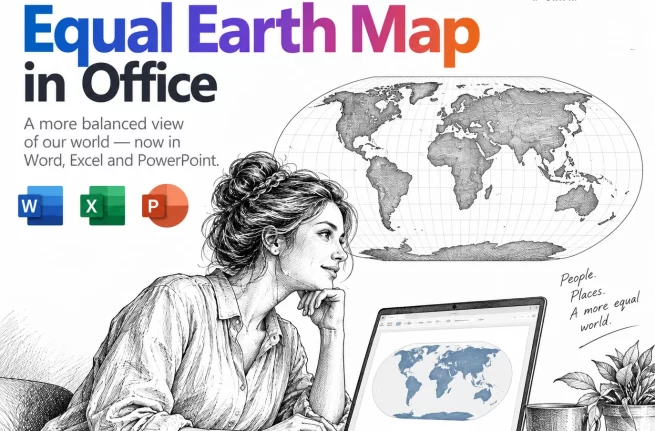
Equal Earth Map in Word, Excel and PowerPoint: How to Add It Free
The UN has just picked a new favorite world map, and the Mercator projection most of us grew up with is out of favor. If your reports, slides or dashboards use a world map, the Equal Earth projection is now the one to reach for. Microsoft Office does not include it, but you can drop […]
Put a Picture Inside Another Picture in Office, Even at an Angle
Dragging one image on top of another almost never looks right. The moment the screen or frame in the background photo sits at an angle, the picture you drop on it looks pasted on. There is a better way built into Word, Excel and PowerPoint that takes about two minutes: draw a shape over the […]
AI at Work Roadmap: Microsoft Renames the Microsoft 365 Roadmap
Microsoft has renamed the Microsoft 365 Roadmap to the AI at Work Roadmap. Your bookmarks still work and nothing has moved, but from September 2026 the list gets a lot longer, with Dynamics 365, Power Platform and Dataverse entries pouring into the same page you use to track Word, Excel, Outlook and Teams. If you […]
Windows 11 26H2: 5 Improvements for Microsoft Office Users
Windows 11 26H2 is rolling out now, and for once there is something in it for Microsoft 365 and Office users. The headline change is that Windows Search will finally stop padding your results with Bing hits and Microsoft Store listings, so hunting for a Word document actually finds Word documents. You also get the […]








