Pasting content from Microsoft Word often leaves behind bloated, broken HTML that causes layout and formatting problems. There’s a faster, cleaner way to remove Word’s unnecessary markup and produce lightweight, web-ready HTML in seconds and without manual cleanup or guesswork. Anyone who has copied content from Microsoft Word into a
AI makes hard tasks in Microsoft Office so very easy, not just for typing or formatting, but for writing code, formulas, and automation scripts across Word, Excel, PowerPoint, and Outlook. In this guide, we explore the best AI coding tricks for Microsoft Office, showing how tools like ChatGPT and Copilot
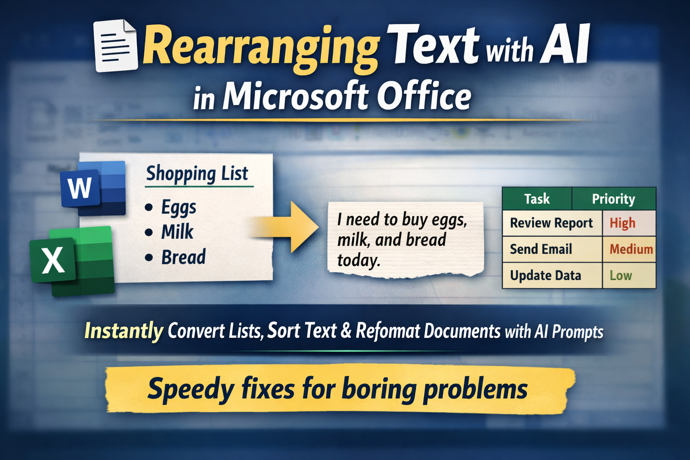
Transform how you work with text using free AI tools like ChatGPT, Copilot, Gemini and Meta AI. In this guide, you’ll learn how to rearrange lists, convert tables to paragraphs, resort text alphabetically and reformat steps in seconds, all with simple prompts instead of tedious manual editing. Whether you’re working
Struggling to separate first, middle and last names in messy data lists or join first/last names? Traditional Excel tools or Flash Fill often fall short with real-world name complexity, including multi-part surnames and inconsistent formats. The latest AI tools, such as ChatGPT and Microsoft Copilot, can intelligently parse full names
Looking for the best Microsoft 365 deals in Australia for 2025? Recent bargains have emerged on Microsoft 365 subscriptions — including discounted Personal and Family plans at Amazon Australia and Bing Lee — which can cost significantly less than the standard Microsoft pricing. These offers are especially valuable as Microsoft
Microsoft is now embedding Copilot Chat directly inside Word, Excel, PowerPoint apps, giving users a conversational AI interface right next to the doc, sheet or slide. Ask questions, summarise, rewrite, explore ideas, and get help with your open document or spreadsheet without leaving the app. No need to switch to
If you’re finding Microsoft 365 Copilot intrusive or just prefer a cleaner Office view, you can turn AI off across your desktop app, including Word, Excel, PowerPoint and Outlook. Users who don’t want Copilot help can disable it on both Windows and Mac. In this guide, we walk through how
Want to make your AI writing tools truly reflect your voice? Instead of relying on generic presets like “formal” or “casual,” you can create your own writing style prompts tailored to the exact tone, vocabulary, and structure you prefer. This step-by-step guide shows how to feed an AI system several
Struggling with writer’s block, phrasing, or finding the right tone for your text? Modern AI tools can help anyone rewrite, rephrase, and polish text quickly and effectively. From simple prompts like “Rewrite this in a friendly tone” to advanced style adjustments, here are practical and ways to draft writing before