Microsoft 365 – the subscription / annual fee plan for Microsoft Office on Windows, Mac, iPhone, iPad and Android.
Includes Word 365, Excel 365, PowerPoint 365, Outlook 365 and many other ‘365’ programs, apps and services.
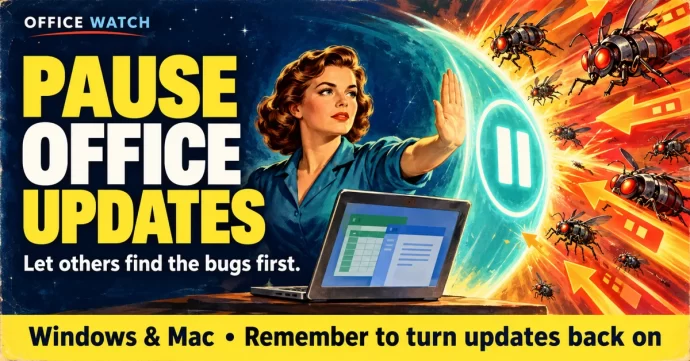
How to Pause Microsoft Office Updates After September’s Patch Bugs
Microsoft’s October 2026 Patch Tuesday arrives today, and after September’s rough round of updates including an Excel copy-paste bug that took two weeks to fix and other troubles, be cautious. Here’s how to temporarily pause Office updates on Windows and Mac so you can let others test first, without leaving your system exposed long-term. The […]
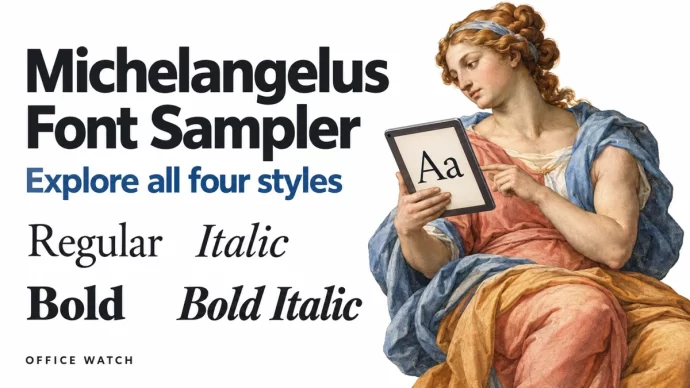
Michelangelus Font: A Sampler of All Four Stunning Variants
The Michelangelus font brings Renaissance artistry to your documents with four elegant variants — Regular, Bold, Italic and Bold Italic. Here’s a visual sampler of each style, featuring text inspired by Michelangelo himself and some rather more modern translation sources 😃. Prophets and Sibyls Seven prophets and five sibyls were painted by Michelangelo around the […]

Microsoft 365 Pro vs Premium: Is $1,200 a Year Worth It?
Microsoft’s new $99.99/month Pro plan costs six times more than Premium — and the extras are surprisingly thin. Here’s what you actually get for that $1,000 premium, who should consider it, and why most people should stay put. Microsoft 365 Pro is the new top tier of consumer Microsoft 365. It costs a whopping $99.99 […]
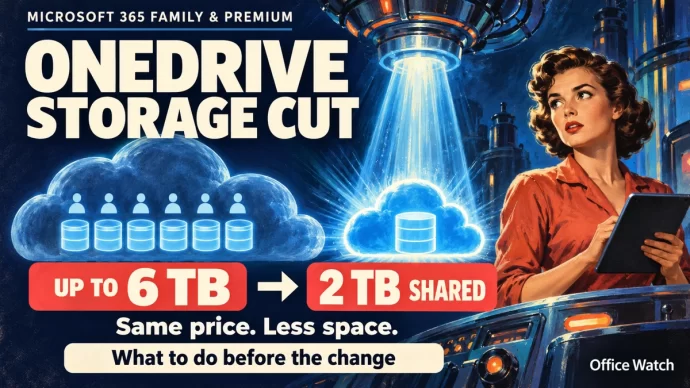
Microsoft 365 OneDrive Storage Cut: What to Do Before You Lose 4 TB
Microsoft is slashing OneDrive storage for Microsoft 365 Family and Premium subscribers, replacing each person’s 1 TB with a shared 2 TB pool — a drop from 6 TB to 2 TB at the same price. The change hits new subscriptions on October 8, 2026, and existing plans at renewal from May 2, 2027. Here’s […]

Copilot in Word Now Cites Its Sources, Here’s How to Use It
Microsoft’s September 2026 update brings two Copilot upgrades to Word 365: citations that show where Copilot’s answers come from and the ability to rearrange images by typing a prompt. Neither feature has appeared on our test machines yet, but here’s what Microsoft promises and how to get the most out of both when they arrive. […]
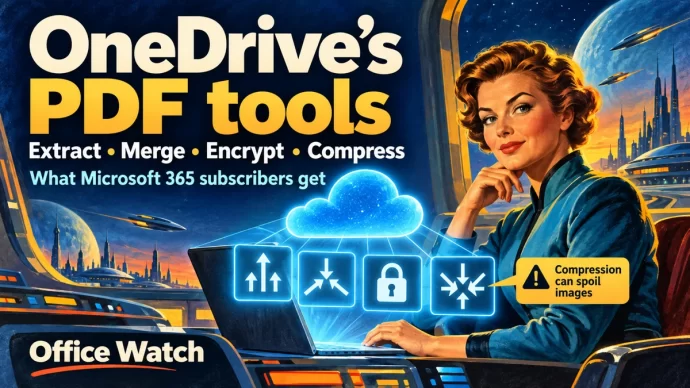
How to Extract, Merge, Encrypt and Compress PDFs in OneDrive
Microsoft 365 subscribers can extract pages, merge files, add password encryption and compress PDFs directly in OneDrive — no Adobe Acrobat needed. These built-in PDF tools work in the browser version of OneDrive and are available with Microsoft 365 Basic, Personal, Family and business plans. Here’s how to use each one. We’ve already explained what […]

GPT 6.1 Sol and Claude Sonnet 5.5 in Copilot: What to Pick and When
Microsoft 365 Copilot now lets you choose two more AI models, OpenAI’s GPT 6.1 Sol and Anthropic’s Claude Sonnet 5.5 across Word, Excel, PowerPoint, Copilot Chat, Cowork, and Copilot Studio. Each model has different strengths, and picking the right one can save you time and give you better results. Here’s what’s changed, which model suits […]

Hidden Word Options That Make Better PDF Files
Word’s default PDF export creates a basic file, but hidden options let you make smaller PDFs, add navigation bookmarks, include accessibility features and even password-protect the result. Here’s where to find those options and how to use them. PDF’s made from Word can be smaller than usual for faster sending or to get under size […]
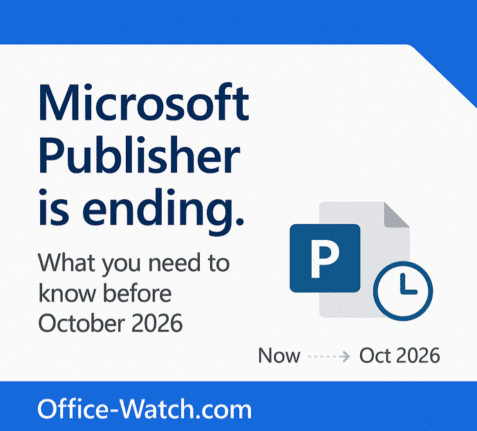
Microsoft Publisher Ends October 2026: How to Keep It Working
Microsoft Publisher is ending in October 2026, and what happens to you depends entirely on how you bought it. If you use Publisher 365 from a Microsoft 365 plan, the app will simply stop opening on October 1st. That is a kill switch, not a polite end of support notice. If you have Publisher 2019 […]

Convert Text to Dates in Excel with the Paste Special Add Zero Trick
Dates imported or pasted into Excel often arrive as text — they look like dates but Excel can’t use them in formulas or sorting. One quick fix is the Paste Special Add Zero trick. It forces Excel to convert text into a real date value by adding zero, which changes the data type without changing […]
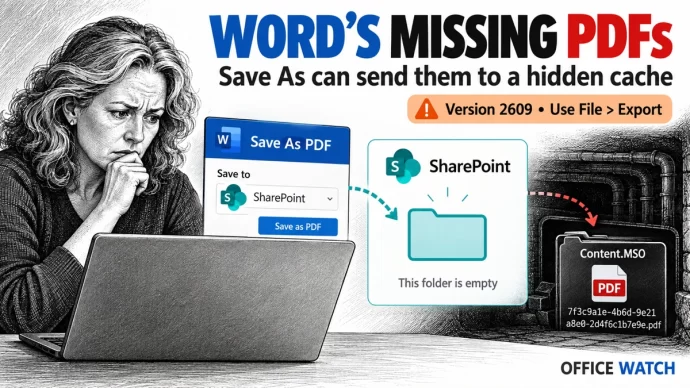
Word Save As PDF Bug Silently Saves Files to Wrong Folder, How to Fix It
If you use Word 365 to save documents as PDFs to SharePoint and perhaps other locations, your files may be vanishing. Microsoft has confirmed a bug in version 2609 that silently drops PDFs into a hidden cache folder on your PC with randomized filenames, and gives you no warning. Here’s how to check if you’re […]

Microsoft Copilot’s New Pay-Per-Use Pricing: What USL, UBB and FinOps Mean for You
Microsoft is changing how Copilot is priced — and it could affect your bill. Alongside the familiar flat-rate subscription, Microsoft is rolling out usage-based billing for advanced AI features. That means three new terms every Copilot user and admin needs to understand: USL (User Subscription License), UBB (Usage-Based Billing) and FinOps. Here’s what they mean, […]
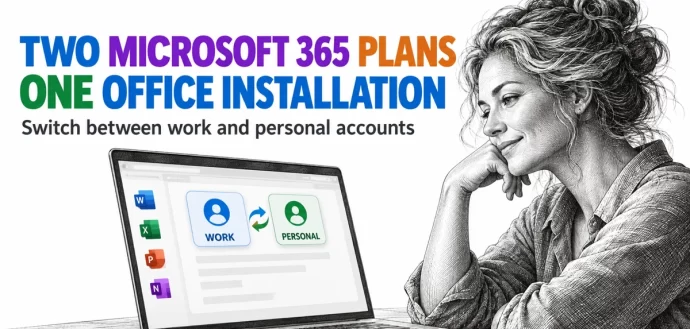
Two Microsoft 365 Licenses on One PC: Use Work and Personal Plans Together
Paying for Microsoft 365 at home while your employer gives you another plan at work? You don’t need a second copy of Office, or a second computer, to use both. Microsoft 365 for Windows can hold two or more Microsoft 365 licenses in the same installation and switches to the matching plan when you change […]
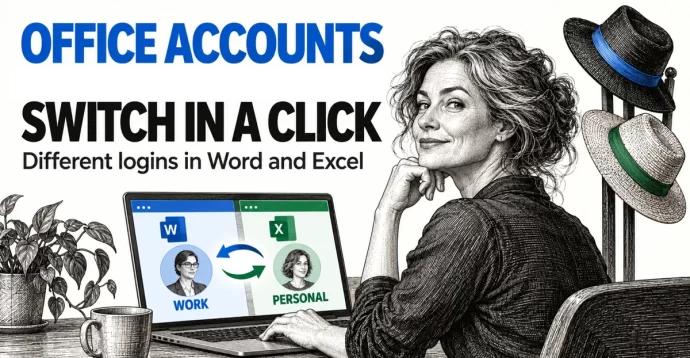
Switch Microsoft Accounts in Word, Excel and PowerPoint Without Signing Out
Juggling a work login, a personal Microsoft account and maybe a volunteer role? You don’t need to sign out and back in to Word, Excel or PowerPoint. Microsoft 365, Office 2024, Office 2021 and earlier for Windows lets you switch Microsoft accounts in Office with two clicks from the account menu at the top right […]
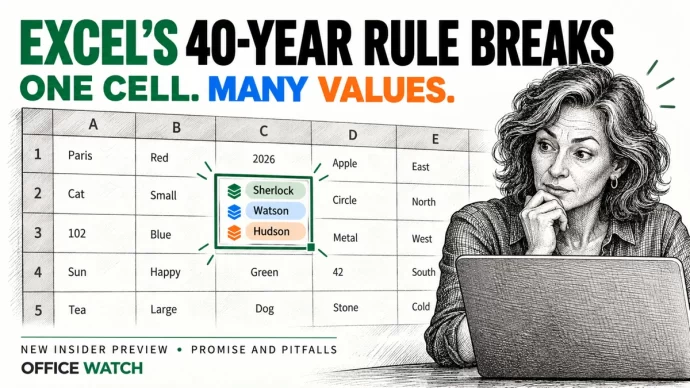
Excel List in a Cell: One Cell Now Holds Many Values, but Don’t Share It Yet
Excel cells can now hold a list of values instead of just one, a major change in how Excel behaves. A single cell can store several names, dates or times that formulas treat as separate items. It’s in preview for Microsoft 365 Insiders on Windows and Mac only, so for most people the advice is […]

Microsoft 365 “Kill Switch” Publisher Stops After October 2026
Microsoft is set to permanently disable Publisher 365 for Microsoft 365 subscribers on October 1, 2026, not just end support, with a hard “kill switch” that will block opening or editing .pub files after that date. This aggressive move means the desktop publishing tool will stop functioning entirely for subscription users, a major shift from […]









