Microsoft 365 – the subscription / annual fee plan for Microsoft Office on Windows, Mac, iPhone, iPad and Android.
Includes Word 365, Excel 365, PowerPoint 365, Outlook 365 and many other ‘365’ programs, apps and services.
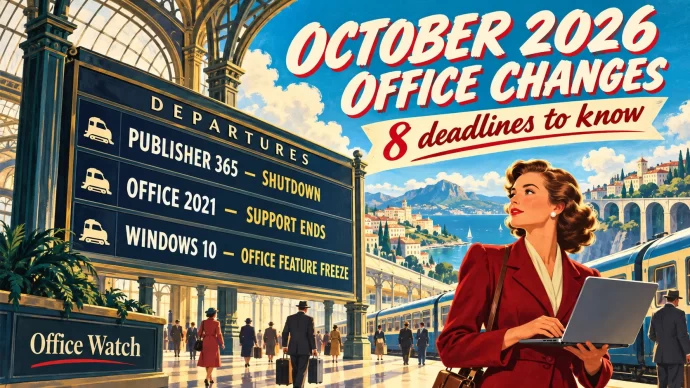
October 2026 Office Changes: Publisher Dies, Office 2021 Support Ends
Publisher 365 stops working on October 1, 2026, and that is just the first of eight October 2026 Office changes. Within days, Exchange Web Services starts shutting down in Exchange Online, Word’s Similarity Checker is deleted on October 3 and Teams live chat closes on October 5. Then on October 13, Office 2021 loses all […]
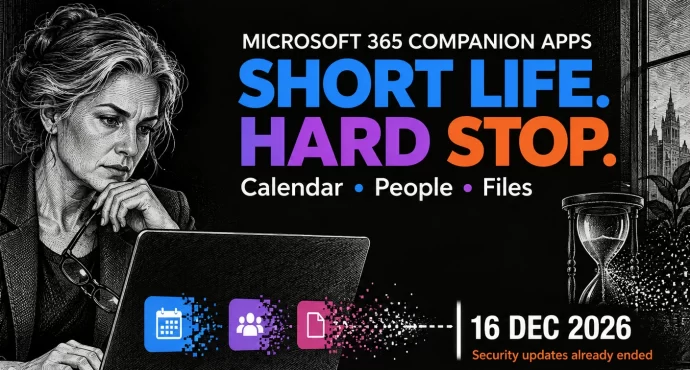
Microsoft 365 Companion Apps Die December 16: Uninstall Them Now
Microsoft is killing its Microsoft 365 companion apps, Calendar, People and Files, barely a year after it started forcing them onto Windows 11 business PCs. They stop working by December 16, 2026, but the deadline that matters is now: security fixes have already stopped, so every copy is running unpatched. Your files, meetings and contacts […]
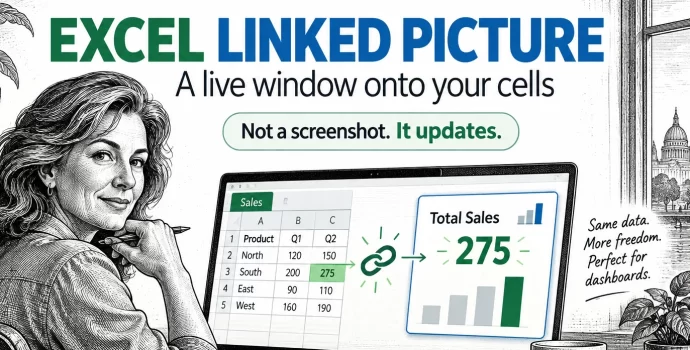
Excel Linked Picture: The Hidden Trick Behind Pro Dashboards
Excel’s Linked Picture turns any block of cells into a live picture you can drop anywhere in your workbook. Change a number in the source cells and the picture redraws instantly, colors, conditional formatting and all. It’s the hidden trick behind most polished Excel dashboards, and it’s already in your copy of Excel 365, Excel […]
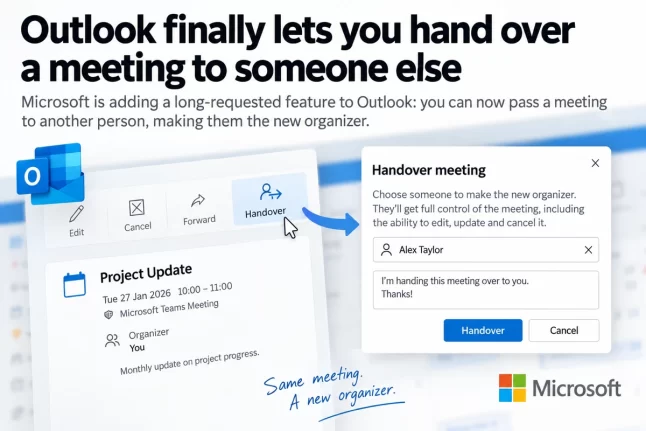
Outlook Change Organizer: Hand Off Meetings Without Canceling
Outlook is getting a Change organizer option that lets you hand a meeting or recurring series to a colleague instead of canceling it and sending new invitations. It rolls out worldwide from late September to late October 2026 in Outlook on the web, new Outlook for Windows and the Teams calendar. It’s switched on automatically, […]

Microsoft Access Zoom Now Reaches 1000%: How to Set It
Microsoft Access zoom now runs from 10% to 1000%, up from the old 50% to 500% range, and it finally works in continuous forms, popup forms and Report View. That’s welcome news if you squint at datasheets on a big monitor or can’t see a whole form at once. You need Access for Microsoft 365 […]
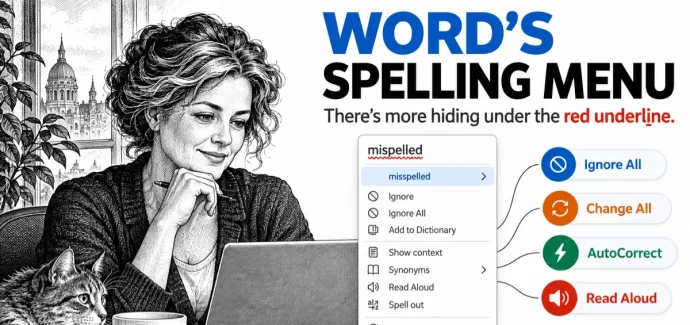
Word Spell Check: 10 Hidden Options You’re Probably Missing
Clicking a red underlined word in Microsoft Word shows more than a few suggested spellings. Word’s spell check menus hide ten useful options, including Change All to fix every copy of a typo at once, Add to AutoCorrect so Word fixes that mistake for you in the future, and Ignore All, which only appears when […]
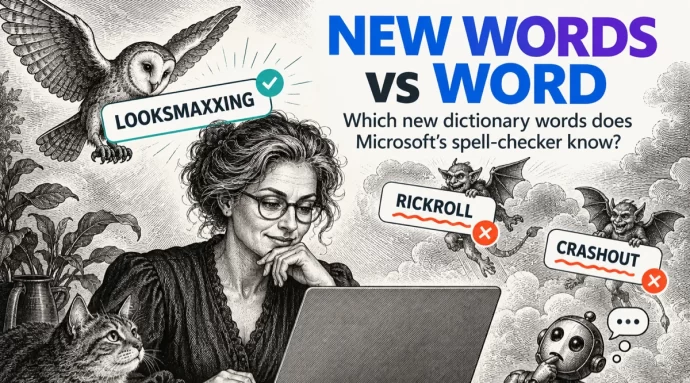
Merriam-Webster new words vs Microsoft Word
Merriam-Webster has added 1,400 new words and definitions to its dictionary, including looksmaxxing, crashout and Rickroll. We typed the headline internet slang into Microsoft Word to see which words get the red squiggly underline. Word already knows some surprisingly fresh slang but still flags a prank that’s been around since 2007. If you use these […]
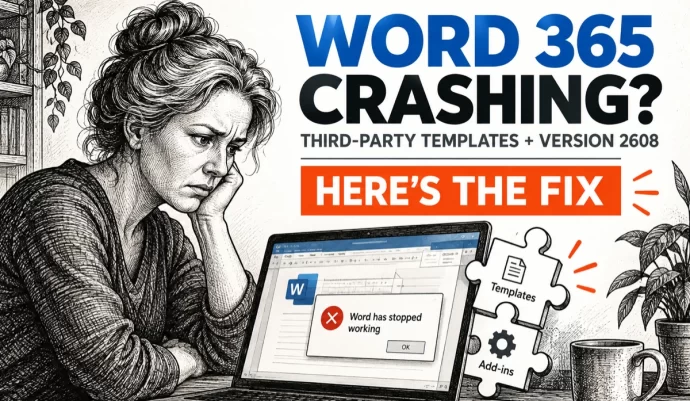
Word 365 crashes when third-party apps fill templates, how to fix it
Word 365 is crashing when third-party document assembly, case management and practice management programs try to generate documents from templates. Microsoft has confirmed the bug in Version 2608 but offers no fix yet. Here’s how to check whether you’re affected and what to do about it. Microsoft says that after updating to Version 2608 (Build […]
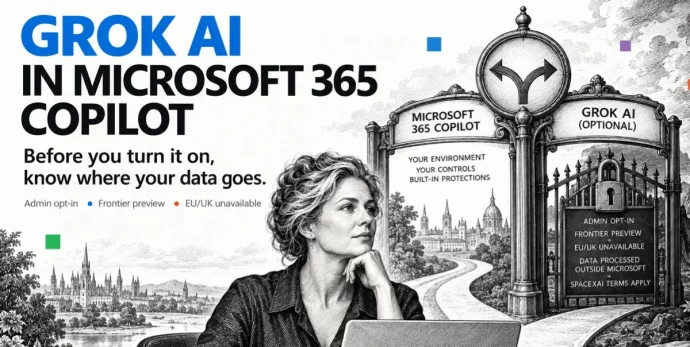
Grok AI in Microsoft 365: What Copilot Users Need to Know Before Turning It On
Microsoft has added Grok AI from SpaceXAI as a model option in Copilot for Word, Excel and PowerPoint. Before you turn it on, there are privacy trade-offs and restrictions you need to understand. Choosing Grok means your data leaves Microsoft’s servers, the feature is blocked in Europe and the UK, and your admin has to […]
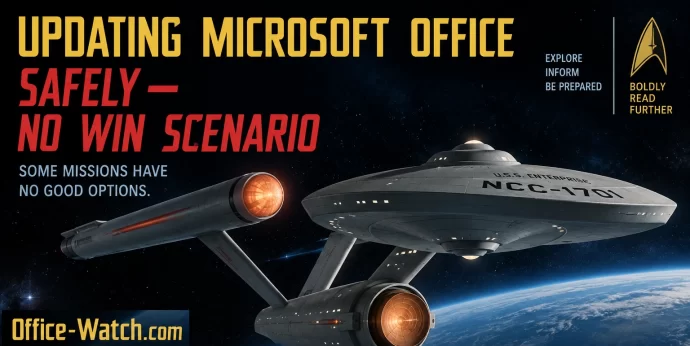
Microsoft Office Updates: A No-Win Scenario and How to Stay Safe
Updating Microsoft Office is a no-win scenario. Install updates automatically and you risk buggy patches that break features or crash your computer. Delay updates and you leave yourself exposed to zero-day security attacks. It’s a dilemma Star Trek fans will recognize as the Kobayashi Maru, the famous test where every choice leads to trouble. Here’s […]

September 2026 Patch Tuesday: 20 Critical Office Bugs to Fix Now
Microsoft’s September 2026 Patch Tuesday landed on September 8, 2026 with a record 966 fixes, and Office took the worst of it: 124 patches across Word, Excel, Outlook and the shared code, 20 of them rated Critical. Excel alone has six Critical remote code execution holes, which means a single booby trapped workbook can run […]

Word Can Now Link to Any Paragraph, But Check This Setting First
Word for Windows and Mac can now make a link that opens a document at an exact paragraph, not just at page one. Select any text in a document saved to OneDrive or SharePoint, right click, and choose Copy Link to Location. It is a real time saver for long contracts, specs and policy documents. […]
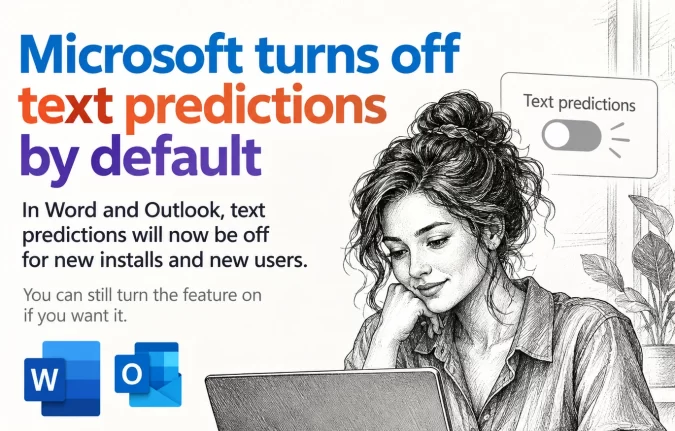
Text Predictions Now Off by Default in Word and Outlook
Microsoft is switching Text Predictions off by default in Word 365 and Outlook 365. If you rely on the gray suggested text that appears ahead of your cursor, it may simply stop showing up. The feature is not gone, just no longer automatic, and you can switch it back on in about ten seconds. Here […]
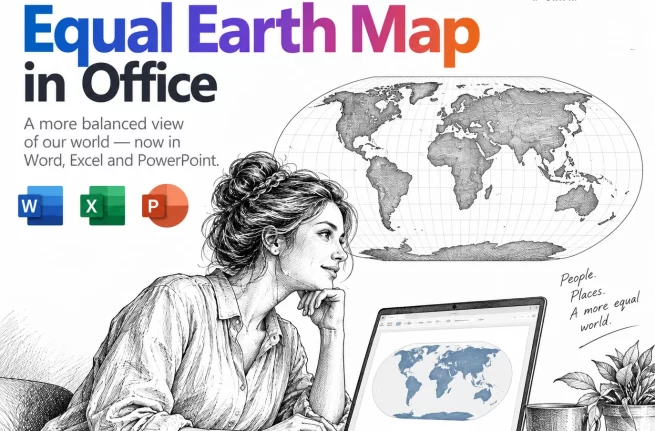
Equal Earth Map in Word, Excel and PowerPoint: How to Add It Free
The UN has just picked a new favorite world map, and the Mercator projection most of us grew up with is out of favor. If your reports, slides or dashboards use a world map, the Equal Earth projection is now the one to reach for. Microsoft Office does not include it, but you can drop […]
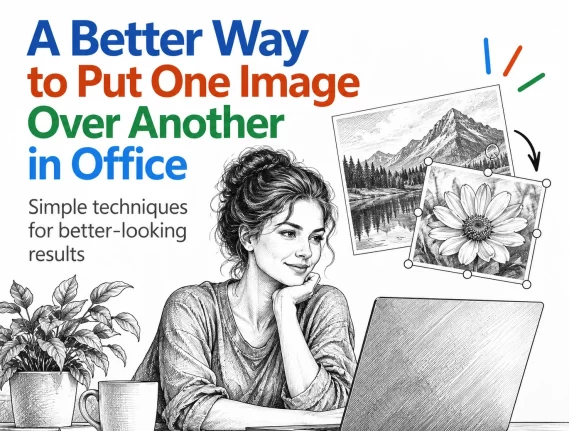
Put a Picture Inside Another Picture in Office, Even at an Angle
Dragging one image on top of another almost never looks right. The moment the screen or frame in the background photo sits at an angle, the picture you drop on it looks pasted on. There is a better way built into Word, Excel and PowerPoint that takes about two minutes: draw a shape over the […]
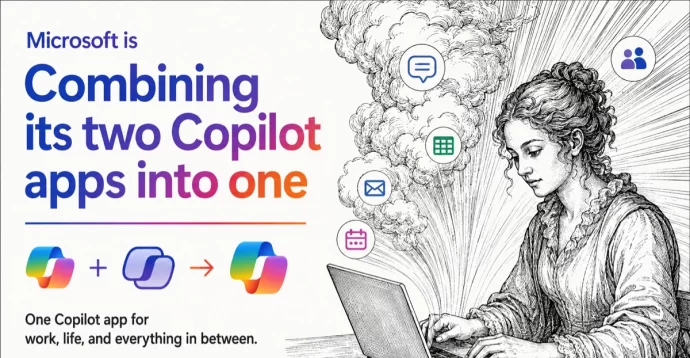
Two Copilot Apps Become One: What Changes on Your PC and Phone
Those two confusingly similar Copilot icons on your taskbar are about to become one. Microsoft is merging the consumer Copilot app and the Microsoft 365 Copilot app into a single app with one name, one icon and one web address, rolling out from mid August 2026 on mobile and web and mid September for Windows […]









