Microsoft’s January 2026 Windows update introduced a series of major bugs that broke Outlook Classic and other essential apps, leaving users facing crashes, freezes, and unusable email profiles. After widespread disruption, particularly for POP and PST accounts, Microsoft finally issued emergency fixes to restore stability, but the fallout highlights deeper
Pasting text into Microsoft Word can quickly turn a clean document into a formatting mess. Fonts change, spacing breaks, and styles multiply without warning. This guide explains the best ways to paste text into Word while keeping your document consistent, professional and how you want it, whether you’re working from
Office 2024 is Microsoft’s latest standalone productivity suite for Windows and Mac, with a one-time no-subscription purchase for Windows or Mac. Office 2024 includes Word, Excel, PowerPoint, OneNote, Outlook (in Home & Business), and more, with performance, UI updates, and feature enhancements drawn from recent Microsoft 365 developments. This guide
Sometimes even obvious spam and phishing messages reach inboxes despite Outlook’s advanced filters, AI detection, and stricter security rules. Here’s one 2026 example and how Copilot responds …. badly. Our 2026 Inbox started with a ‘blast from the past’. An email ‘from Africa’ promising untold riches in exchange for bank
AI makes hard tasks in Microsoft Office so very easy, not just for typing or formatting, but for writing code, formulas, and automation scripts across Word, Excel, PowerPoint, and Outlook. In this guide, we explore the best AI coding tricks for Microsoft Office, showing how tools like ChatGPT and Copilot
Microsoft is now embedding Copilot Chat directly inside Word, Excel, PowerPoint apps, giving users a conversational AI interface right next to the doc, sheet or slide. Ask questions, summarise, rewrite, explore ideas, and get help with your open document or spreadsheet without leaving the app. No need to switch to
If you’re finding Microsoft 365 Copilot intrusive or just prefer a cleaner Office view, you can turn AI off across your desktop app, including Word, Excel, PowerPoint and Outlook. Users who don’t want Copilot help can disable it on both Windows and Mac. In this guide, we walk through how
Learn how to quickly insert the unique Exclamation Question Mark (⁉) symbol across Microsoft Word, Excel, PowerPoint, and Outlook on both Windows and Mac. Whether you’re adding emphasis and excitement to documents, spreadsheets, slides or emails, this step-by-step guide shows you the fastest methods — including keyboard shortcuts, the Symbol
Want to make your AI writing tools truly reflect your voice? Instead of relying on generic presets like “formal” or “casual,” you can create your own writing style prompts tailored to the exact tone, vocabulary, and structure you prefer. This step-by-step guide shows how to feed an AI system several
Struggling with writer’s block, phrasing, or finding the right tone for your text? Modern AI tools can help anyone rewrite, rephrase, and polish text quickly and effectively. From simple prompts like “Rewrite this in a friendly tone” to advanced style adjustments, here are practical and ways to draft writing before
Learn how to create high-quality PDF files from Microsoft Office documents using the two main methods: Save As/Export and Print to PDF. This guide compares both approaches so you can choose the best one for your needs. Whether you want clickable hyperlinks, bookmarks, backgrounds, or a simple fixed layout PDF
Pantone’s color of the year for 2026 is “Cloud Dancer”. You can use that exact color in Word, Excel, PowerPoint, Outlook and Designer using the right Hex/RGB color code. And we’ll look at the flowery prose that’s become a hallmark of this annual promotion. The color of 2026 is …
In a move reversing a 2023 policy, the U.S. State Department has officially returned to using Times New Roman font for its communications, ending the brief tenure of Calibri. Why choose one font over another? Times New Roman vs Calibri – the pros and cons of each font. The US
Type the Left arrow ← into Microsoft Word, Excel, PowerPoint or Outlook. Both in Office for Windows and Office for Mac. The official Unicode name is ‘Leftward Arrow” ← but it can be called ‘Left pointing’ ‘Left facing’ or just ‘Left Arrow’ See also Right arrow → symbol in Word, Excel,
More than ever, users of Outlook (classic) are running into friction — even when they select it. The newest updates from Microsoft cause the email-client designated “Classic Outlook” to start New Outlook for Windows instead. What once was a stable, always-available legacy interface is increasingly disrupted, making the once-familiar Classic
Users of the new Outlook for Windows are running into a frustrating bug: certain Microsoft Excel attachments simply won’t open — instead, they trigger the vague error message: “Try opening the file again later.”. Here’s how to bypass the bug. Some users are finding themselves locked out of Excel attachments
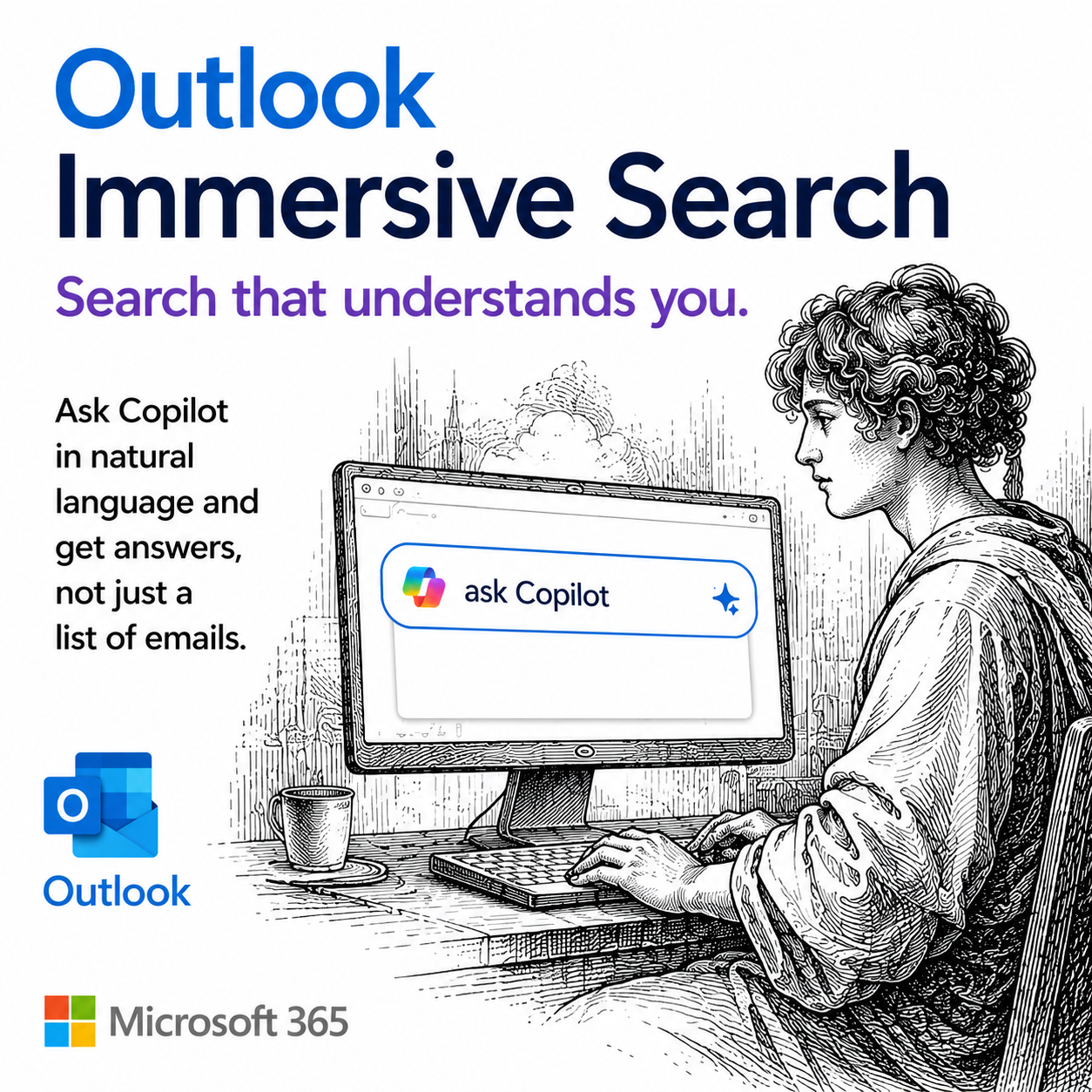
Searching in Outlook for Windows (“new” Outlook) might look as simple as typing a keyword into a search bar, but there’s a surprising amount of power under the hood. The search function can comb through email subjects, message bodies, attachments, contacts, and files. To effectively search Outlook for Windows, understanding
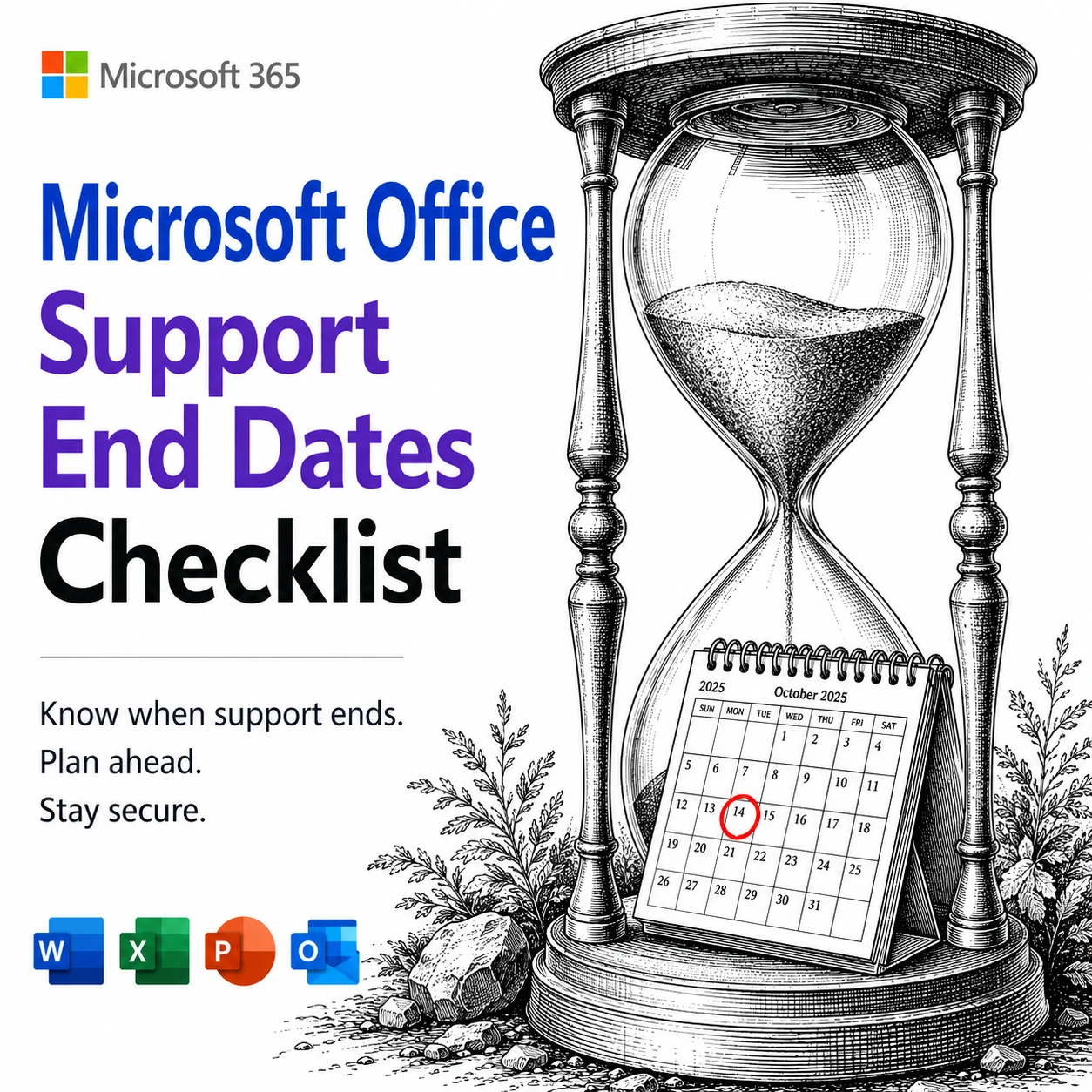
Your trusty Office 2016 or 2019 has lost official Microsoft support. There’s a smart, affordable way to keep your ‘vintage’ Office software secure and running smoothly after October 2025. Zero-day micropatching can protect you from new security threats, extend the life of your software and help you avoid costly upgrades.
Microsoft is extending more Copilot features to Microsoft 365 Personal and Family subscribers, offering expanded AI tools across Word, Excel, Outlook, and more. While users now gain access to enhanced drafting, summarizing, image generation, and voice features, the long-standing cap of 60 AI credits per month still applies. Compared to
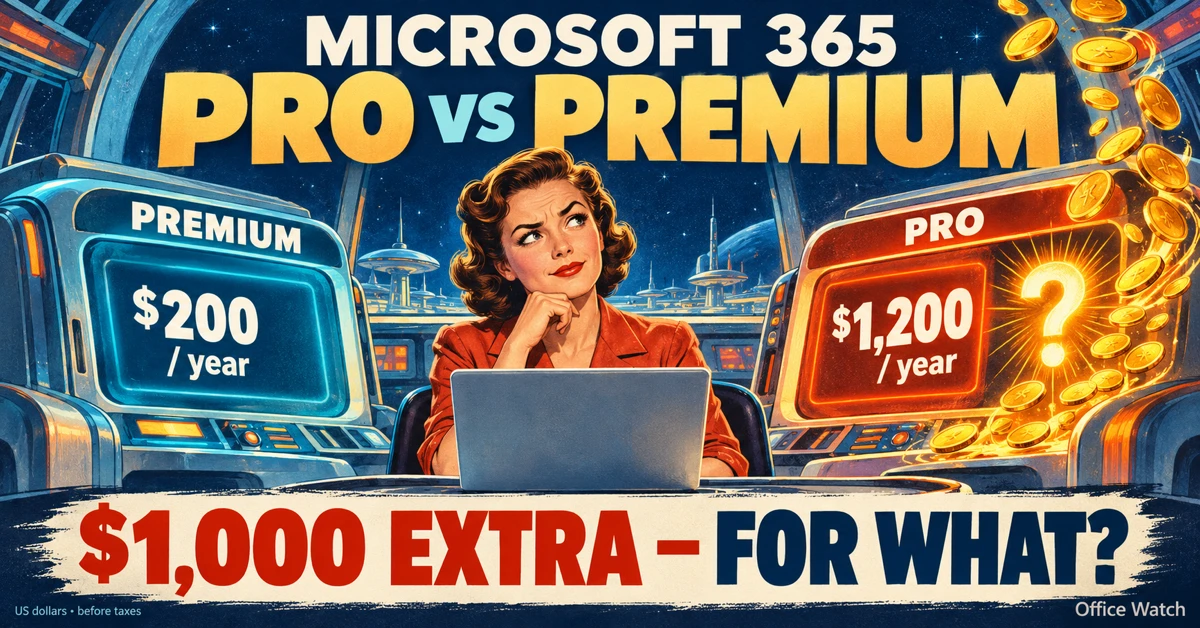
Microsoft 365 Premium is the newest consumer plan that bundles the popular Family subscription with Copilot Pro at a much lower cost. For $199 a year, subscribers get six accounts with full Microsoft Office apps, 1TB OneDrive storage each, and premium Copilot AI tools for the plan owner—including research, data
Microsoft is rolling out three new “Companion apps” for Microsoft 365 users on Windows 11, People, Calendar, and File Search. Designed as lightweight taskbar tools, these apps bring quick access to contacts, schedules, and cloud-stored files without switching between Outlook, Teams, or SharePoint. There are three new Microsoft 365 apps
Cybercriminals are exploiting a subtle typography trick called evil kerning to disguise fake domains as trusted ones like Microsoft.com or Gmail.com. By tightening letter spacing, “rn” can appear as “m,” making scam addresses like rnicrosoft.com or grnail.com nearly indistinguishable from the real thing. Here’s how the scam works, why it’s
Microsoft has quietly changed how storage is handled in Outlook.com: email attachments now count against your OneDrive quota. For users on free Outlook.com accounts with only 5GB of OneDrive space, this shift can quickly consume cloud storage and even disrupt email if quotas are exceeded. Here’s what this means for
Microsoft has quietly adjusted its classic Office “red,” shifting to a slightly softer. While the change may seem minor, it means improved readability and compliance with accessibility standards. But there’s a downside too in Word, PowerPoint, Outlook, and OneNote on both Windows and Mac, ensuring users get a color that