Email quarantine is a security feature used by mail systems to protect users from suspicious or spam messages while ensuring that potentially important emails aren’t lost forever. Instead of automatically deleting uncertain messages, quarantine places them in a separate holding area for you to review and decide whether they’re safe
Rejoice, Outlook users! Microsoft has decided to fix what wasn’t broken, ushering in the “new” Outlook with all the grace of a bull in a china shop. Because who wouldn’t want to trade in their reliable, familiar email experience, Outlook ‘classic’ for a shiny, unfinished product (Outlook ‘new’) dressed up
Why you can’t insert national flag emoji (among many) in Microsoft Office and Windows but can in Office for Mac, macOS, iPhone and iPad. We’ll explain the workaround necessary to insert national flags in Windows and Office for Windows. Apple devices (macOS, iPhone and iPad) show flag emoji properly like
Cloud fonts—your next creative shortcut—are now seamlessly integrated into Office 2024/2021 and Microsoft 365. These lightweight fonts download instantly when needed, bypassing the hassle of system installations and making them ready for use across your Word, PowerPoint, Excel, Outlook (and more) apps in mere moments. Whether on Windows or Mac, simply pick
Last Monday into Tuesday there was a serious outage that affected Outlook for Windows users. It shows how a failure on Microsoft’s server can stop new Outlook software from working at all. About 5% of global Outlook for Windows customers were unable to open the new Outlook desktop client on
A simple way to update Microsoft Office 365 for Windows with one click instead of digging into the menus to do it. We’ll show you the simple command line with options that make it possible. Normally, the Windows versions of Microsoft Office 365, Office2024, Office 2021 and Office 2019 all
Microsoft has officially warned all Microsoft 365 customers to update Office—or risk losing handy features like Read Aloud, Transcribe, and Dictate. Most people will already be OK but it’s worth checking to make sure. Microsoft is totally revamping the backend services that powers the voice related parts of Microsoft Office;
There was a sudden disappearance of the Ctrl + Shift + V Paste Special shortcut in Outlook classic for Windows. We explain what caused the issue, when Microsoft will finally roll out a fix, and why the delay happened, so you can get back to efficient email editing without the
Looking for a way to revert to classic Outlook after trying the new Outlook for Windows? This guide provides step-by-step instructions on how to switch back to classic Outlook, explains how both versions are probably on your PC. If you’ve tried the new Outlook for Windows and wish to return
If you’re wondering why a contacts address change in Outlook doesn’t stick, you’re not alone—many Outlook users face this frustrating issue. There are three possible reasons starting with a little known quirk in how Outlook saves email addresses. An Office Watch reader asks why Outlook keeps remembering an old email
For years, Exchange Server has a feature which can be used to infiltrate organizations. Only now that Direct Send is being exploited is Microsoft finally acting to warn customers and provide a way to turn it off. In other words, Microsoft is “closing the barn door after the horse has
Want to add the US flag to Word, Excel or PowerPoint without ending up with a blurry, stretched mess? This guide shows you exactly where to get a high quality flag image, including the scalable SVG version that stays sharp at any size, how to insert it in seconds, the
Some Microsoft 365 consumer plans come with a monthly allowance of “AI credits” but it’s hard to find out how many are left. The AI credit balance does not show up in the Microsoft 365 apps nor Windows 11 account information. It should be there and maybe Microsoft will eventually
So you fired up Classic Outlook for Windows, clicked “New Email,” and… boom. Instant crash. Because apparently, asking your email client to do email things is just too much these days. The Smoking Gun: FORMS2 Folder Turns out Outlook can’t find its precious Forms Library — that’s the thing it
This email slipped past the Microsoft spam and security checks to arrive in our Outlook Inbox. How deluded do you have to be, thinking that one of the world’s richest men would email ‘out of the blue’ offering over USD$5 million? The two links are real. Any deluded or desperate
Microsoft has ‘improved’ calendar sharing for all their Microsoft hosted accounts but Outlook (classic) has been left behind with too many bugs with some still outstanding. The changed Shared Calendars is a good move that’s been poorly implemented for many customers. The Shared Calendar changes are an attempt to standardize
Microsoft has rolled out a new Calendar app, because apparently, we all needed another way to be reminded we’re too busy. This latest tool is part of the “Microsoft 365 Companion” experience, a trio of apps aimed at helping users stay productive—or at least feel like they are. It joins
There are ten new or improved features in Outlook (new) for Windows. Some are welcome additions, others are ‘catch up’ from classic Outlook and one Microsoft is ‘thrilled’ about but we’re not sure why. Here’s Microsoft’s June 2025 announcements plus Office Watch extra info, screenshots and comments. As regular readers
Outlook (new) for Windows is finally getting a feature that should have been there from the start … the ability to move emails between mailboxes. It’s another case of paying customers having to be grateful that Microsoft has finally provided an important feature. In businesses, especially small ones, moving emails
Outlook might label some emails as ‘Unverified’ and the photo/initials is just a question ? mark. What does ‘unverified’ mean? Is the email safe to open and how to stop some messages showing as ‘Unverified’? Unverified can appear in mailboxes hosted by Microsoft directly (Microsoft 365, Outlook.com). It’s a feature
Microsoft is updating how administrators enable or disable the Outlook (new) experience for Windows and Outlook on the web. This change allows IT administrators to independently enable or disable each Outlook, at last addressing long-standing confusion. Originally set for rollout in late January 2025, the change is now scheduled to
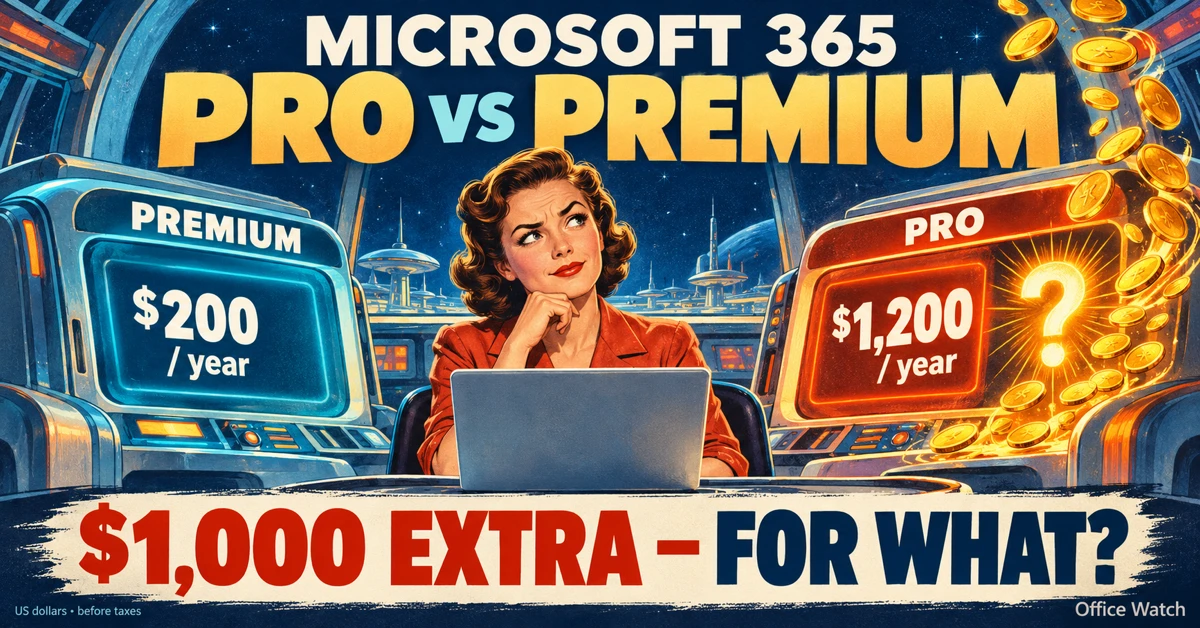
Navigating the evolving landscape of Microsoft 365 and Copilot AI can be challenging amid frequent update, varying features and so much hype. Our independent guide breaks down what Copilot is, its capabilities within Word, Excel, PowerPoint, Onenote and Outlook, and the distinctions between different Microsoft 365 plans. Microsoft has changed
Check out this clever Python tool that converts Word documents, Excel sheets, PowerPoint decks and PDFs into a plain text format. Markitdown is a Python library released by Microsoft via Github, converts many documents into nearly plain text (called MarkDown). It’ll convert all these formats into text. Some conversions need
The Startup Boost feature coming to Word 365 is really a sly trick by Microsoft. It’s a trick that anyone can do with any Office app and any version of Office. Startup Boost starts the app but hides it away. Word lurks in the background until the user clicks on