Free Thanksgiving Clip Art Hiding in Word, PowerPoint and Outlook
Thanksgiving, if you need festive graphics for an email, invitation or slide deck, you don’t have to hunt the web for free Thanksgiving clip art. Microsoft dropped traditional clip art long ago, but Microsoft 365 replaced it with a free library of stock photos, icons, stickers, illustrations and (in PowerPoint) short videos.
Microsoft 365 for Windows and Mac has a large range of icons, images and graphics available in Word, Excel, PowerPoint and Outlook. Office 2024, 2021 and Office 2019 also have stock pictures available but from a more limited selection.
In this article we’ll show what’s available in Microsoft 365 apps plus some AI tricks to make your own images or even poems. First, a shameless plug for our new ebook Pictures and Graphics better and faster with any AI has a lot of help and prompts for making images with AI.
Sales of our, very cheap, ebooks help keep Office-Watch.com going as a web site and newsletters available to everyone.
Thanksgiving search words
Searching for “Thanksgiving” might work in some places, but you’ll get more and better targeted results by using other words.
Harvest
Turkey
Pumpkin
Corn
Cornucopia
Autumn leaves
Fall foliage
Wheat
Acorns
Gourds
Cranberries
Pumpkin
Pie
Apple cider
Roast turkey
Thanksgiving dinner
Family feast
Friendsgiving
Gratitude
Fall wreath
Images
Go to Insert | Pictures | Stock Images to search through a large library of images. Search for ‘Thanksgiving’.

Or be more specific, searching for ‘autumn leaves’, ‘pumpkin’, ‘turkey’, ‘corn’ etc.

Icons
Again, searching for ‘Thanksgiving’ will find most of the icons you might want, including a wishbone!

Each icon comes in two styles; black/solid and outline. After insertion, Icons can be recolored and changed in many ways. Learn more at Better Icon, Illustration Or SVG Editing Trick In Office
You’re not limited to Office icons. There are many more icons (SVG files) available online, Finding More SVG Or Icons For Your Office Documents
Stickers, Illustrations and Cartoon People
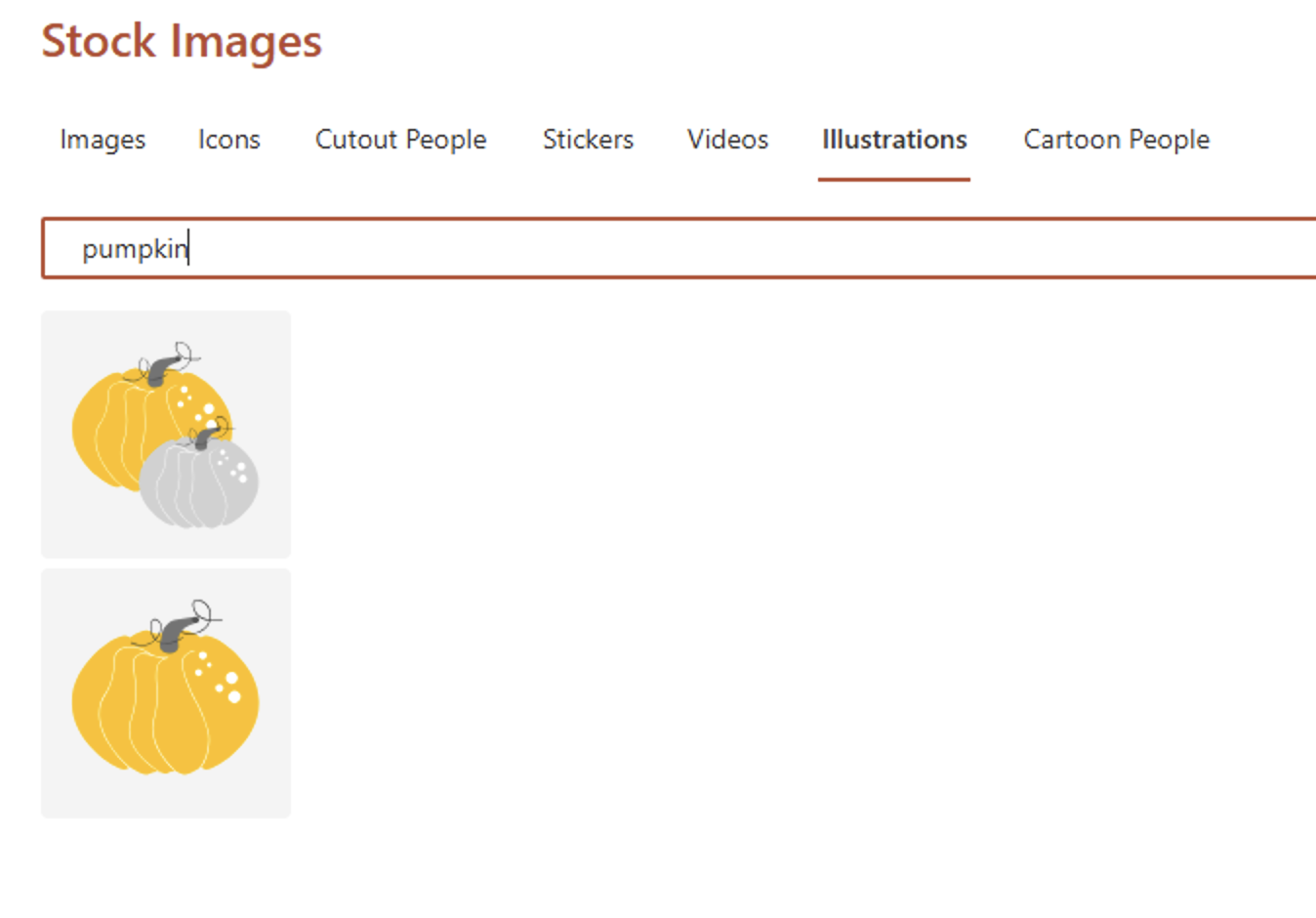
It’s slim pickings for Thanksgiving in the other stock elements like Stickers and Illustrations. Don’t bother searching for “Thanksgiving” and try individual terms instead like ‘pumpkin’ under Illustrations.
Online Pictures
Even more photos are available from Insert | Pictures | Online Pictures, which is a web search of photos using Bing.

Alternatively, use Google Image Search, which has much better filters and options, check under the ‘Tools’ button to filter by size, color, type, time and usage rights.

Emoji
Office docs, slides and emails can also have emoji and there are plenty to choose from. See our searchable list of Thanksgiving emoji, fast find and copy

Make your own images
Now you can make your own photos or graphics using the ‘text to image’ AI features available online.
Making images from text is available in Microsoft Designer and the same technology is at Bing Image Creator (aka Copilot.Microsoft.com). Or via ChatGPT, Gemini.
Our ebook Pictures and Graphics better and faster with any AI has a lot of help and prompts for making images with AI.
Here’s “Thanksgiving dinner with man, woman, one boy and two girls” but you can be more specific about the people (sex, ages, etc.) to match your family, the setting and style of graphic.

Make your own Thanksgiving poetry
Copilot.Microsoft.com is Microsoft AI among its many skills is poetry. Give Copilot a topic and some names then see what it comes up with.
Write better and faster with any AI explains how to use modern AI tools to draft emails, letters, documents and even poetry.

Just like making AI images, adding a style can help. In this case ‘Dorothy Parker’.

Videos
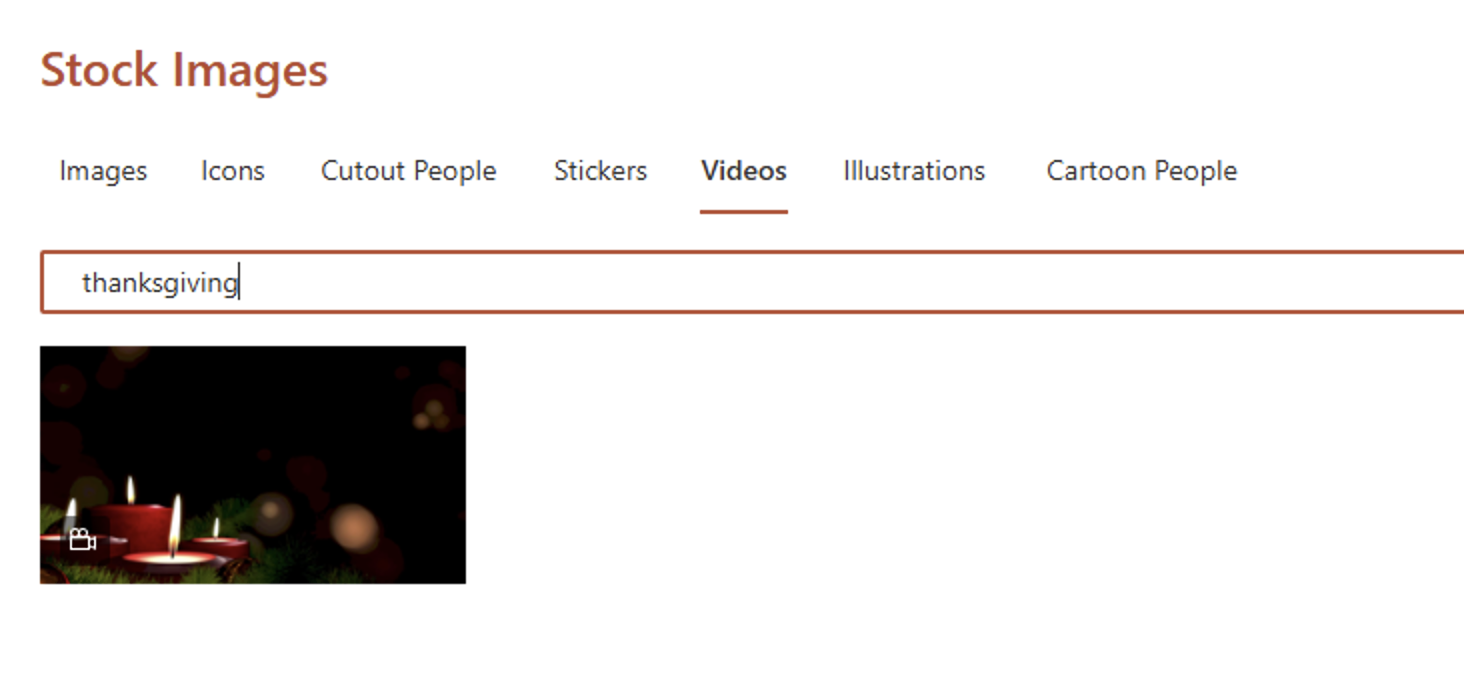
PowerPoint only has stock videos at Insert | Media | Video | Stock Video in addition to the other stock images and graphics. Searching for “thanksgiving” only returns a single video (Microsoft 365).
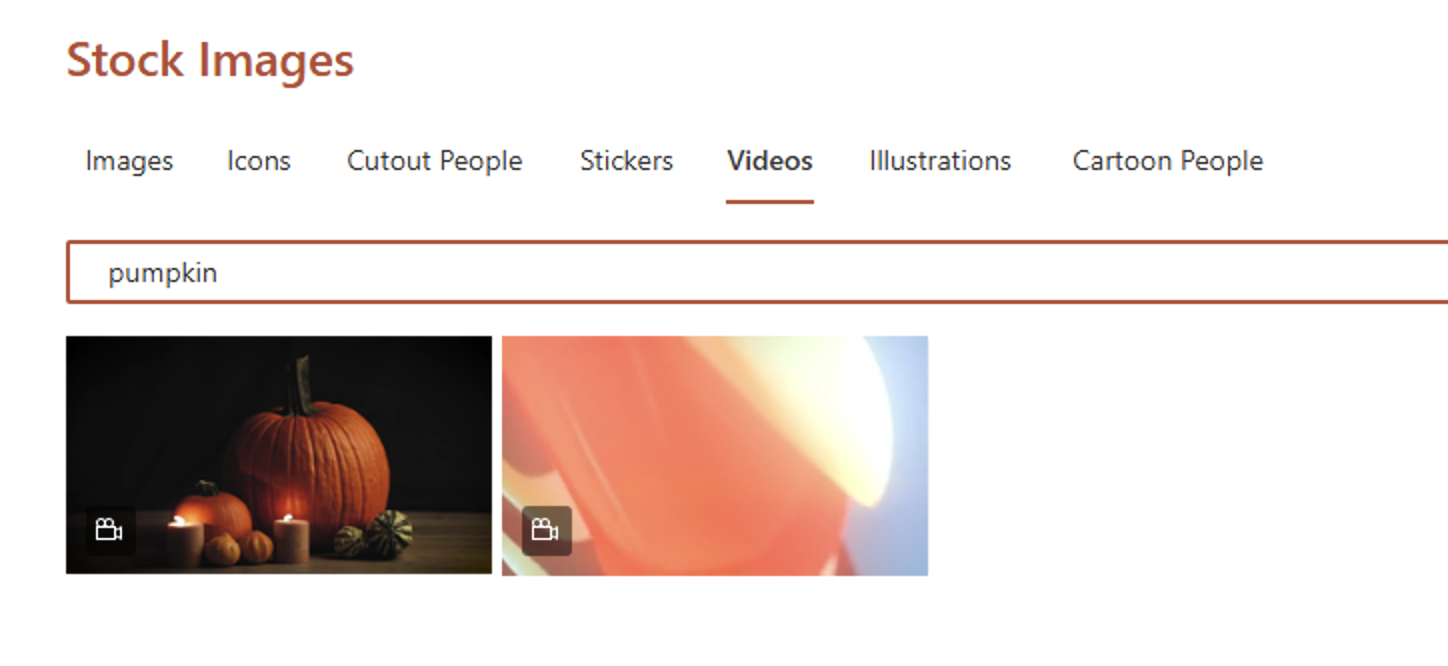
Search for “pumpkin” or “autumn leaves” to find a short looping clip for behind a title slide.
The complete Thanksgiving family poem
After requests from readers, here’s the complete Thanksgiving poem in the style of Dorothy Parker, as made by ChatGPT. You’re welcome to copy and replace the names or pull out some phrases you like such as “Thanksgiving, a mix of mirth and mild fear.” will resonate with some people.
Thanksgiving at the Smiths, oh what a sight,
Pamela in the kitchen, her apron tied tight.
Roasted turkey, golden brown, a feast for the eyes,
While Billy, the father, dreams of pumpkin pies.
Miguel, the eldest, is lost in his phone,
Scrolling and smirking in a world of his own.
Little Jane, with her curls and a grin so wide,
Counts the minutes for the parade televised.
Pamela mutters, “Gratitude is the theme,”
While Billy chuckles, in a football dream.
The turkey’s carved, the family’s all here,
Thanksgiving, a mix of mirth and mild fear.
At the table, they sit, a family so neat,
Sharing stories between every little treat.
In this dance of dysfunction, love finds its way,
In the charming chaos of Thanksgiving Day.
So, here’s to the Smiths, in their joy and their strife,
Celebrating the bittersweet flavors of life.
A toast to the day, with its laughter and tear,
Happy Thanksgiving to all, and to all a good year!
More Ways to Make Your Holiday Documents Shine
If an emoji is all you need, Find & Copy Thanksgiving Emojis gathers the festive symbols in one place, ready to paste into an email, chat or slide. When the next holiday sneaks up on you, Creative Last-Minute Christmas Tricks from Microsoft Designer (Easy Gift Tags & Activities) shows how to whip up gift tags and kids’ activities in minutes.
Office icons are SVG graphics, so you can recolor them to match your invitation or slide theme, and Edit SVG colors in Word, Excel and PowerPoint the Easy Way explains how. Once a picture is in your Word document, Stop Fighting Word’s Image Placement: One Setting That Actually Works keeps it from jumping around every time you type.
PowerPoint users can pick up more methods from 5 Easy Ways to Insert Images in PowerPoint: Quick Tips for Better Slides, while Put a Picture Inside Another Picture in Office, Even at an Angle lets you drop a family photo into a frame or scene for a more personal holiday card.