An often-repeated myth says that Word’s spelling or proofing language default is locked into the Windows language setting. Officially that’s not true and never has been since the first Word for Windows in 1989. In practice there’s a bug in Word which is why this persistent myth keeps being repeated.
We went hunting for koalas in Microsoft Office. Found more than 18 of the cuddly marsupials for Word, PowerPoint or Outlook. There are emoji, Office icons, SVG, online images and more making a colony or cling of koala (either can be the collective noun for koala). None of the endangered
Pronouncing the name “Kamala” is a source of confusion even to Microsoft Office’s Read Aloud feature which needs a little tweaking. How does Word’s grammar check handle the possessive, it is Harris’s or Harris’? Kamala Harris has a Sanskrit based name which is simple to pronounce once you know the
There are two ways the fallout from the Crowdstrike troubles might affect people even if their computers didn’t ‘die’. First, some organizations are still recovering or are dependent on businesses that are recovering. Keep that in mind if there are problems with a company. (On the other hand, some organizations
New malware is spreading under the guise of a Microsoft Office download and installation. Just the latest example of why Office should only be downloaded from Microsoft. This new way of distributing malware poses as a version of Microsoft Office or Windows activation tool. They might do that but also
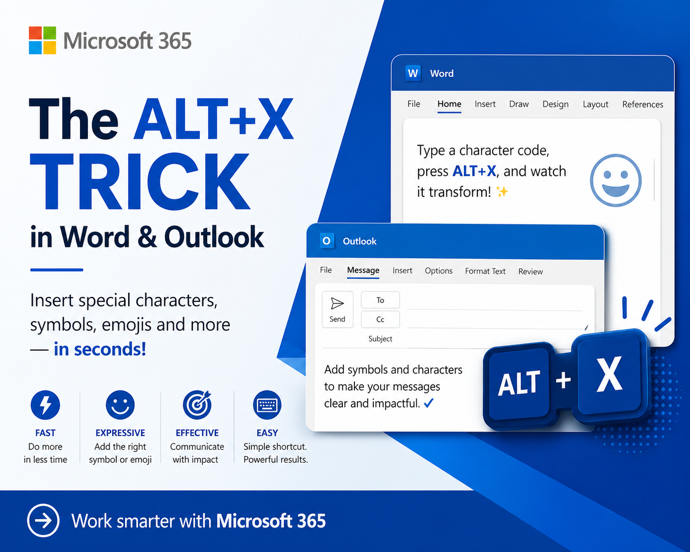
Put on the Glasses or Eyeglasses 👓 symbol (emoji) or icon into Microsoft Word, Excel, PowerPoint or Outlook. Both in Office for Windows and Office for Mac. Glasses 👓 symbol is used for all manner of things like a graphic to illustrate “Look here” or “See this” or, of course,
A recent poll commissioned by Microsoft confirms the widely held suspicion that people prefer the Calibri font over the new Aptos fonts pushed into Microsoft Office. This comes from a Twitter/X poll run by the Microsoft run @Microsoft365 account. The previous Office default font, Calibri, handily won the poll with
The long-standing Trim Video feature in PowerPoint desktop has now reached the browser based version as well as in the desktop Windows and Mac versions. If you’ve ever used Trim Video in either PowerPoint for Windows or Mac, this ‘new’ feature will be familiar in PowerPoint on the web. Any
PowerPoint offers compression embedded video and audio files, reducing the overall file size. But these options aren’t where you might expect to find them, aren’t selective and need to be used with care. There is compression option for media files (video or audio) to a suitable quality level and make
Microsoft has released a preview version of Office 2024 LTSC. Here’s how to get it, what’s in the preview and why not to bother with the preview software. Office 2024 is the next fixed price or perpetual license version of Microsoft Office that will be released later this year. The
Here’s what Microsoft has confirmed for the new version of Office. Strictly speaking two new Microsoft Office, a consumer version Office 2024 and Office LTSC 2024. The next single payment “perpetual licence” version of Office will be Office 2024 (for consumers) or the very similar Office LTSC 2024 (for volume
Grouping in Excel lets you collapse or expand sections of a sheet so you can see the ‘big picture’ but still drill-down to how totals were made. Another use for grouping is hiding rows or columns from view. You can organize and manage data more effectively by grouping together rows
Switch from the new Aptos default font in Outlook to another font that you prefer and is has better readability in Outlook desktop (Windows or Mac) and Outlook (new). Personally I’ve tried to like Aptos fonts but after a few months they still offend my eyes, especially in emails. It’s
Here’s a combined ‘one-click’ way to force an update to both Windows and Microsoft Office at the same time. Normally Windows and Office both update themselves automatically and in the background so you don’t have to worry about it. But there are times when you need to ensure both are
You can do incredible things in Excel but here’s something truly amazing. Someone has made a 16-bit computer chip (CPU) emulation entirely in Excel. We have links to the source code and fascinating video that explains it all. @Inkbox has recreated the basic logic of a CPU to make a
According to Microsoft, AutoSave is the ‘greatest feature of all time’. That’s ‘over the top’ even for Microsoft and it only highlights the self-serving limitations of the current Autosave feature in Office. “Autosave is the greatest feature of all time and you can use it across your M365 apps. That’s
How large can a document in Microsoft Word actually get? While most users never hit the upper limits, Word does have technical size restrictions that can affect performance, file stability, images, and long reports. Here’s what you need to know about maximum Word document size, file limits, and how to
Excel users are rightly interested in Lambda() a very powerful addition to Excel. Lambda lets you create user-defined functions without VBA. No need for .xlsm files with all the security concerns they entail. A long formula can be written once then referenced anywhere in the workbook by a short name of
Change Case options in Word, like many Word features goes beyond the obvious choices from the basic shortcut. There’s up to five choices on the ribbon with a keyboard shortcut to reach it. Alter the upper/lower case of words, phrases or more. ‘change case’ can become ‘Change Case’ or ‘CHANGE
A long-standing bug in Microsoft Word quietly breaks your document navigation when you place Heading styles inside a table. The Table of Contents shows all your headings correctly, but the Navigation Pane silently drops any heading that lives inside a table cell. The same broken behavior ripples into PDF Bookmarks
Learn how to create live, dynamic sorted lists in Excel using the powerful combination of Sort()/SortBy() and Filter() functions. In Excel 365 and Office 2021+ dynamic array formulas like FILTER() let you extract a subset of data — and by wrapping that result inside SORT(), you can instantly sort the
Microsoft’s Word Comments feature has popped up in the news again over the break, this time to embarrass Milo Yiannopoulos, a former Brietbart commentator. Mr Yiannopoulos is in a legal battle with his publisher over a proposed book and some of the court papers are now public. What’s catching attention