Had you wondered what’s happening with the Outlook replacement: Project Monarch? Seems we won’t have to wait much longer to see a preview. Project Monarch is a Progressive Web App (PWA) that will run in your browser. It will have email, contacts, calendar and perhaps other ‘Outlook-like’ features. A Progressive Web
Changing the case upper/lower for text through all of a Word document is easy because the default Find / Replace settings don’t need changing. We’ve already talked about the manual Change Case options in Word, now we’ll move onto bulk changes. Sometimes the spelling of a product or brand has
Clipchamp video editor has been integrated into Microsoft’s product range but not in the way promised. Instead, it’s selling at a high price for relatively little extra. Though Microsoft has acknowledged part of the problem by upgrading all customers to a decent quality for exporting files, this article has been
The main Office.com page has an updated look for Business and Enterprise customers. There’s a Create pane, My Content section and Quick Access buttons plus some more useful features hiding away under obscure buttons that are easy to overlook. This is the overall Home https://office.com look if you’re logged into
For a long time, it’s been possible to ‘print’ from any program and put the result directly into OneNote desktop program. Now you can ‘print’ to the OneNote for Windows 10 app. Once the ‘printed’ pages are in OneNote, they’ll get a text version added in the background. You’ll need
How to view Text Boundaries in Microsoft Word, why they can be useful and how the feature has changed over time. Text Boundaries put a dotted line box around each text element on a Word page. Turn on Text Boundaries to solve formatting problems. For example, in the above example,
How to show the four corner Crop or Trim marks on a Microsoft Word page. The ‘L’ shapes are a guide to the useable part of the page, inside the margins, and appear in all four corners. The four marks are called Crop Marks also known as Trim Marks. Word
Microsoft Word has a ‘profanity’ check to warn you about rude, offensive or swear words in some places. In others, the same word won’t get any special marking. We’ll explain how to setup and use Microsoft Word’s Profanity check then show its limitations and traps. The Profanity, offensive or swear
Inserting a link to a PDF (or any other file) into a Word document or email is easy to do. All you need is the web or other link to the PDF and paste that link into your document or email. The key question to ask is ‘Where is the
With a little Office formatting trickery, you can make a Twitter ‘message’ that looks like what you see on the Twitter web site or app to put in a Word document or PowerPoint slide. Use this trick to recreate a real Tweet that’s part of a document. Or as a
There are disagreements about how to pronounce the acronym ‘GIF’ for the popular image format, even though there’s an authoritative answer. Even Microsoft Word is confused about how to say GIF with the Read Aloud feature. Stephen E. Wilhite, the developer of the Graphics Interchange Format or GIF passed away
Add a background image to any page in a Word document instead of a solid color or pattern. Using a picture as the background for Word page isn’t as straight forward because the official or approved method doesn’t work very well. We’ll show you other Word features that work better
A slip of the typing fingers can be funny, insulting or embarrassing, turning an innocent word into a naughty one. There are features in Word to help avoid these mistakes which have improved over the years but they aren’t 100% reliable It only takes a single letter to turn an
Google has just doubled the cells available in their Sheets spreadsheet, taking it to 10 million cells. Still well short of Excel’s 17 million cells. Sheets can now stretch to 18,278 columns (column ZZZ) for all Google Workspace customers, as well as legacy G Suite Basic and Business customers. Excel has
A long-standing bug in Microsoft Word quietly breaks your document navigation when you place Heading styles inside a table. The Table of Contents shows all your headings correctly, but the Navigation Pane silently drops any heading that lives inside a table cell. The same broken behavior ripples into PDF Bookmarks
As long time space and SF nerds, Office Watch can’t resist putting the look of 2001: A Space Odyssey into Word documents and PowerPoint slides. We’ll show you how to make a ‘close match’ using just the fonts and features in Microsoft Office. We’ll also explain the details behind that
Character Map is a Windows feature that’s very useful for Microsoft Office users. It lets you insert symbols and, importantly, find them which is not possible within apps like Word. Windows Character Map has been around for as long as we’d like to remember and it’s mostly done right. If
Google has a color selector among the many features in their home page. It’s free, works in any browser and it’s easy to copy color codes into Office. Search for ‘Color picker’ or https://www.google.com/?q=color+picker then move the two circles to choose the exact color and shade you want. The HEX
Microsoft 365 does an online licence check at least every 30 days. If your device will be offline for weeks, how can you make sure you have a full 30 days licence before disconnecting from the Internet? Here’s how to update your Microsoft 365 licence before going offline. Office 365
Styles can be saved in a Word document but are most effective when saved in a template. Changing the style in a template will affect any document that uses the same template. At the bottom of the Modify Style dialog are two choices for where to save the style. Microsoft
Here’s how to make a lookalike for the Law & Order TV show title card in either PowerPoint or Word. Last week we showed how to make the Law & Order opening screen image and how to use that look in slides or documents. Many readers asked why Office-Watch.com didn’t
One way to open a PowerPoint presentation could be to copy the opening of the Law & Order TV shows. Here’s how to get the same look in your PPT slides or Word documents plus the distinctive sound. The same formatting can be used in Word, maybe as a callout
Microsoft Teams is becoming another way for criminals to infiltrate an organization or spread malware. According to Help Net Security viruses are being distributed via Teams Chats. A program with an innocent name like UserCentric.exe allows hackers to remotely control computers, install DLL’s and get more information about the user
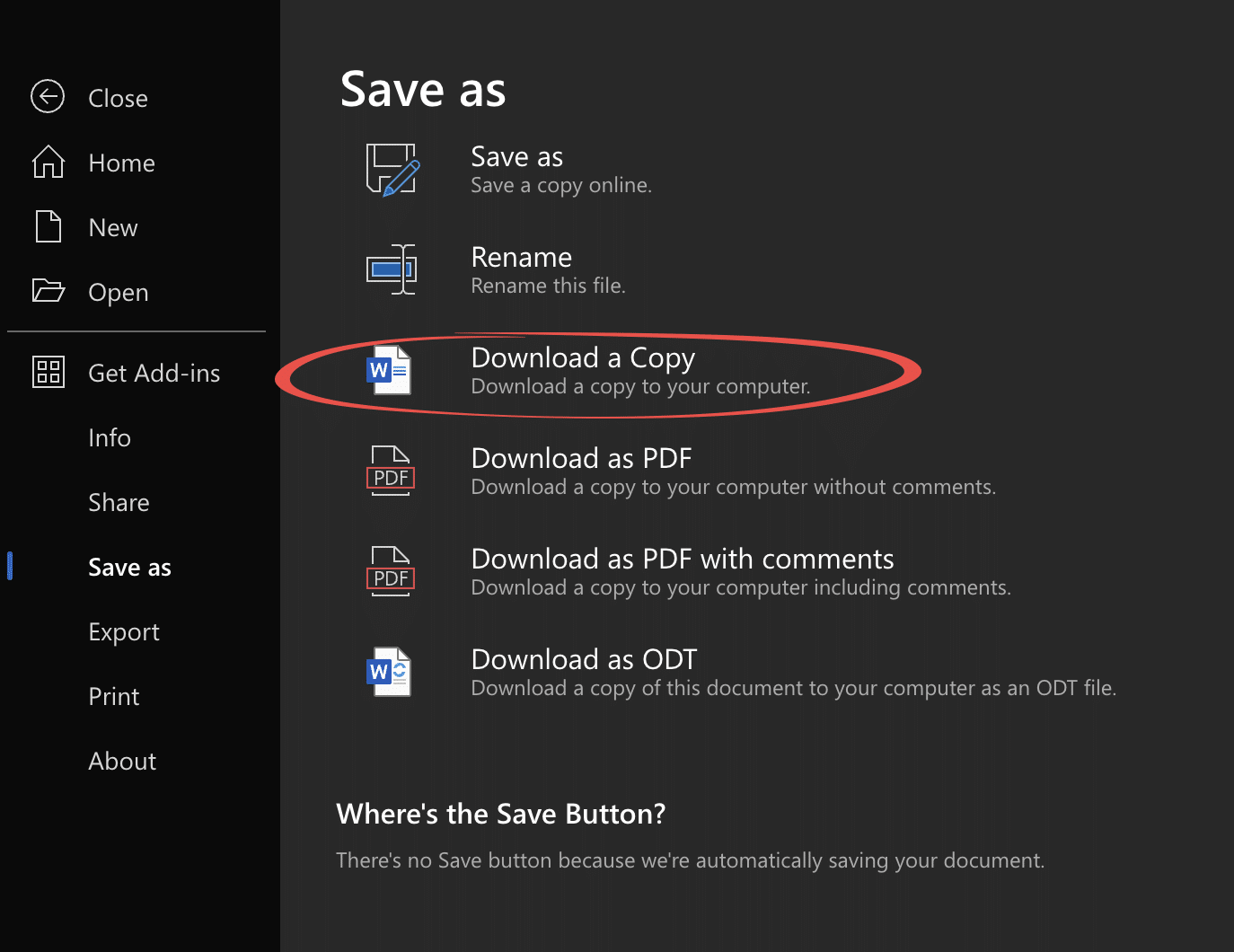
Here’s how to convert an older .doc .xls or .ppt into a safer and smaller .docx .xlsx .pptx even if you don’t have Microsoft Office. Any smart computer user is wary of documents received in the old .doc .xls .ppt formats because they are regularly used to transmit viruses. The