Microsoft 365 – the subscription / annual fee plan for Microsoft Office on Windows, Mac, iPhone, iPad and Android.
Includes Word 365, Excel 365, PowerPoint 365, Outlook 365 and many other ‘365’ programs, apps and services.
Microsoft 365 Plans in 2026: Complete Overview of Pricing, Features, and Changes
There’s been a lot of changes to Microsoft 365 plans for individuals, families and small businesses. Pricing, subscriptions, and included features all changed last year. This 2026 overview breaks down what’s new, what’s staying the same, and how Copilot AI fits into these plans (or not). 2025 was a big year for Microsoft 365 plans […]
Microsoft 365 has NOT been renamed “Microsoft 365 Copilot”
Ignore the social media ‘experts’, Microsoft has not renamed Microsoft 365 to Microsoft 365 Copilot. A year-old name change is only now being used as ‘evidence’ of full product rebrand. Microsoft 365 remains the core productivity suite. Copilot is an added AI feature, not a replacement name. Understanding the distinction is critical for businesses, IT […]

How to Fix Excel Copilot “#Connect” Errors
Microsoft Excel’s Copilot() can show #CONNECT “Too many requests” errors if you use the function incorrectly. Copilot() is different from almost every other Excel function because it has limits on how often it can be used. Don’t panic, there’s practical steps you can take to keep Excel’s connection to AI working. The Copilot() function in […]

When Spam Messages Still Get Through, Even with Modern Email Protection
Sometimes even obvious spam and phishing messages reach inboxes despite Outlook’s advanced filters, AI detection, and stricter security rules. Here’s one 2026 example and how Copilot responds …. badly. Our 2026 Inbox started with a ‘blast from the past’. An email ‘from Africa’ promising untold riches in exchange for bank details and ID. This arrived […]

AI Coding Tricks for Microsoft Office: Hard tasks made simple with AI help
AI makes hard tasks in Microsoft Office so very easy, not just for typing or formatting, but for writing code, formulas, and automation scripts across Word, Excel, PowerPoint, and Outlook. In this guide, we explore the best AI coding tricks for Microsoft Office, showing how tools like ChatGPT and Copilot can generate VBA, Excel formulas, […]
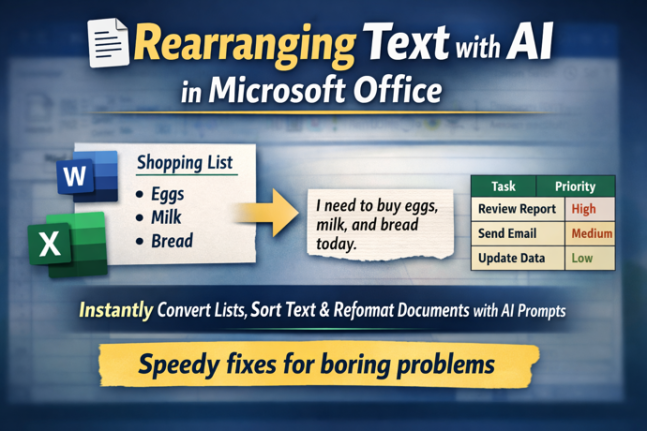
Rearranging Text Instantly with free AI: Smart Tricks for Microsoft Word & Excel
Transform how you work with text using free AI tools like ChatGPT, Copilot, Gemini and Meta AI. In this guide, you’ll learn how to rearrange lists, convert tables to paragraphs, resort text alphabetically and reformat steps in seconds, all with simple prompts instead of tedious manual editing. Whether you’re working in Word, Excel or another […]
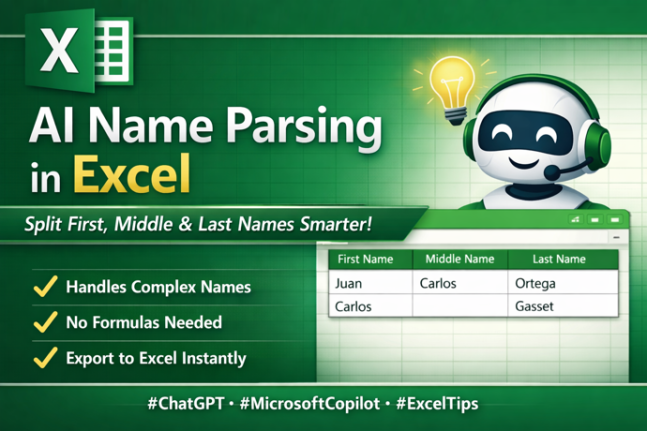
Name Parsing: Smarter AI Way to Split First, Middle & Last Names
Struggling to separate first, middle and last names in messy data lists or join first/last names? Traditional Excel tools or Flash Fill often fall short with real-world name complexity, including multi-part surnames and inconsistent formats. The latest AI tools, such as ChatGPT and Microsoft Copilot, can intelligently parse full names into structured columns, handling exceptions […]
6 Smart Ways to Save on Microsoft 365 Renewal or First Purchase
Looking to cut costs on your Microsoft 365 (formerly Office 365) renewal or first purchase? You don’t have to pay full price by renewing directly through Microsoft. There are legal ways to extend your subscription early, buy discounted product keys from reputable retailers, and avoid costly auto-renewal traps — helping you get up to five […]

Cheapest Microsoft 365 Deals in Australia (2026): Save on Personal & Family Subscriptions
Looking for the best Microsoft 365 deals in Australia for 2025? Recent bargains have emerged on Microsoft 365 subscriptions — including discounted Personal and Family plans at Amazon Australia and Bing Lee — which can cost significantly less than the standard Microsoft pricing. These offers are especially valuable as Microsoft has raised its regular subscription […]

Last Chance: Save on Microsoft 365 Classic Plans in Australia & NZ
Australian and New Zealand Microsoft 365 customers have only a few days left to save money by switching to the lower-cost Microsoft 365 Classic subscription, as Microsoft will retire these no-Copilot, no-AI plans at the end of 2025. Buried in Microsoft’s own documentation is a crucial notice that the Classic option won’t be available after […]

Combine Excel Arrays with HStack() or VStack()
It can be fairly challenging to combine data in Excel. There are two new functions HStack() and VStack() to combine dynamic arrays or ranges, by either stacking the data horizontally or vertically. As shown in the example below by simply using =VSTACK(B2:D3,F2:H3) it’ll stack both cell ranges on top of each other. Using =HSTACK(B2:D3,F2:H3) will […]
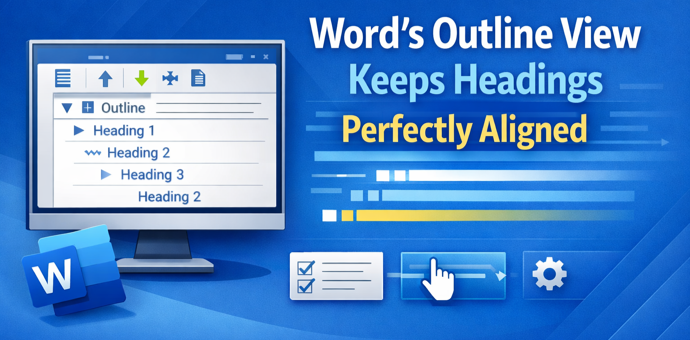
Boost Your Word Workflow: How Outline View Keeps Headings Perfectly Aligned
Struggling with wandering headings, broken structure, and unwieldy long documents in Microsoft Word? The often-overlooked Outline View is the one tool professionals swear by to keep heading hierarchy and sections perfectly aligned. Unlike cosmetic formatting tricks, Outline View reveals your document’s true structure, makes it easy to reorganize sections without breaking formatting, and highlights hidden […]
How to Fix Microsoft Office License Problems – Complete Guide
Struggling with Microsoft Office license or activation issues ? Whether Office shows “Unlicensed Product”, the wrong version of Office, missing features, or refuses to verify your subscription, this guide explains why Office licensing fails and how to fix it. We cover removing unnecessary licenses, updating and repairing your installation, and steps you can take to […]
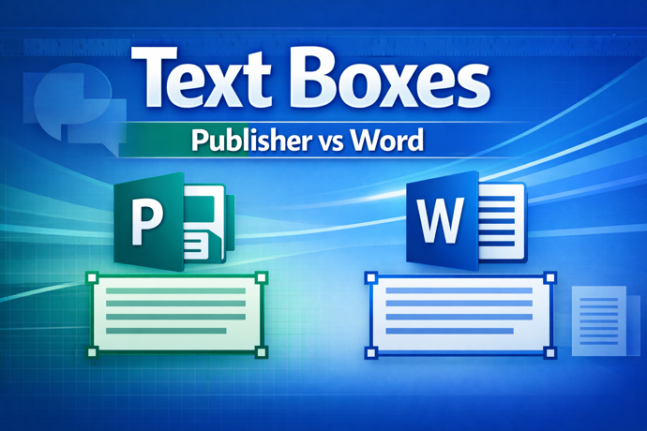
Text Boxes in Publisher vs Word: Key Differences You Need to Know
Text boxes are different in Microsoft Publisher and Microsoft Word. The Publisher features can, mostly, work in Word as well. Understanding how text boxes work in Word is essential with the end of Publisher later in 2026. This guide breaks down the most important differences clearly and practically. Publisher text boxes have some features on […]
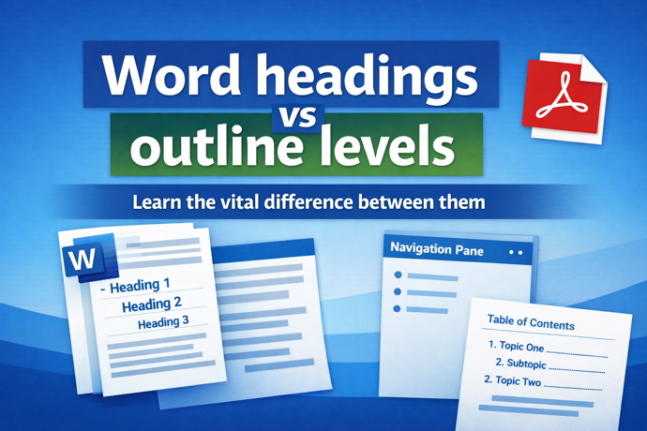
Why Microsoft Word Headings Often Don’t Work the Way You Think (Understanding Headings vs. Outline Levels)
Many Word users struggle with navigation panes and Table of Contents features — not because Word is broken, but because what Word calls “Headings” aren’t always true structural headings. In Microsoft Word, built-in heading styles like Heading 1, Heading 2 and so on are tied to outline levels, which Word uses to build Navigation Panes, […]

How to Link Text Boxes in Microsoft Word for Seamless Text Flow
Linking text boxes in Microsoft Word allows content to flow automatically from one box to another, making it easier to design newsletters, flyers, and complex page layouts. This guide explains how Word’s text box linking works, its limitations, and practical tips to avoid common formatting problems when working with flowing text across multiple text boxes. […]









