All about Microsoft Office Word, Excel, PowerPoint and Outlook, Microsoft 365, Office 2021 and earlier versions.
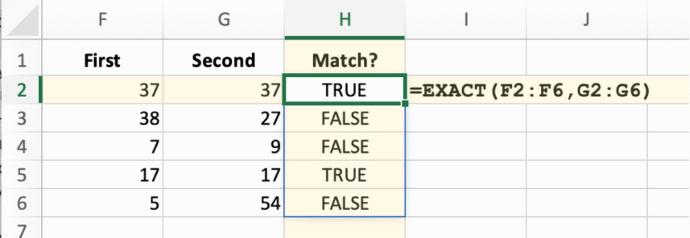
Make any Excel function dynamic (almost)
Many common Excel functions have a great new power added to them with little fanfare. They can become dynamic array functions which improves the consistency of worksheets. It’s simple and easy to do. When Microsoft added dynamic arrays to Excel, all the focus was on the new functions like SORT, FILTER, and SEQUENCE that “spill” […]
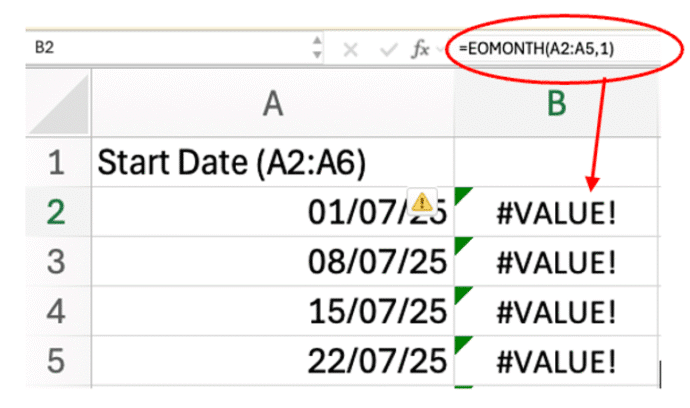
Excel Spill Mystery: Why It Happens and How to Fix It
Some Excel functions won’t spill their results in the way you might expect. Edate(), EOmonth(), IsEven(), IsOdd() and RandBetween(), among many, need an extra little trick to become a dynamic array function. We’ve already explained how many common Excel functions (Round(), Trim(), Upper() and many more) can “spill” their results into multiple cells. But then—bam!—you […]
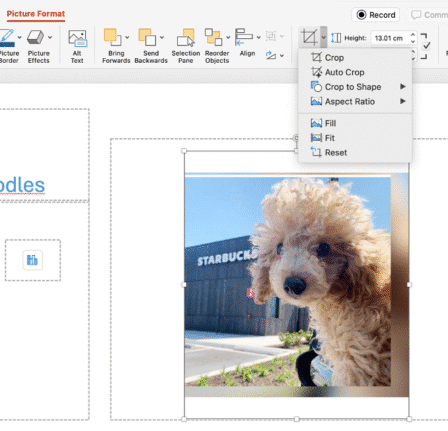
5 Easy Ways to Insert Images in PowerPoint: Quick Tips for Better Slides
Transform your next presentation by mastering five powerful ways to add images in PowerPoint. Whether you’re embedding visuals directly from the web, creating photo albums, leveraging SmartArt, or using Copilot enhancements, these expert tips will streamline slide preparation. On a PowerPoint slide with a picture placeholder, just click the image icon inside it. Then choose […]
July Office updates include a real worry
The July 2025 security bug fixes list plugs another 137 problems found in Microsoft software. Some are really serious and need patching right away for all Microsoft 365 and Office users. BitLocker also gets some security fixes. This months load of Microsoft Office security updates includes a fix for a series of “Remote Code Execution” […]
Request more access to a Word, Excel or PowerPoint file
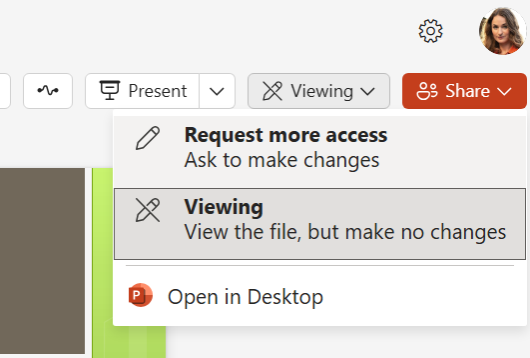
There’s a new feature in Microsoft 365 Word, Excel, and PowerPoint for the web to request elevated permissions directly within the application. Anyone with view-only access can ask for higher editing or reviewing rights without leaving the document. Microsoft, as usual, buries an important condition deep in their promotional blurb so we’ll put it up-front […]
Direct Send is a huge Microsoft security lapse that’s finally being fixed
For years, Exchange Server has a feature which can be used to infiltrate organizations. Only now that Direct Send is being exploited is Microsoft finally acting to warn customers and provide a way to turn it off. In other words, Microsoft is “closing the barn door after the horse has bolted” </cliche> Direct Send is […]
The Grammar Mistake Microsoft Word Still Doesn’t Catch — And Why It Matters
There’s a mystery English grammar rule that any native speaker knows but probably can’t explain. It’s the order of adjectives before a noun (e.g why “Brown Big Cat” is wrong). The Microsoft Word grammar checks for this rule but doesn’t always ‘see’ or fix it. Adjective order is a mystery to most native English speakers, […]
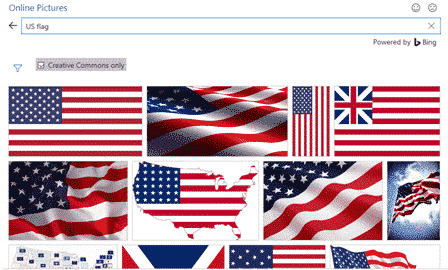
Add the US Flag to Word, Excel and PowerPoint in High Quality
Want to add the US flag to Word, Excel or PowerPoint without ending up with a blurry, stretched mess? This guide shows you exactly where to get a high quality flag image, including the scalable SVG version that stays sharp at any size, how to insert it in seconds, the official red, white and blue […]
Why can’t AutoSave work with a macro in a Word or Office document ?
Autosave in Microsoft 365 and Office is one of the more frustrating features with annoying limitations. One of them is not automatically saving any macro-enabled Word, Excel or PowerPoint file. We’ve talked before about how Autosave is used to push customers into using OneDrive to save documents. Autosave could work for all files, not matter […]
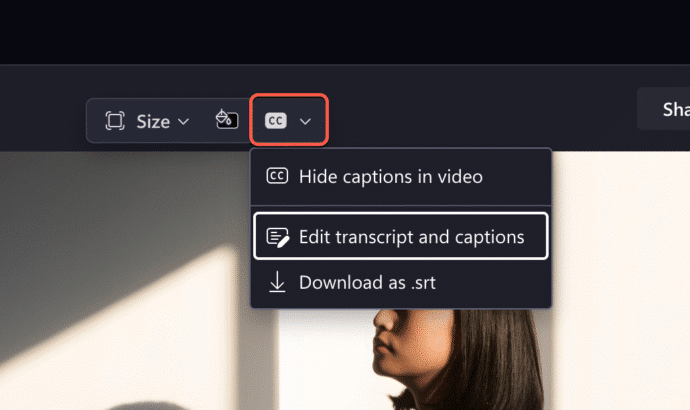
Transcript can now trim Clipchamp videos
Clipchamp has a clever new feature that makes editing videos a lot easier and faster. Instead of trimming the video, just delete parts of the transcript, Clipchamp will do the rest. Clipchamp can already make a text transcript from the audio of a meeting or conversation. Microsoft Word can also convert prerecorded audio into a […]
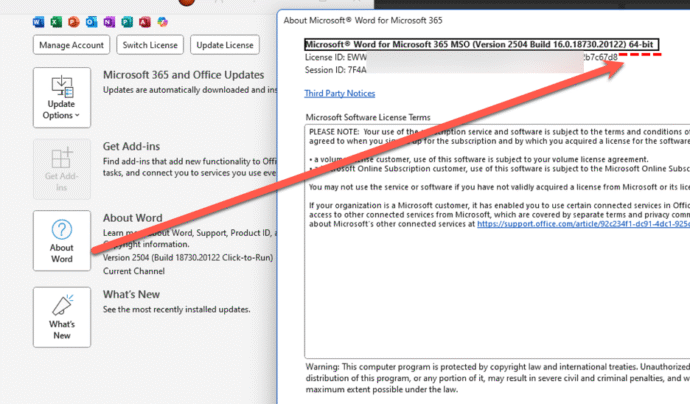
ARM 32-bit ending for Microsoft 365
There are a lot of changes coming for Microsoft customers in October but there’s one that might be overlooked. Support for Microsoft 365 ARM-based 32-bit applications will conclude: Feature updates stop in October 2025 or . Security updates end in December 2026 or . Most Arm versions of Office are 64-bit applications. The end of […]
OneNote Clipper to replace Pocket
OneNote Clipper is a quick way to save a web page so you can read it later. It can replace Pocket, the lovely clipping service that’s about to leave us. Pocket, the ‘read it later’ service, is ending on July 8, 2025. Pocket is/was a ‘ready it later’ service to tag a web page for […]

PowerPoint Placeholders: Smarter, Sleeker, Simpler
Discover PowerPoint placeholders — designed to make slide creation faster, easier, and more visually compelling. With smarter prompts, broader media support, and customizable layouts via Slide Master view, placeholders help you create polished, professional presentations with minimal effort. In PowerPoint, placeholders are those built-in boxes that make adding stuff like text, pictures, charts, or videos, […]
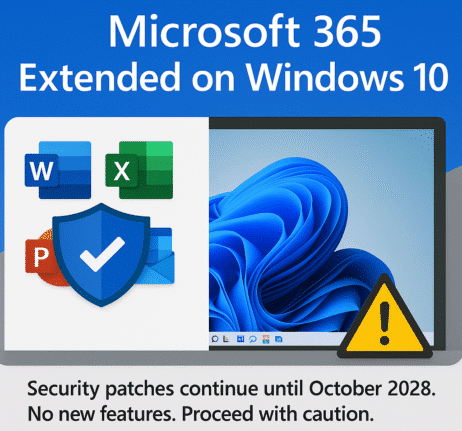
Microsoft 365 on Windows 10: Support Extended—But Only for Security Updates
Microsoft has quietly shifted their position on support for Microsoft 365 on Windows 10, when Win10 ends support in October. Now Microsoft 365 for Windows get partial support on Windows 10 for a few more years … but there are some big unknowns. How to get Windows 10 support for another year, until October 2026. […]
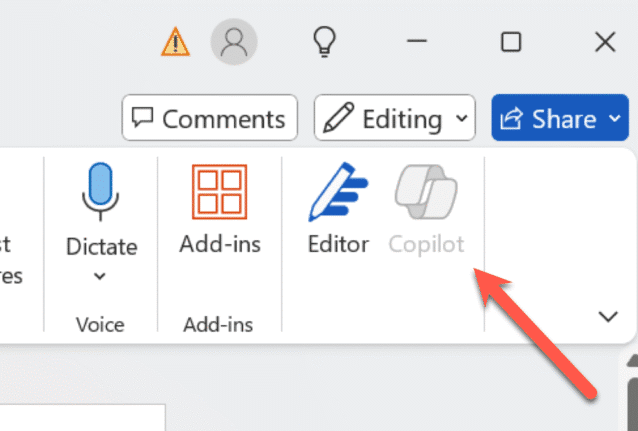
How to turn Copilot on or off for each Microsoft 365 app
Take control of Microsoft 365 by learning how to enable or disable Copilot in each app—Word, Excel, PowerPoint, Outlook, and OneNote. This guide provides step-by-step instructions to customize Copilot settings per application and explains why sometimes you can’t turn it off. Copilot integration into Microsoft 365 is a mess. Microsoft is focused on adding more […]
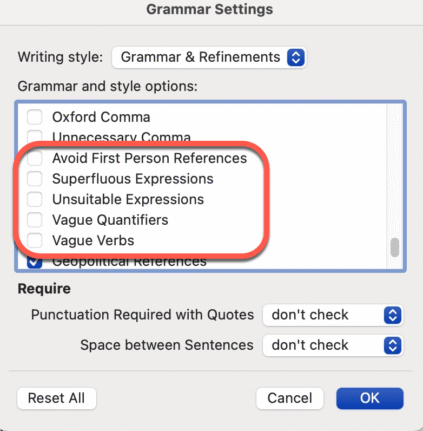
Don’t like Word’s Resume suggestions? Turn it off!
Instead of complaining about Word’s Resume style suggestions. Turn it off! It’s easy to do, here’s how. I often see social media posts bitching about a Grammar or Style suggestion given by Word. There are plenty of problems with Word’s Grammar and Refinements feature, but this one is an easy fix and it’s right there […]