Office 2021 is the personal and small business ‘perpetual licence’, non-subscription version of Microsoft Office. For Windows and Mac.
Office LTSC (Long Term Servicing Channel) is the volume licence ‘perpetual licence’, non-subscription version of Microsoft Office for organizations, companies and governments. Also for Windows and Mac.
The features in Office 2021 and Office LTSC are very similar, if not the same.

Revealed: What is a Service-Side Change in Office and how to find them
A “service-side change” in Microsoft Office is Microsoft’s way of quietly changing how Office works, without updating your apps, asking permission, or bothering to tell you first. It’s new terminology so we explain what it is and how to know your computers are up to date. For admins, auditors, and long-suffering users . The latest […]

Emergency Office Update: What Every Customer Needs to Know Now
Microsoft has just released an emergency or out-of-band (OOB) security update to fix a serious Microsoft Office zero-day vulnerability or security bug that’s already being used in real-world attacks. Microsoft 365, Office 2024 and Office 2021 are affected, even ‘old’ Office 2019 & 2016 apps are fixed. This patch was not part of the normal […]

The Best Way to Clean Up HTML from Microsoft Word
Pasting content from Microsoft Word often leaves behind bloated, broken HTML that causes layout and formatting problems. There’s a faster, cleaner way to remove Word’s unnecessary markup and produce lightweight, web-ready HTML in seconds and without manual cleanup or guesswork. Anyone who has copied content from Microsoft Word into a website will recognize the problem […]

Microsoft Outlook Bugs Explained: Inside the Microsoft-Made Crashes & Emergency Fixes
Microsoft’s January 2026 Windows update introduced a series of major bugs that broke Outlook Classic and other essential apps, leaving users facing crashes, freezes, and unusable email profiles. After widespread disruption, particularly for POP and PST accounts, Microsoft finally issued emergency fixes to restore stability, but the fallout highlights deeper quality control challenges in its […]
Why did Windows move my files to OneDrive? (What it is & how to fix it)
Did your Documents, Desktop or Pictures suddenly “live” in OneDrive? If you’re wondering why your files moved to OneDrive, you’re not alone. That wasn’t a ghost, it was Windows’ Known Folder Move. Microsoft tricks people by calling it “PC folder backup”. Here’s what that means, how to stop it safely, and how to move files […]

All your Paste choices in Microsoft Word
Pasting text into Microsoft Word can quickly turn a clean document into a formatting mess. Fonts change, spacing breaks, and styles multiply without warning. This guide explains the best ways to paste text into Word while keeping your document consistent, professional and how you want it, whether you’re working from a website, email, or another […]

All About the Word Status Bar, Hidden Power Tools in Microsoft Word
The bottom row of Microsoft Word holds far more than you might expect: the Word Status Bar, often overlooked, delivers a wealth of live information and quick shortcuts. From basic page and word counts to document editing modes, cloud-sync statuses and accessibility warnings, it can be fully customized to match your workflow. Click them to […]

Zoom Options in Microsoft Word: Every View Setting Explained
Zoom options in Microsoft Word control how a document appears on screen without affecting its actual size or layout. This guide explains all zoom settings in Microsoft Word, where to find them, and how each option helps when reading, editing, or reviewing documents in a way that suits you. By choosing the right Zoom option, […]

AI Coding Tricks for Microsoft Office: Hard tasks made simple with AI help
AI makes hard tasks in Microsoft Office so very easy, not just for typing or formatting, but for writing code, formulas, and automation scripts across Word, Excel, PowerPoint, and Outlook. In this guide, we explore the best AI coding tricks for Microsoft Office, showing how tools like ChatGPT and Copilot can generate VBA, Excel formulas, […]
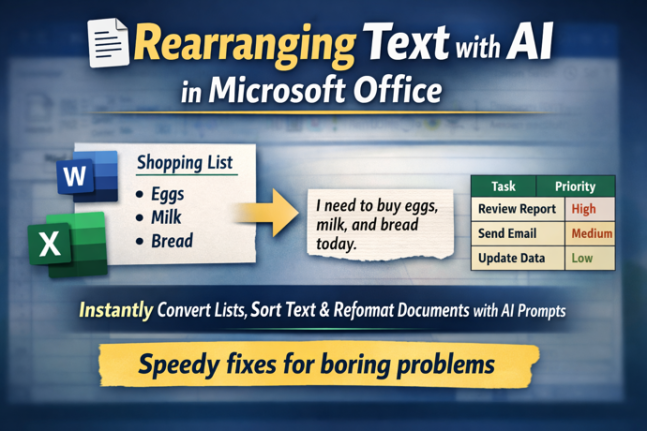
Rearranging Text Instantly with free AI: Smart Tricks for Microsoft Word & Excel
Transform how you work with text using free AI tools like ChatGPT, Copilot, Gemini and Meta AI. In this guide, you’ll learn how to rearrange lists, convert tables to paragraphs, resort text alphabetically and reformat steps in seconds, all with simple prompts instead of tedious manual editing. Whether you’re working in Word, Excel or another […]
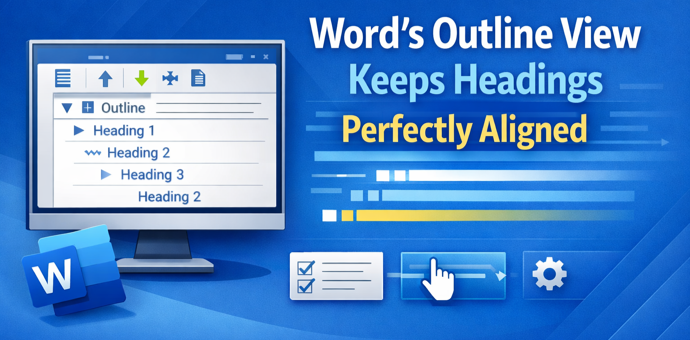
Boost Your Word Workflow: How Outline View Keeps Headings Perfectly Aligned
Struggling with wandering headings, broken structure, and unwieldy long documents in Microsoft Word? The often-overlooked Outline View is the one tool professionals swear by to keep heading hierarchy and sections perfectly aligned. Unlike cosmetic formatting tricks, Outline View reveals your document’s true structure, makes it easy to reorganize sections without breaking formatting, and highlights hidden […]
How to Fix Microsoft Office License Problems – Complete Guide
Struggling with Microsoft Office license or activation issues ? Whether Office shows “Unlicensed Product”, the wrong version of Office, missing features, or refuses to verify your subscription, this guide explains why Office licensing fails and how to fix it. We cover removing unnecessary licenses, updating and repairing your installation, and steps you can take to […]
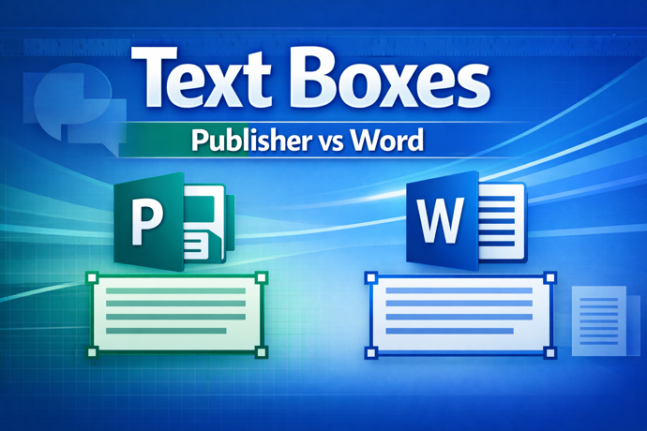
Text Boxes in Publisher vs Word: Key Differences You Need to Know
Text boxes are different in Microsoft Publisher and Microsoft Word. The Publisher features can, mostly, work in Word as well. Understanding how text boxes work in Word is essential with the end of Publisher later in 2026. This guide breaks down the most important differences clearly and practically. Publisher text boxes have some features on […]
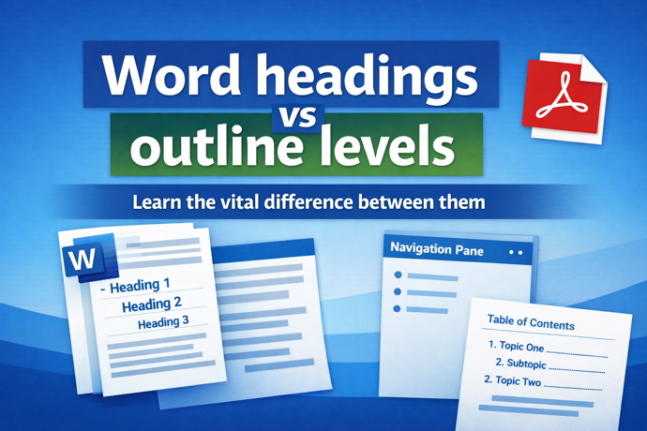
Why Microsoft Word Headings Often Don’t Work the Way You Think (Understanding Headings vs. Outline Levels)
Many Word users struggle with navigation panes and Table of Contents features — not because Word is broken, but because what Word calls “Headings” aren’t always true structural headings. In Microsoft Word, built-in heading styles like Heading 1, Heading 2 and so on are tied to outline levels, which Word uses to build Navigation Panes, […]

How to Link Text Boxes in Microsoft Word for Seamless Text Flow
Linking text boxes in Microsoft Word allows content to flow automatically from one box to another, making it easier to design newsletters, flyers, and complex page layouts. This guide explains how Word’s text box linking works, its limitations, and practical tips to avoid common formatting problems when working with flowing text across multiple text boxes. […]

Creative Last-Minute Christmas Tricks from Microsoft Designer (Easy Gift Tags & Activities)
Struggling with last-minute Christmas prep? These clever Christmas tricks using Microsoft Designer help you create unforgettable personalized gift tags, fun stickers, and engaging coloring pages in minutes. Perfect for kids and adults alike. Whether you want to add a personal touch for each recipient or keep the little ones entertained, these Designer techniques will save […]









