Microsoft has given enterprise customers another 12 months before it starts forcing them into new Outlook for Windows. The opt-out phase was supposed to start next month has been quietly pushed a year to March 2027. It’s a welcome move though Microsoft’s reasons for the change don’t make sense. Microsoft
Microsoft has announced its most expensive Microsoft 365 plan ever. Called Microsoft 365 E7, it goes on sale May 1, 2026, at $99 per user per month. That’s $1.188 a year plus tax or a 65% price jump over E5, and it marks the first new enterprise licensing tier Microsoft
Microsoft is tightening security for work and school accounts in Microsoft Authenticator, introducing automatic detection of jailbroken iPhones and rooted Android devices. From now, the app will warn users, then block sign-ins, and eventually remove stored work or school credentials from compromised devices. The phased rollout aims to protect Microsoft
The Developer tab in Microsoft Office unlocks powerful tools like macros, form controls, and advanced customization features. Even if you’re not a programmer, many useful option, such as checkboxes, drop-down lists, and macro controls are hidden there. If the Developer tab is missing from Word, Excel, PowerPoint, or Outlook, you
Europe now has its own serious contender to Microsoft 365. Office.eu is designed to keep business data inside the EU and under European law. Built on open-source technology, the service combines document editing, cloud storage, email, chat, and video meetings in a single browser-based workspace, offering organizations a privacy-focused alternative
Microsoft Excel has introduced two powerful new functions that make importing external data into spreadsheets faster and simpler. IMPORTTEXT and IMPORTCSV functions let you pull data directly from text or CSV files into Excel with a single formula, creating refreshable dynamic arrays can be updated when the source changes. These
Apple’s new budget MacBook Neo is aimed squarely at Windows users, and many will want to know how well Microsoft Office works on it. Should you choose Microsoft 365’s subscription apps or the stand-alone Office version for Mac? From compatibility and features to performance differences, here’s what MacBook Neo buyers
Struggling with Outlook issues? Before you contact support or post in a forum, take a few simple steps first. Save yourself and others time, frustration, and unnecessary back-and-forth when seeking technical support. Saying “Outlook” isn’t enough. People can’t help if they are only told “Outlook” is the problem because there
The new Outlook for Windows is Microsoft’s big replacement for classic Outlook but it’s not the upgrade many users expect. Built on web technology, the new app changes features, removes long-standing tools, adds privacy concerns and shifts how email, calendars, and accounts are managed. Here’s what you really need to
Whether it’s no smoking, talking, eating or whatever you can make your own ‘Prohibited’ or ‘Not Allowed’ symbol for serious or fun reasons. Whether you want to block a specific action in a document, presentation, or worksheet, Word, Excel and PowerPoint make it easy to design your own customized “Don’t”
Creating an APA-formatted paper in Microsoft Word doesn’t have to be time-consuming. There are three ways to get a template with the correct margins and line spacing to formatting title pages, headings, and references. Where you can get the APA format in Microsoft Word so your academic papers look professional
Here’s a broad guide to the APA v7 formatting as it applies to Microsoft Word. Getting your APA formatting right starts with proper page setup. From 1-inch margins and approved fonts to double spacing and page headers, small details can make a big difference to your final grade or publication.
Microsoft Word makes academic writing easier but it also hides some frustrating APA formatting traps. From automatic spacing errors to headers that don’t match APA guidelines, small Word defaults can quickly throw your paper off compliance. Here are three common APA formatting mistakes in Microsoft Word and how to fix
Microsoft has confirmed a significant bug in its Microsoft 365 Copilot Chat feature that allowed the AI to access and summarize confidential emails without proper authorization, even when Data Loss Prevention (DLP) policies and sensitivity labels were in place. The flaw, persisted for weeks and highlights growing concerns about privacy
If you’ve been staring at your screen wondering why your mouse pointer disappeared inside classic Outlook or other Microsoft 365 apps for Windows, you’re not imagining things and you’re not alone. Microsoft has finally confirmed a bug that causes the mouse pointer to simply vanish as you move it around
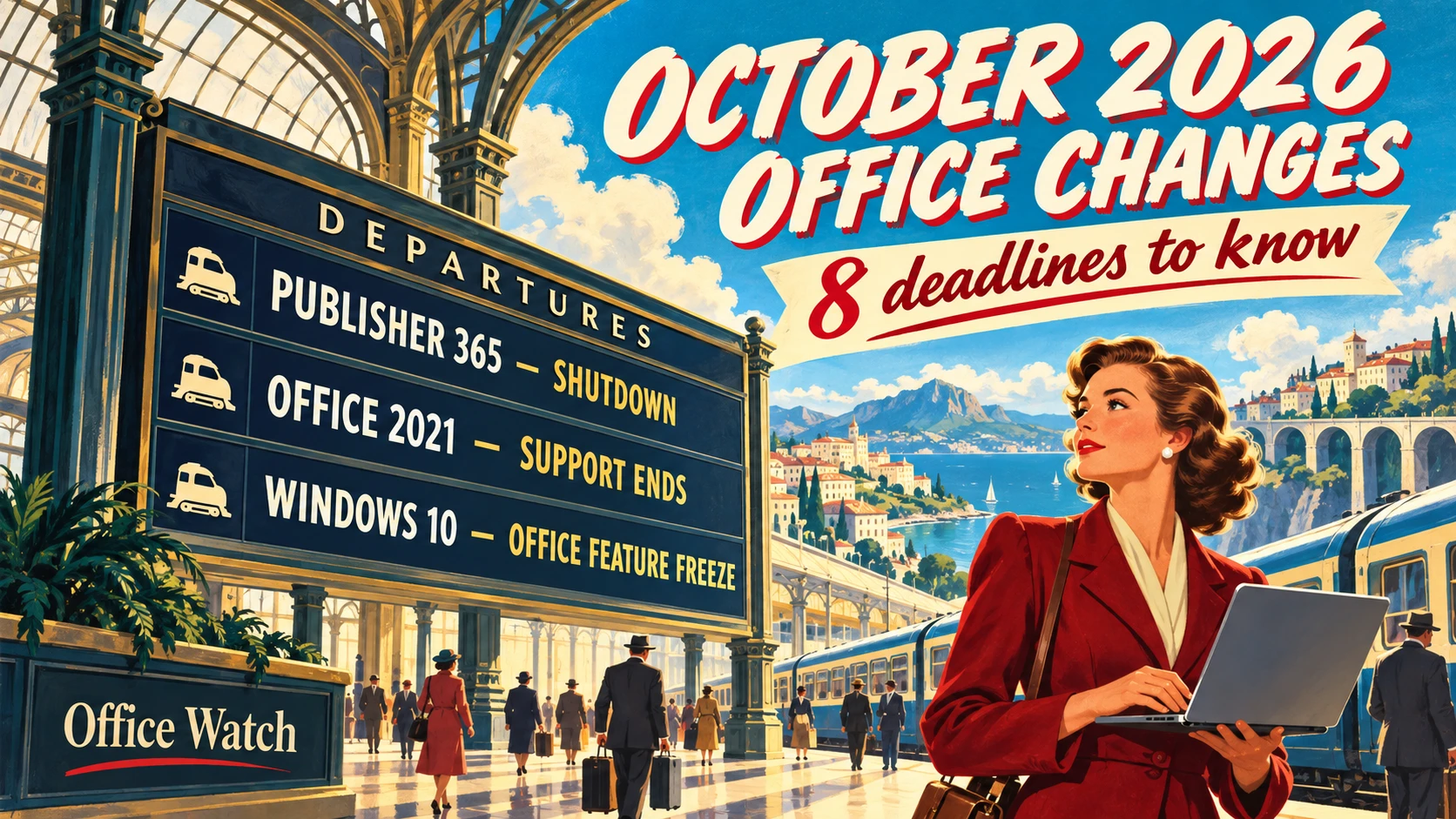
Microsoft is set to permanently disable Publisher 365 for Microsoft 365 subscribers on October 13, 2026, not just end support, with a hard “kill switch” that will block opening or editing .pub files after that date. This aggressive move means the desktop publishing tool will stop functioning entirely for subscription
Microsoft Publisher will officially be discontinued in October 2026, marking the end of a decades-old desktop publishing tool used by millions. Depending on the Publisher version it will either stop working or keep running but without updates. If you rely on Publisher for newsletters, brochures, or other design projects, now
Microsoft is finally removing one of the most frustrating email-composition interruptions in Outlook for Windows. The automatic “/” Context IQ file suggestion, an intrusive prompt that often appears whenever users type a slash, is on the way out. Of course, Microsoft can’t admit it made a mistake and has ‘weasel
Need to insert the square root symbol (√) in Microsoft Office? Whether you’re working in Word, Excel, PowerPoint or Outlook, there are several quick and easy ways to add √ to your document, spreadsheet or email. From keyboard shortcuts and Alt codes to Equation tools and symbol menus, here’s how
There’s now a fix for a Microsoft Word security bug that’s been actively exploited “in the wild,”. The flaw could allow attackers to execute malicious code through an opened Word document, putting unpatched systems at risk. Plus an important update to a core part of Windows 11 security is rolling
Microsoft 365 has added more accessiblity features into the Office Math or Equation part of Office. More keyboard shortcuts, better screen reading and paste options. These recent improvements in Microsoft 365 for communicating and collaborating with math were developed in collaboration with the DAISY Consortium, researchers, educators, instructional designers, and
Creating clean, professional-looking stacked fractions in Microsoft Office is easier than many users realize, if you know where to look. The built-in Equation feature lets you insert vertical (stacked) and other fractions quickly, without hacks or manual formatting. Here’s the fastest and most reliable way to add proper mathematical fractions
Microsoft talks about “Office Math” in Microsoft Office but you won’t find that name in Word, Excel, PowerPoint or OneNote. We explain where to find “Office Math” and why it appears under the name “Equation” in Microsoft 365 or Office. Also how to convert “Equation Editor” formulas into modern “Office
Olympic style medal tables (Gold, Silver, Bronze) can be rank correctly in Excel including allowance for joint or equal results. This guide shows how to build an accurate Olympic style rankings table in Excel that match how medal standings are officially calculated. 🥇🥈🥉 VBA and Lambda code included. Use this