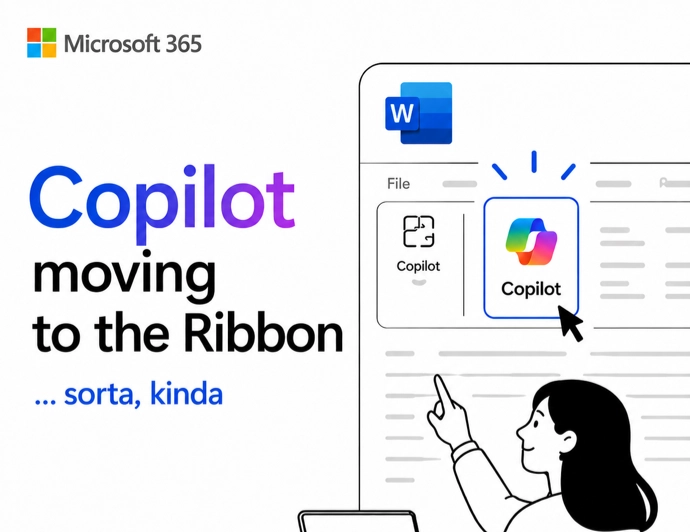
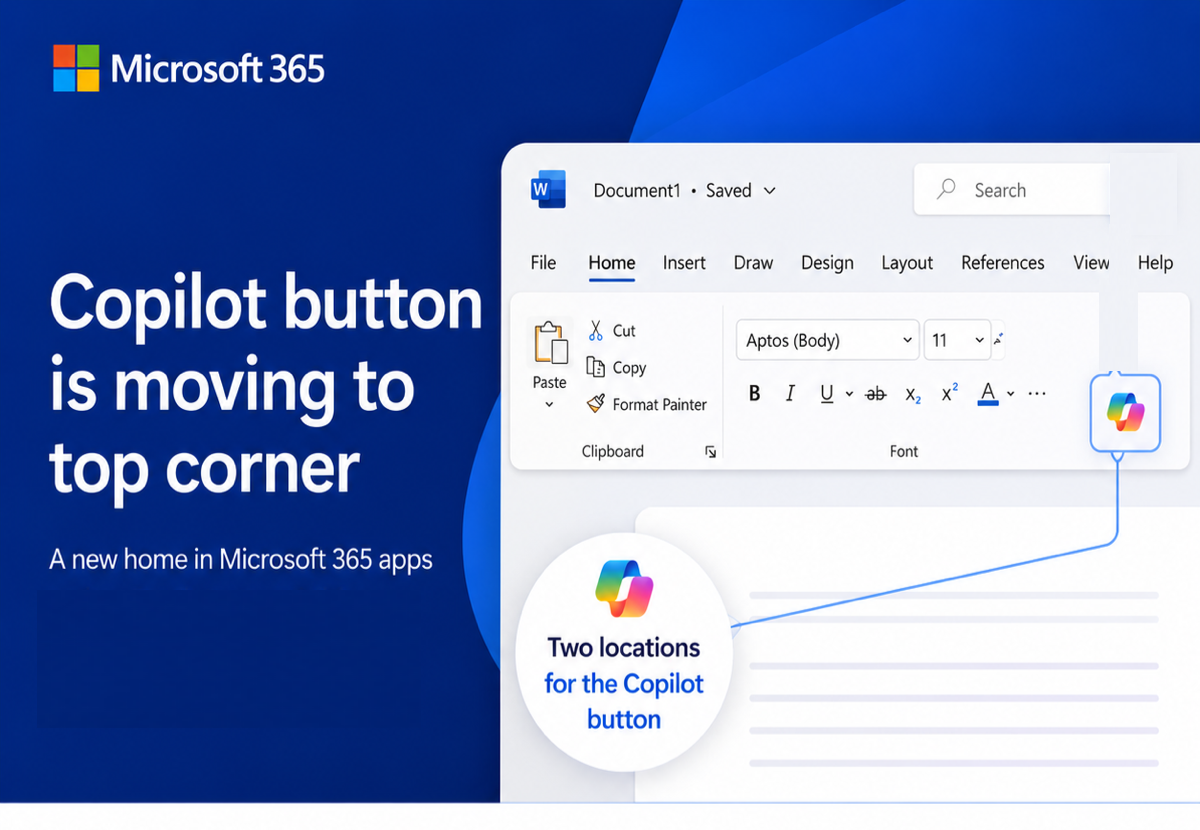
Here’s how to stop Copilot prompts appearing in your documents, sheets and slides. Microsoft 365 customers are now seeing “Copilot Clutter” appearing in their Microsoft 365 apps, Word, Excel and PowerPoint. There is now a way to Disable Copilot available to some Microsoft 365 customers A Microsoft executive expressed surprise
What to do if you see one of those ‘square barcodes’? How can you convert that into something useful like a web link or phone number? You see them in ads, signs, billboards, test and trace signs and even menus – little square blobs like this: What are QR Codes and how
Adding barcodes and QR codes into Word documents and mail merges is remarkably easy though hidden from view for no good reason. There are two unlisted field codes that drop barcodes or QR codes into a Word document. No need for special fonts, calls to web sites, VBA code or
Create and save custom sort orders for Word, you easily apply them when list changes. You can also set up different sort orders that can be applied with a single click, streamlining your workflow and enhancing efficiency. Brian D writes with a question about custom sorting a table, in his
Microsoft Word in a browser now has Copilot appearing more often than before, making things worse for their paying customers. Stunningly ignoring customer complaints about Copilot interrupting Word documents, Microsoft has chosen to make their AI service MORE intrusive. If you thought Microsoft could not make Copilot worse in Microsoft
There’s important change in the way Microsoft handles browser logins to Microsoft accounts. If you’re using someone else’s computer or a public terminal, you need to know about this new security hole. Whenever you’ve signed into a Microsoft account for a web site, you’ve almost certainly seen this box. Stay
Stopping predictive text in Word 365 for Windows, Mac or Web is quite simple, once you know where the switch is hiding. We’ll go beyond that to explain all you need to know because the basic tip doesn’t tell the whole story. Predictive Text adds some suggested text ahead of
Word’s grammar checker is good, very good but it’s not perfect. Here’s the latest example of wrong advice under that blue underline. Office Watch reader, Simone J from Berlin sent us this English language anomaly in Word. “Your Latin and calligraphy skills are some of the best I’ve even seen”
Ignore the clickbait headlines and social media experts, Microsoft Word still has a Thesaurus feature. A slightly related feature has gone but Synonyms is still alive and kicking. Here’s Word’s Thesaurus or “Synonyms” still in Word 365 using Microsoft’s example word. And here’s Synonyms in Word 2024, using a more
Microsoft is slowly adding an option to disable Copilot AI from their Microsoft 365 apps, Word, Excel and PowerPoint. Here’s what you’re supposed to see on your computer, but won’t necessarily. An option to disable Copilot is being rolled out to Microsoft 365 for Windows and Mac. First in Word
AI technology without limits is available in Microsoft Office with Copilot Pro. AI features are integrated into Word, Excel, PowerPoint and Outlook for personal customers. Here’s how to get Copilot Pro and the secrets to getting it working. Copilot is Microsoft’s name for their AI based cloud services. They have
Microsoft 365 customers around the world are waking up to a new look in their Word, Excel, PowerPoint and Outlook apps. It’s part of Microsoft’s huge changes to Microsoft 365 Family and Personal plans which include a very limited Copilot AI service and a big price rise. Microsoft 365 users
All your choices for deleting or hiding comments in Word documents. An essential step before sending a document out. Comments in a Word document are really great for making side-notes or even discussions between people working on a shared document. It’s also great for adding your own notes to a
Microsoft 365 Family and Personal plans are getting Copilot AI integration into their Office apps but it comes with a big price increase and many limits to what people get for the extra cost. Customers in Australia, New Zealand, Malaysia, Singapore, Taiwan, and Thailand have seen massive prices rises in
You can now add images to your Copilot prompts / questions in Word and PowerPoint. Why bother with images? Well, they can save you time, help Copilot understand your requests better, and improve the accuracy of its responses. Whether you’re asking about a specific object or scene, images can clarify
Word field codes let you add automation or automatic content into documents. A simple example is the { DATE } field, which inserts the current date into a letter but there’s a lot more possible. Chances are good that you’ve already used field codes and not realised it. Date, PrintDate,
Microsoft Word’s English dictionaries can be confusing because they don’t always mark incorrect spelling differences between US and UK English (like color/colour). We did some tests with surprising results. English spellings can get screwy as you move between countries and there’s a lot more overlap than many people realize or
How and why to remove words from the main Microsoft Word dictionary. The Office Exclusion List ensures a red squiggly underline appears to warn you about an unwanted word. Sometimes the supplied Office dictionary has words you don’t want or you’d like a warning about. Here’s how to put the
Outlook (new) for Windows doesn’t support Mail Merge from Word. Just one of the many limitations of that software which is still a work in progress. We’ve heard from a few people that Microsoft has ‘dropped’ mail merge from Word but that’s not true. Word’s Mail Merge has been there for decades
If Word doesn’t recognize personal words such as your name, the name of your hometown or the name of your favorite actor, it flags it as a mistake with the familiar red squiggly line. Here’s how to fix that. You can choose to add your words to the app’s custom
Word can do simple calculations because Word for Windows has its very own built-in calculator. Calculate in Word has some nice tricks but also problems and traps. Type a calculation, hit the button (see below) and the result appears in the status bar AND it’s loaded into the clipboard ready
How to get greater accuracy out of Word’s in-built calculator. Recently, we unearthed Word’s hidden calculator. Word rounds its calculator results to two decimal places. This time, we’ll take a look at the two ways to improve the accuracy of Word calculator results. Use an old maths trick or change
You haven’t heard about it? Don’t worry, even Microsoft has no information about this feature, unless you dig way back into its archives where you’ll find that the calculator – which formerly held a prominent position on the Tools Menu – was driven underground in Word 6.0 to make way
Pantone’s color of the year for 2025 is “Mocha Mousse”. You can use that exact color in Word, Excel, PowerPoint, Outlook and Designer using the Hex/RGB color code. And we’ll look at the flowery prose that’s become a hallmark of this annual promotion. The color of 2025 is … Mocha