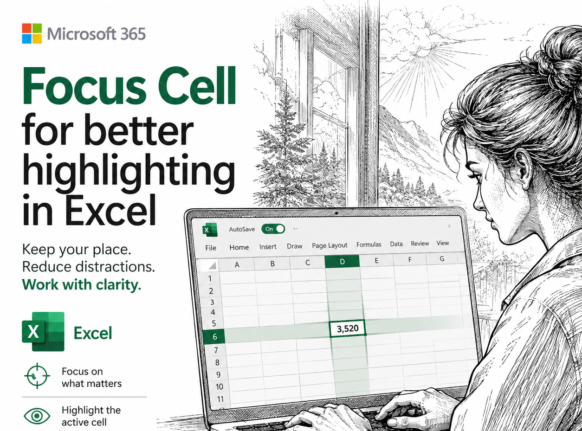
Excel 365 Focus Cell: Highlight the Row and Column You Are In
Typing a number into the wrong row is one of the easiest mistakes to make in a large worksheet and one of the hardest to spot weeks later. Excel’s Focus Cell fixes that by shading the entire row and column of whatever cell you click on, so the right cell is always obvious. It is […]

Claude’s Opus 5 model in Microsoft 365 apps
Another day, another AI model. At least that’s how it seems. Just between Anthropic’s Claude, OpenAI’s ChatGPT, and Microsoft’s own MAI models, there’s a constant flow of new and updated AI models for Microsoft 365 apps. Be aware of changes in AI models because the new software can behave in a different way. Sometimes better, […]

Which Copilot Model Should You Use in Excel? Auto, GPT or Claude
Excel now lets you choose which AI model powers Copilot, but Microsoft does a poor job of explaining what each one does. The Copilot model picker in Excel offers Auto, two OpenAI GPT models and two Anthropic Claude models. Here is which Copilot model to leave selected for everyday work, and when it pays to […]

July 2026 Patch Tuesday: 570 Fixes and a Critical BitLocker Flaw
Microsoft’s July 2026 Patch Tuesday is one of the biggest on record, with a massive 570 bug and security fixes landing on your Windows, Microsoft 365 and Office machines. One buried fix is critical: a BitLocker bypass that let thieves open an encrypted drive without your password or recovery key. Here’s what to patch, when […]

Edit SVG colors in Word, Excel and PowerPoint the Easy Way
Microsoft Office lets you drop an SVG graphic into Word, Excel or PowerPoint, then recolor the whole thing and nothing more. Want the circle orange and the bar black? The fix is simpler than you would guess: open the SVG in Notepad or any plain text editor, change a few color values, delete or hide […]

Better Than Flash Fill: 4 Smarter Ways to Split Text in Excel
Excel’s Flash Fill has a fatal flaw: it forgets. Flash Fill runs once, on the rows in front of it, and then it’s done. Edit a cell, add a row or refresh the data and nothing updates. Excel now has four alternatives all better ways to split or join text that stick around and keep […]
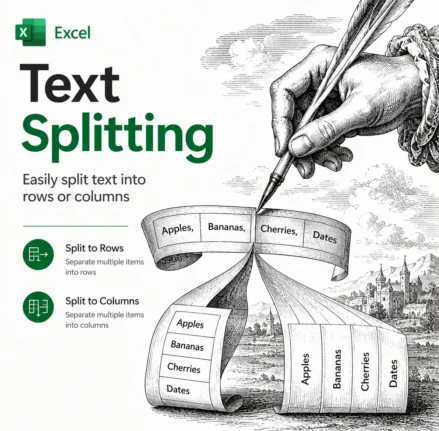
Split Text in Excel the Easy Way: TEXTSPLIT, TEXTBEFORE and TEXTAFTER Explained
Splitting text in Excel used to mean wrestling with nested LEFT, RIGHT, MID and SEARCH formulas. Not any more. Excel 365 and Excel 2024 have three functions that do the job in one step: TEXTBEFORE, TEXTAFTER and TEXTSPLIT. TEXTBEFORE grabs everything before a delimiter, TEXTAFTER grabs everything after it, and TEXTSPLIT breaks a whole string […]
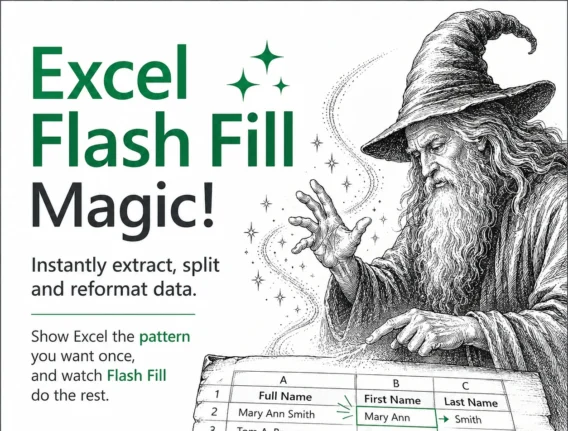
Excel Flash Fill Magic: Split, Join and Reformat Text Fast
Excel Flash Fill is one of the fastest ways to split, join and reformat text in Microsoft Excel without writing a single formula. Type one or two examples of the result you want and Excel spots the pattern, then fills the rest of the column automatically. It works on Windows and Mac in Excel 2013 […]
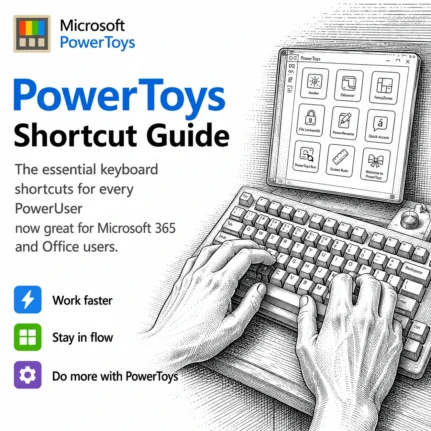
PowerToys Shortcut Guide Now Works With Word, Excel and Outlook
Microsoft has rebuilt the PowerToys Shortcut Guide, and this version finally earns a place in every Microsoft 365 or Microsoft Office user’s toolkit. Instead of a generic list of Windows shortcuts, the guide is now app aware. Open Word, Excel, Outlook classic, PowerPoint, Access, OneNote, Project, Publisher or Visio, and the guide instantly shows the […]
Random Numbers in Excel: RAND, RANDBETWEEN and RANDARRAY Explained
Random numbers in Excel are easier than most people think, and you have three main tools to choose from: RAND() for decimals between 0 and 1, RANDBETWEEN() for whole numbers in a range, and RANDARRAY() for filling whole blocks of cells at once. This guide shows you how to make random numbers in Excel for […]

Microsoft 365 Workplace Discount Program: Get 30% Off, Even After You Quit
The Microsoft 365 Workplace Discount Program (WDP) cuts 30% off Microsoft 365 Premium, Family and Personal for employees of companies and government agencies that buy Microsoft volume licenses with Software Assurance. Formerly the Home Use Program, the WDP is now simple to claim: enter your work email, verify, and link your personal Microsoft account. Even […]

Best Copilot AI Model for Excel: A Plain English Guide
Excel lets you pick which AI model Copilot uses, and the list keeps growing: various GPT options, two Claude Opus and the heavyweight Claude Fable 5 (maybe). If you do not understand the difference, you are not alone. This plain English guide explains what each Copilot AI model for Excel is actually good at, when […]

Excel SUMIF Function: Add Up Only the Numbers You Want
The Excel SUMIF function adds up only the numbers you choose, not everything in a range. Plain SUM() totals every cell with no filter, which is fine until you need the sales for one person, one month or one product. SUMIF fixes that by letting you set a condition first, then adding only the matching […]

Best AI for Spreadsheets: Why Claude and ChatGPT Beat Gemini and Copilot
Looking for the best AI for spreadsheets? We asked the four major AI sites, ChatGPT, Claude, Google Gemini, and Microsoft Copilot, to build the same spreadsheet and the results split cleanly down the middle. But Claude and ChatGPT show an instant spreadsheet preview with every answer, so you can check the result before asking for […]
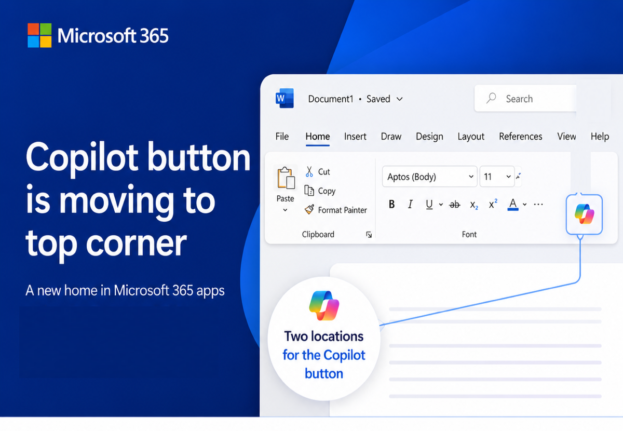
Microsoft’s Copilot ‘Move to Ribbon’ Arrives, But Not as Promised
Microsoft’s much hated Copilot button finally has a way to get out of your way, and we’ve found the first real world example running on a live machine. The promised “Move to Ribbon” choice has arrived in Word, Excel and PowerPoint, but it’s not quite what Microsoft pledged. Instead of a proper ribbon button you […]
Why Copilot Doesn’t Know Your Microsoft 365 Version
Copilot inside your Microsoft 365 apps can’t reliably tell you which version, build, or platform it’s running on. Ask Copilot which Microsoft 365 version you have and you get one of two answers: a vague “I don’t have access to that,” or a confident reply that’s flat wrong. That’s not a small quirk. It means […]









