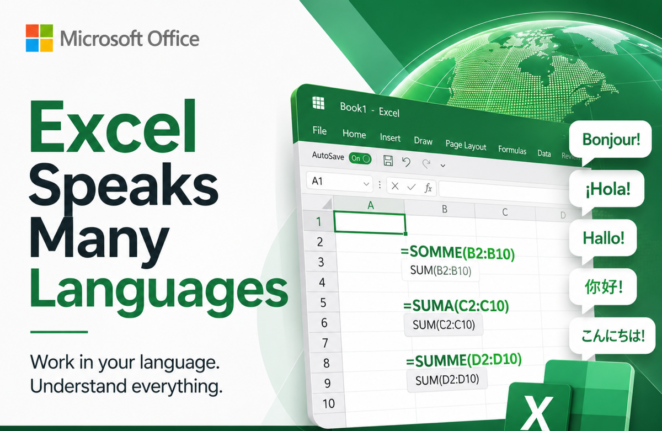
Why Excel Formulas Always Work When You Share Files Across Language
Excel formulas translate automatically when you share a workbook across languages, and most users never know it’s happening. Whether a colleague opens your file in French, German, Spanish, or Italian, they see the formula names in their own language. This quiet translation system is why an Excel workbook built in one country opens without errors […]
What’s Really Inside a Word, Excel, or PowerPoint File (And How to See It)
Every Word, Excel, and PowerPoint file you save is actually a ZIP archive packed with small XML files. That means you can crack open any .docx, .xlsx, or .pptx file using nothing more than Windows Explorer or a free compression tool, no special software required. Whether you want to see which fonts are embedded in […]
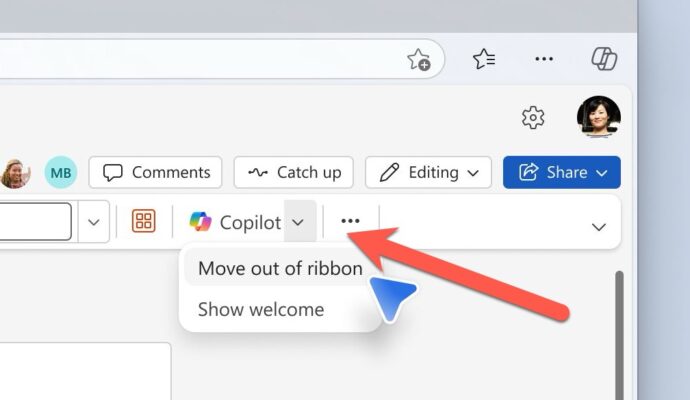
Microsoft Fixes the Annoying Copilot Button with ‘Move to Ribbon’ Option
Microsoft has quietly added a “Move to ribbon” option to the much hated Copilot Dynamic Access Button in Word, Excel and PowerPoint, after a wave of customer complaints about the floating button cluttering every document, workbook and slide deck. The fix gives paying Microsoft 365 customers a way to push Copilot back where it belongs […]

KeyTips Explained: The Fastest Microsoft Office Keyboard Shortcuts You Already Have
Wanna be a better, faster Office user? Impress your friends? Be the envy of women and men for miles around? Use simple keyboard shortcuts, called KeyTips, that you don’t have to memorize because they are on the screen. Instantly access Ribbon commands in Word, Excel, PowerPoint, and Outlook for Windows or Mac. Save time and […]
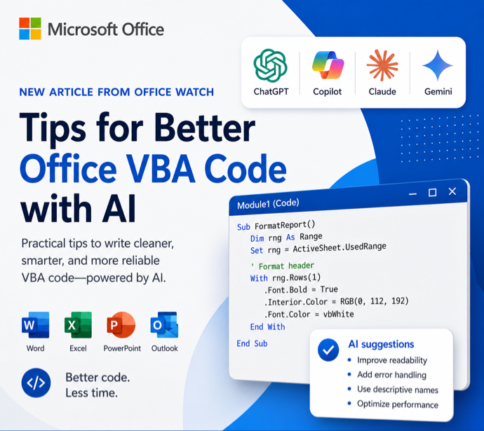
How to Get Office VBA Code from any AI (4 Smart Prompt Tips)
Asking ChatGPT, Copilot or any AI to write Office VBA code can save hours, but only if you prompt it the right way. These four practical prompting tips help you get cleaner, working VBA for Word, Excel, PowerPoint and Outlook on Windows or Mac, with fewer rewrites and far less debugging. Use them whether you […]
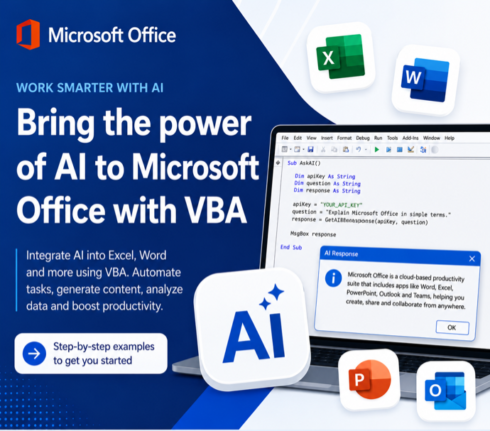
Write Office VBA with ChatGPT or any AI Real Examples That Work in 2026
ChatGPT, Copilot, Claude and Gemini can all write Microsoft Office VBA code for you, and they have improved dramatically. Ask any modern AI to write a Word macro, an Excel automation, a PowerPoint slide builder or an Outlook search routine and you will get working code in seconds. We tested the same four prompts we […]
3 Easy Ways to Get an X Symbol in Word and PowerPoint
Need to drop an X symbol in Word or PowerPoint to cross something out, overlay a “don’t do this” graphic, or just mark a spot? Microsoft Office gives you two solid sources built right into the apps, plus a fourth option that opens up the entire web. Each one comes with tradeoffs around transparency, sizing […]
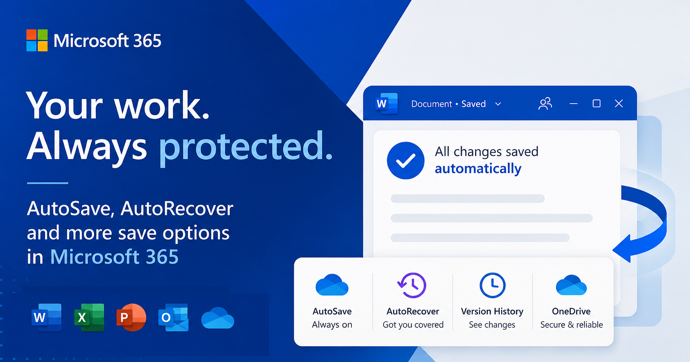
AutoSave vs AutoRecover in Microsoft Office: What Each One Actually Does to Save Your Work
AutoSave and AutoRecover sound like the same thing, but in Microsoft Office they do very different jobs, and only one of them is a real save. If you use Word, Excel or PowerPoint every day, knowing the difference is the line between recovering a crashed document and watching hours of work disappear. This guide breaks […]
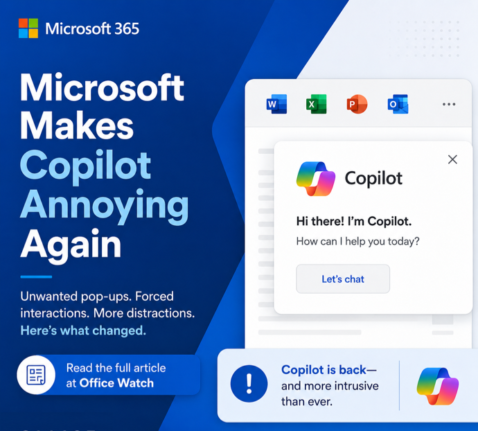
Microsoft buries the Copilot button and floats a nag in its place
Microsoft has quietly removed the Copilot button from the Home tab in Word, Excel and PowerPoint and replaced it with a permanent floating icon at the bottom right of every document, sheet and slide. You cannot turn it off. You can only shrink it. We explain how this annoyance works, why Microsoft is doing this […]
Build a Better Excel Workbook with Copilot: Smarter Prompts, Stronger Results
Microsoft Copilot in Excel can build a worksheet in minutes, but a little human planning turns a good demo into a workbook you can actually trust and reuse. We show how smarter prompts, better planning and more examples produce a future-proof Excel workbook that handles more situations, expands as new rows are added and includes […]
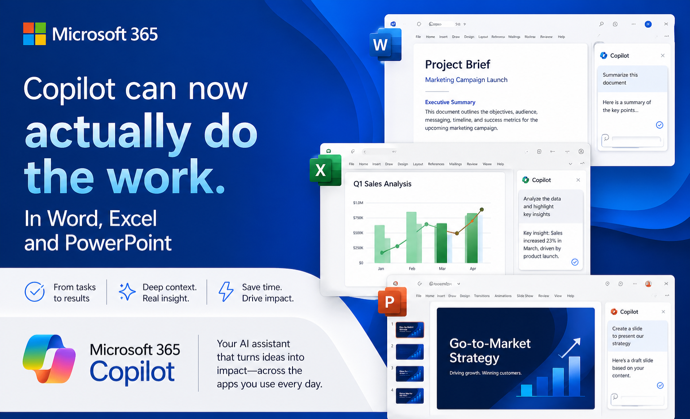
Copilot Can Now Actually Do the Work in Word, Excel, and PowerPoint
Microsoft has quietly flipped a major switch. Copilot Agent Mode is now the default experience in Word, Excel, and PowerPoint. It works very differently from the Copilot you may have ignored until now. Instead of suggesting what you should do, it actually works on your document, spreadsheet, or presentation and makes changes itself. You describe […]
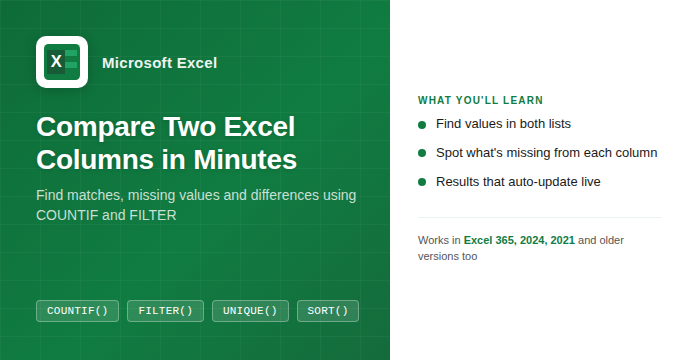
How to Compare Two Columns in Excel: Find Matches and Missing Values Fast
If you have two lists in Excel and need to know what they share or where they differ, you are in the right place. Whether you are cross-checking a customer list against an invoice log, comparing a product catalog to a stock count, or reconciling two batches of data, Excel has a handful of formulas […]

Microsoft Dials Back Copilot in Windows, Will Microsoft 365 Get the Same Treatment?
Microsoft is said to be dialing back Copilot in Windows, so it’s only fair to ask, will Microsoft Office get the same treatment? As Copilot’s promises and over-hype collide with reality, Office users can only hope for better AI that’s not ‘in your face‘. Microsoft now claims it will dial back Copilot’s heavy-handed presence in […]

How to Type Male ♂ Female ♀ and Both ⚥ Gender Symbols in Microsoft Office
Need to add a gender symbol to a Word document, Excel spreadsheet, or Outlook email? Microsoft Office supports all three main gender symbols: Male ♂, Female ♀ , and the combined symbol ⚥ . Both in Office for Windows and Office for Mac. Whether you are labeling a form, a chart, or a scientific table, […]

Microsoft Kills Free Copilot Chat in Word, Excel and PowerPoint: What Happens on April 15
Microsoft is switching off free Copilot Chat inside Word, Excel, PowerPoint, and OneNote for millions of Microsoft 365 business users starting April 15, 2026. Unless your organization pays for a full Microsoft 365 Copilot license, the AI chat panel that appeared in those apps will either vanish completely or be throttled to second-rate performance. Microsoft […]

Windows 11 Update Breaks Word, Excel and Office Sign-In: What to Do Now
A faulty Windows 11 update released on March 10, 2026 broke sign-ins for Teams Free and what Microsoft called “other apps”. Those “other apps” included Microsoft Word, Excel, OneDrive and Edge! If you use a personal Microsoft account and got a fake “no internet” error when trying to open Office apps, even though your connection […]









