Connected Experiences now in Office 365
Microsoft has something ‘new’ in Office 365 they call ‘Connected Experiences’. It’s really a new, fancy name for things we already have. Connected Experiences is the new catchphrase for the cloud services already in Office 365 software or apps. It’s the various features which require customer data sent to Microsoft’s servers. According to Microsoft: “Office […]
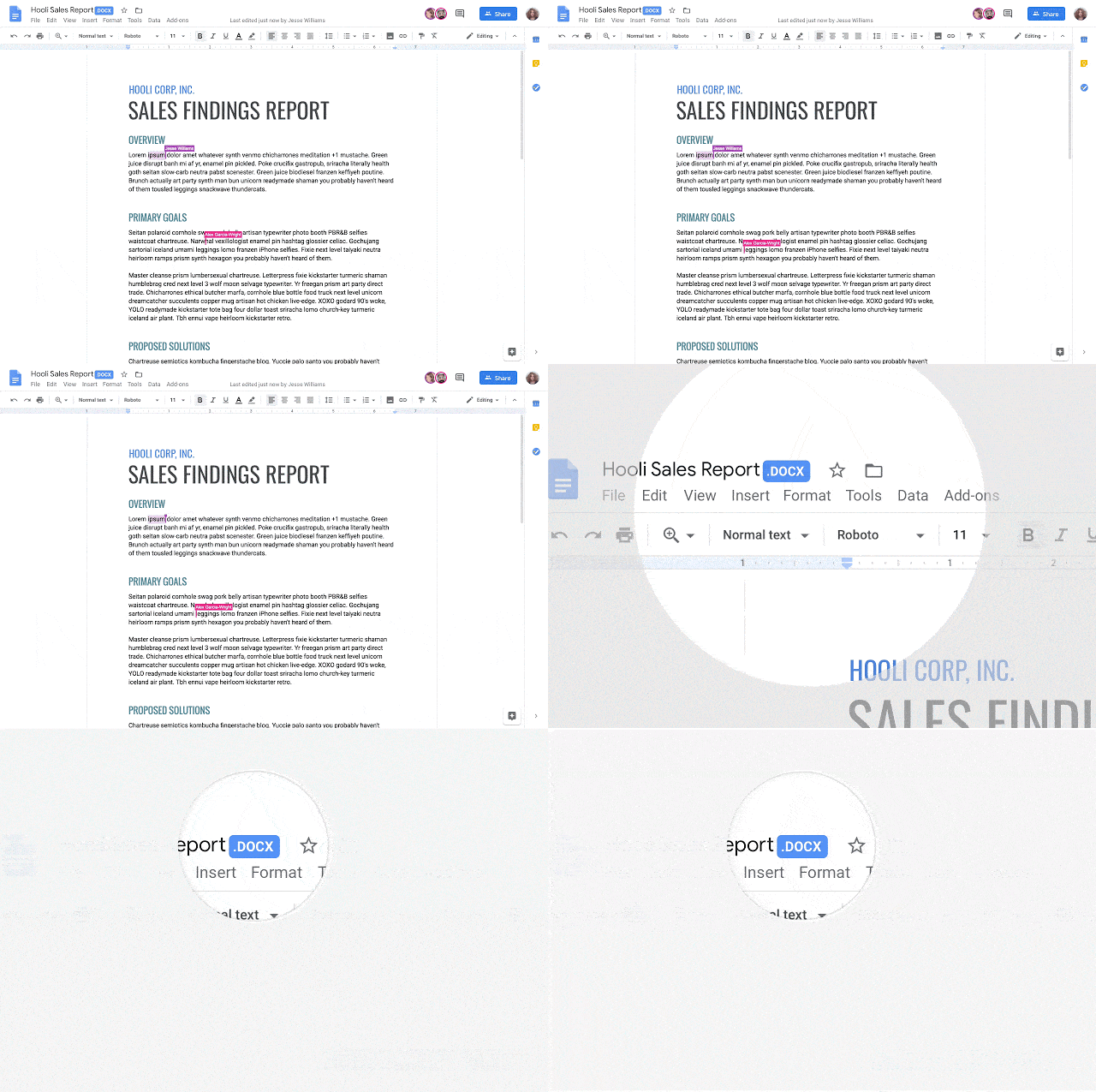
Google’s G Suite gets direct Word, Excel and PowerPoint doc support
Google has announced that their G Suite customers will be able to edit and collaborate with Microsoft Office documents. It will be available to all G Suite users by the end of May 2019. Source: Google. Until now, a clumsy Office compatibility app for Chrome allowed Microsoft Office documents to be edited in Google Docs, […]
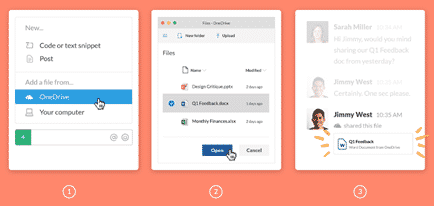
Slack gets better Office 365 and OneDrive support
Slack, the popular collaboration service, has added better integration with Office 365 hosting and OneDrive. Office 365 tools were inevitable because Microsoft now has Teams, its own rival to Slack. There are two new tools, Outlook email and calendar plus nice previews of Microsoft Office documents. Office document preview Now included in Slack is better […]
Microsoft gives out less information about Office bug fixes and patches
Microsoft has never been great about documenting patches and bug fixes but this month they have sunk to a new low. Maybe it’s a delayed April Fool’s prank with Microsoft ‘taking the Mickey‘ or treating Office customers with contempt? Sustained Engineering isn’t sustained Maintaining Office software is the thankless job of the Office Sustained Engineering […]
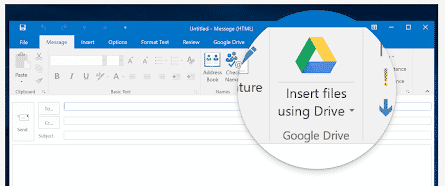
Google Drive plug for Office ending soon
The current Google Drive plug-in for Microsoft Office will stop working near the end of June. There’s an improved update already available for some customers and an alternative for the rest. If you’re using the Google Drive plug-in, you’ll start seeing a warning about the plugins death on 26 June 2019. Source: Google There are […]

New Office icons start appearing … yawn
Updated Microsoft Office 365 icons have started appearing in the preview ‘fast track’ Office 365 for Windows and we could not be more excited. No … not really. When it comes to changed Office icons; if we were more apathetic, we’d be in a coma. Office 365 icons for Word, Outlook, Excel and PowerPoint on […]
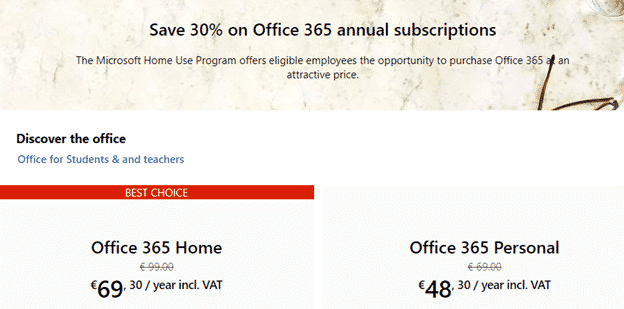
Big savings with the new Office Home Use Program – 2019 style
The Microsoft Office Home Use Program (HUP) is a great way to save on Office 365 or Office 2019 for employees of many companies, organizations, governments and even some military personnel. Here’s details on the savings possible with the recent changes to the HUP. What’s changed? The Home Use Program (HUP) is changing to the […]
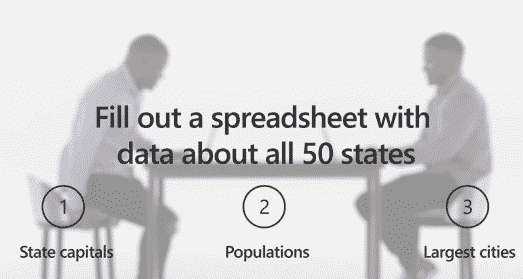
Microsoft highlights how they shortchanged Office customers
The latest Microsoft Office promotion is a rare example of an ad which shows how a product was deliberately crippled with less features. The ‘Twins Challenge’ is a series of very selective videos that are supposed to highlight differences between Office 2019 (single purchase, less profitable for Microsoft) and Office 365 (annual payment, highly profitable). […]

New Office 365 Save option ain’t so bad
Office 365 is getting yet another way to save a document and it’s not as bad as the advance publicity suggested. We’ve now had a chance to use the new Save dialog ourselves and it’s not another attempt to force customers to OneDrive. The change is now available for Office Fast Insiders and eventually all […]

Wiping drives or shredding files in Windows
Here’s a quick and easy way to totally erase file, folders or free disk space so there’s no trace of the original data. Also erasing an entire drive before handing over or selling. As you may know, deleting a file doesn’t really remove it from your computer. Even after deleting from the Recycle Bin, the […]
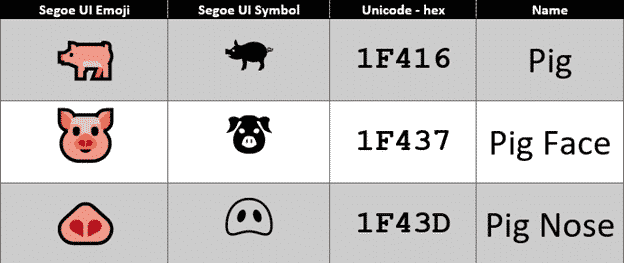
Have a happy Year of the Pig emoji in Word and Office
It’s the Chinese Year of the Pig and there are some symbols in Word, Excel and PowerPoint to mark the occasion in Office for Windows or Mac. The Unicode standard has three Pig related emoji, Pig, Pig Face and Pig Nose. Once you know the names or hex value, they can be found with the […]

Google Translate with Office documents
If the Translation options in Microsoft Office don’t do it for you, try the Google Translate full document translation option instead. For a long time, Google has a word and text translation between languages. The app is a godsend to travelers around the world, and the locals dealing with them! Entire Office documents can also […]

Live subtitles and translation in PowerPoint – how it works
Adding automatic subtitles with optional translation to presentations is a step closer with the latest PowerPoint 365 for Windows Insiders release. Last month we told you about this promised addition to PowerPoint and now we can see it working compared to Microsoft’s promises. At the moment it’s just PowerPoint for Windows, Insiders. Subtitles will spread […]

Office memory leak finally patched by Microsoft
An astonishingly simple security breach in Microsoft Office has finally been patched two months after Microsoft confirmed the problem. The unanswered question, why did it take so long to discover it? Mimecast.com discovered the ActiveX memory leak back in November 2018 and told Microsoft. Two months later Microsoft fixed the problem in their January 2019 […]

Make your own ‘Snow Flakes’ posters in Word or PowerPoint
The British Army has new recruitment posters for Millennials or ‘Snow Flakes’. Make your own versions in Microsoft Office with either Word or PowerPoint. The campaign targets “snowflakes”, “millennials” and “selfie addicts” with a call-back to the famous Lord Kitchener “Your Country needs YOU” poster. Here’s our re-creation in Microsoft Word as it might appear […]

New Office app coming to Windows 10
Microsoft is replacing the current ‘My Office’ gateway app with a new ‘Office’ app for Windows 10. The Office app is a gateway to your Word, Excel, PowerPoint documents plus Outlook, OneDrive and SharePoint. Source: Microsoft The official Microsoft blurb: ” Quickly switch between apps. See all your Office apps in one place and switch […]








