If you have Microsoft 365 Classic, watch for a sneaky Microsoft trick to make you pay more. They are automatically renewing Classic plans to more expensive Microsoft 365 plans without notice. That’s not just tricky but possibly illegal. We’ll explain how to keep Microsoft 365 Classic or complain if it’s
Picking a font in Microsoft Word or PowerPoint can be confusing, especially with the existing long, long menus. Now, Microsoft 365 offers a new, easier font picker in two web apps. The new font menu has better search and simple organization, finding the right style for your document or presentation
Use Microsoft Designer to make compelling but effortlessly professional titles for Word documents, sheets or slides. We’ll explain how to do it, not the simplistic way that Microsoft hypes, but how Designer works in the real world. Start a banner, tweak sizing, customize fonts and colors, then seamlessly insert your
Miss the classic WordArt from Word’s glory days — the arched text, the rainbow slopes, the wavy headlines that screamed “1990s”? Those old gallery styles are still alive inside every modern version of Word, including Word 365 and Word 2024. They’re just well hidden. Here’s the simple compatibility mode trick
Microsoft has begun rolling out Python in Excel—the powerful integration that allows users to write Python formulas directly inside Excel—to Microsoft 365 Family and Personal subscribers. That’s great news because Python adds a lot to Excel, making available a lot of features that previously Excel users could only dream about. What’s
Excel 365 has access to the Python language and packages. We’ll explain what that means, who gets it and why Python in Excel is a big deal. Python is a high-end and widely used programming language with many features in its many packages or add-ons. It’s this last bit that
Sometimes whole folders or files seem to disappear from a Windows computer. Here’s how to find them again including places that Windows doesn’t normally check. Open Explorer and look for the “This PC” label that’s lower down the left-side menu, or type “This PC” in the address bar. This PC
The BBC has published a good history of the famous “Keep Calm and Carry On” poster from World War 2 but missed what, to us, is the most important 21st Century innovation. When “Keep Calm and Carry On” first became popular, we saw the opportunity to showcase what Word and
Microsoft has officially warned all Microsoft 365 customers to update Office—or risk losing handy features like Read Aloud, Transcribe, and Dictate. Most people will already be OK but it’s worth checking to make sure. Microsoft is totally revamping the backend services that powers the voice related parts of Microsoft Office;
OneDrive isn’t just used for documents and photos. Microsoft saves a lot of related files in secret, hidden folders taking up the space customers pay for and preventing proper backup. Let’s look at the messy mix of things hidden in OneDrive and other Microsoft online locations. You can see what’s
Looking for a way to revert to classic Outlook after trying the new Outlook for Windows? This guide provides step-by-step instructions on how to switch back to classic Outlook, explains how both versions are probably on your PC. If you’ve tried the new Outlook for Windows and wish to return
If you’re wondering why a contacts address change in Outlook doesn’t stick, you’re not alone—many Outlook users face this frustrating issue. There are three possible reasons starting with a little known quirk in how Outlook saves email addresses. An Office Watch reader asks why Outlook keeps remembering an old email
Worried about losing files in OneDrive or getting locked out of your Microsoft account? You should be worried. Reading about one horrifying OneDrive experience. Here’s what you need to know about keeping your data safe, why regular backups matter. Discover practical tips to protect your files and avoid the common
The upcoming end of Microsoft Publisher has left many loyal paying customers searching for answers and ways to express their frustrations. Here’s a realistic guide to the expectations and practical steps for anyone wanting to tell Microsoft how they feel about the end of Publisher Microsoft Publisher Ends in October
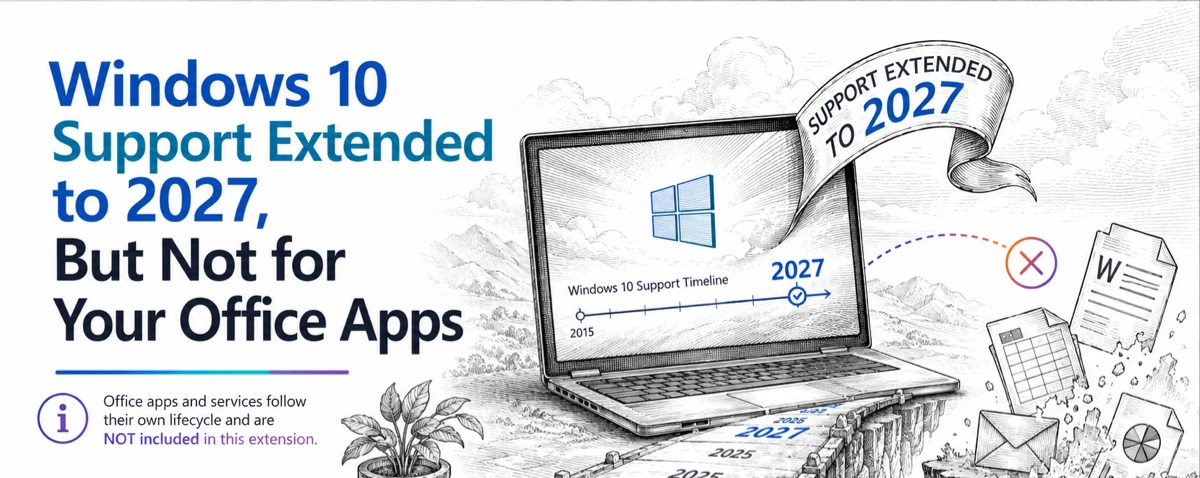
Microsoft quietly trims Windows 10 support for Microsoft 365 apps — As Windows 10 hits its official end‑of‑support on October 14, 2025. Microsoft 365 customers running on Windows 10 will get a lot less support time than Microsoft originally hinted. Their ‘fine print’ shortens full support from extra three years to less than one. Originally
Many common Excel functions have a great new power added to them with little fanfare. They can become dynamic array functions which improves the consistency of worksheets. It’s simple and easy to do. When Microsoft added dynamic arrays to Excel, all the focus was on the new functions like SORT,
The July 2025 security bug fixes list plugs another 137 problems found in Microsoft software. Some are really serious and need patching right away for all Microsoft 365 and Office users. BitLocker also gets some security fixes. This months load of Microsoft Office security updates includes a fix for a
For years, Exchange Server has a feature which can be used to infiltrate organizations. Only now that Direct Send is being exploited is Microsoft finally acting to warn customers and provide a way to turn it off. In other words, Microsoft is “closing the barn door after the horse has
There’s a mystery English grammar rule that any native speaker knows but probably can’t explain. It’s the order of adjectives before a noun (e.g why “Brown Big Cat” is wrong). The Microsoft Word grammar checks for this rule but doesn’t always ‘see’ or fix it. Adjective order is a mystery
OneNote Clipper is a quick way to save a web page so you can read it later. It can replace Pocket, the lovely clipping service that’s about to leave us. Pocket, the ‘read it later’ service, is ending on July 8, 2025. Pocket is/was a ‘ready it later’ service to
Take control of Microsoft 365 by learning how to enable or disable Copilot in each app—Word, Excel, PowerPoint, Outlook, and OneNote. This guide provides step-by-step instructions to customize Copilot settings per application and explains why sometimes you can’t turn it off. Copilot integration into Microsoft 365 is a mess. Microsoft
Microsoft has given Copilot in Excel 365 some smarts to choose the table or cells to work on. Previously, Copilot relied on the user’s selected cell to determine context, often defaulting to the nearest structured table. We explain how it works in the real world and the important limitation. Enter
OneNote Quick Notes is the fast way to add a short ‘jotting’, image or whatever. How a Quick Note is made varies a lot for each OneNote app; Windows, iPhone, iPad, Mac or Web. Windows Windows has shortcuts and a taskbar icon for Quick Notes In the OneNote app, go
OneNote offers an electronic equivalent to the ‘sticky note’ or side-note. Most OneNote demos show off the full-size pages with a full range of feature but Quick Notes is the smaller and faster part of OneNote for Windows. Let’s explore how to make a Quick Note, what they can do