Eye 👁 emoji in Word, Excel, PowerPoint and Outlook
How to insert the Eye 👁 emoji into Microsoft Word, Excel, PowerPoint or Outlook. Both in Office for Windows and Office for Mac.
Eye 👁 symbol is used for decoration “Look Here” or “See this”. Even as a fancy bullet point in Word or PowerPoint.
How Eye 👁 looks in different fonts.
Two Windows fonts have the eye symbol; Segoe UI Emoji and Segoe UI Symbol.

The Mac version (Apple Color Emoji font) looks like this …
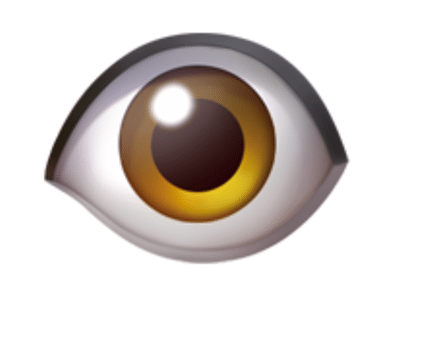
Eye 👁 codes
These are the important code numbers or values you’ll need to enter the Eye or 👁
Decimal: 128065 Hex: 1F441
Web 👁 or 👁
(web codes aren’t used in Microsoft Office, we’ve included them for the sake of completeness.)
Word and Outlook
The Eye 👁 sign does NOT have an inbuilt shortcut in Word.
Use the standard Word Alt + X symbol shortcut 1F441 then Alt + X
Once in a document you can copy it to AutoCorrect and make your own shortcut.
Word, Excel, PowerPoint and Outlook
Insert | Symbols | Symbol and look for the Eye symbol. It’s right next to another eye emoji Fun Eyes 👀.

Window 11/10 Emoji Panel
The Windows 11/10 Emoji Panel has the Eye 👁 character. Use Win + . (period/fullstop) to open the panel.
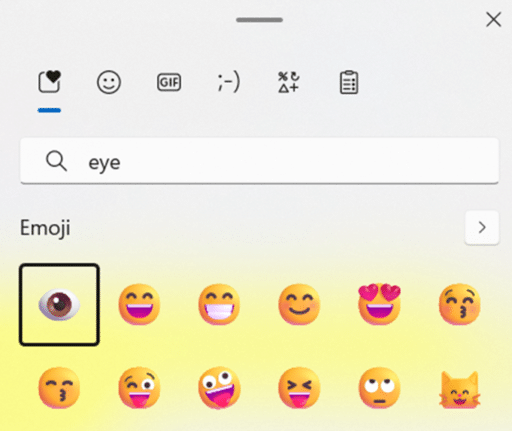
See Emoji Panel is part of Windows 11/10 that totally sucks
MacOS and Office for Mac inserting characters
On a Mac, to enter the Eye 👁 symbol:
- Command + Control + Spacebar shortcut to open the Character Viewer.
- Search for “ Eye “ and the Viewer should find the symbol you need.

Despite the name Character Viewer, the Apple system tool will also insert characters into any program, including Office for Mac.
Symbols and Emoji in Microsoft Office -Windows or Mac
Fun Eyes 👀 symbol in Word, Excel, PowerPoint and Outlook
Face with rolling eyes 🙄 emoji in Word, Outlook, Office
Grinning Face with Big eyes / Smiling Face with Open Mouth 😃 emoji in Office