
How to Type Eyes emoji 👀 in Word, Excel, PowerPoint and Outlook
Here’s how to type the Eyes 👀 emoji into Microsoft Word, Excel, PowerPoint or Outlook. We’ll show you every shortcut and insert method for both Windows and Mac, including the character codes you need. Eyes 👀 symbol / emoji is a bit of fun for documents and PowerPoint slides. Emoji and symbols can add personality to […]
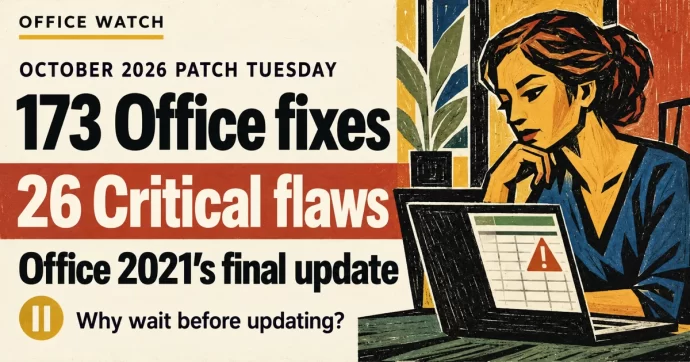
October 2026 Patch Tuesday: 173 Office Fixes, 26 Critical Flaws, and Office 2021’s Final Update
Microsoft’s October 2026 Patch Tuesday fixes 173 security flaws in Office, 26 of them Critical. Excel alone gets 69 patches, Outlook has five Critical bugs, and Office 2021 receives its very last security update. Here’s what you need to do right now — and why you should wait a week before installing. There is some […]
How to Pause Microsoft Office Updates After September’s Patch Bugs
Microsoft’s October 2026 Patch Tuesday arrives today, and after September’s rough round of updates including an Excel copy-paste bug that took two weeks to fix and other troubles, be cautious. Here’s how to temporarily pause Office updates on Windows and Mac so you can let others test first, without leaving your system exposed long-term. The […]

GPT 6.1 Sol and Claude Sonnet 5.5 in Copilot: What to Pick and When
Microsoft 365 Copilot now lets you choose two more AI models, OpenAI’s GPT 6.1 Sol and Anthropic’s Claude Sonnet 5.5 across Word, Excel, PowerPoint, Copilot Chat, Cowork, and Copilot Studio. Each model has different strengths, and picking the right one can save you time and give you better results. Here’s what’s changed, which model suits […]

How to Insert Degree, Currency and Other Symbols in Microsoft Office
Need to type a degree sign, Euro symbol or other special characters in Word, Excel or Outlook? Here’s how to insert symbols in Microsoft Office — from one-off use to fast shortcuts for characters you need every day. Degree mark for temperature. Has no special shortcut but you can make one (see below). Currency symbols. […]

Convert Text to Dates in Excel with the Paste Special Add Zero Trick
Dates imported or pasted into Excel often arrive as text — they look like dates but Excel can’t use them in formulas or sorting. One quick fix is the Paste Special Add Zero trick. It forces Excel to convert text into a real date value by adding zero, which changes the data type without changing […]

Switch Microsoft Accounts in Word, Excel and PowerPoint Without Signing Out
Juggling a work login, a personal Microsoft account and maybe a volunteer role? You don’t need to sign out and back in to Word, Excel or PowerPoint. Microsoft 365, Office 2024, Office 2021 and earlier for Windows lets you switch Microsoft accounts in Office with two clicks from the account menu at the top right […]
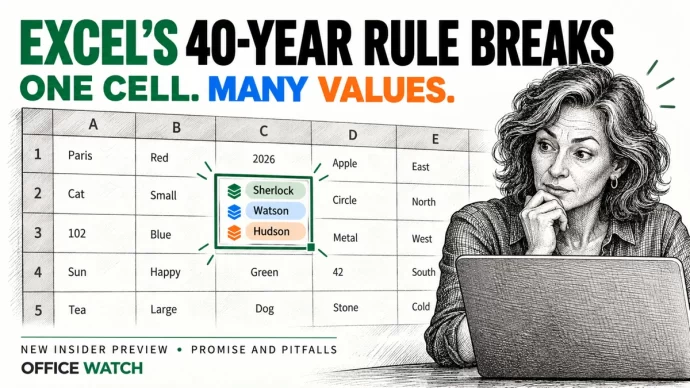
Excel List in a Cell: One Cell Now Holds Many Values, but Don’t Share It Yet
Excel cells can now hold a list of values instead of just one, a major change in how Excel behaves. A single cell can store several names, dates or times that formulas treat as separate items. It’s in preview for Microsoft 365 Insiders on Windows and Mac only, so for most people the advice is […]
Excel Copy Paste Bug: Is Your Office Version Fixed Yet?
Microsoft has partly fixed their Excel copy paste bug in some versions of Office but left others broken or with an incomplete fix. Microsoft’s documentation is more than a little confusing but it seems most versions of Excel have been fixed. Microsoft 365 was never affected. Confused? Here is the full list so you can […]
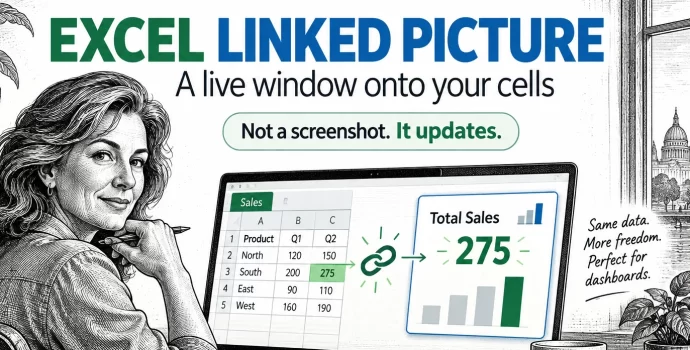
Excel Linked Picture: The Hidden Trick Behind Pro Dashboards
Excel’s Linked Picture turns any block of cells into a live picture you can drop anywhere in your workbook. Change a number in the source cells and the picture redraws instantly, colors, conditional formatting and all. It’s the hidden trick behind most polished Excel dashboards, and it’s already in your copy of Excel 365, Excel […]

Grok AI in Microsoft 365: What Copilot Users Need to Know Before Turning It On
Microsoft has added Grok AI from SpaceXAI as a model option in Copilot for Word, Excel and PowerPoint. Before you turn it on, there are privacy trade-offs and restrictions you need to understand. Choosing Grok means your data leaves Microsoft’s servers, the feature is blocked in Europe and the UK, and your admin has to […]

Excel Copy and Paste Broken by Microsoft’s Own Security Update — How to Fix It
Microsoft’s September 2026 security update for Excel has broken copy and paste for users across Excel 2016, 2019, 2021, and 2024. Update KB5002914, released on September 8, silently kills paste operations with no error message and no warning, creating a serious data integrity risk. Here is how to check whether you are affected, how to […]

September 2026 Patch Tuesday: 20 Critical Office Bugs to Fix Now
Microsoft’s September 2026 Patch Tuesday landed on September 8, 2026 with a record 966 fixes, and Office took the worst of it: 124 patches across Word, Excel, Outlook and the shared code, 20 of them rated Critical. Excel alone has six Critical remote code execution holes, which means a single booby trapped workbook can run […]
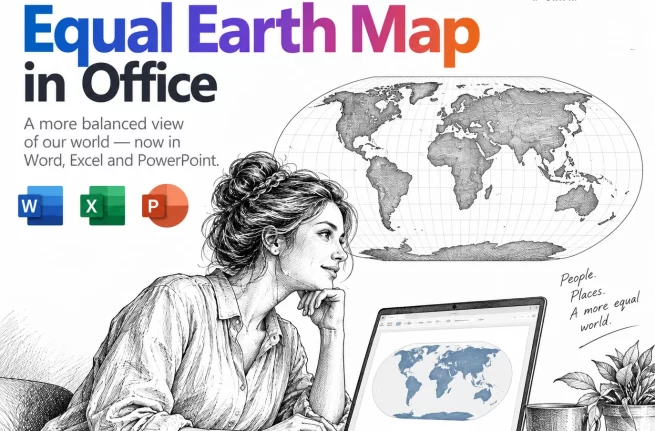
Equal Earth Map in Word, Excel and PowerPoint: How to Add It Free
The UN has just picked a new favorite world map, and the Mercator projection most of us grew up with is out of favor. If your reports, slides or dashboards use a world map, the Equal Earth projection is now the one to reach for. Microsoft Office does not include it, but you can drop […]

Put a Picture Inside Another Picture in Office, Even at an Angle
Dragging one image on top of another almost never looks right. The moment the screen or frame in the background photo sits at an angle, the picture you drop on it looks pasted on. There is a better way built into Word, Excel and PowerPoint that takes about two minutes: draw a shape over the […]
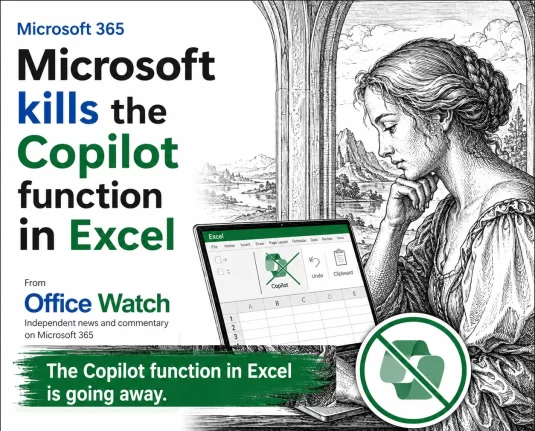
Microsoft Drops Excel COPILOT(): Convert Your Formulas Before They Break
Microsoft is switching off the COPILOT() worksheet function in Excel on September 14, 2026, with barely a month’s warning. If you are on the Microsoft 365 Insider or Frontier channels and have COPILOT() formulas sitting in a workbook, assume they will break. Convert those results to static values now, before the deadline. Here is exactly […]









