All about Microsoft Office for Apple Mac. Word, Excel, PowerPoint, Outlook on macOS, Microsoft 365 for Mac, Office 2021 for Mac and earlier versions.

Letter or A4 in Word: Two Ways to Switch Without Wrecking Your Layout
Get a document formatted for the wrong paper size and Word gives you two very different ways out. One rescales the printout and leaves your document untouched. The other changes the document itself and can shift your margins, headers and images without warning. Which one you pick matters, so here is when to use each, […]
Microsoft 365 Insiders: The Risks Microsoft Does Not Mention
Microsoft keeps nudging you to become a Microsoft 365 Insider, with little prompts inside Word, Excel and Outlook offering early access to new features. Before you click yes, understand what you are agreeing to: unfinished software, more data sent to Microsoft, add-ins and macros that may stop working, and no real support if something breaks. […]
August 2026 Patch Tuesday: Office Bugs That Fire From the Preview Pane
Ten Critical bugs fixed in Microsoft’s August 2026 Patch Tuesday can be triggered just by previewing a file. No opening it, no macro warning, no “Enable Content” click. Selecting a message in Outlook’s Reading Pane or clicking a file once in File Explorer is enough to run an attacker’s code on an unpatched machine. That […]
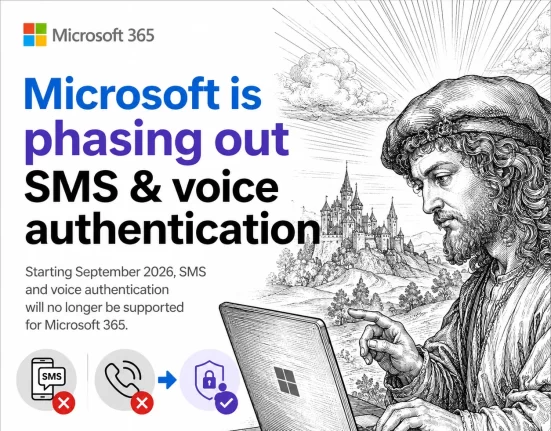
Microsoft ends SMS and Voice Authentication: Passkeys Become Mandatory
If your organization uses Microsoft Entra ID, the days of logging in with a text message code or an automated phone call are numbered. Microsoft has set February 1, 2027 as the shutdown date for its free SMS and voice login service, and passkeys become the default in its place. Here is exactly what changes, […]
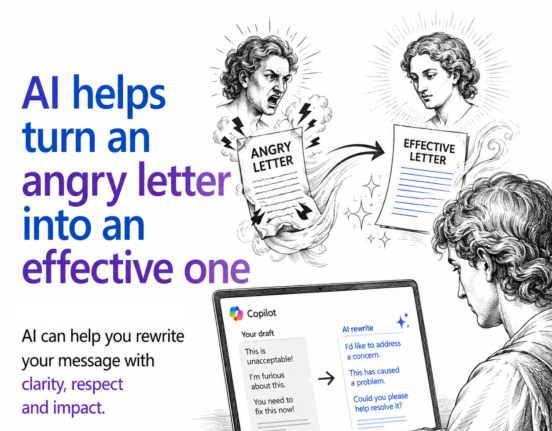
AI Can Turn Your Angry Email Into One That Actually Gets Results
If you have ever typed an angry email and hesitated before hitting send, AI can help. Paste your unfiltered draft into Copilot, ChatGPT, or any AI tool and ask for a polite but firm rewrite. You still get to vent everything you are feeling, but the version you actually send is calmer, clearer, and far […]
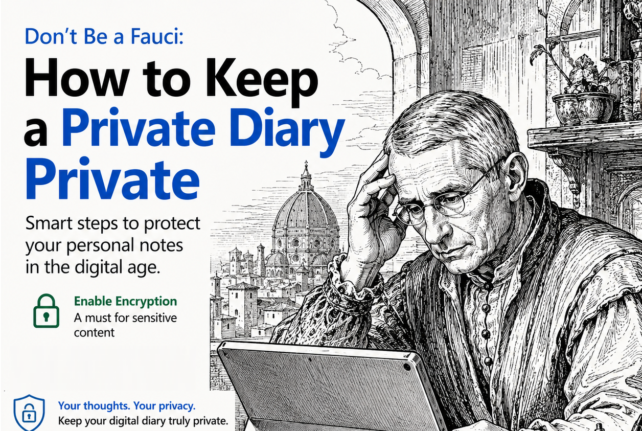
Don’t be a Fauci – how to keep a private diary, private
If you keep a digital diary or any kind of personal notes, recent headlines are a reminder that where you save it, and whether it is password protected, really matters. An unprotected diary saved in the wrong place can be read, copied, or leaked without your knowledge. Here is how to keep your private notes […]
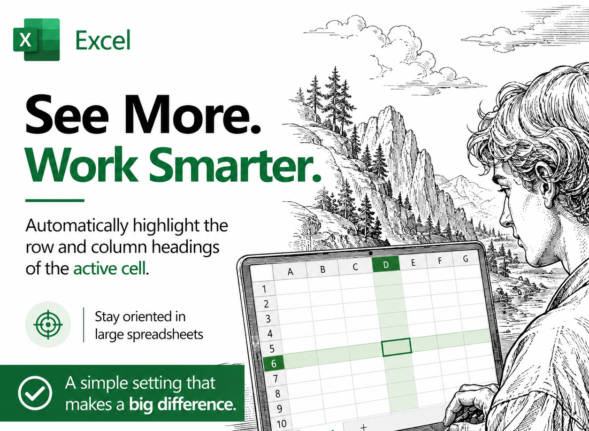
Highlight the Selected Row and Column in Excel and Stop Data Errors
Large Excel worksheets punish you for a moment of inattention. Your eye drifts one row, you type a score or a price into the wrong cell, and nobody notices for weeks. Excel can fix that by highlighting the row and column of whatever cell you click on, so the right cell is always obvious. It […]
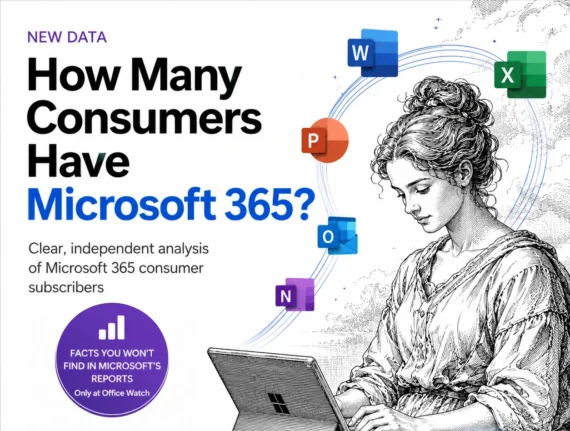
Microsoft 365 Subscribers 2026: 95 Million and Rising Bills
Microsoft will not tell you how many people pay for Microsoft 365 anymore. The last official figure was 89 million consumer subscribers in July 2025, and the estimate for mid 2026 is about 95 million. What Microsoft did report on July 29, 2026 is the part that reaches your wallet: Microsoft 365 consumer cloud revenue […]
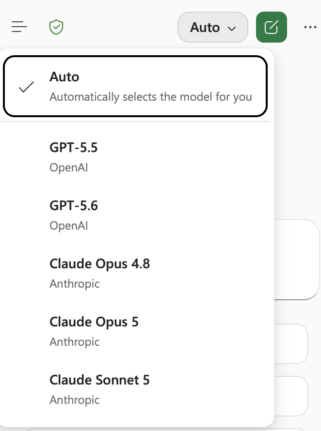
Claude’s Opus 5 model in Microsoft 365 apps
Another day, another AI model. At least that’s how it seems. Just between Anthropic’s Claude, OpenAI’s ChatGPT, and Microsoft’s own MAI models, there’s a constant flow of new and updated AI models for Microsoft 365 apps. Be aware of changes in AI models because the new software can behave in a different way. Sometimes better, […]
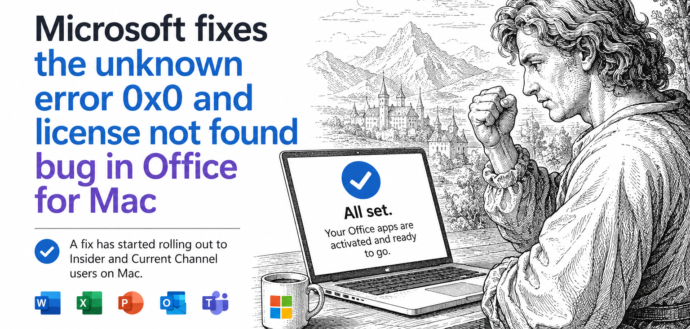
Office for Mac Won’t Open? Fix “Unknown Error 0x0” and “License Not Found” in Two Minutes
If Word, Excel, Outlook, PowerPoint or OneNote suddenly refuse to open on your Mac and flash Unknown Error 0x0 or License Not Found, you are not locked out and your subscription is fine. It was a licensing bug on Microsoft’s side, now fixed. The repair is free, needs no reinstall, and takes about two minutes: […]
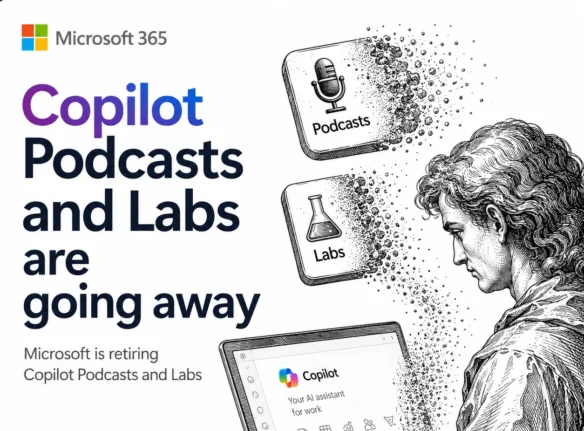
Microsoft Kills Copilot Podcasts and Labs: Save Yours Before August 2026
Microsoft is killing Copilot Podcasts and Copilot Labs, two of the more novel features in Microsoft 365 Copilot. If you turn documents, meetings, or web topics into listenable audio shows, save what you want now. There is no admin switch to keep the feature alive, and August 2026 looks like the cutoff. Here is exactly […]
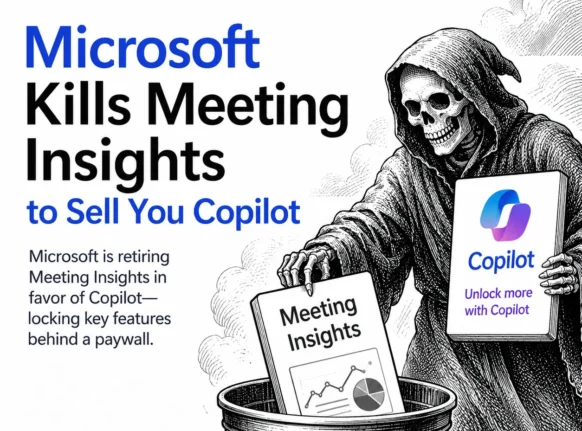
Microsoft Kills Free Meeting Insights: What Outlook Users Lose in September 2026
Microsoft is switching off Meeting Insights, the free Outlook feature that automatically shows emails and files linked to your upcoming meetings. From mid August 2026 it starts disappearing, and by early September 2026 it is gone. The catch: the replacement only works if you pay for a Microsoft 365 Copilot license. If you do not, […]

Xbox Wants a Billion Daily Users: Why the Math Is Pure Fantasy
Microsoft wants a billion daily Xbox users, and the head of Xbox said so out loud. It is a jaw dropping target: roughly 12 percent of everyone alive, playing every single day, announced in the same week Microsoft sacked 3,200 staff and sold off four studios. Run the numbers and the claim falls apart fast. […]
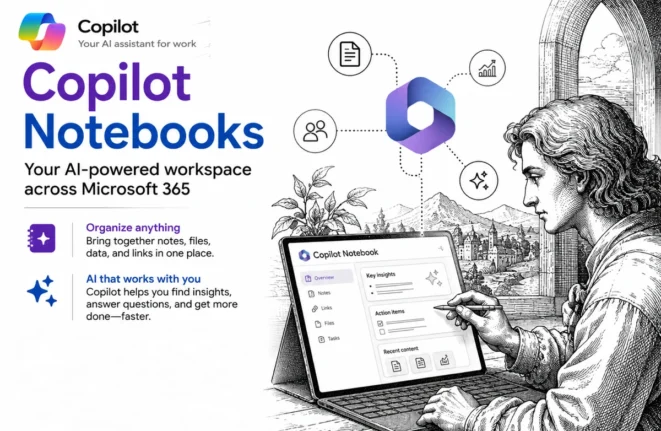
Copilot Notebooks explained: what they are and who gets them now
Copilot Notebooks are quietly becoming one of the genuinely useful parts of the whole Copilot push, and Microsoft has now opened them up well beyond the expensive Copilot license. A Copilot Notebook is a workspace where you gather the files, pages and links for one project, then ask Copilot questions about only that material, which […]
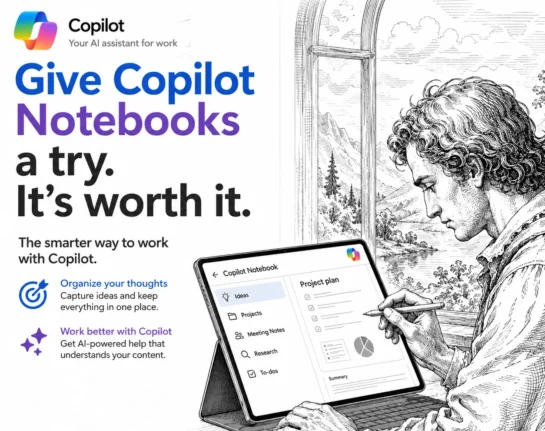
Copilot Notebooks: The Safer Way to Use Microsoft’s AI
Copilot Notebooks are one of the most useful new AI features in Microsoft 365, and they fix the problem most people have with AI: not knowing where its answers come from. Inside a Notebook, Copilot only reads the sources you give it and nothing else, so you get useful summaries, documents and answers without the […]
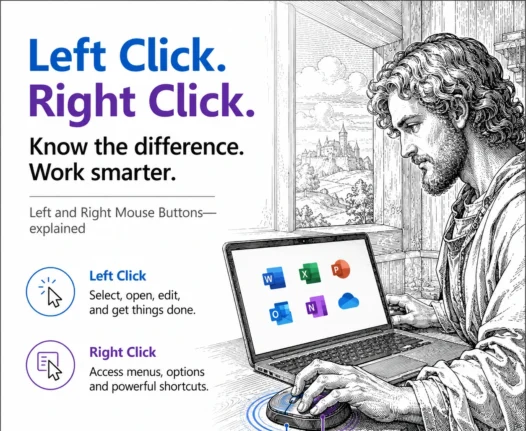
Left or Right Click? The Simple Rule That Explains Every Mouse Button
The difference between the left and right mouse buttons is simple once you know the rule: the left button selects, and the right button reveals extra options. Left click to choose a cell, word, file or link. Right click to open a menu of actions that apply to whatever you just selected. That one rule […]