Best AI for Spreadsheets: Why Claude and ChatGPT Beat Gemini and Copilot
Looking for the best AI for spreadsheets? We asked the four major AI sites, ChatGPT, Claude, Google Gemini, and Microsoft Copilot, to build the same spreadsheet and the results split cleanly down the middle. But Claude and ChatGPT show an instant spreadsheet preview with every answer, so you can check the result before asking for changes. Gemini and Copilot make you download or open the file separately first, which slows the whole job down. Here’s exactly how each one performed and which two are worth your time.
While researching Spreadsheets better & faster with any AI, Peter Deegan tried the four major AI sites. He discovered two of them were much better than the others for one simple reason.
Claude and ChatGPT have immediate spreadsheet previews for each response. That’s essential for a quick look at the result before asking for changes.
Google Gemini and Microsoft Copilot web site don’t have previews. Instead users have to download or open the sheet separately, which is an unnecessary nuisance.
The lack of sheet preview is especially strange because both Google and Microsoft have their own web-based spreadsheet apps.
All four are good for spreadsheet requests but Claude and ChatGPT make it a lot easier with their immediate preview.
To test this, we asked all four AI services for this:
Make a spreadsheet listing the main regions of Middle Earth in Lord of the Rings
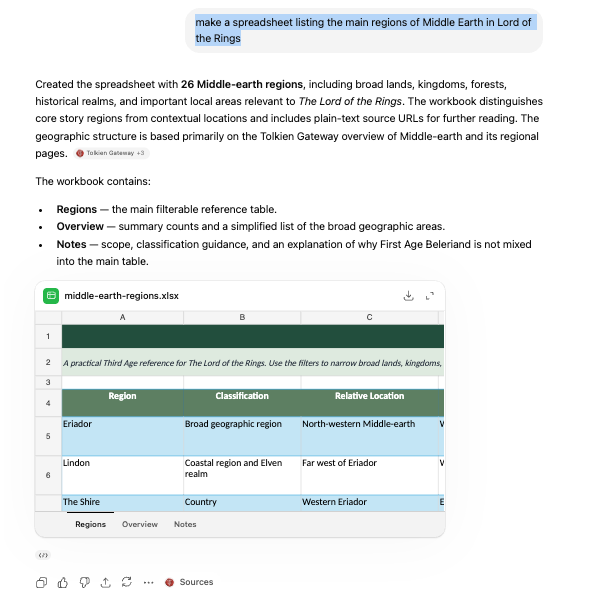
ChatGPT
ChatGPT gives a preview. Click the top right button to see a full window view.
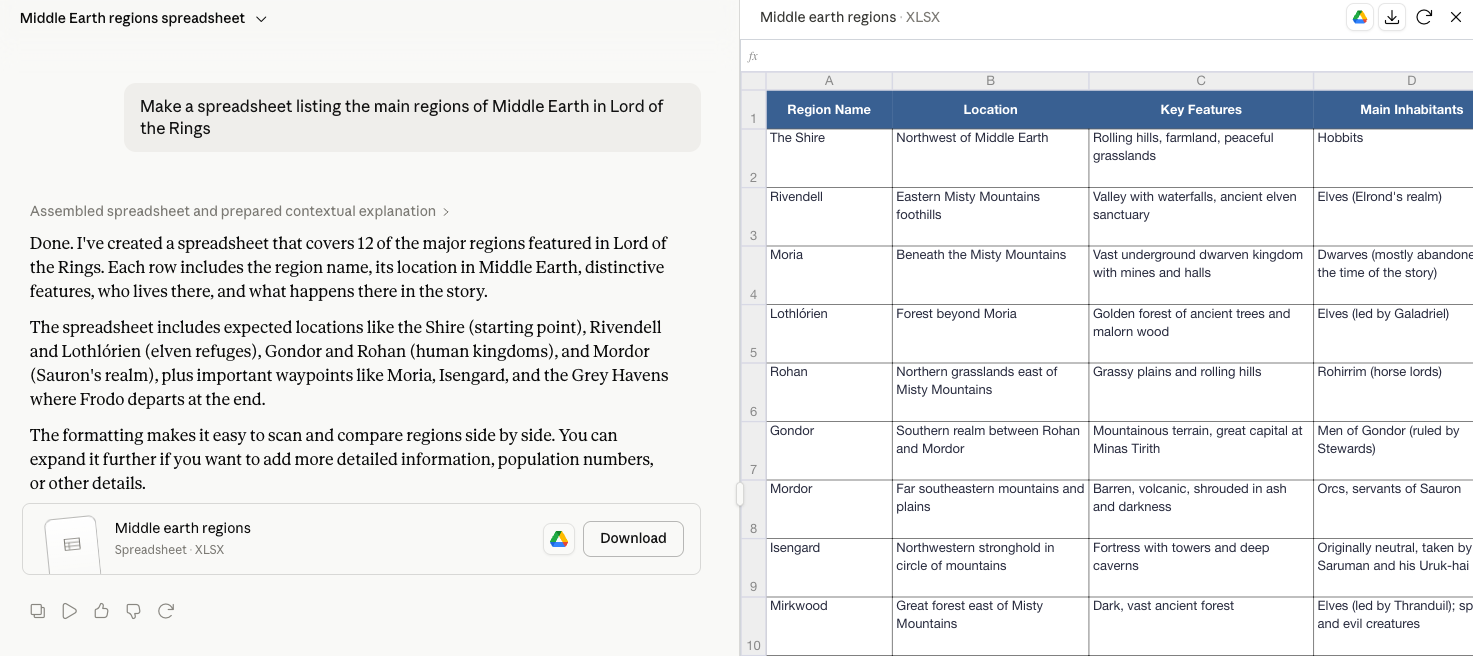
Claude
Claude also has a preview option, which appears in a side pane.
Google Gemini
Gemini is a little more complicated. The Google account login has to be linked to a Gmail account. A login without Gmail won’t work.
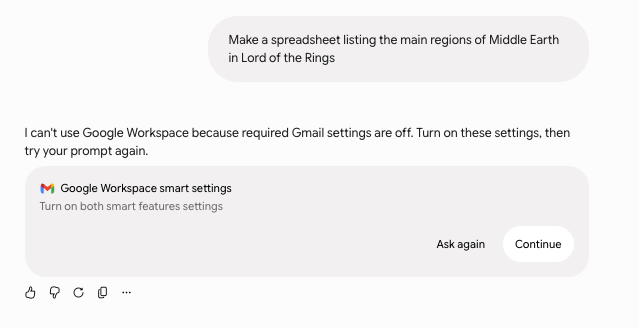
Even with a free Gmail account, there’s no preview available. Users have to download or open it in Google Sheets first.

Copilot web site
Of course, Copilot is available to some Excel 365 customers. What about the web site https://copilot.microsoft.com ? We tried it with a free Microsoft account, no Microsoft 365 plan attached.
Instead of making a spreadsheet, as asked, Copilot makes a table. That’s downloadable as a CSV text file. That works, but isn’t very helpful.
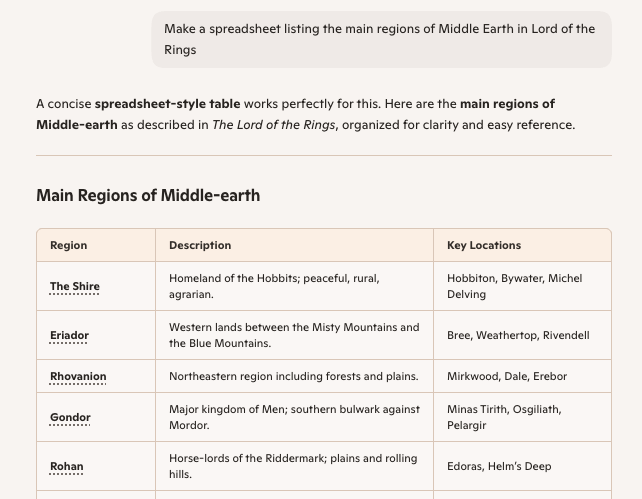
Switching to an account with a Microsoft 365 plan gives the same table and some more options.
Spreadsheets better & faster with any AI
Microsoft Excel news, tips and help
Why Copilot Doesn’t Know Your Microsoft 365 Version
Why Excel Formulas Always Work When You Share Files Across Languages
What’s Really Inside a Word, Excel, or PowerPoint File (And How to See It)