Microsoft 365 – the subscription / annual fee plan for Microsoft Office on Windows, Mac, iPhone, iPad and Android.
Includes Word 365, Excel 365, PowerPoint 365, Outlook 365 and many other ‘365’ programs, apps and services.
Microsoft AI Images can Carry Your Personal ID Tag
Every image you make with Microsoft’s AI tools can carry a hidden code that can point straight back to you personally. Not a visible logo you can crop off, but a unique ID stitched into the pixels themselves and repeated in the file’s Content Credentials. It happens in Paint, in Photos and almost certainly in […]
Microsoft’s Copilot Merge Eats Your OneDrive Space and Cuts Features
Microsoft is merging its two Copilot apps into one, and the changes buried under that announcement will cost you storage space, features or money. Your Copilot uploads and generated images are being moved into OneDrive, where they eat into the same allowance as your documents and photos. Deep Research has gone for consumers unless you […]

Letter or A4 in Word: Two Ways to Switch Without Wrecking Your Layout
Get a document formatted for the wrong paper size and Word gives you two very different ways out. One rescales the printout and leaves your document untouched. The other changes the document itself and can shift your margins, headers and images without warning. Which one you pick matters, so here is when to use each, […]

New Copilot Logo Is Here: Flatter, Simpler and Completely Useless to You
Microsoft has given Copilot a new logo for 2026, a flatter and simpler version of the rainbow icon it has used since September 2023. You will see the new icon appear in the Copilot app, on the Home tab of Word, Excel, PowerPoint and Outlook, and in Microsoft’s marketing. That is the entire change. It […]
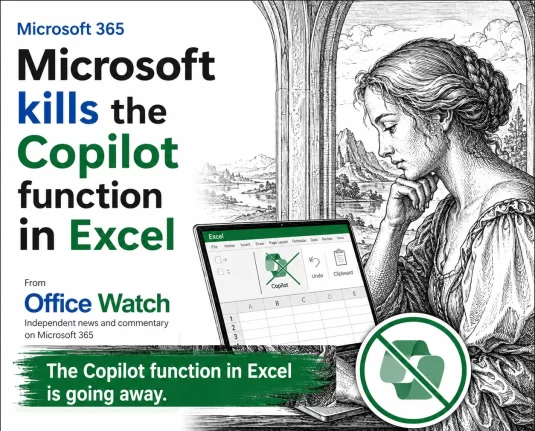
Microsoft Drops Excel COPILOT(): Convert Your Formulas Before They Break
Microsoft is switching off the COPILOT() worksheet function in Excel on September 14, 2026, with barely a month’s warning. If you are on the Microsoft 365 Insider or Frontier channels and have COPILOT() formulas sitting in a workbook, assume they will break. Convert those results to static values now, before the deadline. Here is exactly […]
Microsoft 365 Insiders: The Risks Microsoft Does Not Mention
Microsoft keeps nudging you to become a Microsoft 365 Insider, with little prompts inside Word, Excel and Outlook offering early access to new features. Before you click yes, understand what you are agreeing to: unfinished software, more data sent to Microsoft, add-ins and macros that may stop working, and no real support if something breaks. […]
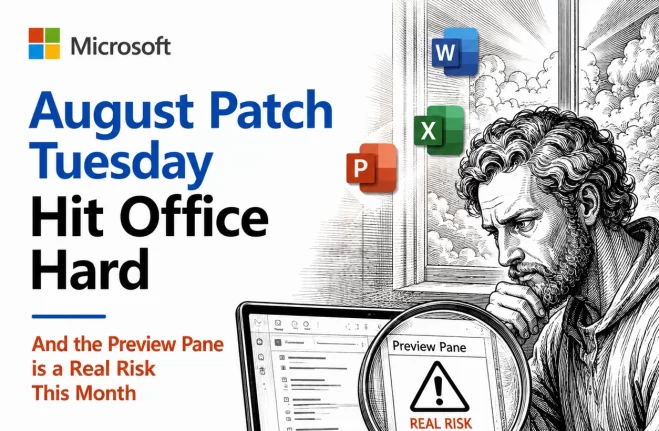
August 2026 Patch Tuesday: Office Bugs That Fire From the Preview Pane
Ten Critical bugs fixed in Microsoft’s August 2026 Patch Tuesday can be triggered just by previewing a file. No opening it, no macro warning, no “Enable Content” click. Selecting a message in Outlook’s Reading Pane or clicking a file once in File Explorer is enough to run an attacker’s code on an unpatched machine. That […]
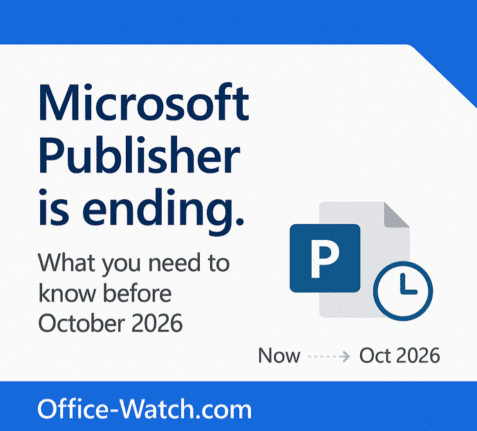
Microsoft Publisher Ends October 2026: How to Keep It Working
Microsoft Publisher is ending in October 2026, and what happens to you depends entirely on how you bought it. If you use Publisher 365 from a Microsoft 365 plan, the app will simply stop opening. That is a kill switch, not a polite end of support notice. If you have Publisher 2019 or Publisher 2021 […]

Which Copilot Model Should You Use in PowerPoint? Auto, GPT, or Claude Opus
PowerPoint 365 now lets some Microsoft 365 Copilot subscribers choose between Auto, GPT, and Claude Opus for text and design tasks, and picking the wrong one wastes time or gives you a weaker draft. Here is what each model is actually good at, which one to leave selected for everyday slide work, and when it […]
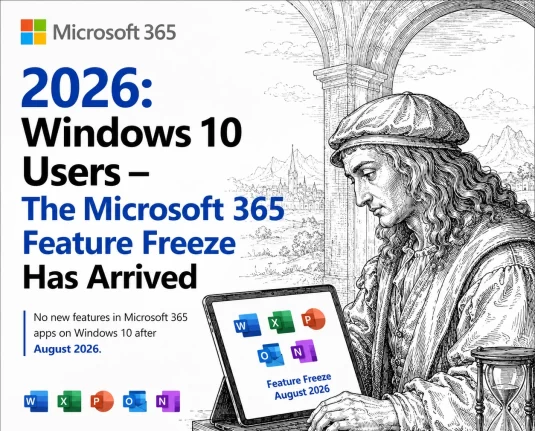
Windows 10 Users: Microsoft 365 Just Stopped Getting New Features
If you run Microsoft 365 on Windows 10, your Word, Excel, and Outlook just got locked in place. Microsoft’s version 2608 update, released August 2026, is the last one bringing new features to Windows 10. Your apps keep working and keep getting security patches, but nothing new is coming unless you move to Windows 11. […]
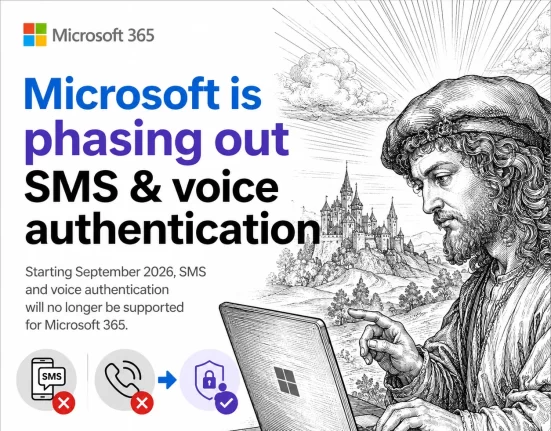
Microsoft ends SMS and Voice Authentication: Passkeys Become Mandatory
If your organization uses Microsoft Entra ID, the days of logging in with a text message code or an automated phone call are numbered. Microsoft has set February 1, 2027 as the shutdown date for its free SMS and voice login service, and passkeys become the default in its place. Here is exactly what changes, […]
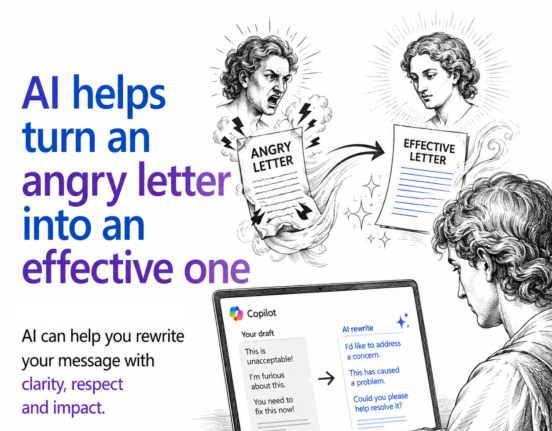
AI Can Turn Your Angry Email Into One That Actually Gets Results
If you have ever typed an angry email and hesitated before hitting send, AI can help. Paste your unfiltered draft into Copilot, ChatGPT, or any AI tool and ask for a polite but firm rewrite. You still get to vent everything you are feeling, but the version you actually send is calmer, clearer, and far […]
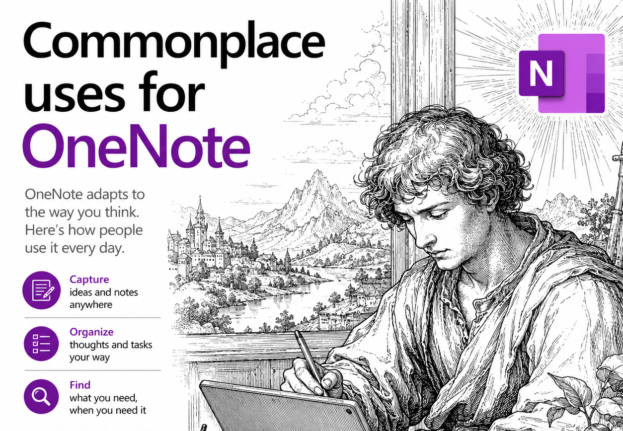
OneNote as a Digital Commonplace Book: A Simple Way to Save Ideas
If you’re copying quotes, links, and half formed ideas into random Word documents or sticky notes, OneNote can replace all of that with one searchable place. This habit is centuries old. Renaissance writers called it a commonplace book. OneNote just makes it faster to fill and far easier to search later. The commonplace book isn’t […]
Publisher 365 Kill Switch: What Microsoft’s New Email Gets Wrong
Microsoft just emailed Microsoft 365 subscribers with a warning that badly undersells the Publisher 365 problem. The real deadline is 1 October 2026, less than two months away, not “next year” as the email claims. After that date, Publisher 365 stops opening or editing your files completely, not just “no longer supported.” Here is what […]
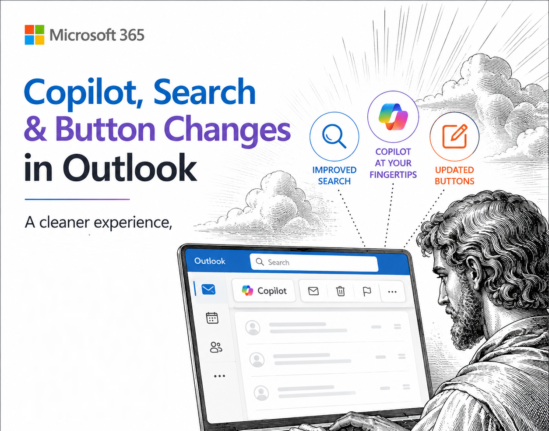
Microsoft Cancels Copilot Search in Outlook, But the Copilot Button Gets Bigger
Microsoft has cancelled the Copilot suggestions it started pushing into the Outlook search box in June 2026, after three months of complaints that AI answers were burying the emails people were actually looking for. If you saw Copilot results appear above your own messages, they will vanish again as the rollback reaches your account, and […]
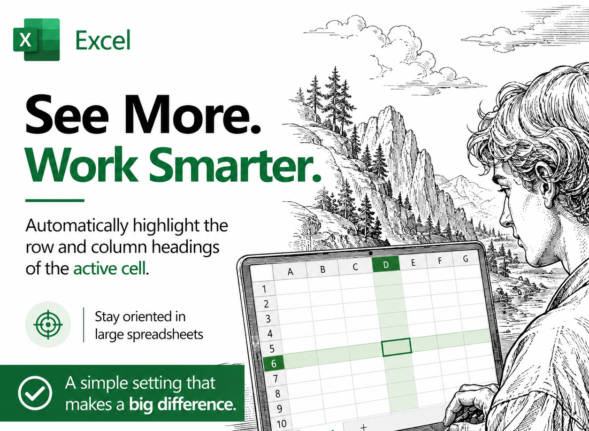
Highlight the Selected Row and Column in Excel and Stop Data Errors
Large Excel worksheets punish you for a moment of inattention. Your eye drifts one row, you type a score or a price into the wrong cell, and nobody notices for weeks. Excel can fix that by highlighting the row and column of whatever cell you click on, so the right cell is always obvious. It […]









