All about Microsoft Office Word, Excel, PowerPoint and Outlook, Microsoft 365, Office 2021 and earlier versions.
Keep Publisher Working: Which Microsoft Office Version to Buy in 2026
Microsoft Publisher reaches end of life on 13 October 2026. After that date there are no security fixes for any version, and Publisher in Microsoft 365 stops working altogether. If you want a copy of Publisher that keeps running, you need a one time purchase Office bundle that includes it, and the version you pick […]
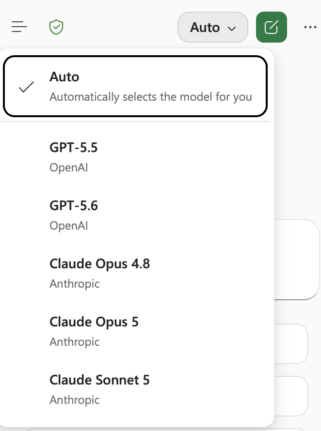
Claude’s Opus 5 model in Microsoft 365 apps
Another day, another AI model. At least that’s how it seems. Just between Anthropic’s Claude, OpenAI’s ChatGPT, and Microsoft’s own MAI models, there’s a constant flow of new and updated AI models for Microsoft 365 apps. Be aware of changes in AI models because the new software can behave in a different way. Sometimes better, […]
Word Style ‘Automatically Update’: Why You Should Turn It Off
Change the font on one paragraph in Microsoft Word and watch the rest of the document change with it. That is ‘Automatically update’, a checkbox hiding in every Word style’s Modify Style box. It is off for most styles, but when it is on, Word rewrites the style itself every time you reformat a paragraph, […]
Microsoft Kills Copilot Podcasts and Labs: Save Yours Before August 2026
Microsoft is killing Copilot Podcasts and Copilot Labs, two of the more novel features in Microsoft 365 Copilot. If you turn documents, meetings, or web topics into listenable audio shows, save what you want now. There is no admin switch to keep the feature alive, and August 2026 looks like the cutoff. Here is exactly […]
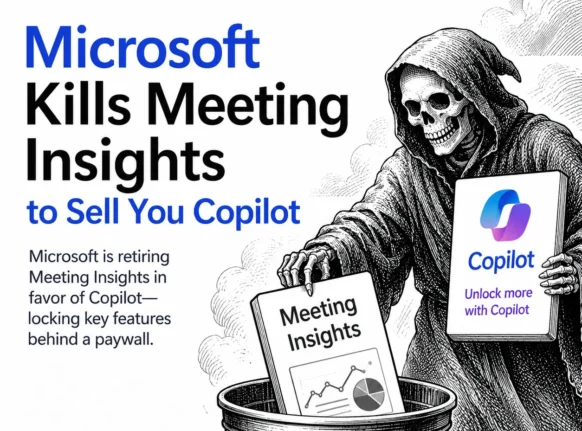
Microsoft Kills Free Meeting Insights: What Outlook Users Lose in September 2026
Microsoft is switching off Meeting Insights, the free Outlook feature that automatically shows emails and files linked to your upcoming meetings. From mid August 2026 it starts disappearing, and by early September 2026 it is gone. The catch: the replacement only works if you pay for a Microsoft 365 Copilot license. If you do not, […]

Xbox Wants a Billion Daily Users: Why the Math Is Pure Fantasy
Microsoft wants a billion daily Xbox users, and the head of Xbox said so out loud. It is a jaw dropping target: roughly 12 percent of everyone alive, playing every single day, announced in the same week Microsoft sacked 3,200 staff and sold off four studios. Run the numbers and the claim falls apart fast. […]
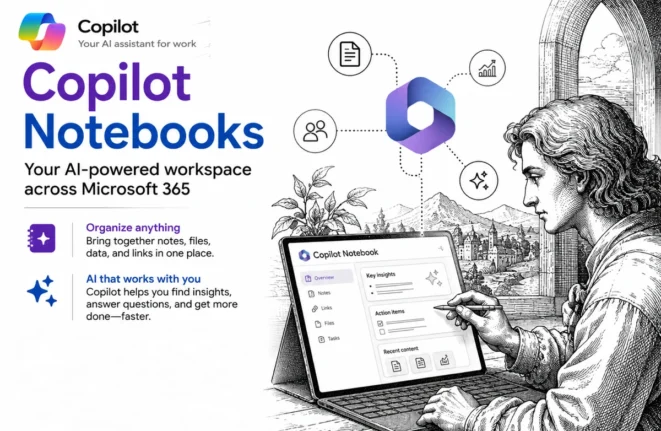
Copilot Notebooks explained: what they are and who gets them now
Copilot Notebooks are quietly becoming one of the genuinely useful parts of the whole Copilot push, and Microsoft has now opened them up well beyond the expensive Copilot license. A Copilot Notebook is a workspace where you gather the files, pages and links for one project, then ask Copilot questions about only that material, which […]
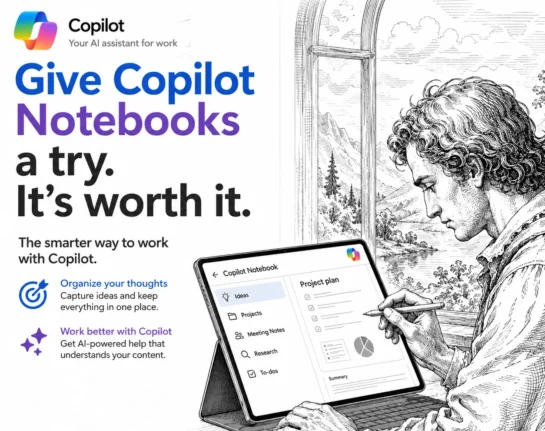
Copilot Notebooks: The Safer Way to Use Microsoft’s AI
Copilot Notebooks are one of the most useful new AI features in Microsoft 365, and they fix the problem most people have with AI: not knowing where its answers come from. Inside a Notebook, Copilot only reads the sources you give it and nothing else, so you get useful summaries, documents and answers without the […]
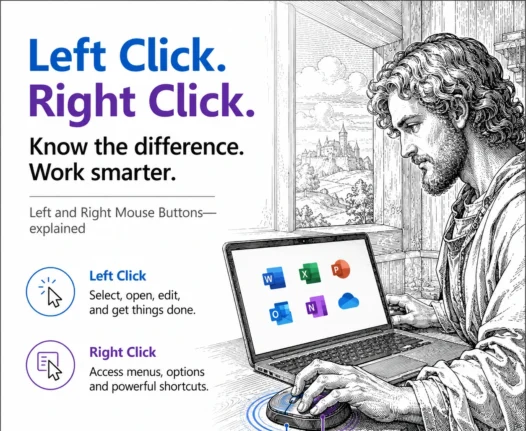
Left or Right Click? The Simple Rule That Explains Every Mouse Button
The difference between the left and right mouse buttons is simple once you know the rule: the left button selects, and the right button reveals extra options. Left click to choose a cell, word, file or link. Right click to open a menu of actions that apply to whatever you just selected. That one rule […]
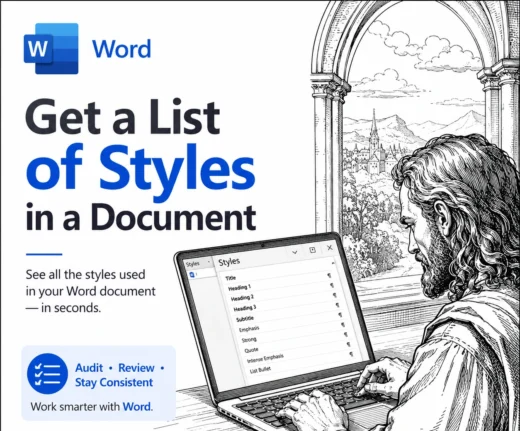
Word: get a better list of styles in a document
Word makes it surprisingly hard to see a full list of styles in a document. There’s no tidy panel that lays out every style and shows how they connect to each other. The only option built into Word is a hidden Print setting that produces a long, flat report that’s a chore to read. The […]
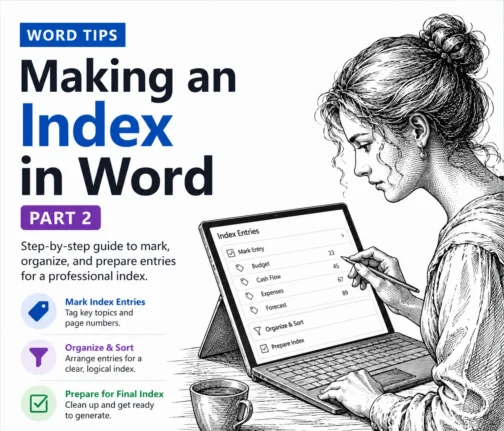
How to Make a Better Word Index: Page Ranges, Hidden Tags and AutoMark
Making an index in Word by hand gets tedious fast, but Word hides three real time savers most people never touch. In this second part of our indexing guide we show you how to mark an index entry that spans a range of pages using bookmarks, why Word fills your document with hidden {XE} tags […]
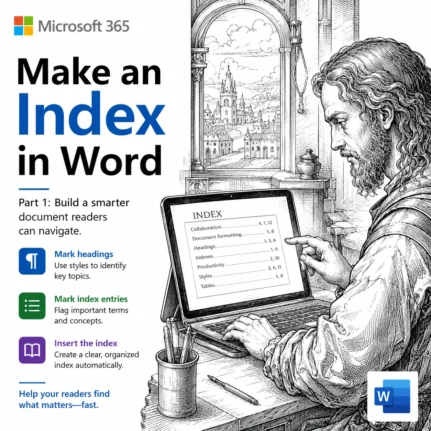
How to Make an Index in Word: Mark Entries and Build It
An index is the alphabetical list of terms and page numbers at the back of a book, and Microsoft Word can build one for you. We show you how to make an index in Word, starting with the basics: preparing your document, marking index entries and generating a simple, professional looking index. It takes some […]
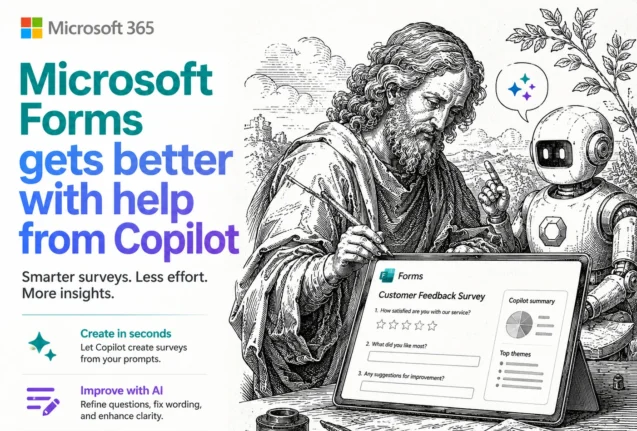
Microsoft Forms: Old and New Tools to Draft and Fix Your Surveys
Microsoft Forms Copilot has quietly turned one of the humblest corners of Microsoft 365 into a better survey and quiz builder. Copilot can now draft a whole form from a plain English prompt, suggest fixes to questions you already have, and even add basic branching, all inside one pane next to your form. Some of […]
July 2026 Patch Tuesday: 570 Fixes and a Critical BitLocker Flaw
Microsoft’s July 2026 Patch Tuesday is one of the biggest on record, with a massive 570 bug and security fixes landing on your Windows, Microsoft 365 and Office machines. One buried fix is critical: a BitLocker bypass that let thieves open an encrypted drive without your password or recovery key. Here’s what to patch, when […]
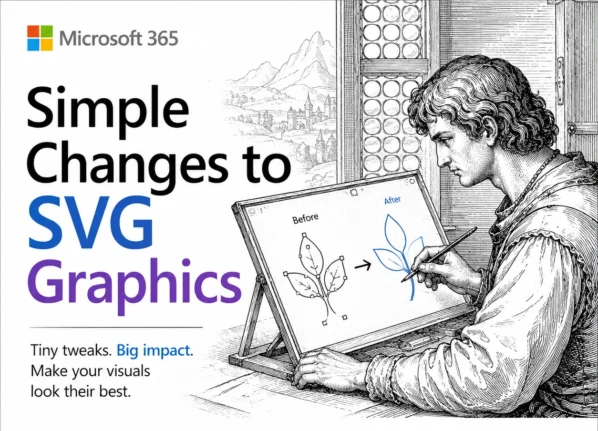
Edit SVG colors in Word, Excel and PowerPoint the Easy Way
Microsoft Office lets you drop an SVG graphic into Word, Excel or PowerPoint, then recolor the whole thing and nothing more. Want the circle orange and the bar black? The fix is simpler than you would guess: open the SVG in Notepad or any plain text editor, change a few color values, delete or hide […]
Windows 10 Support Extended Again: Free Security Updates Until October 2027
Microsoft has quietly handed Windows 10 users another free year. Windows 10 Extended Security Updates (ESU) now run to 12 October 2027, not the October 2026 cutoff everyone had been planning around. If you are already enrolled, the extra year is automatic and costs nothing. If you are not, enrollment is still open and it […]









