All about Microsoft Office Word, Excel, PowerPoint and Outlook, Microsoft 365, Office 2021 and earlier versions.

Spanish Flag in Microsoft Office: The Right Image, the Right Colors
Need the Spanish flag in Word, Excel or PowerPoint? Here is the fast, correct way to do it. We will show you where to download a proper scalable version of Spain’s flag (so it stays sharp at any size), the exact red and yellow color codes you need to match it in a document, worksheet […]
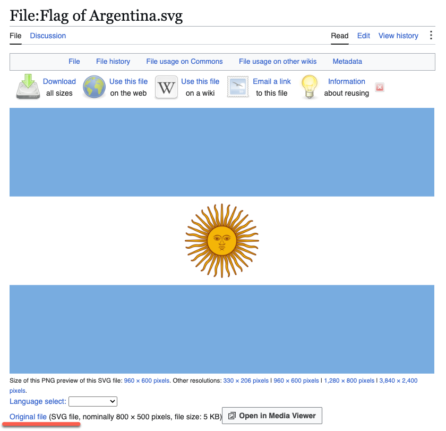
Argentina Flag in Word, Excel and PowerPoint: Get the Right One
Adding the Argentina flag to Word, Excel or PowerPoint should take thirty seconds, but Argentina sets a trap that most countries do not. There are officially two national flags, the ceremonial one with the golden Sun of May and a plain version without it, and picking the wrong one is the giveaway that you grabbed […]
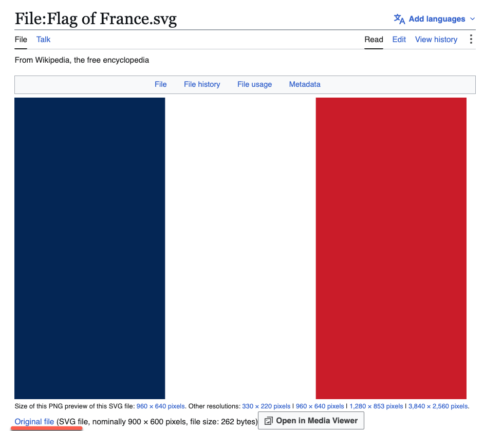
French Flag in Word, Excel and PowerPoint: Get the Colors Right
Adding the French flag 🇫🇷“Le Tricolore” to Word, Excel or PowerPoint looks like the easiest job in Office. It is three colored bands. What could go wrong? Quite a lot, as it turns out. There are two official French blues in circulation and the French state has switched between them, the white middle band disappears […]
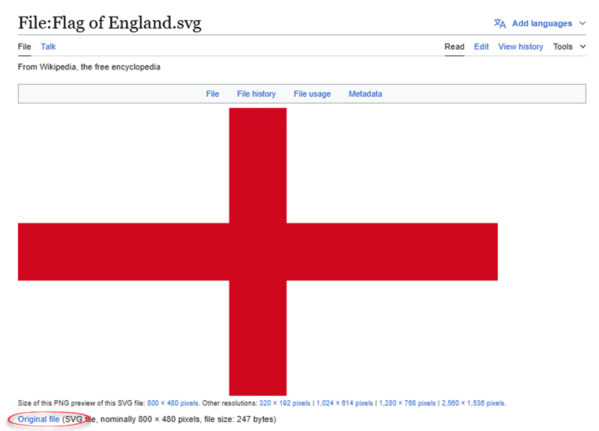
England Flag in Word, Excel and PowerPoint: The Right Way
Adding the England flag “St George’s Cross” to Word, Excel or PowerPoint should take thirty seconds, but most people get it wrong twice. Here is where to get a proper scalable graphic of the England flag, the exact hex colors, insert and enhance it in Office, and why the England flag emoji will look broken […]
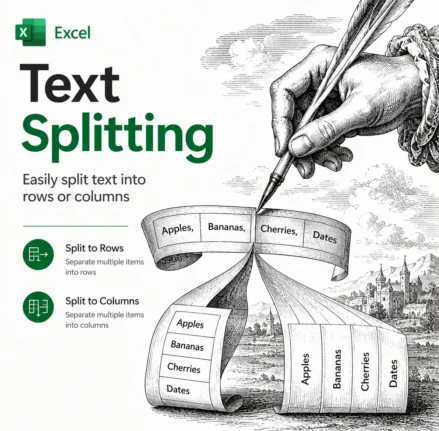
Split Text in Excel the Easy Way: TEXTSPLIT, TEXTBEFORE and TEXTAFTER Explained
Splitting text in Excel used to mean wrestling with nested LEFT, RIGHT, MID and SEARCH formulas. Not any more. Excel 365 and Excel 2024 have three functions that do the job in one step: TEXTBEFORE, TEXTAFTER and TEXTSPLIT. TEXTBEFORE grabs everything before a delimiter, TEXTAFTER grabs everything after it, and TEXTSPLIT breaks a whole string […]
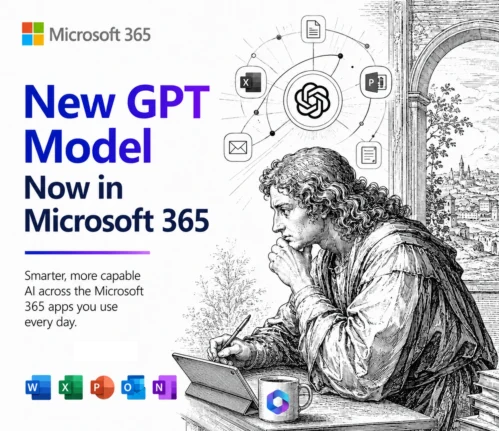
GPT 5.6 Arrives in Microsoft 365 Copilot, But Microsoft Hides What You Get
Microsoft has quietly added OpenAI’s new GPT 5.6 model to Microsoft 365 Copilot on the very same day it reached ChatGPT, a surprisingly fast turnaround. The catch is that Microsoft renames the model, so instead of the clear Sol, Terra and Luna labels that OpenAI uses, Copilot users only see vague choices like “Quick Response” […]

Microsoft 365 Business Price Increase: Who Pays More in 2026
Microsoft 365 business prices jumped on July 1, 2026, and if you manage a company or government subscription your next renewal will cost more. The increase hits Business, Enterprise, Frontline, and Government plans, with rises ranging from 0% to a steep 43%. Home users on Personal, Family, Premium, and Education plans are not affected. Here […]
Microsoft quietly swaps the AI inside Excel and Outlook
The AI engine inside your Excel and Outlook may have changed in the last few weeks, and Microsoft never told you. Microsoft has quietly started routing some Copilot prompts to its own MAI models instead of the OpenAI and Anthropic technology that used to do the work. The Copilot button looks identical and sits in […]
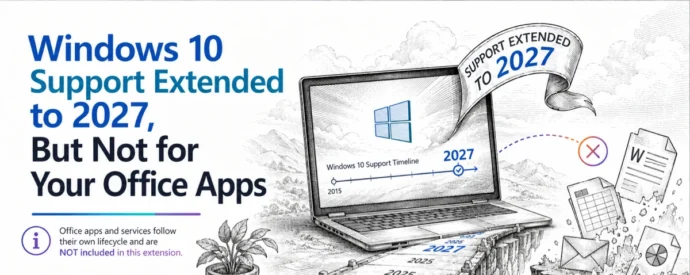
Windows 10 Support Extended to 2027, But Not for Your Office Apps
Microsoft has given Windows 10 extended support another year of life, pushing the free consumer ESU deadline to October 2027 or . If you run Microsoft 365 or Office on Windows 10, that sounds like good news, but it changes almost nothing for your Office apps. Microsoft 365 updates and features are still restricted and […]
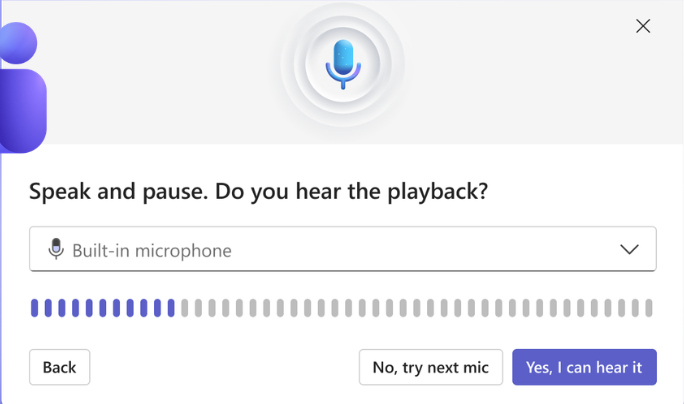
Teams Adds a Test Mic and Speaker Button to the Join Screen
Microsoft Teams now puts a Test mic and speaker button right on the meeting join screen, so you can run a quick audio check in the seconds before you click Join. Teams has let you test audio for years. What is new is where the test lives and how fast it runs. Here is what […]
📅 Microsoft Office Support End Dates 2026: The Complete Checklist
Wondering when your version of Microsoft Office stops getting security updates? This is the plain English Microsoft Office support end dates checklist, kept current for 2026. Microsoft 365, Office 2024, Office 2021 and every older release run out of security and bug fixes on different dates, and once that day passes, any newly discovered flaw […]
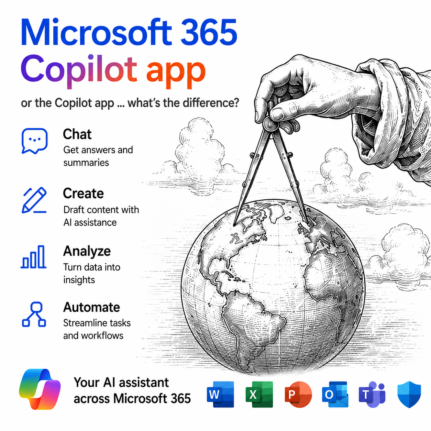
Microsoft 365 Copilot App vs Copilot App: What’s the Difference?
Microsoft now has two different apps both called Copilot, and the naming is genuinely confusing. The Copilot app is a free, standalone AI chatbot built into Windows. The Microsoft 365 Copilot app is something else entirely: the old Microsoft 365 hub for your Word, Excel, and PowerPoint files, now with Copilot’s AI features layered on […]
Outlook Immersive Search: Ask Questions Instead of Typing Keywords
Outlook search has vastly improved with Immersive Search, and if your mailbox has a Copilot plan attached, it is worth trying today. Instead of hunting for exact keywords, you can type a plain English question like and get a real answer, complete with links back to the source emails. It works in new Outlook, classic […]
PowerToys Shortcut Guide Now Works With Word, Excel and Outlook
Microsoft has rebuilt the PowerToys Shortcut Guide, and this version finally earns a place in every Microsoft 365 or Microsoft Office user’s toolkit. Instead of a generic list of Windows shortcuts, the guide is now app aware. Open Word, Excel, Outlook classic, PowerPoint, Access, OneNote, Project, Publisher or Visio, and the guide instantly shows the […]
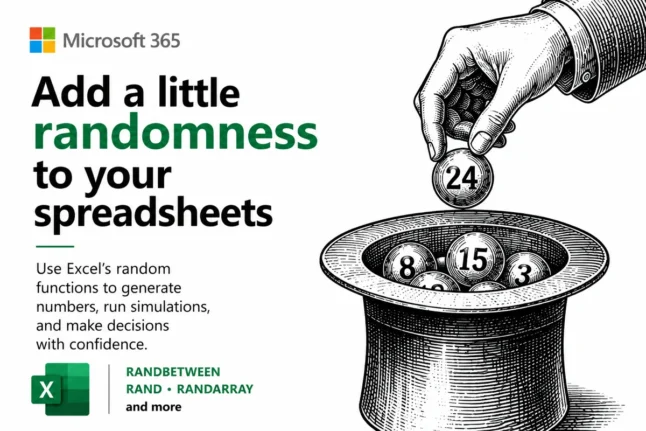
Random Numbers in Excel: RAND, RANDBETWEEN and RANDARRAY Explained
Random numbers in Excel are easier than most people think, and you have three main tools to choose from: RAND() for decimals between 0 and 1, RANDBETWEEN() for whole numbers in a range, and RANDARRAY() for filling whole blocks of cells at once. This guide shows you how to make random numbers in Excel for […]
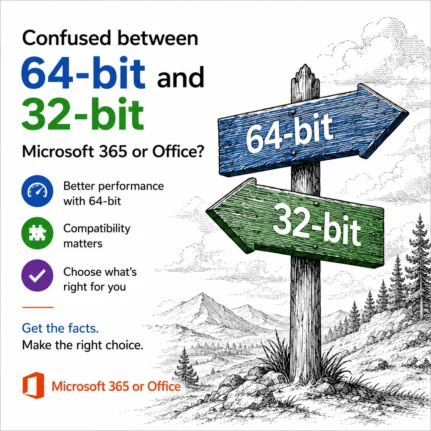
64-bit or 32-bit Office: Which Microsoft 365 Version Should You Choose?
Choosing 64-bit or 32-bit Office sounds like a decision that matters, but for almost everyone it does not. Since around 2020, Microsoft 365 and Microsoft Office have installed as 64-bit software by default, and that is the right choice for nearly every Windows PC. The 64-bit version is faster, uses more memory and is more […]









