All about Microsoft Office Word, Excel, PowerPoint and Outlook, Microsoft 365, Office 2021 and earlier versions.
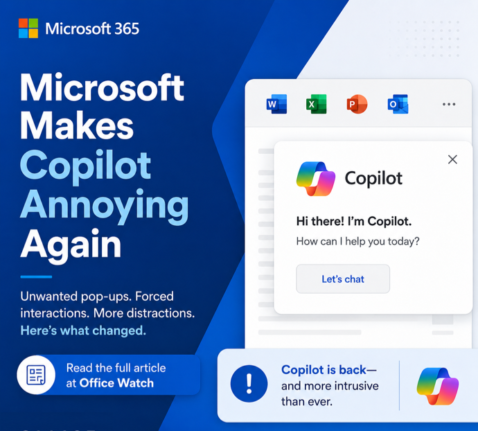
Microsoft buries the Copilot button and floats a nag in its place
Microsoft has quietly removed the Copilot button from the Home tab in Word, Excel and PowerPoint and replaced it with a permanent floating icon at the bottom right of every document, sheet and slide. You cannot turn it off. You can only shrink it. We explain how this annoyance works, why Microsoft is doing this […]
Build a Better Excel Workbook with Copilot: Smarter Prompts, Stronger Results
Microsoft Copilot in Excel can build a worksheet in minutes, but a little human planning turns a good demo into a workbook you can actually trust and reuse. We show how smarter prompts, better planning and more examples produce a future-proof Excel workbook that handles more situations, expands as new rows are added and includes […]
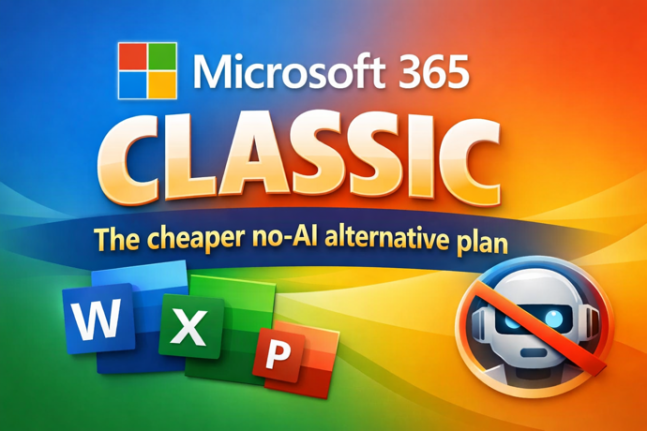
Microsoft 365 Classic Explained: A Lower-Cost, No-AI Subscription Option
Microsoft have two little-known cheap plans called Microsoft 365 Classic. Designed for consumers who want the familiar Office apps without Microsoft’s new Copilot AI features and steep price increases. Classic plans offer the same core features of Word, Excel, PowerPoint, and Outlook at pre-2025 pricing. This concealed plan helps price-conscious people and those who are […]
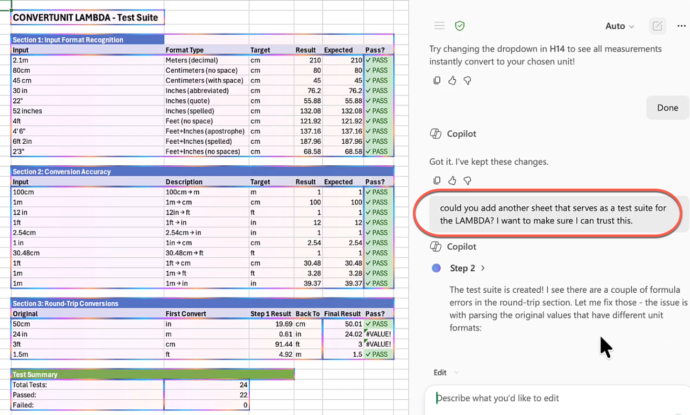
Smart measurement conversion – clever Copilot in Excel
Microsoft Excel Copilot can turn a messy table of mixed measurement units into a clean, single-unit table with a custom LAMBDA function, in under five minutes. Brian Jones (a longtime Microsoft Office insider) posted a Twitter/X video showing Copilot doing the job. His prompts are a smart use of Copilot including extra requests to confirm […]
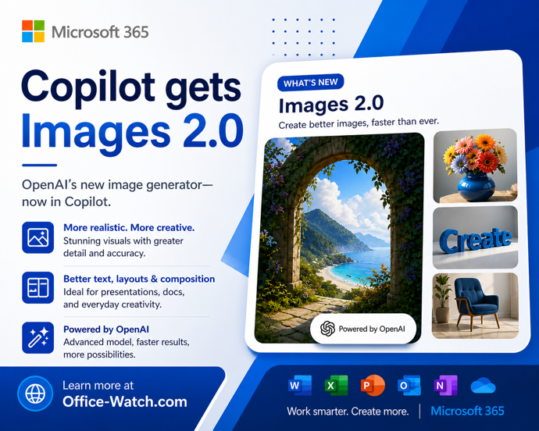
ChatGPT Images 2.0: New AI Image Generator in Copilot
The new ChatGPT Images 2.0 is worth a look for Copilot users. Instead of jumping straight to pixels, it reasons through your prompt first and can even search the web before generating a single image. If you have ever given up on AI images because the text was garbled, the results were inconsistent, or the […]
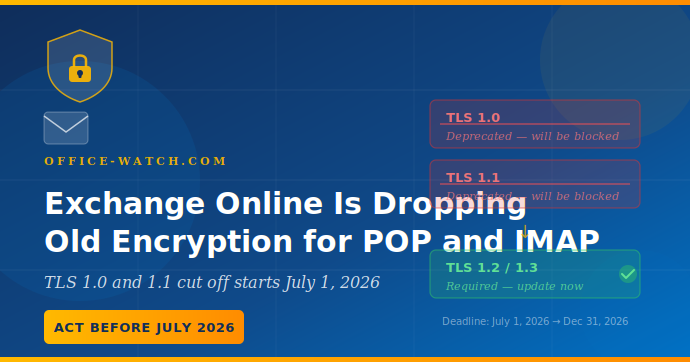
Exchange Online Is Dropping Old Encryption for POP and IMAP: Check before July 2026
Microsoft is ending support for older TLS encryption POP3 and IMAP4 connections to Exchange Online, with the cutoff starting July 1, 2026. Any email client, app, or device that still uses these older encryption protocols will simply stop connecting, with no fallback and no warning on the day it happens. Most users running modern email […]
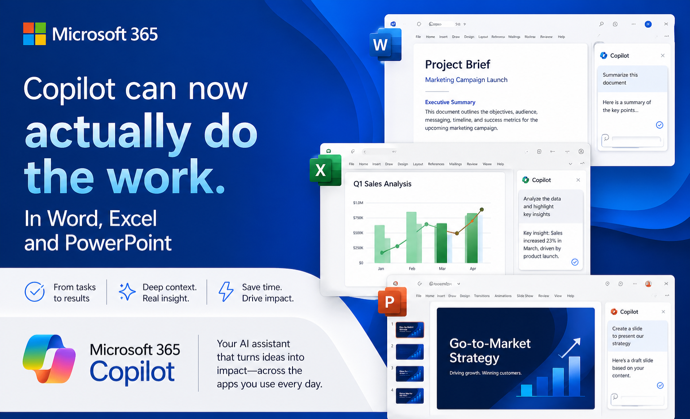
Copilot Can Now Actually Do the Work in Word, Excel, and PowerPoint
Microsoft has quietly flipped a major switch. Copilot Agent Mode is now the default experience in Word, Excel, and PowerPoint. It works very differently from the Copilot you may have ignored until now. Instead of suggesting what you should do, it actually works on your document, spreadsheet, or presentation and makes changes itself. You describe […]
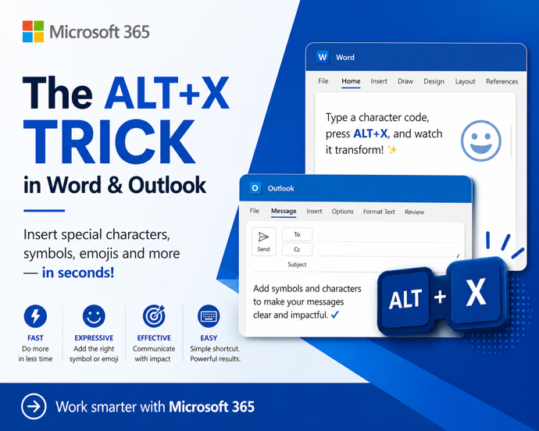
How to Insert Symbols in Word and Outlook Instantly Using Alt + X
If you regularly need to type the Euro sign €, the Pound symbol £, or any other special character in Microsoft Word or Outlook, there is a faster way than clicking through Insert Symbols. The Alt + X keyboard shortcut lets you type any symbol’s Unicode value directly in your document, press Alt + X, […]
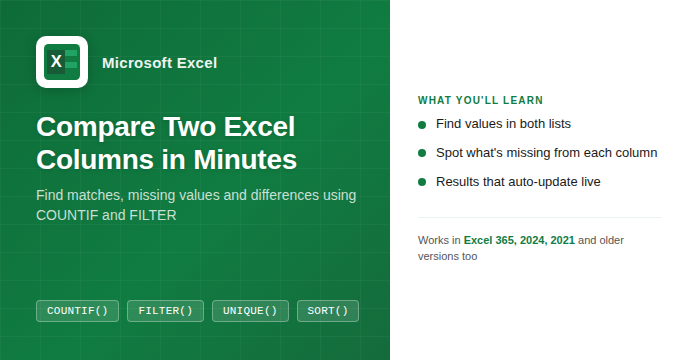
How to Compare Two Columns in Excel: Find Matches and Missing Values Fast
If you have two lists in Excel and need to know what they share or where they differ, you are in the right place. Whether you are cross-checking a customer list against an invoice log, comparing a product catalog to a stock count, or reconciling two batches of data, Excel has a handful of formulas […]
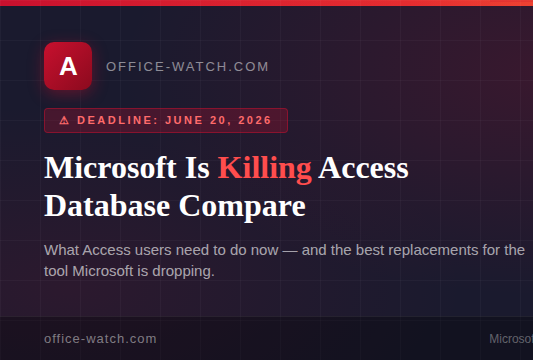
Microsoft Is Killing Access Database Compare in June 2026: What You Need to Do Now
Microsoft has confirmed it will end the Access Database Compare tool in June 2026, removing it from all supported versions of Office including Microsoft 365, Office 2024, Office 2021 plus Office 2019 . The deadline is June 20, 2026. If database comparison is part of your regular workflow for version control or auditing changes between […]
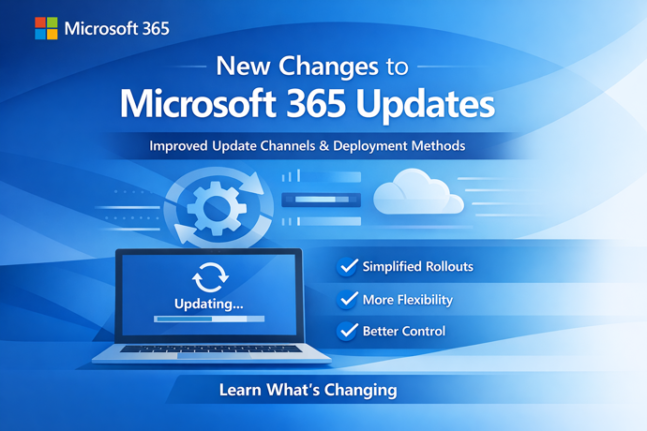
Microsoft Rewrites How Microsoft 365 Updates Are Delivered: What IT Admins Need to Know
Microsoft has overhauled the way it delivers updates to Microsoft 365, replacing its familiar rollout process with a new three-track system called Frontier, Standard, and Deferred. The change launched without warning and currently affects organizations using Microsoft 365 Copilot. If you manage Microsoft 365 for your company, this changes how and when new features reach […]

Why Microsoft Keeps Paying Customers Guessing
Microsoft 365 announcements come thick and fast, but they share a frustrating habit: they rarely tell you whether you actually get the feature being hyped. Whether it’s a sweeping change to how Microsoft 365 updates are delivered, or Copilot gaining the ability to switch on Track Changes in Word, the company’s blog posts consistently skip […]
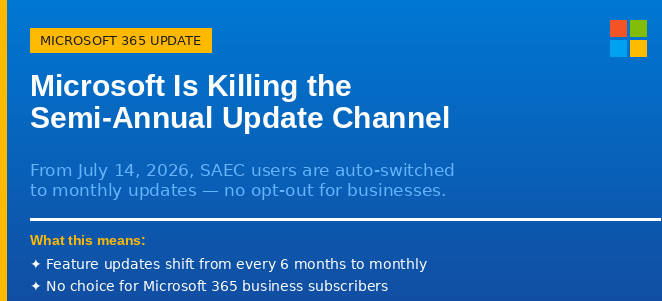
Microsoft Is Killing the Semi-Annual Update Channel: What It Means for Your Organization
Microsoft is ending the Semi-Annual Enterprise Channel (SAEC) for Microsoft 365 Apps on July 14, 2026. From that date, any organization still using the six-monthly update schedule will be automatically moved to Monthly Enterprise Channel (MEC) updates, whether they want to move or not. This affects business and enterprise Microsoft 365 customers who deliberately chose […]
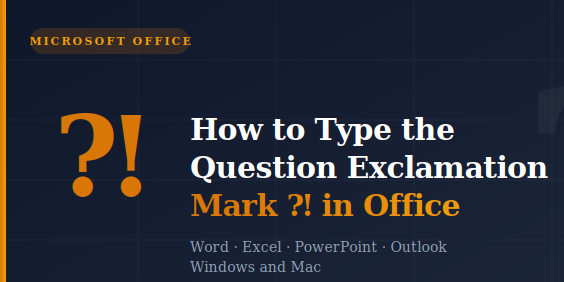
How to Type the Question Exclamation Mark ⁈ in Word, Excel, PowerPoint and Outlook
The Question Exclamation Mark ⁈ is a single character that combines the energy of both punctuation marks into one, perfect for expressing surprise mixed with a genuine question. Whether you are working in Word, Excel, PowerPoint, or Outlook on Windows or Mac, there are several quick ways to insert it, including a keyboard shortcut or […]

Word’s “Punctuation Required with Quotes” Setting: Inside, Outside, or Off?
Microsoft Word has a built-in grammar setting that decides where commas and periods should sit when they appear next to closing quotation marks. American English puts them inside the quotes. British English puts them outside. The Punctuation Required with Quotes setting in Word’s Grammar options lets you enforce whichever rule you follow, or none entirely […]
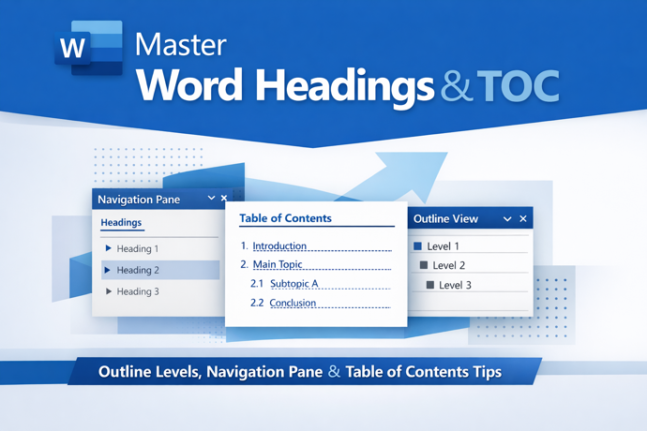
How Headings and Outline Levels appear in parts of Word
If Word’s Navigation Pane and Table of Contents ever show different things, you’re not going crazy and Word isn’t broken. The reason is a distinction Microsoft rarely explains clearly: Heading styles and Outline Levels are two separate properties that usually go hand in hand, but don’t have to. Understanding which list uses which setting is […]









