
Identical To ≡ symbol in Word, Excel, PowerPoint and Outlook
Insert the Identical To ≡ into Microsoft Word, Excel, PowerPoint or Outlook. Both in Office for Windows and Office for Mac. Identical To ≡ symbol, also known as the triple bar, is a mathematical symbol. The three lined symbol means that something is identical or like another value, but this does not mean that is […]
Add the missing Draw with Touch option to Office
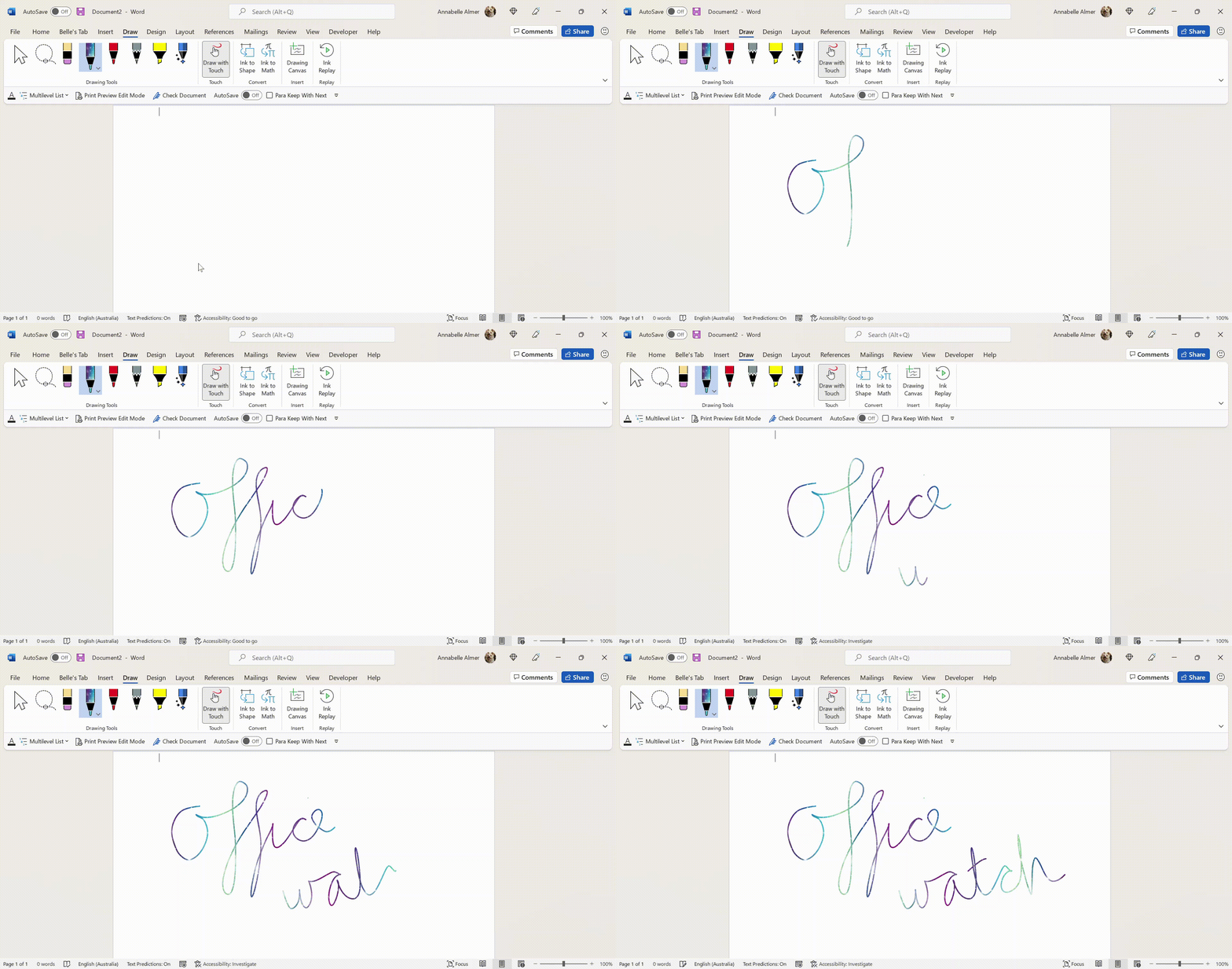
Here’s how to force the ‘Draw with Touch’ button to appear in Word, Excel and PowerPoint when it doesn’t show up automatically. ‘Draw with Touch’ is an Office option to let you draw with a finger or stylus on a touchscreen. It should automatically appear on the right of the Draw tab with a touch-enabled […]

Making QR codes step by step for Office
Making QR codes is quite simple, all you need is a simple online code maker and by following our step by step guide you’ll have it set-up in no time. We’ll show how to make QR codes for web links and even easily sharing Wifi settings. Nowadays, QR Codes are widely used thanks to COVID, […]

Converting SVG code into a graphic for Office
How to convert the code which makes an SVG illustration into something that will work with Word, Excel and PowerPoint and also change the SVG code to alter the colors and background settings. Usually, SVG format graphics are supplied as a separate file but sometimes they come as a long text string like this: <svg viewBox=’0 […]
True Teleprompter options for PowerPoint
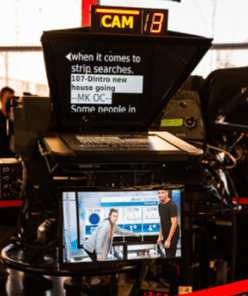
Microsoft is taking liberties with their new “Teleprompter View” in PowerPoint because it’s not a true Teleprompter with text that scrolls as you speak. But there are options for a true Teleprompter/Autocue professional effect. A real Teleprompter (aka AutoCue) displays the speech text in front of the camera so the speaker appears to be talking […]

White Right backhand pointer 👉 in Word, Excel, PowerPoint and Outlook
Type the White Right backhand pointer 👉 into Microsoft Word, Excel, PowerPoint or Outlook. Both in Office for Windows and Office for Mac. It’s officially called “White Right Pointing Backhand Index”. White Right Pointing Backhand Index 👉 symbol is great for signs, simple hand graphics in slides or an alternative bullet in lists. There’s also […]

Changing Word’s Text Box Gallery to suit you
The Word Text Box Gallery gives you a head start on nice document effects. Under the Insert tab in Word is the Text Box gallery, a selection of pre-set options to jazz up your document. It’s the easy way to put in fancy design elements you see in books and magazines like side-bars or ‘pull […]

New look file browsing in Office for iPhone and iPad
There’s a new “File Card” look coming to the Office ‘all in one’ app for iPhone and iPad which shows document thumbnails and other information. File Cards use the document thumbnails that are in most, but not all Office documents plus PDF files that are stored on OneDrive. Microsoft says there’ll be support for locally […]

Make thumbnails for Office documents with extra tricks
Adding thumbnail or preview image for Word, Excel or PowerPoint Office documents is easy, though you won’t find the choice anywhere obvious. We’ll dig into how thumbnails work for some nerdy extra detail. Thumbnails are the small images that appear in File Explorer and elsewhere instead of the standard icons for Word, Excel, PowerPoint etc. […]
Black Right Pointing Backhand Index 🖝 symbol in Office
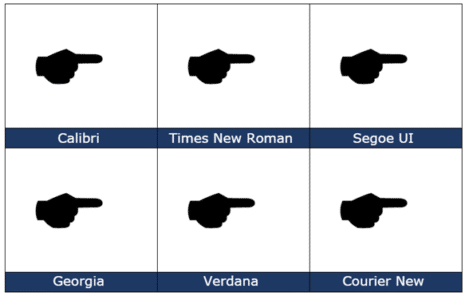
insert the Black Right Pointing Backhand Index 🖝 into Microsoft Word, Excel, PowerPoint or Outlook. Both in Office for Windows and Office for Mac. Black Right Pointing Backhand Index 🖝 symbol can be used as a creative bullet symbol in lists or to point a direction on a sign. It’s the lesser known complement to […]

Playing one song after another in PowerPoint
To play a selection of different audio tracks, one after another is surprisingly clumsy even in Microsoft 365 PowerPoint. For example, you might like to have multiple tracks from a single album or several movements from a symphony. We expected that a simple Animation would work with the second music track set to play ‘after previous’ […]

Add music for the whole PowerPoint presentation
A common request is for music to play throughout a PowerPoint presentation. Handy for automatic and kiosk slideshows. That’s easy in PowerPoint these days. Insert the audio then look on the Playback tab. There’s a choice ‘Play in Background’ that does the job in one click. ‘Play in Background’ is just a way of turning on three existing settings: Play across […]

Almost Equal ≈ symbol in Word, Excel, PowerPoint and Outlook
Almost Equal sign ≈ can be typed into Microsoft Word, Excel, PowerPoint or Outlook. Both in Office for Windows and Office for Mac. The Almost Equal symbol ≈ is commonly used within Mathematics to indicate two values are roughly equal, but not exactly equal. Or use it whenever you need horizontal wavy lines! How Almost […]

Google Font recommended pairing for Word and Office
Here’s how to choose good looking font pairs for your Word headings and body text or PowerPoint titles and text. We’ve shown you how to use Google Fonts in your Office documents. The Google Fonts site itself is little help but others have curated suggested pairings. Most of the suggested Google Font pairs are for […]
Using WOFF fonts in Microsoft Office
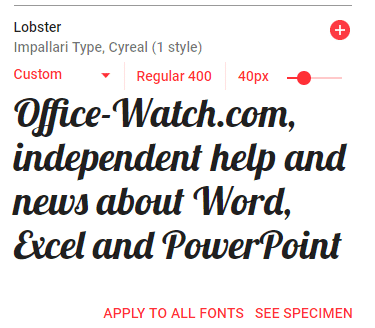
WOFF are a new-ish type of font that you might have seen mentions or downloads. Here’s how to use them in Microsoft Office; Word, Excel or PowerPoint. WOFF is Web Open Font Format designed to be compact and easy to download. WOFF is for web sites and mobile apps, not desktop programs like Office. Despite […]

Up Down Arrow with Base ↨ symbol in Word, Excel, PowerPoint and Outlook
Type Up Down Arrow with Base or underline ↨ into Microsoft Word, Excel, PowerPoint or Outlook. Both in Office for Windows and Office for Mac. How Up Down Arrow with Base ↨ looks in different fonts. Here’s some examples of how Up Down Arrow with Base / Underline ↨ looks in common Office fonts. Up […]









