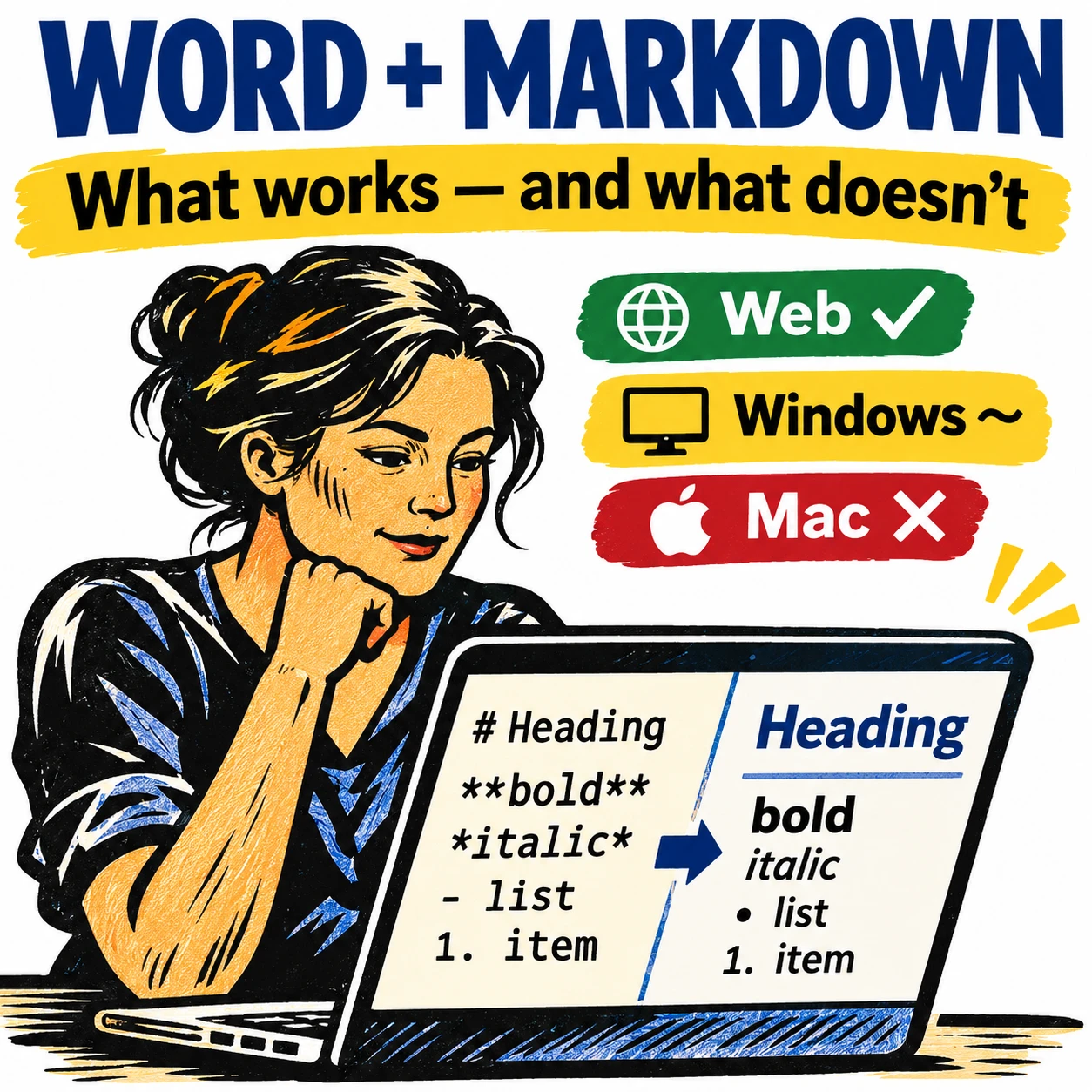
Numbered or bullet lists don’t have to look the way Microsoft sets automatically here’s how to change them to suit your needs and style. In Microsoft Word, it is simple to create a numbered or bullet list. Simply select your text | Home Tab | Paragraph Group| Select the Numbering
Organizations need to start work now to reduce the impact of coming price rise. Microsoft 365 enterprise licenses can increase by up to 25% on 1 March 2022 . Here’s some tips to keep the costs of Microsoft 365 down, despite Redmond’s efforts to get more money from customers. Individuals
Skype is getting a surprise makeover with improved group calling views, display customization, two camera support and even translation on calls to regular phone lines. Microsoft calls these changes, we’re not kidding, ‘buttery smooth’. The announcement is a surprise because all the indications have been that Skype is on its
There are two exponential function options in Excel. Like many things in Excel, what looks simple has some traps for the unwary. We’ll explain why the Power() and ^ don’t always give the same or even correct result. Exponentiation is an operation in mathematics, written as an, involving the base
Let’s imagine you’re in Word’s Print Preview and you’ve suddenly noticed an error in your document. You close print preview to make the change, then you go back to print preview again or you can discover Print Preview Edit Mode. Print Preview in Word has all sorts of goodies for
The Search box in the title bar of Excel 365 is getting access to Stock and other linked data types with Word 365 and PowerPoint 365 promised soon. You’ll be able to find and insert linked data direct from the top Search box. The modern Office Search box doesn’t just
XMatch() function in Excel locates an item in an array or range of cells, then returns its position relative to the item. It’s similar to XLookup() which returns the cell value while XMatch returns a relative position in the array. Syntax =XMATCH(lookup_value, lookup_array, [match_mode], [search_mode]) Arguments Lookup_value – the value to find. Lookup_array
Excel can use past data to project possible future results with the Forecast feature. It’s a very simple version of statistical ‘modelling’. The Forecast function will let you predict future values and data trends, such as consumer trends, future sales and or inventory needs, based on seasonality. Here’s a simple guide on how to use the Forecast feature. Although
Previously we talked about How to add a Drop-down List in Word, but you can also work more efficiently in Excel worksheets by making use of drop-down or pull-down lists. We will show you how to use Microsoft Excel’s data validation function to create useful lists within your spreadsheets. How to avoid the trap that lies waiting for the unwary
As if Lambda() was already a great addition to Excel 365, Microsoft is adding what they call ‘helper’ functions to add even more abilities. Here’s a very short overview of each helper function with links to more information. In some cases, the helper functions are a new and better way to do things already
Excel 365’s nifty LAMBDA feature is getting an interesting, literally optional, improvement plus ‘Helper’ functions to extend its usefulness. LAMBDA, a powerful tool that allows users to create their own Excel 365 custom functions without VBA. The feature allows longer formulas to be written once then referenced in a worksheet to a shorter name of the user’s choosing. LAMBDA isn’t just another Excel function, it’s an important change in how
Interactive checkboxes can easily be added to your Word document for a variety of uses. Perhaps you need to create a to-do checklist to help monitor the completion of tasks on top of a collaboration document, or make it simpler for users to read and complete surveys or forms. Either way, we will provide
Microsoft has announced that Office desktop apps (Windows and Mac) can now co-author encrypted documents. Until now, encrypted docs could only have shared editing using Office on the web. What’s in the fine print is often overlooked, this feature isn’t for everyone. The announcement in bold from Microsoft has got
Microsoft has released a patch for the MSHTML security bug that’s being used with Office documents to infect computers. The bug is in MSHTML, the browser rendering engine used by Microsoft Office. If someone is tricked into opening a hacked Office document with ActiveX control, they could infect their computer
Outlook’s Folder Pane displays all folders which lets you quickly move between folders and views. Minimise the Folder pane, you will no longer be able to see your folders. As a result, some users get puzzled as to how they can bring back the expanded Folder Pane view. There are a few ways that
Printing email messages is something that we all do at various times, and in theory it should be as simple as clicking the Print icon in your email program – but what if the message won’t print out properly? Sometimes the printed version of an email message (or web page)
Here’s what you need to know about the two official international document formats, Microsoft’s OpenXML (.docx .xlsx etc) and Open Document Format (.odt .ods etc) both supported in Microsoft Office and most other office suite software. Each format has been recognized by international bodies so there are two ‘official’ document
Not only can Teams share Word, Excel or PowerPoint files, but you can also make new documents right in Teams or upload existing documents. Create a New File You can easily create a new file within Teams for Word, Excel, PowerPoint or OneNote from the New pull-down list at left.
Excel’s PivotTable allows you to evaluate trends, comparisons, and patterns within datasets. Once a PivotTable is setup, you can filter “Drill down” into it to focus on key information. These days there are several ways to filter a PivotTable, Slicers (which Microsoft loves to boast about), AutoFilter and by Field
The Read Aloud feature in Word 365 and Outlook 365 is getting fewer but much better and realistic sounding voices. Read Aloud is how documents can be read to you. Great for ‘reading’ without adding more eye-strain or proof reading against an original document. These options are at Review |
The September 2021 release preview has a lot more than usual new and updated features in Office 365 for Windows. Almost as if Microsoft has been saving them up for a bumper surprise! It’s all in the ‘Current Channel (Preview)’ release v2109 build 14430.20088 that’s out now. This is the
Soon older versions of Outlook won’t be able to connect to Microsoft hosted mailboxes, even though both the software and service come from the same company. Here’s what’s happening, why, who is affected and what to do. Microsoft is finally ending older, insecure, ‘Basic’ authentication connections to their Microsoft 365
Teams makes it simple to share files and collaborate. If you are working with Word, Excel, PowerPoint, or Visio files, your coworkers may read, edit, and collaborate on them directly from Teams. The different ways to open a document in Teams. Files Access Within Microsoft Teams, each Channel has a
Office Depot in the USA has a good deal available now for both Microsoft 365 Family and Personal, but with an important limitation buried in the fine print. Both offers are for 15 months of Microsoft 365 for the price of 12 but you must buy a ‘qualifying product’ to