Three quick ways to get the APA Format in Microsoft Word
Creating an APA-formatted paper in Microsoft Word doesn’t have to be time-consuming. There are three ways to get a template with the correct margins and line spacing to formatting title pages, headings, and references. Where you can get the APA format in Microsoft Word so your academic papers look professional and comply with the latest standards.
APA (American Psychological Association) format is a standardized academic writing style used mainly but not only in social sciences, education, nursing, and psychology. It governs everything from how your document looks to how you cite sources. Many academic bodies use the APA format with some variations depending on the university, faculty, course or individual professors.
Some students start from a Word blank document but there are faster ways to get an APA formatting document or something very close to what you need.
There are three places to look for an APA formatted template that works in Microsoft Word.
Any APA template needs to be checked for any omissions from the APA standard and any special requirements for your course.
There are different formats for professional and student work, we’ll focus on student needs.
Word’s Built-In APA Template
Word includes an APA-style template. To find it: File | New, then search for “APA.”
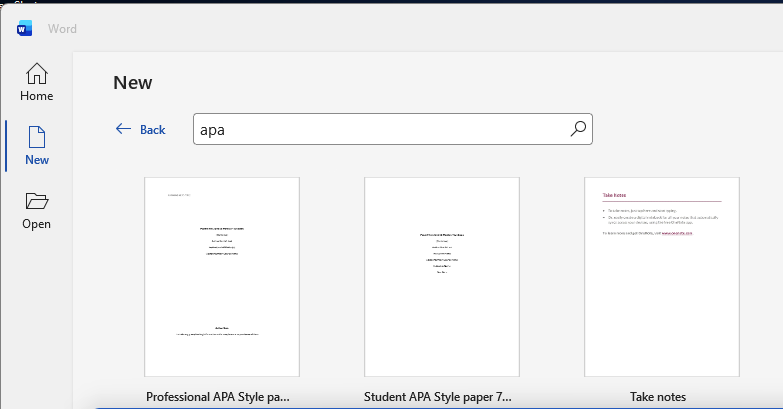
Microsoft’s template is a reasonable starting point, but verify it matches APA 7th edition because some templates in Word’s library might reflect the older 6th edition (2009).
There are two APA templates for Professionals or Students.
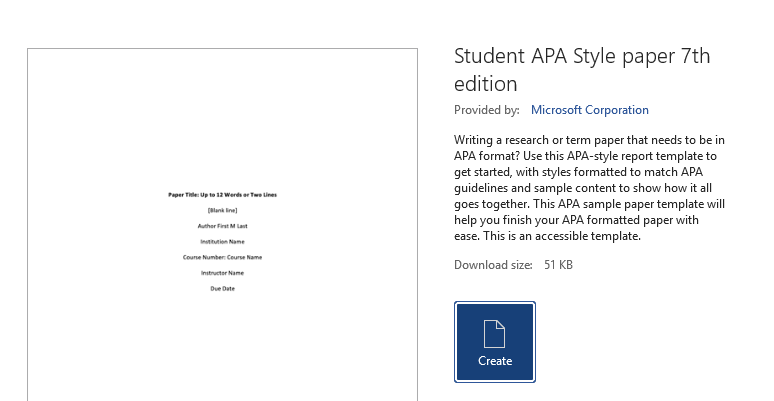
Check the title page format and heading styles in particular.

Check the paper size of the Word template to make sure it’s correct for your course. Outside North America, A4 paper size is the standard.
Metric measurements for margins, indents etc. will probably apply in many countries. They’ll usually be conversions of the US measures but there could be small variations.
The Word template for APA v7 Students does NOT include the required page numbering.
In Word, the styles Normal, Heading 1 to Heading 5 are setup correctly in the APA v7 template. You might need to change the font and size to match the courses requirements.
APA official examples
The APA itself has sample blank Word documents with and without annotations (explanations).
They also have example documents for specific topics such as Design, Journalism, Literature etc. Also an example of an Annotated Bibliography.
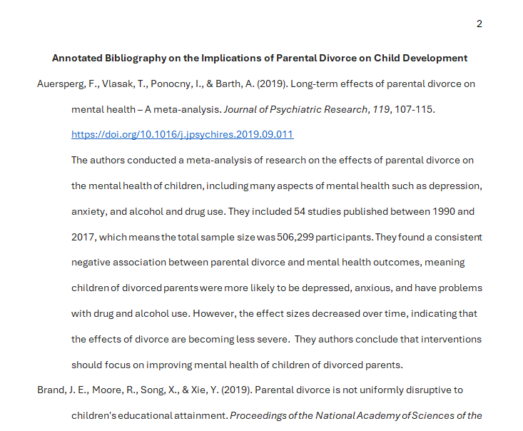
As we keep saying, your lecturer or course may have specific requirements or variations from the APA format. Use the APA download as a starter but not the complete answer.
The APA puts it this way:
Students should follow the guidelines and requirements of their instructor, department, and/or institution when writing papers.
APA Style: Sample Papers
For instance, an abstract and keywords are not required for APA Style student papers, although an instructor may request them in student papers that are longer or more complex.
Specific questions about a paper being written for a course assignment should be directed to the instructor or institution assigning the paper.
An even better academic template … maybe
It’s quite possible that there’s a specific template or sample document that’s exactly correct for your lecturer, course, department or institution.
Ask around fellow students, faculty or online to see if there’s a Word document that has the exact settings like font, page size or any other local variations.
APA Basic Page Setup in Microsoft Word: Margins, Fonts, Spacing and More
Three APA Formatting Traps in Microsoft Word That Ruin Academic Papers