Microsoft 365 – the subscription / annual fee plan for Microsoft Office on Windows, Mac, iPhone, iPad and Android.
Includes Word 365, Excel 365, PowerPoint 365, Outlook 365 and many other ‘365’ programs, apps and services.
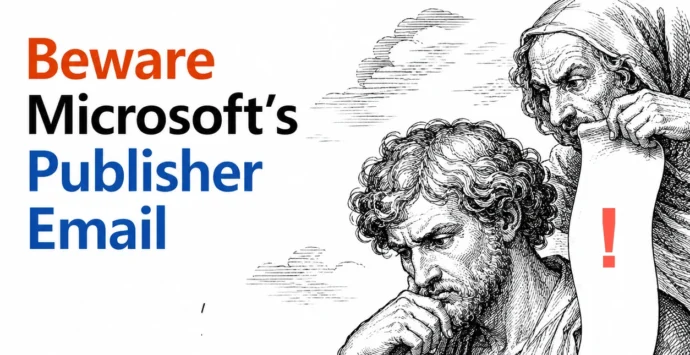
Publisher 365 Kill Switch: What Microsoft’s New Email Gets Wrong
Microsoft just emailed Microsoft 365 subscribers with a warning that badly undersells the Publisher 365 problem. The real deadline is 1 October 2026, less than two months away, not “next year” as the email claims. After that date, Publisher 365 stops opening or editing your files completely, not just “no longer supported.” Here is what […]
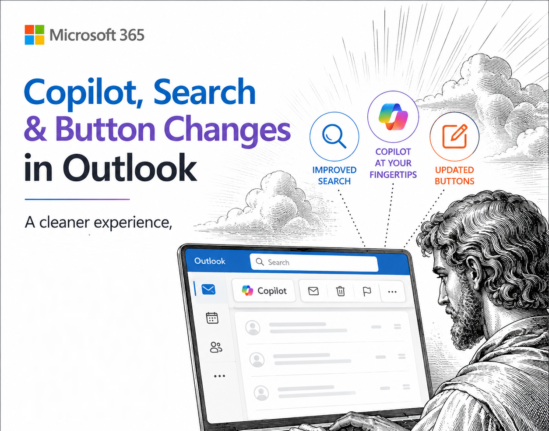
Microsoft Cancels Copilot Search in Outlook, But the Copilot Button Gets Bigger
Microsoft has cancelled the Copilot suggestions it started pushing into the Outlook search box in June 2026, after three months of complaints that AI answers were burying the emails people were actually looking for. If you saw Copilot results appear above your own messages, they will vanish again as the rollback reaches your account, and […]

Highlight the Selected Row and Column in Excel and Stop Data Errors
Large Excel worksheets punish you for a moment of inattention. Your eye drifts one row, you type a score or a price into the wrong cell, and nobody notices for weeks. Excel can fix that by highlighting the row and column of whatever cell you click on, so the right cell is always obvious. It […]
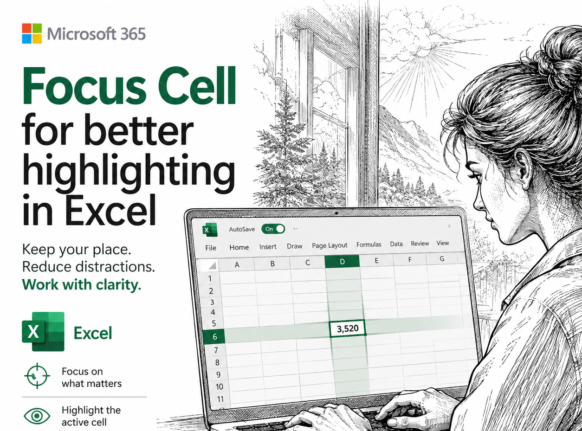
Excel 365 Focus Cell: Highlight the Row and Column You Are In
Typing a number into the wrong row is one of the easiest mistakes to make in a large worksheet and one of the hardest to spot weeks later. Excel’s Focus Cell fixes that by shading the entire row and column of whatever cell you click on, so the right cell is always obvious. It is […]
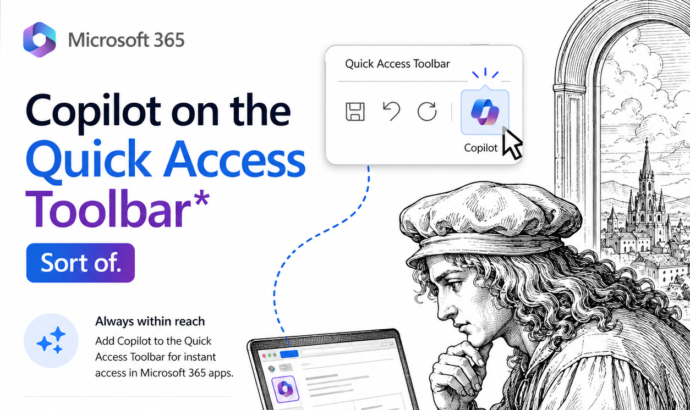
Copilot on the Quick Access Toolbar: The Hidden Trick That Works (Sort Of)
Tired of the Copilot button floating over your document? There is a way to park it on the Quick Access Toolbar in Microsoft 365 Word, Excel and PowerPoint for Windows, but Microsoft has buried the option and what you get is not quite a Copilot button at all. Here is exactly how to do it, […]

PowerPoint AI Images Tested: Which Copilot Model Actually Works
PowerPoint 365 has the best AI image making anywhere in Microsoft 365, with GPT and Flux models you would normally pay extra to use directly. We ran the same prompt through every model to see which ones deliver and which ones just throw errors. Here is what each model is actually good for and why […]
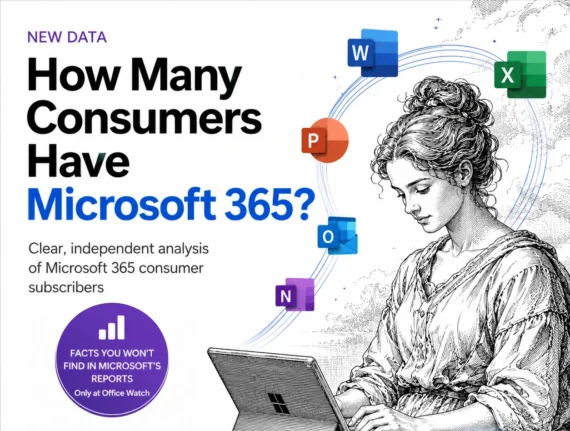
Microsoft 365 Subscribers 2026: 95 Million and Rising Bills
Microsoft will not tell you how many people pay for Microsoft 365 anymore. The last official figure was 89 million consumer subscribers in July 2025, and the estimate for mid 2026 is about 95 million. What Microsoft did report on July 29, 2026 is the part that reaches your wallet: Microsoft 365 consumer cloud revenue […]
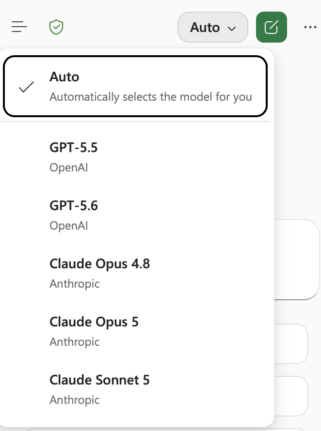
Claude’s Opus 5 model in Microsoft 365 apps
Another day, another AI model. At least that’s how it seems. Just between Anthropic’s Claude, OpenAI’s ChatGPT, and Microsoft’s own MAI models, there’s a constant flow of new and updated AI models for Microsoft 365 apps. Be aware of changes in AI models because the new software can behave in a different way. Sometimes better, […]
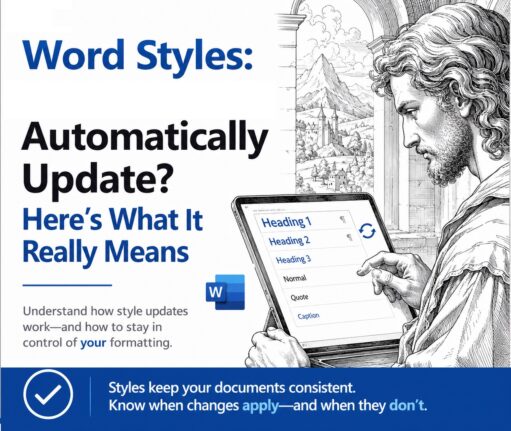
Word Style ‘Automatically Update’: Why You Should Turn It Off
Change the font on one paragraph in Microsoft Word and watch the rest of the document change with it. That is ‘Automatically update’, a checkbox hiding in every Word style’s Modify Style box. It is off for most styles, but when it is on, Word rewrites the style itself every time you reformat a paragraph, […]
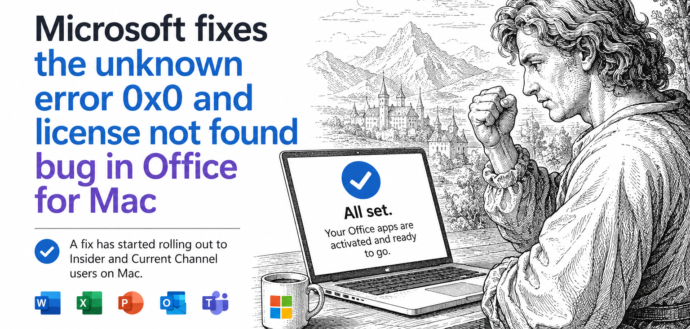
Office for Mac Won’t Open? Fix “Unknown Error 0x0” and “License Not Found” in Two Minutes
If Word, Excel, Outlook, PowerPoint or OneNote suddenly refuse to open on your Mac and flash Unknown Error 0x0 or License Not Found, you are not locked out and your subscription is fine. It was a licensing bug on Microsoft’s side, now fixed. The repair is free, needs no reinstall, and takes about two minutes: […]
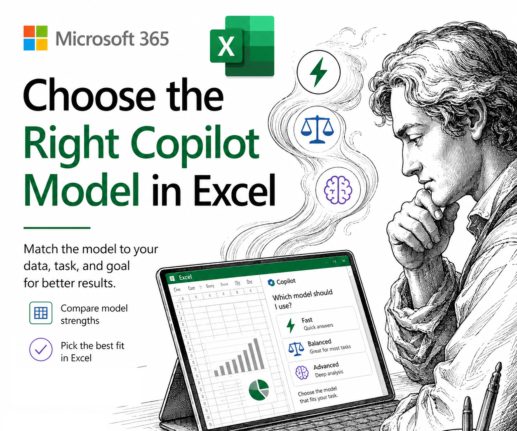
Which Copilot Model Should You Use in Excel? Auto, GPT or Claude
Excel now lets you choose which AI model powers Copilot, but Microsoft does a poor job of explaining what each one does. The Copilot model picker in Excel offers Auto, two OpenAI GPT models and two Anthropic Claude models. Here is which Copilot model to leave selected for everyday work, and when it pays to […]
Microsoft Kills Copilot Podcasts and Labs: Save Yours Before August 2026
Microsoft is killing Copilot Podcasts and Copilot Labs, two of the more novel features in Microsoft 365 Copilot. If you turn documents, meetings, or web topics into listenable audio shows, save what you want now. There is no admin switch to keep the feature alive, and August 2026 looks like the cutoff. Here is exactly […]
Microsoft Kills Free Meeting Insights: What Outlook Users Lose in September 2026
Microsoft is switching off Meeting Insights, the free Outlook feature that automatically shows emails and files linked to your upcoming meetings. From mid August 2026 it starts disappearing, and by early September 2026 it is gone. The catch: the replacement only works if you pay for a Microsoft 365 Copilot license. If you do not, […]
Microsoft Forms New Sender Address: Fix Your Email Rules Before September 2026
Microsoft is changing the email address that Microsoft Forms uses for automated messages, and if you filter those emails you need to act. From mid August 2026, Forms notifications will arrive from no-reply@forms.mail.microsoft instead of maccount@microsoft.com. Any Outlook rule, admin mail flow rule, or spam filter tied to the old address will silently stop working, […]
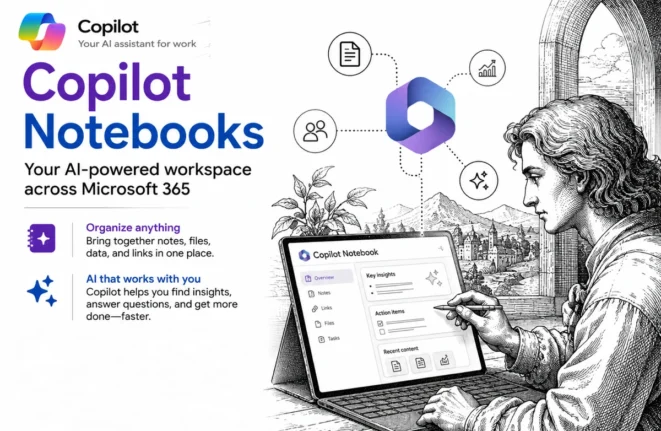
Copilot Notebooks explained: what they are and who gets them now
Copilot Notebooks are quietly becoming one of the genuinely useful parts of the whole Copilot push, and Microsoft has now opened them up well beyond the expensive Copilot license. A Copilot Notebook is a workspace where you gather the files, pages and links for one project, then ask Copilot questions about only that material, which […]
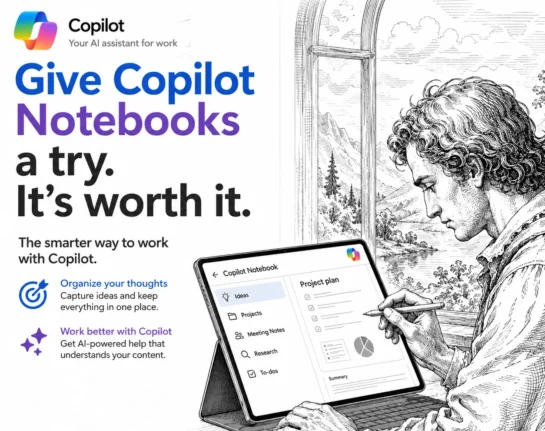
Copilot Notebooks: The Safer Way to Use Microsoft’s AI
Copilot Notebooks are one of the most useful new AI features in Microsoft 365, and they fix the problem most people have with AI: not knowing where its answers come from. Inside a Notebook, Copilot only reads the sources you give it and nothing else, so you get useful summaries, documents and answers without the […]









