Microsoft 365 – the subscription / annual fee plan for Microsoft Office on Windows, Mac, iPhone, iPad and Android.
Includes Word 365, Excel 365, PowerPoint 365, Outlook 365 and many other ‘365’ programs, apps and services.
Word: get a better list of styles in a document
Word makes it surprisingly hard to see a full list of styles in a document. There’s no tidy panel that lays out every style and shows how they connect to each other. The only option built into Word is a hidden Print setting that produces a long, flat report that’s a chore to read. The […]
How to Make a Better Word Index: Page Ranges, Hidden Tags and AutoMark
Making an index in Word by hand gets tedious fast, but Word hides three real time savers most people never touch. In this second part of our indexing guide we show you how to mark an index entry that spans a range of pages using bookmarks, why Word fills your document with hidden {XE} tags […]
How to Make an Index in Word: Mark Entries and Build It
An index is the alphabetical list of terms and page numbers at the back of a book, and Microsoft Word can build one for you. We show you how to make an index in Word, starting with the basics: preparing your document, marking index entries and generating a simple, professional looking index. It takes some […]

Microsoft Forms: Old and New Tools to Draft and Fix Your Surveys
Microsoft Forms Copilot has quietly turned one of the humblest corners of Microsoft 365 into a better survey and quiz builder. Copilot can now draft a whole form from a plain English prompt, suggest fixes to questions you already have, and even add basic branching, all inside one pane next to your form. Some of […]

July 2026 Patch Tuesday: 570 Fixes and a Critical BitLocker Flaw
Microsoft’s July 2026 Patch Tuesday is one of the biggest on record, with a massive 570 bug and security fixes landing on your Windows, Microsoft 365 and Office machines. One buried fix is critical: a BitLocker bypass that let thieves open an encrypted drive without your password or recovery key. Here’s what to patch, when […]
Windows 10 Support Extended Again: Free Security Updates Until October 2027
Microsoft has quietly handed Windows 10 users another free year. Windows 10 Extended Security Updates (ESU) now run to 12 October 2027, not the October 2026 cutoff everyone had been planning around. If you are already enrolled, the extra year is automatic and costs nothing. If you are not, enrollment is still open and it […]
Better Than Flash Fill: 4 Smarter Ways to Split Text in Excel
Excel’s Flash Fill has a fatal flaw: it forgets. Flash Fill runs once, on the rows in front of it, and then it’s done. Edit a cell, add a row or refresh the data and nothing updates. Excel now has four alternatives all better ways to split or join text that stick around and keep […]
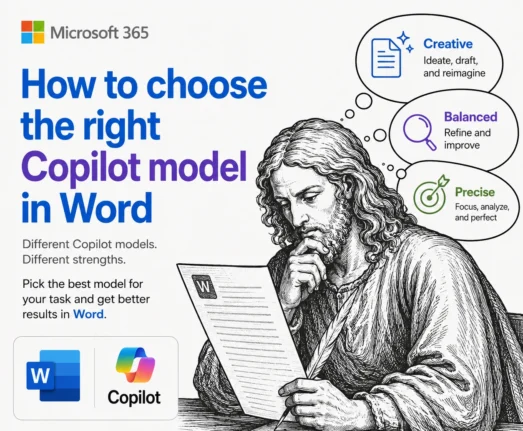
Which Copilot Model Should You Use in Word? Auto, Claude or GPT
Word now lets you choose which AI runs Copilot, but Microsoft does a poor job of explaining what the choices actually do. The Copilot model picker in Word offers Auto, two Anthropic Claude models and OpenAI’s GPT in Quick Response or Think Deeper flavors. Here is what each Copilot model in Word is good at, […]

Spanish Flag in Microsoft Office: The Right Image, the Right Colors
Need the Spanish flag in Word, Excel or PowerPoint? Here is the fast, correct way to do it. We will show you where to download a proper scalable version of Spain’s flag (so it stays sharp at any size), the exact red and yellow color codes you need to match it in a document, worksheet […]
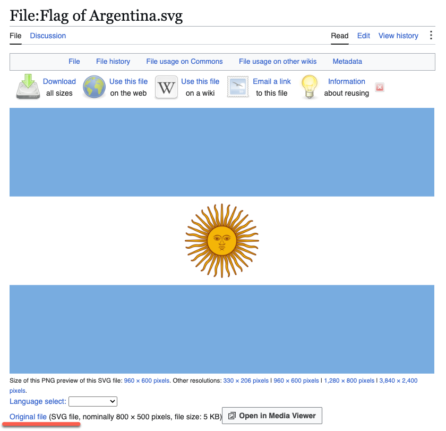
Argentina Flag in Word, Excel and PowerPoint: Get the Right One
Adding the Argentina flag to Word, Excel or PowerPoint should take thirty seconds, but Argentina sets a trap that most countries do not. There are officially two national flags, the ceremonial one with the golden Sun of May and a plain version without it, and picking the wrong one is the giveaway that you grabbed […]
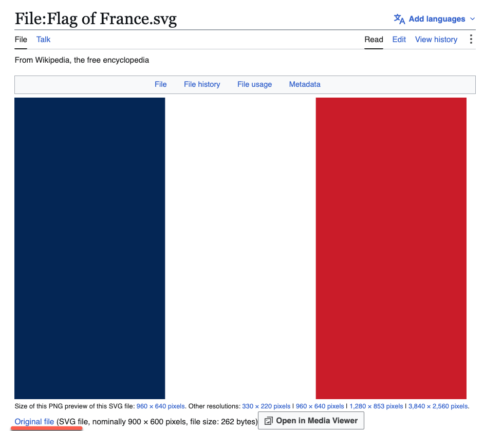
French Flag in Word, Excel and PowerPoint: Get the Colors Right
Adding the French flag 🇫🇷“Le Tricolore” to Word, Excel or PowerPoint looks like the easiest job in Office. It is three colored bands. What could go wrong? Quite a lot, as it turns out. There are two official French blues in circulation and the French state has switched between them, the white middle band disappears […]
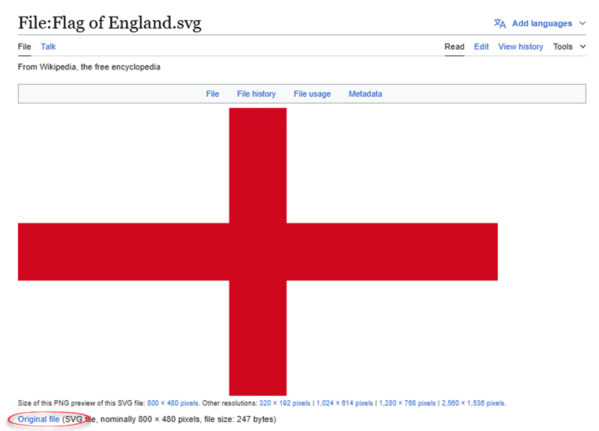
England Flag in Word, Excel and PowerPoint: The Right Way
Adding the England flag “St George’s Cross” to Word, Excel or PowerPoint should take thirty seconds, but most people get it wrong twice. Here is where to get a proper scalable graphic of the England flag, the exact hex colors, insert and enhance it in Office, and why the England flag emoji will look broken […]
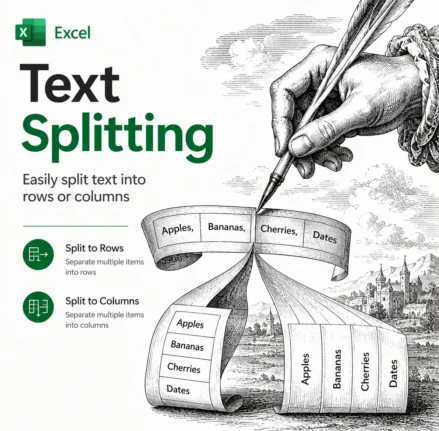
Split Text in Excel the Easy Way: TEXTSPLIT, TEXTBEFORE and TEXTAFTER Explained
Splitting text in Excel used to mean wrestling with nested LEFT, RIGHT, MID and SEARCH formulas. Not any more. Excel 365 and Excel 2024 have three functions that do the job in one step: TEXTBEFORE, TEXTAFTER and TEXTSPLIT. TEXTBEFORE grabs everything before a delimiter, TEXTAFTER grabs everything after it, and TEXTSPLIT breaks a whole string […]
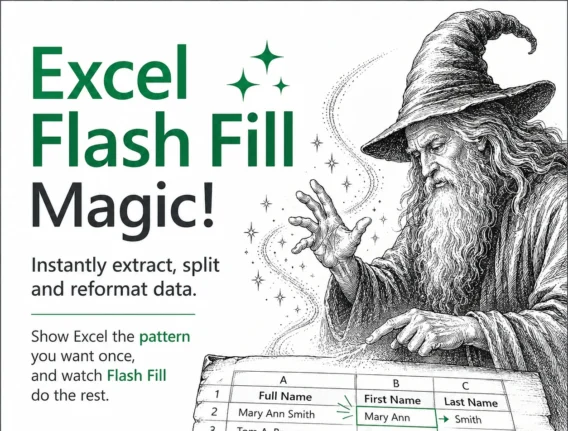
Excel Flash Fill Magic: Split, Join and Reformat Text Fast
Excel Flash Fill is one of the fastest ways to split, join and reformat text in Microsoft Excel without writing a single formula. Type one or two examples of the result you want and Excel spots the pattern, then fills the rest of the column automatically. It works on Windows and Mac in Excel 2013 […]
GPT 5.6 Arrives in Microsoft 365 Copilot, But Microsoft Hides What You Get
Microsoft has quietly added OpenAI’s new GPT 5.6 model to Microsoft 365 Copilot on the very same day it reached ChatGPT, a surprisingly fast turnaround. The catch is that Microsoft renames the model, so instead of the clear Sol, Terra and Luna labels that OpenAI uses, Copilot users only see vague choices like “Quick Response” […]

Microsoft 365 Business Price Increase: Who Pays More in 2026
Microsoft 365 business prices jumped on July 1, 2026, and if you manage a company or government subscription your next renewal will cost more. The increase hits Business, Enterprise, Frontline, and Government plans, with rises ranging from 0% to a steep 43%. Home users on Personal, Family, Premium, and Education plans are not affected. Here […]









