Microsoft 365 – the subscription / annual fee plan for Microsoft Office on Windows, Mac, iPhone, iPad and Android.
Includes Word 365, Excel 365, PowerPoint 365, Outlook 365 and many other ‘365’ programs, apps and services.
Microsoft quietly swaps the AI inside Excel and Outlook
The AI engine inside your Excel and Outlook may have changed in the last few weeks, and Microsoft never told you. Microsoft has quietly started routing some Copilot prompts to its own MAI models instead of the OpenAI and Anthropic technology that used to do the work. The Copilot button looks identical and sits in […]
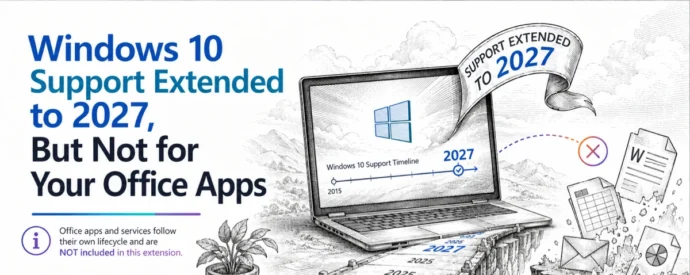
Windows 10 Support Extended to 2027, But Not for Your Office Apps
Microsoft has given Windows 10 extended support another year of life, pushing the free consumer ESU deadline to October 2027 or . If you run Microsoft 365 or Office on Windows 10, that sounds like good news, but it changes almost nothing for your Office apps. Microsoft 365 updates and features are still restricted and […]

Microsoft Surface 8GB RAM Trap: Pay More, Get Half the Memory
Microsoft’s new Surface 8GB RAM models look like a bargain, but they are a trap. In June 2026 Microsoft quietly added 8GB versions of the Surface Pro and Surface Laptop that cost more than last year’s 16GB models while giving you half the memory. 8GB is less than what most Microsoft 365 or Office customers […]
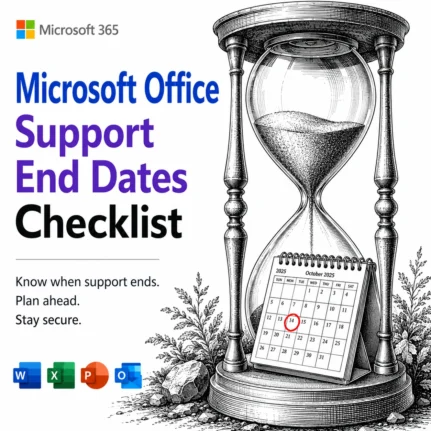
📅 Microsoft Office Support End Dates 2026: The Complete Checklist
Wondering when your version of Microsoft Office stops getting security updates? This is the plain English Microsoft Office support end dates checklist, kept current for 2026. Microsoft 365, Office 2024, Office 2021 and every older release run out of security and bug fixes on different dates, and once that day passes, any newly discovered flaw […]
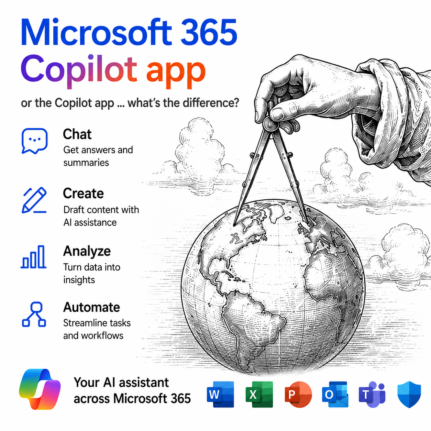
Microsoft 365 Copilot App vs Copilot App: What’s the Difference?
Microsoft now has two different apps both called Copilot, and the naming is genuinely confusing. The Copilot app is a free, standalone AI chatbot built into Windows. The Microsoft 365 Copilot app is something else entirely: the old Microsoft 365 hub for your Word, Excel, and PowerPoint files, now with Copilot’s AI features layered on […]
Outlook Immersive Search: Ask Questions Instead of Typing Keywords
Outlook search has vastly improved with Immersive Search, and if your mailbox has a Copilot plan attached, it is worth trying today. Instead of hunting for exact keywords, you can type a plain English question like and get a real answer, complete with links back to the source emails. It works in new Outlook, classic […]
PowerToys Shortcut Guide Now Works With Word, Excel and Outlook
Microsoft has rebuilt the PowerToys Shortcut Guide, and this version finally earns a place in every Microsoft 365 or Microsoft Office user’s toolkit. Instead of a generic list of Windows shortcuts, the guide is now app aware. Open Word, Excel, Outlook classic, PowerPoint, Access, OneNote, Project, Publisher or Visio, and the guide instantly shows the […]
Random Numbers in Excel: RAND, RANDBETWEEN and RANDARRAY Explained
Random numbers in Excel are easier than most people think, and you have three main tools to choose from: RAND() for decimals between 0 and 1, RANDBETWEEN() for whole numbers in a range, and RANDARRAY() for filling whole blocks of cells at once. This guide shows you how to make random numbers in Excel for […]
Installing Microsoft 365 or Office? Do These Two Things
Just installed Microsoft 365 or Office on a new PC? Before you open a single document, do one quick thing: check for updates. We did a clean install straight from Microsoft using the standard “Click to Run” method, expecting the newest version, and within minutes an update check found fresh security and bug fixes waiting. […]
Microsoft’s MAI Playground: Test Microsoft’s Own AI Models Free
Microsoft now has a free Microsoft AI Playground where you can test its own in-house AI models with no Azure account and no credit card, just a Microsoft login. The MAI Playground opens up three models to try: MAI-Voice-2 for text to speech, MAI-Image-2.5 for text to image, and MAI-Transcribe-1.5 for audio to text. These […]

Microsoft 365 UK Discounts: What Students, NHS and Armed Forces Really Get
Microsoft UK promotes a single “Student, NHS and Armed Forces discount” banner, which makes the Microsoft 365 UK discounts look identical for everyone. They are not even close. Students can get Microsoft 365 free for years, while NHS staff and armed forces members get only a small hardware discount and no money off Office software […]
New Outlook’s 5 “Productivity” Features: What Microsoft Isn’t Telling You
Microsoft’s June 2026 blog post pitches five new Outlook for Windows productivity features as reasons to abandon classic Outlook. The reality is less impressive. Two of the five already exist in classic Outlook, often in a stronger form, a third has a close equivalent. Three only work properly on Microsoft hosted mailboxes like Microsoft 365 […]
Microsoft 365 Workplace Discount Program: Get 30% Off, Even After You Quit
The Microsoft 365 Workplace Discount Program (WDP) cuts 30% off Microsoft 365 Premium, Family and Personal for employees of companies and government agencies that buy Microsoft volume licenses with Software Assurance. Formerly the Home Use Program, the WDP is now simple to claim: enter your work email, verify, and link your personal Microsoft account. Even […]
New Outlook Is Slow and a Memory Hog: More Reasons to Avoid It
New Outlook is slower and far hungrier for memory than classic Outlook, and new testing shows just how bad the gap is. Click a new email notification in Windows 11 and new Outlook can take around 10 seconds to show that message, while classic Outlook opens it almost instantly. New Outlook can also chew through […]
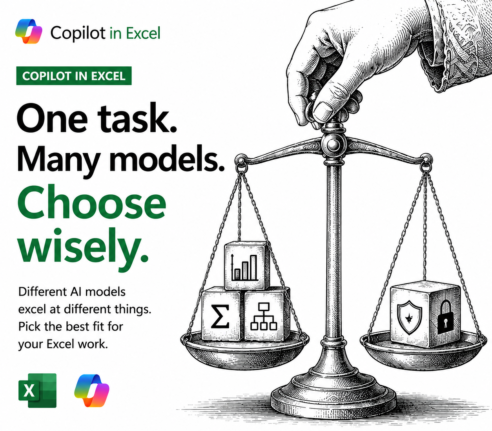
Best Copilot AI Model for Excel: A Plain English Guide
Excel lets you pick which AI model Copilot uses, and the list keeps growing: various GPT options, two Claude Opus and the heavyweight Claude Fable 5 (maybe). If you do not understand the difference, you are not alone. This plain English guide explains what each Copilot AI model for Excel is actually good at, when […]

Copilot Model Choices Explained: Which One to Pick and Why
Copilot in Word, Excel and PowerPoint lets you pick which AI model handles each task, but the menu is confusing and changes all the time. So what is an AI model, why does Microsoft offer several, and which Copilot model should you actually choose? This plain English guide explains the model options and how to […]









