Microsoft 365 – the subscription / annual fee plan for Microsoft Office on Windows, Mac, iPhone, iPad and Android.
Includes Word 365, Excel 365, PowerPoint 365, Outlook 365 and many other ‘365’ programs, apps and services.
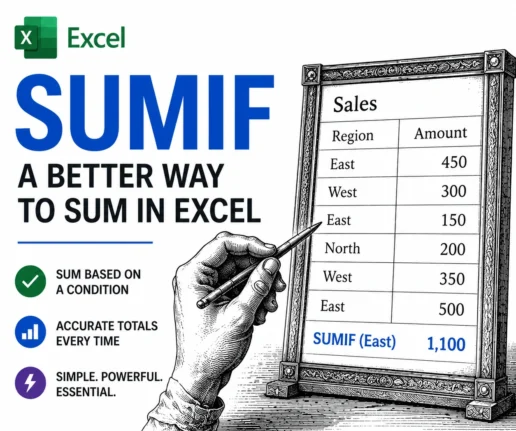
Excel SUMIF Function: Add Up Only the Numbers You Want
The Excel SUMIF function adds up only the numbers you choose, not everything in a range. Plain SUM() totals every cell with no filter, which is fine until you need the sales for one person, one month or one product. SUMIF fixes that by letting you set a condition first, then adding only the matching […]
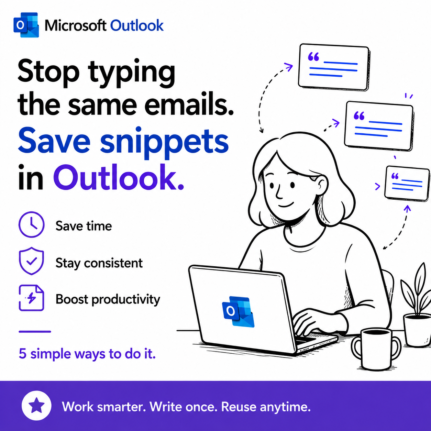
Save Reusable Email Snippets in Outlook: 5 Real Workarounds
Outlook gives you two built in ways to save reusable email text, and both are frustratingly limited. My Templates only stores plain text, with no bold, links, images or tables. The other way works for new messages but not replies. So if you send the same content over and over, you need a better way […]

What Is Microsoft Scout? The AI That Runs Office Tasks Without Being Asked
Microsoft has been crowing about its latest AI innovation, Microsoft Scout. Scout is the company’s newest AI agent, and it works very differently from Copilot. A lot of the hype is vague and full of Redmond’s latest favorite buzzwords. Here is a plain English explanation of what Microsoft Scout does today, what it might do […]
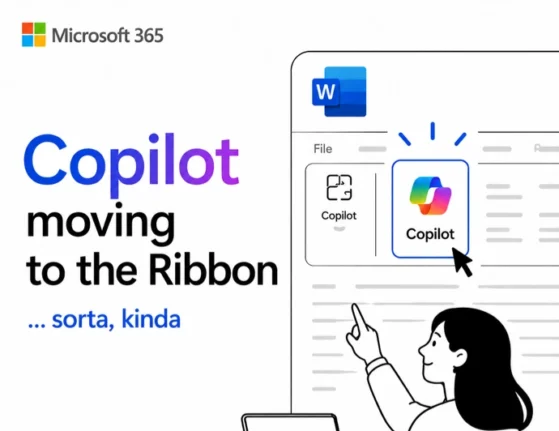
Copilot “Move to Ribbon” Finally Works in Windows (With One Big Catch)
The much anticipated Copilot “Move to Ribbon” option has finally arrived in Microsoft 365 for Windows, and unlike the Mac version, the Copilot button really does return to the ribbon. The good news is that the choice is sticky, so it applies to all future Word documents instead of being a one time fix. The […]

Microsoft 365 Military Discounts: Year Round Deals for US and Canadian Forces
The Microsoft 365 military discount is one of the best kept secrets in Microsoft pricing, and there are actually two of them. US and Canadian service members, veterans, and their families can buy the full Microsoft 365 Family plan for far less than the $129.99 civilian price, year round, with no cut in features. The […]
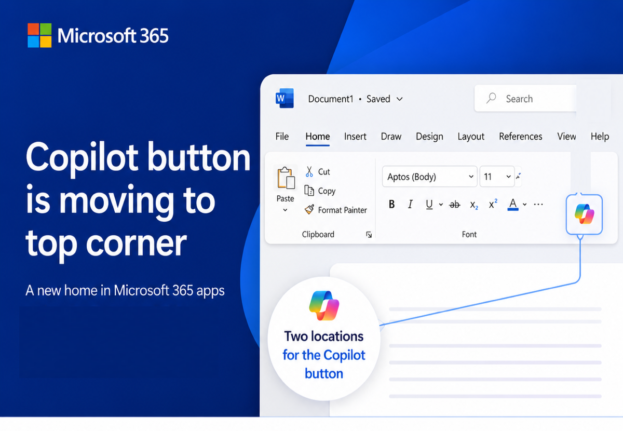
Microsoft’s Copilot ‘Move to Ribbon’ Arrives, But Not as Promised
Microsoft’s much hated Copilot button finally has a way to get out of your way, and we’ve found the first real world example running on a live machine. The promised “Move to Ribbon” choice has arrived in Word, Excel and PowerPoint, but it’s not quite what Microsoft pledged. Instead of a proper ribbon button you […]
Why Copilot Doesn’t Know Your Microsoft 365 Version
Copilot inside your Microsoft 365 apps can’t reliably tell you which version, build, or platform it’s running on. Ask Copilot which Microsoft 365 version you have and you get one of two answers: a vague “I don’t have access to that,” or a confident reply that’s flat wrong. That’s not a small quirk. It means […]
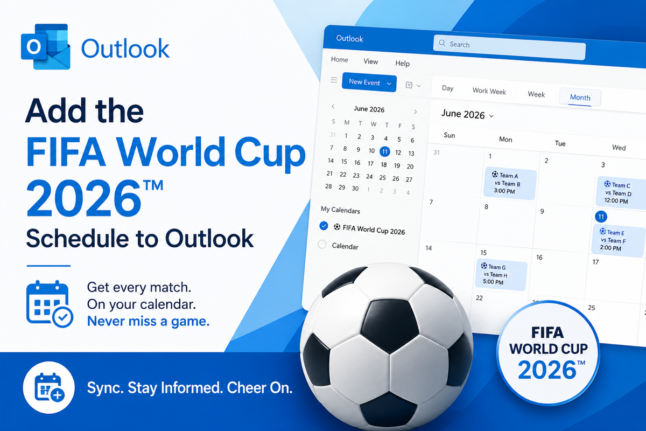
FIFA World Cup 2026: How to Add Matches to Your Outlook Calendar
The FIFA World Cup 2026 runs from June 11 to July 19, spanning 16 host cities across the US, Canada, and Mexico with 104 matches spread across four time zones. Keeping track of every kickoff time is a perfect job for Outlook’s calendar, which automatically converts match times to your local time zone so you […]
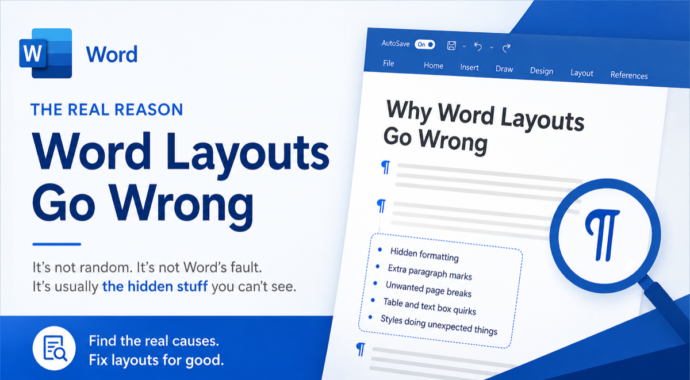
Why Word Layouts Break: Section Breaks Explained
Section breaks are the hidden cause behind some of Word’s most frustrating layout problems: random extra pages, headers that change unexpectedly, and pages that refuse to switch from portrait to landscape. Most Word users have never heard of section breaks, let alone seen one, because Word keeps them invisible by default. This guide explains exactly […]
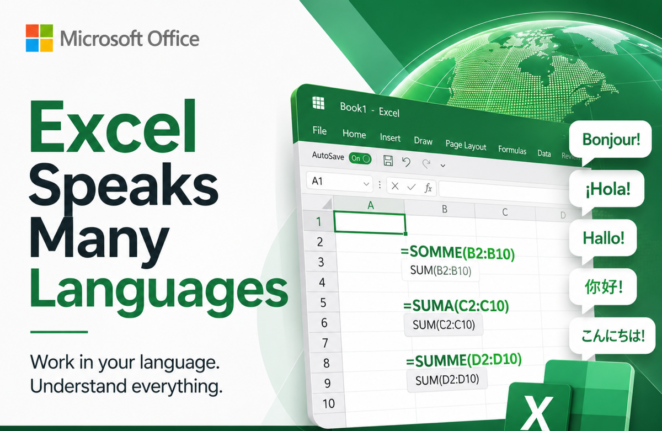
Why Excel Formulas Always Work When You Share Files Across Language
Excel formulas translate automatically when you share a workbook across languages, and most users never know it’s happening. Whether a colleague opens your file in French, German, Spanish, or Italian, they see the formula names in their own language. This quiet translation system is why an Excel workbook built in one country opens without errors […]
What’s Really Inside a Word, Excel, or PowerPoint File (And How to See It)
Every Word, Excel, and PowerPoint file you save is actually a ZIP archive packed with small XML files. That means you can crack open any .docx, .xlsx, or .pptx file using nothing more than Windows Explorer or a free compression tool, no special software required. Whether you want to see which fonts are embedded in […]
Does Microsoft Word Know “Zillion”? Testing Big Number Slang in Word’s Dictionary
Microsoft Word knows more slang than you might expect. Words like zillion, jillion, squillion, gazillion, bazillion, and oodles are all recognized as correct spellings in Word’s US English dictionary, so you won’t get the dreaded red squiggly line if you drop one into a document. Word’s thesaurus even offers alternatives for “zillion,” though some of […]
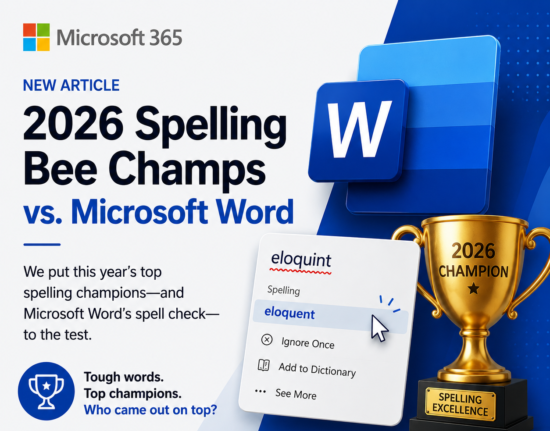
2026 Spelling Bee vs Microsoft Word: Word Scores Its Worst Ever
Every year after the Scripps National Spelling Bee, we test the winning and finalist words against Microsoft Word’s spell checker to see how many get the dreaded red squiggly line. In 2026, Word had its worst performance ever, recognizing just 4 out of 21 words correctly for US, UK, and Australian English. A group of […]
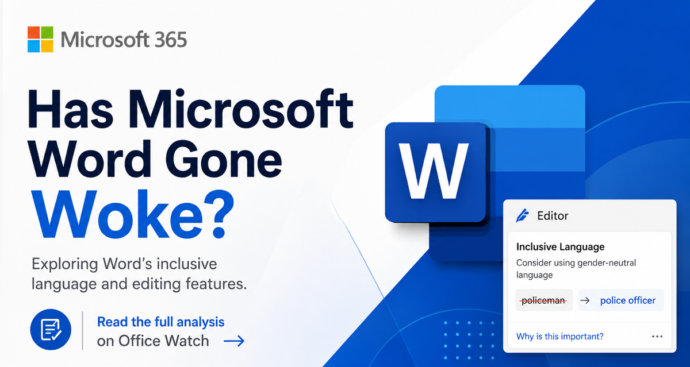
Microsoft Word ‘Woke’ Settings Explained: Old, Optional, and Easy to Ignore
Microsoft Word has not gone ‘woke’. Despite press stories claiming Word enforces ‘politically correct’ language, the truth is far less dramatic. The Inclusiveness grammar checks behind the headlines are optional, off by default, and have been part of Word since before 2020. They flag words like mankind, postman and showgirl with a purple squiggly line […]

Word 365’s New ‘Overpaste’ Trick Makes Hyperlinks in One Step
Microsoft Word 365 has a new overpaste feature that turns selected text into a clickable hyperlink in a single paste, no dialog box required. Instead of pressing Ctrl + K, pasting the URL, and clicking OK, you can now copy a link, highlight the text you want to convert, and paste straight over it. The […]
How to Buy an Older Version of Microsoft Office: What Actually Works
If you need an older version of Microsoft Office, like Office 2016, 2019 or 2021, your options have narrowed but they have not disappeared. Microsoft doesn’t sell perpetual licenses for past releases, but you may already own a transferable license, qualify for downgrade rights through a volume agreement, or find a legitimate retail copy still […]









