Microsoft 365 – the subscription / annual fee plan for Microsoft Office on Windows, Mac, iPhone, iPad and Android.
Includes Word 365, Excel 365, PowerPoint 365, Outlook 365 and many other ‘365’ programs, apps and services.
Open Office Files in Browser or Desktop App: How to Take Control
Clicking a link to a Word, Excel, or PowerPoint file should be simple, but Microsoft has turned it into a guessing game. Sometimes the document opens in your browser, sometimes in the desktop app, and the setting that controls it is scattered across Outlook, Office apps, and OneDrive options. This guide shows you exactly where […]
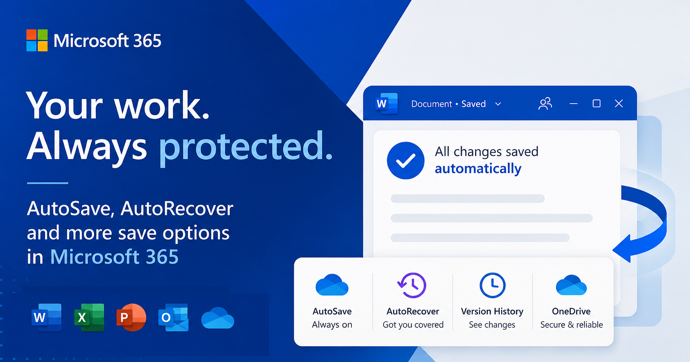
AutoSave vs AutoRecover in Microsoft Office: What Each One Actually Does to Save Your Work
AutoSave and AutoRecover sound like the same thing, but in Microsoft Office they do very different jobs, and only one of them is a real save. If you use Word, Excel or PowerPoint every day, knowing the difference is the line between recovering a crashed document and watching hours of work disappear. This guide breaks […]
Classic Outlook Quick Steps Go Gray After Microsoft 365 Update: The Fast Fix
The latest Microsoft 365 update has broken Quick Steps in classic Outlook for Windows. If your Quick Step contains an action that can’t be applied to the selected message, the whole button turns gray on the ribbon and refuses to click. The bug arrived with Outlook 365 classic for Windows version 2512 build 19530.20138 and […]
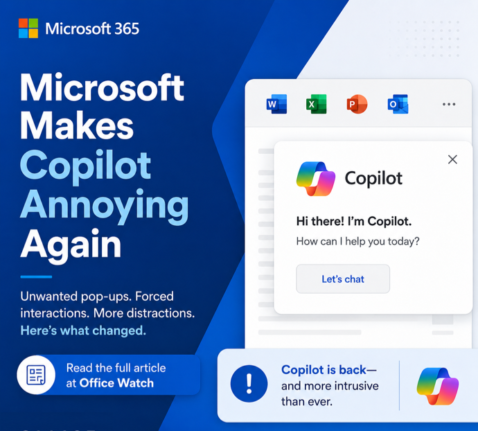
Microsoft buries the Copilot button and floats a nag in its place
Microsoft has quietly removed the Copilot button from the Home tab in Word, Excel and PowerPoint and replaced it with a permanent floating icon at the bottom right of every document, sheet and slide. You cannot turn it off. You can only shrink it. We explain how this annoyance works, why Microsoft is doing this […]
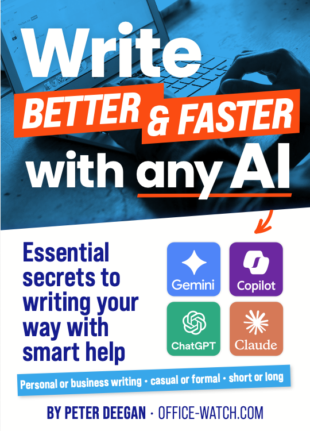
Writing better & faster with any AI
Office Watch’s new ebook Write better & faster with any AI is out today. The plain English guide to using AI well and wisely. You stay the author. AI does the heavy lifting: generating options, suggesting structure, rewriting for tone, summarizing and expanding. If you’ve tried ChatGPT, Copilot, Claude or Gemini and the text reads […]
Build a Better Excel Workbook with Copilot: Smarter Prompts, Stronger Results
Microsoft Copilot in Excel can build a worksheet in minutes, but a little human planning turns a good demo into a workbook you can actually trust and reuse. We show how smarter prompts, better planning and more examples produce a future-proof Excel workbook that handles more situations, expands as new rows are added and includes […]
Microsoft 365 Classic Explained: A Lower-Cost, No-AI Subscription Option
Microsoft have two little-known cheap plans called Microsoft 365 Classic. Designed for consumers who want the familiar Office apps without Microsoft’s new Copilot AI features and steep price increases. Classic plans offer the same core features of Word, Excel, PowerPoint, and Outlook at pre-2025 pricing. This concealed plan helps price-conscious people and those who are […]
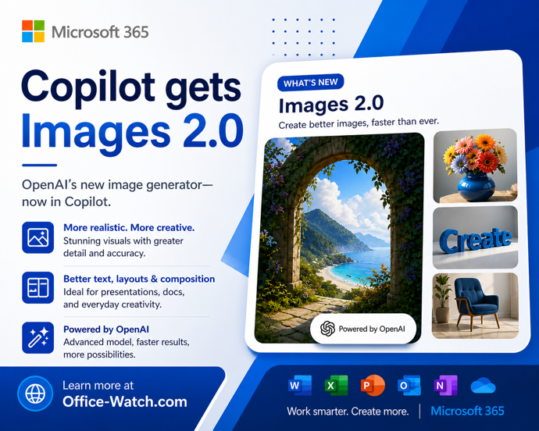
ChatGPT Images 2.0: New AI Image Generator in Copilot
The new ChatGPT Images 2.0 is worth a look for Copilot users. Instead of jumping straight to pixels, it reasons through your prompt first and can even search the web before generating a single image. If you have ever given up on AI images because the text was garbled, the results were inconsistent, or the […]
What the !@^? Is Microsoft Copilot “Work IQ”?
Microsoft’s Work IQ sounds like marketing spin and it partly is, but there is a real change underneath the label. Work IQ is what allows Copilot to go beyond responding to what is directly in front of you. Instead of treating each prompt as a standalone task, it draws on your emails, meetings, files, and […]
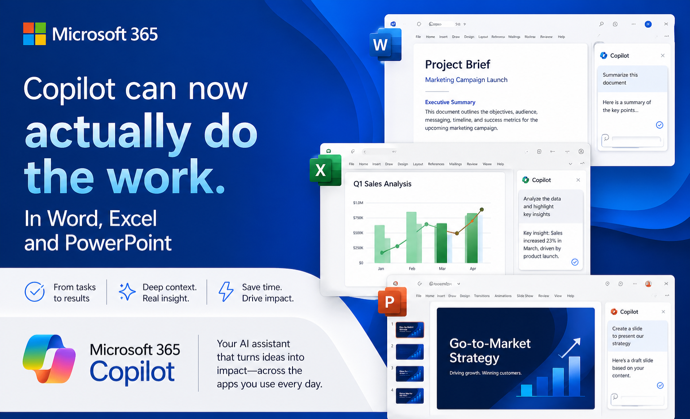
Copilot Can Now Actually Do the Work in Word, Excel, and PowerPoint
Microsoft has quietly flipped a major switch. Copilot Agent Mode is now the default experience in Word, Excel, and PowerPoint. It works very differently from the Copilot you may have ignored until now. Instead of suggesting what you should do, it actually works on your document, spreadsheet, or presentation and makes changes itself. You describe […]
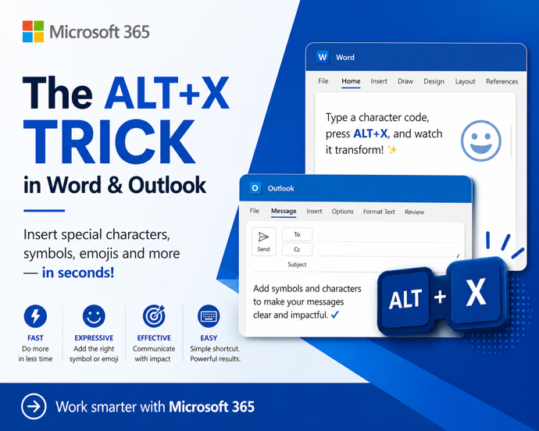
How to Insert Symbols in Word and Outlook Instantly Using Alt + X
If you regularly need to type the Euro sign €, the Pound symbol £, or any other special character in Microsoft Word or Outlook, there is a faster way than clicking through Insert Symbols. The Alt + X keyboard shortcut lets you type any symbol’s Unicode value directly in your document, press Alt + X, […]

Microsoft’s College PC Bundle: Over $500 in Extras, But Read the Fine Print First
Microsoft launched a new College Offer, giving US college students who buy a new qualifying Windows 11 laptop a bundle worth more than $500 in extras . The package includes one year of Microsoft 365 Premium (with Copilot AI built in), one year of Xbox Game Pass Ultimate, and a custom Xbox Wireless Controller from […]
How to Compare Two Columns in Excel: Find Matches and Missing Values Fast
If you have two lists in Excel and need to know what they share or where they differ, you are in the right place. Whether you are cross-checking a customer list against an invoice log, comparing a product catalog to a stock count, or reconciling two batches of data, Excel has a handful of formulas […]
Microsoft Is Killing Access Database Compare in June 2026: What You Need to Do Now
Microsoft has confirmed it will end the Access Database Compare tool in June 2026, removing it from all supported versions of Office including Microsoft 365, Office 2024, Office 2021 plus Office 2019 . The deadline is June 20, 2026. If database comparison is part of your regular workflow for version control or auditing changes between […]
Microsoft Rewrites How Microsoft 365 Updates Are Delivered: What IT Admins Need to Know
Microsoft has overhauled the way it delivers updates to Microsoft 365, replacing its familiar rollout process with a new three-track system called Frontier, Standard, and Deferred. The change launched without warning and currently affects organizations using Microsoft 365 Copilot. If you manage Microsoft 365 for your company, this changes how and when new features reach […]

Why Microsoft Keeps Paying Customers Guessing
Microsoft 365 announcements come thick and fast, but they share a frustrating habit: they rarely tell you whether you actually get the feature being hyped. Whether it’s a sweeping change to how Microsoft 365 updates are delivered, or Copilot gaining the ability to switch on Track Changes in Word, the company’s blog posts consistently skip […]









