Outlook Reusable Content: Templates and Quick Parts Explained (and Why It’s a Mess)
Reusable content in Outlook should be simple, but Microsoft has turned it into a confusing tangle of overlapping tools with near identical names. Mail Templates, My Templates and two completely different features both called Quick Parts all promise to save you retyping the same email text, yet each one works differently depending on whether you […]
New Outlook’s 5 “Productivity” Features: What Microsoft Isn’t Telling You
Microsoft’s June 2026 blog post pitches five new Outlook for Windows productivity features as reasons to abandon classic Outlook. The reality is less impressive. Two of the five already exist in classic Outlook, often in a stronger form, a third has a close equivalent. Three only work properly on Microsoft hosted mailboxes like Microsoft 365 […]
New Outlook Is Slow and a Memory Hog: More Reasons to Avoid It
New Outlook is slower and far hungrier for memory than classic Outlook, and new testing shows just how bad the gap is. Click a new email notification in Windows 11 and new Outlook can take around 10 seconds to show that message, while classic Outlook opens it almost instantly. New Outlook can also chew through […]
Save Reusable Email Snippets in Outlook: 5 Real Workarounds
Outlook gives you two built in ways to save reusable email text, and both are frustratingly limited. My Templates only stores plain text, with no bold, links, images or tables. The other way works for new messages but not replies. So if you send the same content over and over, you need a better way […]
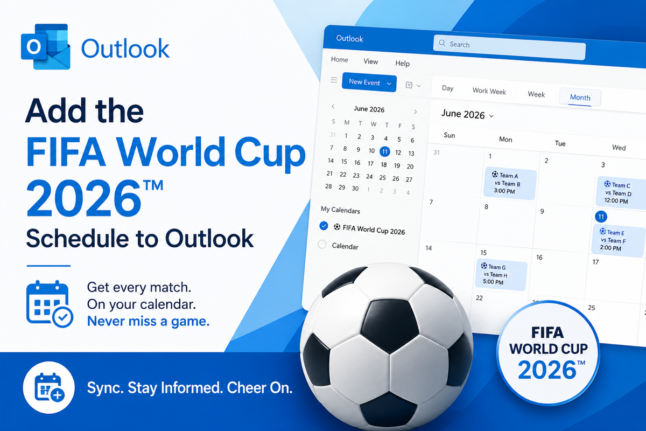
FIFA World Cup 2026: How to Add Matches to Your Outlook Calendar
The FIFA World Cup 2026 runs from June 11 to July 19, spanning 16 host cities across the US, Canada, and Mexico with 104 matches spread across four time zones. Keeping track of every kickoff time is a perfect job for Outlook’s calendar, which automatically converts match times to your local time zone so you […]

KeyTips Explained: The Fastest Microsoft Office Keyboard Shortcuts You Already Have
Wanna be a better, faster Office user? Impress your friends? Be the envy of women and men for miles around? Use simple keyboard shortcuts, called KeyTips, that you don’t have to memorize because they are on the screen. Instantly access Ribbon commands in Word, Excel, PowerPoint, and Outlook for Windows or Mac. Save time and […]
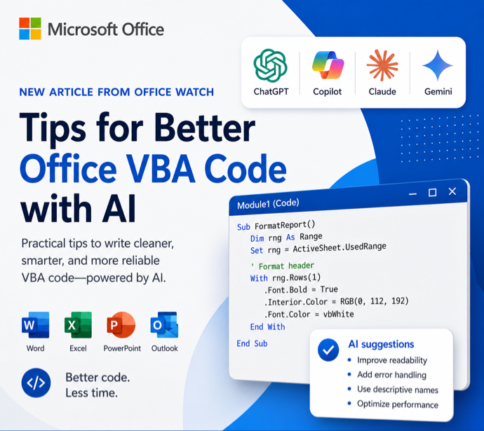
How to Get Office VBA Code from any AI (4 Smart Prompt Tips)
Asking ChatGPT, Copilot or any AI to write Office VBA code can save hours, but only if you prompt it the right way. These four practical prompting tips help you get cleaner, working VBA for Word, Excel, PowerPoint and Outlook on Windows or Mac, with fewer rewrites and far less debugging. Use them whether you […]
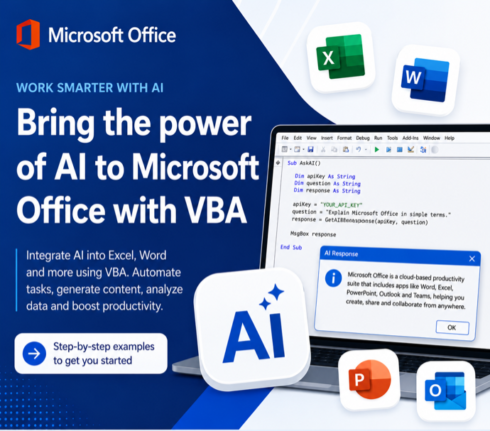
Write Office VBA with ChatGPT or any AI Real Examples That Work in 2026
ChatGPT, Copilot, Claude and Gemini can all write Microsoft Office VBA code for you, and they have improved dramatically. Ask any modern AI to write a Word macro, an Excel automation, a PowerPoint slide builder or an Outlook search routine and you will get working code in seconds. We tested the same four prompts we […]
3 Easy Ways to Get an X Symbol in Word and PowerPoint
Need to drop an X symbol in Word or PowerPoint to cross something out, overlay a “don’t do this” graphic, or just mark a spot? Microsoft Office gives you two solid sources built right into the apps, plus a fourth option that opens up the entire web. Each one comes with tradeoffs around transparency, sizing […]
How to Install Outlook Classic on Windows Instead of New Outlook
Microsoft now installs new Outlook by default with every fresh Microsoft 365 setup on Windows, but you do not have to settle for it. Outlook Classic is still available as a free download from Microsoft, and you can install it easily. If you rely on offline mail, established add ins, or just want a finished […]
Open Office Files in Browser or Desktop App: How to Take Control
Clicking a link to a Word, Excel, or PowerPoint file should be simple, but Microsoft has turned it into a guessing game. Sometimes the document opens in your browser, sometimes in the desktop app, and the setting that controls it is scattered across Outlook, Office apps, and OneDrive options. This guide shows you exactly where […]
Classic Outlook Quick Steps Go Gray After Microsoft 365 Update: The Fast Fix
The latest Microsoft 365 update has broken Quick Steps in classic Outlook for Windows. If your Quick Step contains an action that can’t be applied to the selected message, the whole button turns gray on the ribbon and refuses to click. The bug arrived with Outlook 365 classic for Windows version 2512 build 19530.20138 and […]
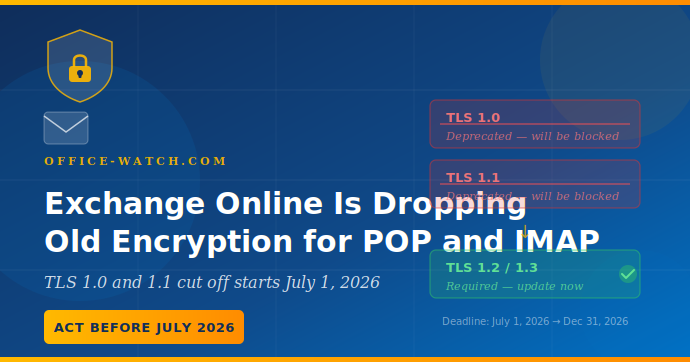
Exchange Online Is Dropping Old Encryption for POP and IMAP: Check before July 2026
Microsoft is ending support for older TLS encryption POP3 and IMAP4 connections to Exchange Online, with the cutoff starting July 1, 2026. Any email client, app, or device that still uses these older encryption protocols will simply stop connecting, with no fallback and no warning on the day it happens. Most users running modern email […]
Outlook Lite for Android ends on May 25: What to Do Before It Stops Working
Microsoft is pulling the plug on Outlook Lite for Android on May 25, 2026. After that date, the app will open but it will not connect to any mailbox, meaning email, calendar, and contacts all go dark until a user switches to the full Microsoft Outlook Mobile app. The retirement is already partly underway since […]
How to Type the Question Exclamation Mark ⁈ in Word, Excel, PowerPoint and Outlook
The Question Exclamation Mark ⁈ is a single character that combines the energy of both punctuation marks into one, perfect for expressing surprise mixed with a genuine question. Whether you are working in Word, Excel, PowerPoint, or Outlook on Windows or Mac, there are several quick ways to insert it, including a keyboard shortcut or […]

How to Fix Outlook PST and OST Data Files: Step-by-Step Repair Guide
Your Outlook (classic) PST and OST data files are the heart of your email on Windows. They store every message, calendar appointment, contact, and task on your computer. Most people never think about them until something goes wrong. When classic Outlook crashes, search breaks, or data goes missing, a corrupted PST or OST file is […]









