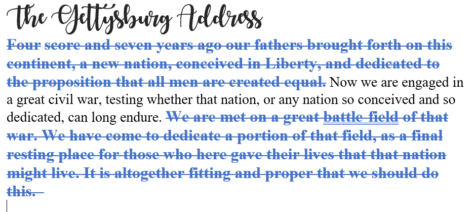
Redo tricks in Word, Excel, PowerPoint and Outlook
Redo is the often-forgotten partner to Undo. It’s mostly used to ‘undo an undo’ or reverse the last ‘Undo’ action but ‘Redo’ has other uses in Word, Excel, PowerPoint and Outlook. In most cases, you use the redo button to revert to a previous state. For example, if you used the undo button within your […]

How to clear all formatting in Office documents
Sometimes text formatting can get confusing in Word, PowerPoint, Outlook, Publisher and OneNote. There are several ways to clear the additional formatting and return to original settings. The formatting styles in your text can be easily restored to their default settings by clearing all formatting. Users can waste a lot of time trying to change […]
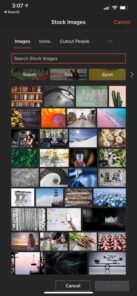
Premium Stock Images now in Office for Apple devices
Good news iOS users, if you’re a Microsoft 365 subscriber, you now have access the premium content library. Take your Word, Excel, and PowerPoint creations to the next level with thousands of royalty-free images, icons, stickers, and illustrations. Here’s how it works Tap Insert | Pictures | Stock Images on your iOS device, then choose the visuals that […]

Make better Office SmartArt by adding pictures
There are several ways to add images into an Office SmartArt graphic; the official Microsoft way plus some others that aren’t usually mentioned for Word, PowerPoint and other Office apps. In the introductory piece, Much better lists with SmartArt , we looked at the SmartArt basics which are much the same in Word, Excel and […]
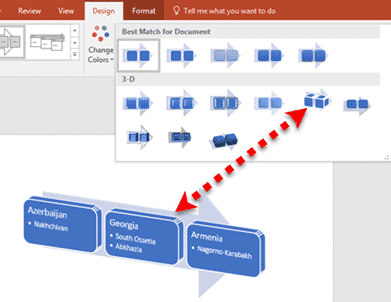
Much better lists with Office SmartArt
SmartArt is available in all Office desktop programs for Windows and Mac. They let you turn a plain boring text list into something more compelling and understandable. SmartArt works and options do vary between the programs, especially PowerPoint. Office for Mac menus look a little different but the primary features are there. This article is […]

How to open a mystery file with no extension
What can you do with a file attachment that has no file extension? Sometimes you get a file, probably an email attachment, that has no file extension. Without something after the dot/period (.doc .docx .xlsx .pptx etc.) Windows doesn’t know what program to use. This is most likely to happen with files sent from Mac […]

Changing text and icons on Office Quick Access Toolbar
Improve your Word, Excel, Outlook or PowerPoint Quick Access Toolbar (QAT) beyond the small changes allowed by Microsoft directly. This works in all modern Office for Windows including Microsoft 365, Office 2016/2019/2021/LTSC. You’ll be able to shorten the overly long text labels or change icons (because too many are the same) with a short list […]

New look for Microsoft 365 and Office 2021
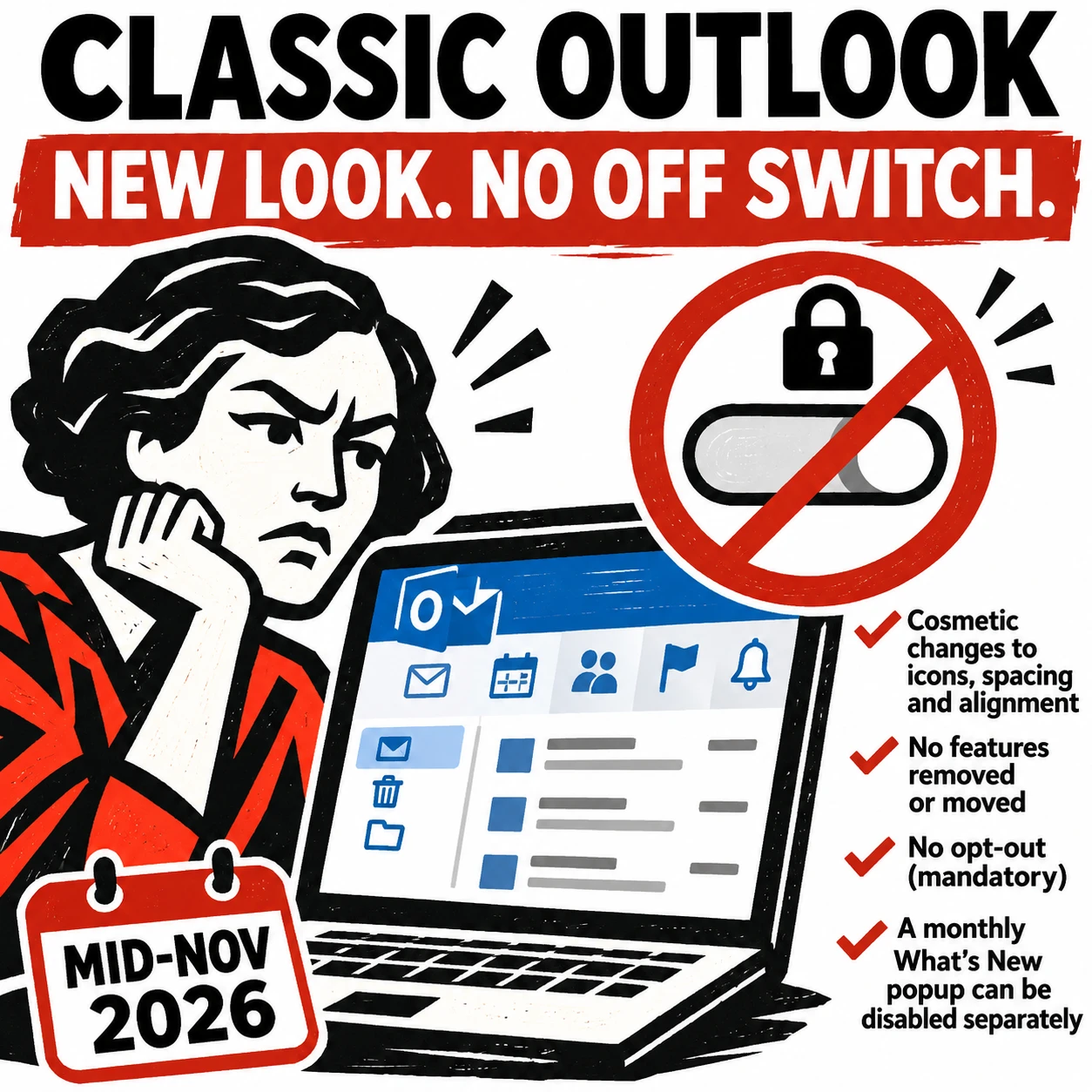
From Tuesday 5 October 2021, a new look is be available to Microsoft 365 and Office 2021. Don’t worry, it’s not a major change. Everything on the tabs, ribbon and dialogs remains exactly where they are. Microsoft grandly calls it a ‘visual update’ we call the changes ‘a new coat of paint’. 5 October is […]
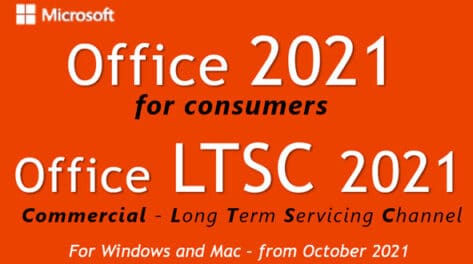
Office 2021 prices now revealed plus ‘generous’ extras
Microsoft has confirmed the prices for Office 2021 to consumers and announced some ‘extras’ which aren’t really anything new and, in one case, self-serving for Microsoft. Office 2021 prices Office 2021 is the new perpetual license, single payment or non-subscription version of Microsoft Office. The replacement for Office 2019. It has fixed features compared to […]

New and better features in Office 2021 and Office LTSC
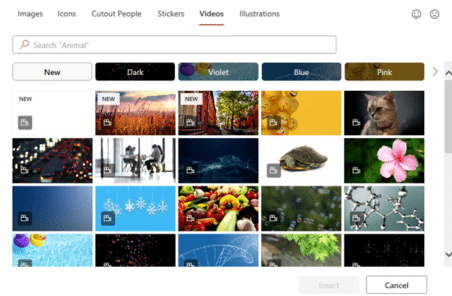
Here’s the new and improved features in Office 2021 and Office LTSC which apply across all the major apps; Word 2021, Excel 2021, PowerPoint 2021 and Outlook 2021. We’ve checked Microsoft’s list of new Office 2021 features against the actual software. See all about Office 2021 for Windows & Mac plus The good and bad in Office LTSC There are stock images, icons […]
New Features in PowerPoint 2021
In addition to the general Office 2021/LTSC features there are some useful additions to PowerPoint 2021/LTSC including recording presenter videos and changing the reading order for accessibility. See all about Office 2021 for Windows & Mac plus The good and bad in Office LTSC Here’s what’s new/changed in PowerPoint 2021 in addition to the overall […]

Shared editing of encrypted docs now possible but not for everyone
Microsoft has announced that Office desktop apps (Windows and Mac) can now co-author encrypted documents. Until now, encrypted docs could only have shared editing using Office on the web. What’s in the fine print is often overlooked, this feature isn’t for everyone. The announcement in bold from Microsoft has got all the media attention, as […]
Get the patch now for the latest Office security hole
Microsoft has released a patch for the MSHTML security bug that’s being used with Office documents to infect computers. The bug is in MSHTML, the browser rendering engine used by Microsoft Office. If someone is tricked into opening a hacked Office document with ActiveX control, they could infect their computer with some virus, ransomware or […]

There are two official document standards – why?
Here’s what you need to know about the two official international document formats, Microsoft’s OpenXML (.docx .xlsx etc) and Open Document Format (.odt .ods etc) both supported in Microsoft Office and most other office suite software. Each format has been recognized by international bodies so there are two ‘official’ document standards for Planet Earth. Both […]

Bumper month for new features in Office 365
The September 2021 release preview has a lot more than usual new and updated features in Office 365 for Windows. Almost as if Microsoft has been saving them up for a bumper surprise! It’s all in the ‘Current Channel (Preview)’ release v2109 build 14430.20088 that’s out now. This is the last stage before the updates […]

Get Microsoft 365 free in 4.5 different ways
If you’re not willing or able to spend the money, there are several ways you can access Microsoft Office for free. These tips are just good for saving money. Some are useful standby’s to keep in mind if you can’t use the full Microsoft 365 desktop programs. Maybe your computer is playing up or you’re […]