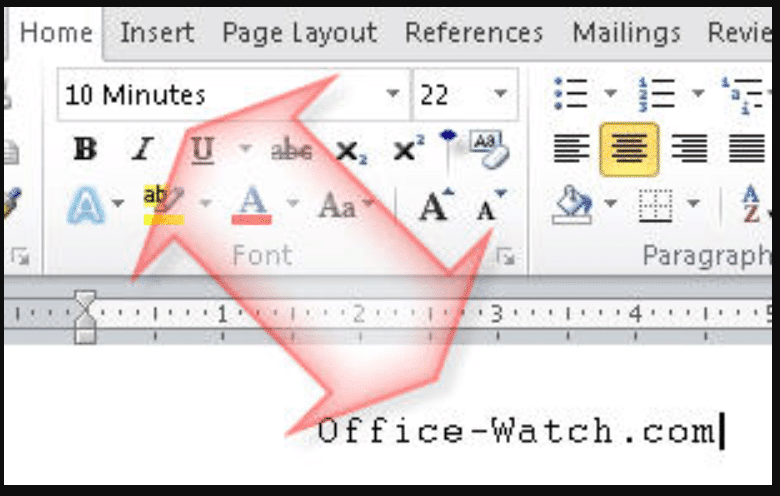
Overlaying images, arrows, or shapes in Microsoft Word should be simple, yet many Word users struggle with it because of default settings that don’t tie images to text. In this easy, step-by-step guide, learn how to change text-wrapping and layout settings so you can group, overlay, and move graphics together
Did you know Windows quietly swaps out Helvetica font for Arial every time you open certain documents? This subtle substitution affects how text looks in Word, browsers, and more. Learn why Helvetica isn’t included in Windows, how Microsoft handles font replacements behind the scenes, and what you can do to
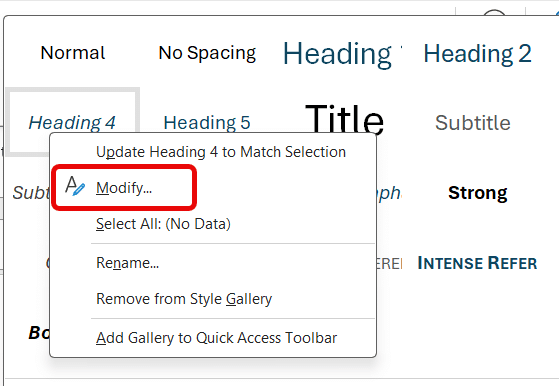
Transform how you format Word documents with keyboard shortcuts—going beyond the built‑in ones for Headings 1–3 by adding your own for Heading 4, 5, 6 (and beyond) that Microsoft has forgotten. With these simple tweaks, your document structuring becomes faster and more consistent. Word’s in-built Heading styles come with some shortcut keys, but
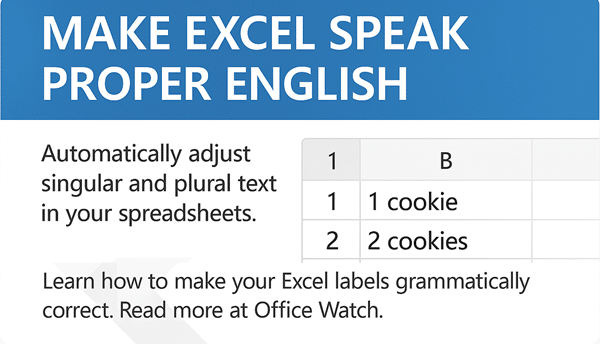
In Excel there are various options for making sure a text label singular (e.g. person) or plural (people) matches the quantity. There’s the standard answer (IF() functions) or clever cell formatting tricks. For example if the cell has 1 item you want the singular label: 1 cookie But if the
QR Codes are those funny little boxes you see in apps and signs. They were once a bit unusual but COVID have made them part of our lives. You can add them to your Word, Excel or PowerPoint documents. Scan that code with your smartphone camera and it’ll read information,
Fast access to important Outlook features! The ribbon in Outlook isn’t the only way to efficiently things done. Use the keyboard shortcuts that have been available in Outlook (Windows or Mac) for Microsoft 365 or Office 2024 and many earlier versions. Outlook for Windows Here are some keyboard shortcuts that
How and why to remove words from the main Microsoft Word dictionary. The Office Exclusion List ensures a red squiggly underline appears to warn you about an unwanted word. Sometimes the supplied Office dictionary has words you don’t want or you’d like a warning about. Here’s how to put the
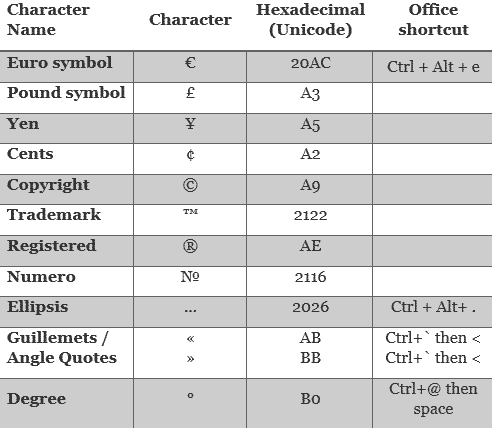
Quickly insert symbols, characters and emoji in Microsoft Word and Outlook without taking your fingers off the keyboard using a feature that’s been in Word (for Windows) for many years. Inserting Symbols into Word documents is a pain, go up to the ribbon Insert | Symbols | Symbol which takes
In Microsoft Word, you can use keyboard or mouse shortcuts to select characters, words, lines, paragraphs, and blocks of text faster. Here are ten different selection tricks that Word experts know to speed up their work. Select a Sentence Highlight an entire sentence in Word by simply holding down the
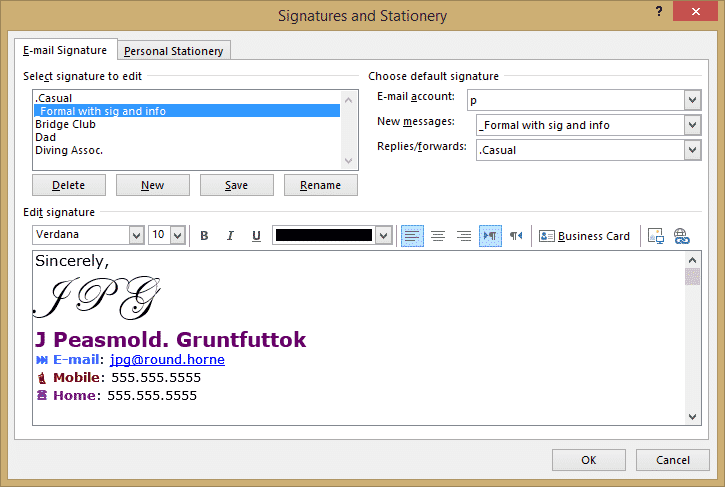
Where are Outlook email signatures stored and how to copy them to another computer. There’s no import/export option for Outlook email signatures so how can you move them to another computer? This page applies only to signatures saved to the local computer, not signatures for Microsoft hosted mailboxes see Roaming
There are two different types of Microsoft Office you can buy retail and that difference makes hundreds of dollars difference you buying Office 2021 back to at least Office 2007. It can be hard to know which type of Microsoft Office you purchased – and it really matters to what
Office Watch readers suggest some more uses for the Word/Office Exclusion Dictionary. As Office-Watch.com explained recently, the Office Exclusion dictionary can be used to take words out of the main dictionary. In other words, to ensure a word gets the red squiggly line. We had some suggestions for using the
Word and PowerPoint have options to embed a font into the document, so why doesn’t it work? In theory you can select the ‘Embed fonts’ option for a document / presentation and all the necessary fonts will be included in the document. That means the fonts will appear, as the
Inside the Microsoft Office (Word and PowerPoint) embedding fonts feature within documents. Font embedding adds the font into the document/presentation file itself so that anyone reading will see the same text as the creator. Normally fonts are installed on the computer and used by whatever programs need them. If the
Here’s some Office Watch readers suggestions for using Microsoft Office’s Autocorrect with to quickly type common phrases and symbols like the degree sign and temperature. Yehuda Z says: “I use (0) to auto-correct to the symbol for degrees ?. It makes things much easier. I also use ty and tyvm
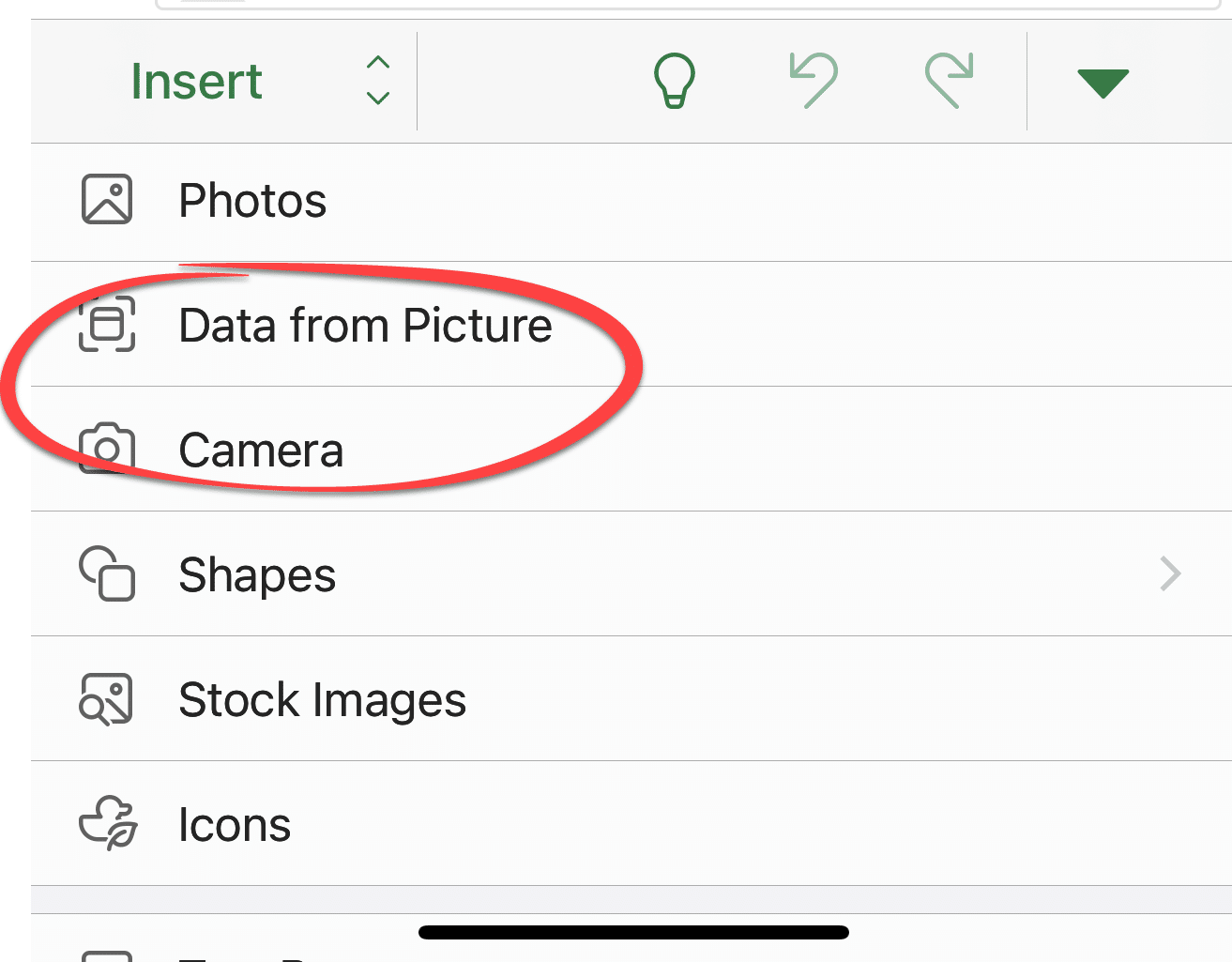
Can you scan a picture or document directly into Word, Excel, PowerPoint or Outlook? Certainly, but these days we’re spoiled for choice and have fantastic features like using a smartphone as a simple scanner. Back in the day, you could click a button in Word 2003 to scan a document
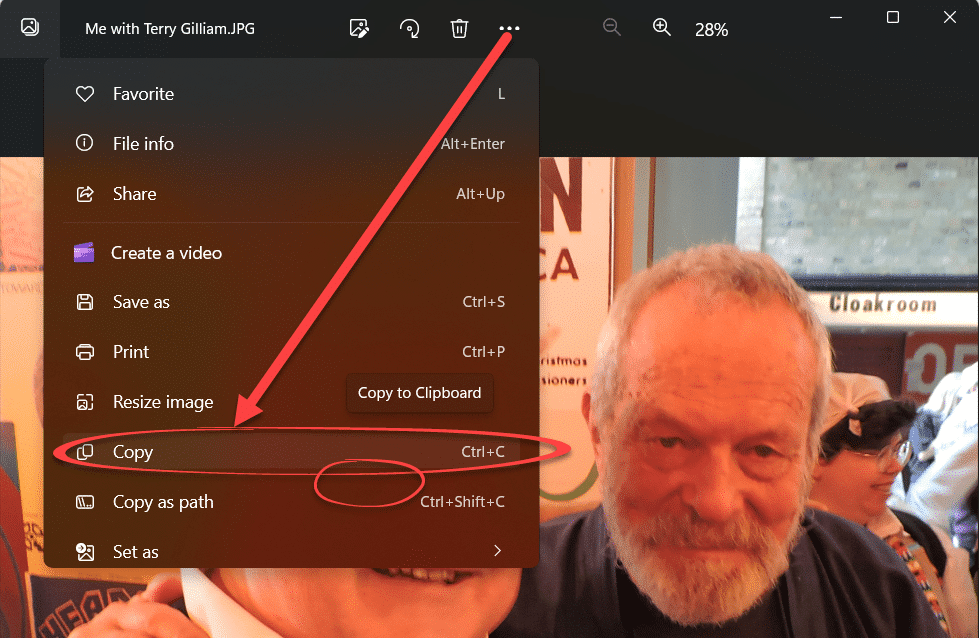
An easy and fast way to add pictures into Word, Excel, PowerPoint or Outlook. We mentioned a faster way to get a scanned image into Word via the ‘scan to clipboard’ option available in some scanning software. There are similar options available for copying existing image files into Word, Excel
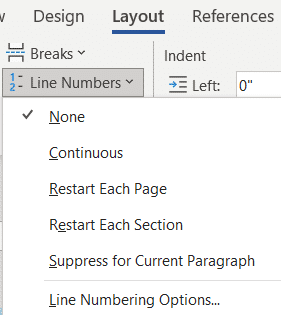
How to number lines and paragraphs in Microsoft Word and format the numbers with a different font, size or color. Plus some ‘wish list’ features that are missing from Word. When you’re discussing a speech or other document ‘in progress’ you might want to number the lines or paragraphs for
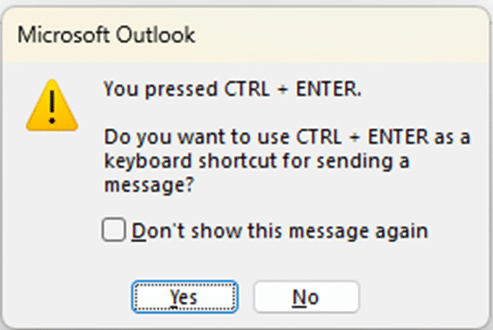
What does Ctrl + Enter do in Outlook for Windows and why doesn’t it always work? What’s the equivalent in Outlook for Mac? Ctrl + Enter can be a shortcut in Outlook to send a message after you’ve finished typing. However Ctrl + Enter isn’t always available — in Outlook
There’s a fast way to add many photos to a PowerPoint presentation using the long-standing Photo Album feature. Since at least PowerPoint 2003, there’s been a Photo Album option in PowerPoint for Windows. It’s a fast way to add many photos to a presentation. Alas, it’s not available in PowerPoint
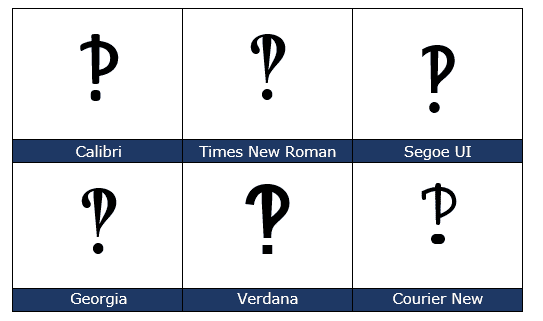
What is an interrobang ‽ and how to use it in Microsoft Word, Excel, Outlook and PowerPoint. Also the Inverted Interrobang ⸘ that can be used with ‽ Interrobang or interabang ‽ is a non-standard punctuation mark – a combination of a question mark and exclamation mark in a single
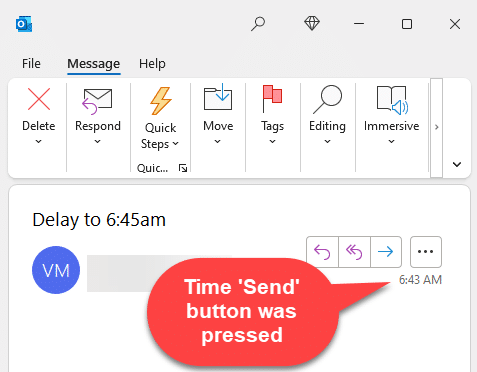
You can delay sending an email in Outlook. It’s a handy trick that can help make sure your message is read. Here’s how to schedule send an email plus the many traps, complications and a long-standing Outlook bug. A Washington Post article headed The one simple trick to make sure
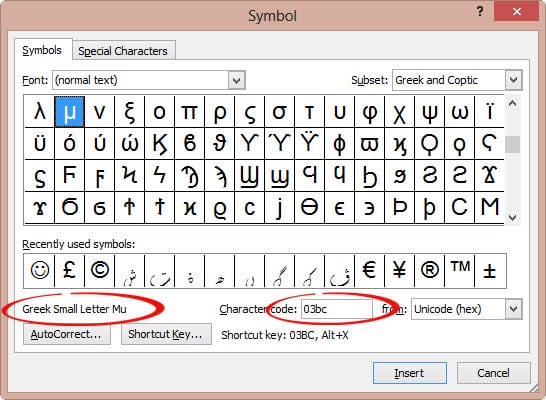
Type the micron µ, micrometer or mu μ symbol in Word, Excel, PowerPoint and Outlook. Stuart H has an AutoCorrect suggestion: ” I need to use the symbol μ for micron (1/000 mm) and use mu for this. “ The Micrometre / Micrometer is one-millionth of a meter. The μ
A full and searchable list of the measurements and multiplier prefixes available for Excel’s CONVERT function. This is a table of the abbreviations used in the Excel CONVERT() function. The basic units inbuilt to the function are all listed plus some of the common measures available using the Multiplier prefixes.