
Microsoft 365 gets better Open Document compatibility
Microsoft 365 is updating their OpenDocument format support to v1.4 which will improve compatibility with other software like LibreOffice. OpenDocument Format (ODF) is the International Standard for saving documents (ISO 26300 if you’re keeping score). It’s similar to the Microsoft Office formats in their basics of being XML based with ZIP compression. After initially joining […]
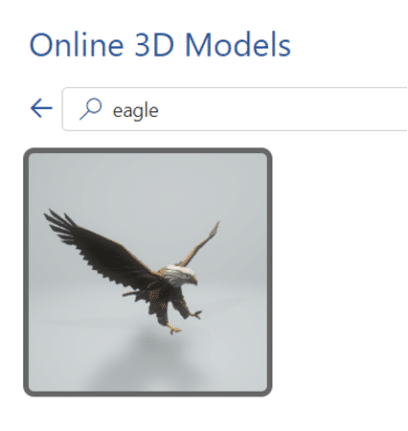
Bald Eagles aplenty in Microsoft Office
There are ten different bald eagles in Microsoft Office alone, as icons, stock images or even a 3D model, plus many other sources for photos and graphics online. We’re focusing here on the bald eagle (Haliaeetus leucocephalus) which is native to North America and a US National Symbol. There are many collective nouns for eagles …. […]
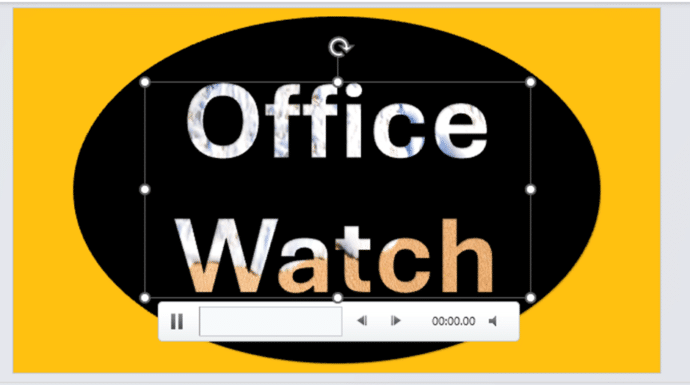
Add Video background to text, objects in PowerPoint
It’s easy to get a video background to a shape, graphic or text in a PowerPoint slide, once you know the ‘secret sauce’. Here’s two examples we’ll show how to make in this article. One uses an Icon/SVG, the other is text, both with a video background. There are various ‘how to’ guides on the […]

How to select more than one Office document to open
How to choose more than one Microsoft Office file or document to open at the same time. One of the frustrations about the ‘pane’ interface in Office for Windows is the failure to include all the features that customers were accustomed to from the standard File dialog boxes. Microsoft added new and useful features like […]

Make a Jigsaw Puzzle in PowerPoint
Make your own jigsaw puzzle in PowerPoint to gradually reveal a photo or logo hiding underneath. We’ll show how to make the pieces plus a download sample PowerPoint file for our loyal subscribers. You can use a jigsaw puzzle PowerPoint slide as a powerful storytelling tool, ideal for illustrating how different parts of a story […]

Goggles 🥽 emoji in Word, Excel, PowerPoint and Outlook
Put on the Goggles 🥽 symbol/emoji into Microsoft Word, Excel, PowerPoint or Outlook. Both in Office for Windows and Office for Mac. Goggles 🥽 symbol is used for safety signs or maybe an alternative to the Glasses or Eyeglasses 👓 symbol How Goggles 🥽 looks in different fonts. Take a screen shot of this table […]

Beware the unexpected when copying an image from Word/Office
When you’re copying an image out of an Office document something unexpected happens that you should be aware of. The size (height/width) of the copied image is NOT the original size (i.e the size of the stored picture) – which is what you might expect. The image is copied according to the displayed dimensions in […]
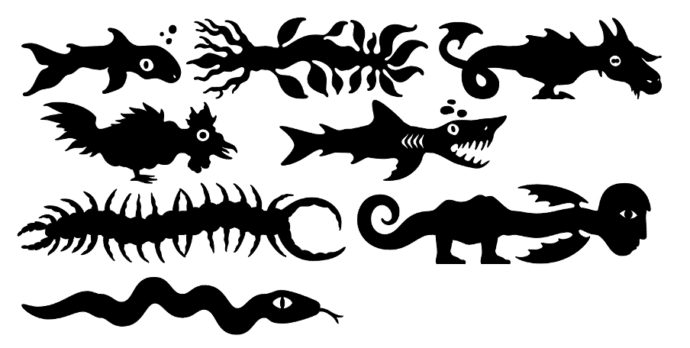
Make monsters and pipes with this clever font
Here’s a clever and innovative font that lets you make unique monsters or pipe connections for Word, PowerPoint or anywhere else you need something a little different. Office Watch has a complete list of the Teranoptia font symbols for easy reference. Teranoptia is a font that uses letters and some other symbols to create fantastical […]
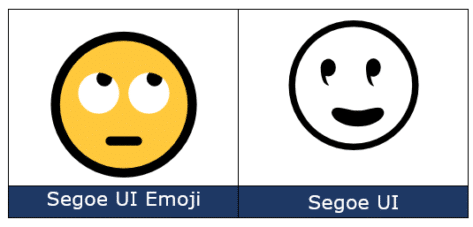
Face with rolling eyes 🙄 emoji in Word, Outlook, Office
Face with rolling eyes 🙄 symbol is one of the more popularly used emoji, also known as ‘Eye Roll’ or ‘Yeah whatever’. Here’s how to type it in Microsoft Word, Outlook and Office. Not to be confused with the ‘Rolling on the floor laughing’ 🤣 or ROFL emoji or other eye emoji:Eye 👁 emoji in […]
Changes to PDFs made by Microsoft Office
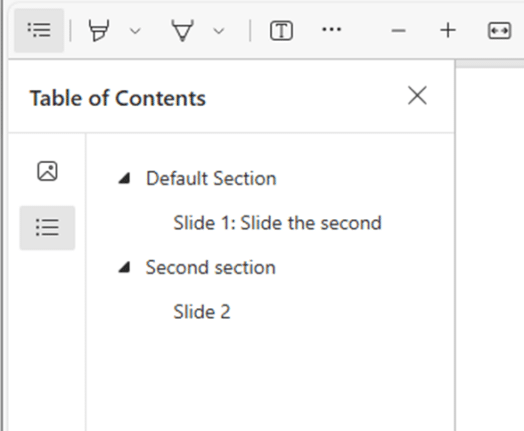
Microsoft is making some changes to PDF files made from Microsoft 365 apps to improve accessibility for screen readers. The announcement is a mix of recent changes with some long-standing features added as if they are also new. A newer Microsoft PR trick that manages to fool (too) many. PDF’s on Apple Mac, iPhone, iPad […]
It’s official – Calibri beats Aptos in font poll
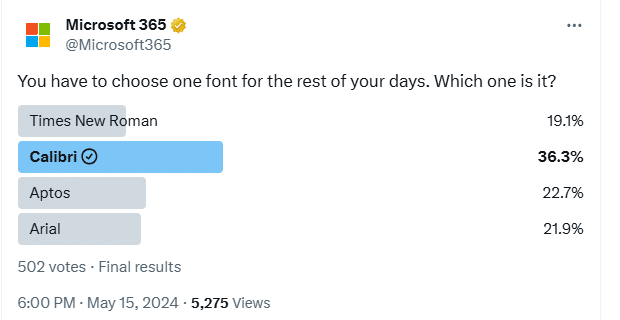
A recent poll commissioned by Microsoft confirms the widely held suspicion that people prefer the Calibri font over the new Aptos fonts pushed into Microsoft Office. This comes from a Twitter/X poll run by the Microsoft run @Microsoft365 account. The previous Office default font, Calibri, handily won the poll with 36.3% of the votes. We’ve […]

How Mark of the Web stops bad document infections
All about Microsoft’s latest Office macro protection feature to stop virus infected documents loading nasties onto a computer. Mark of the Web MOTW is a relatively new way to protect your machine. Over 2022, a new layer of macro protection was added to Microsoft 365 for Windows. It’s something new in Windows that Office apps […]

Presenter Coach makes for better PowerPoint presentations
Presenter Coach or Rehearse in PowerPoint for Windows helps polish your presentation before going before an audience. This cloud-based feature is PowerPoint Online (web browser) and PowerPoint 365 for Windows If you don’t have Coach in your version of PowerPoint, try it from the web version of PowerPoint. Getting Started with Coach Make your slide […]
Making pictures smaller – some more options.
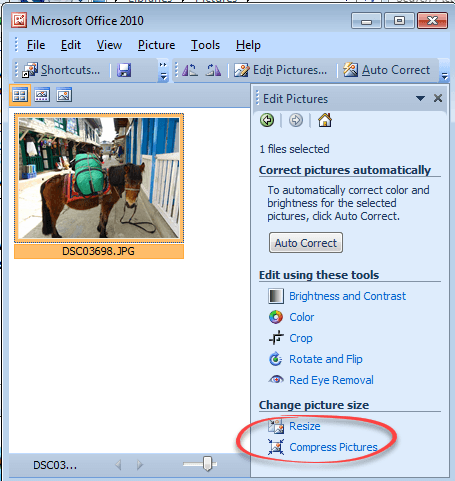
There are many ways to make pictures smaller, in both senses of the word. Here are three more options including great news for Windows 11 & Windows 10 users plus an important warning. Converting images into a smaller file size is sometimes essential. The large digital camera images (can be 4-6MB each) can be too […]
Use the Force with your PowerPoint & online backgrounds
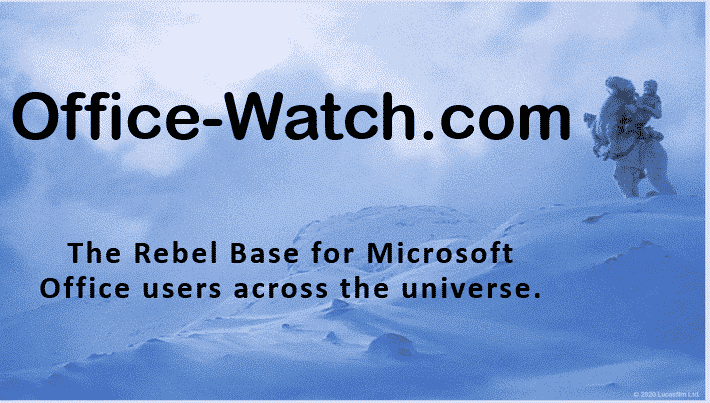
The official Star Wars web site has some pictures that you can use as virtual backgrounds for your Zoom or Teams online calls. Also great for PowerPoint slides. Go to https://www.starwars.com/news/star-wars-backgrounds , click on an image to open the full version then right-click on the picture and choose ‘Save image as …’ or equivalent on […]
Star Wars look in Word and PowerPoint
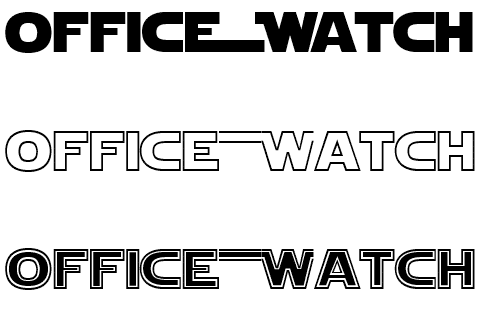
Whether you’d like to join the Force or make fun of it, here’s how to get the famous Star Wars look in Word, PowerPoint and Office. See Star Wars movie opening and end credits in PowerPoint Star Wars font There are a few ‘Star Wars’ fonts available. All probably in breach of many copyright rules but […]









