Microsoft has two mobile apps with the “Copilot” AI name. “Microsoft 365 Copilot” and “Copilot” apps for iPhone, iPad or Android. What’s the difference and which is best for you? Microsoft’s Copilot hype “Your AI companion for everyday life” (see below) always reminds me of “Your plastic pal who’s fun
Google offers a great variety of free open-source fonts that can be used in Microsoft Office, Windows or Mac. You just need to know the right trick to access them for Word, Excel or PowerPoint. Over 1,800 Google Font families There are 877 1,816 Google Font families currently available at
Check out this clever Python tool that converts Word documents, Excel sheets, PowerPoint decks and PDFs into a plain text format. Markitdown is a Python library released by Microsoft via Github, converts many documents into nearly plain text (called MarkDown). It’ll convert all these formats into text. Some conversions need
There’s a special new color called ‘Olo’ developed by scientists in Berkely, California. The nearest match to Olo is possible in Microsoft Office, including Word and PowerPoint. Olo can only be seen with help from a special laser that fires the color into the eye. It’s claimed to extend human
PowerPoint is getting a useful addition to its Copilot AI options, make a new slide with Copilot. The Home tab of PowerPoint 365 will have ‘New Slide with Copilot’. A Copilot enabled Microsoft 365 plan is necessary, obviously. Or there’s “Add a slide” on the Copilot icon top-left of a
The Startup Boost feature coming to Word 365 is really a sly trick by Microsoft. It’s a trick that anyone can do with any Office app and any version of Office. Startup Boost starts the app but hides it away. Word lurks in the background until the user clicks on
Office Watch reader Steve G is having a problem in Word. The F9 key isn’t updating fields in a Word document. He suspects a buggy patch of Windows or Office. Here’s how to find the source of the Function key or any keypress problem and fix it. Hint – it’s
Here’s how to make a message (letter or card) to make it ‘appear’ from a PowerPoint envelope graphic. This message can be personal or professional, depending on your preference. In Make your own Envelope graphic for PowerPoint we showed how to make an ‘open envelope’ graphic in PowerPoint with some
An envelope graphic—crafted entirely in PowerPoint! It’s a versatile design element that works for both personal and professional needs. Whether you’re communicating with customers, making special announcements, or enhancing presentations with a creative touch, an envelope icon is a powerful visual asset. It can also be used effectively to showcase
Copilot could become a ‘toxic brand‘ because of pushy way Microsoft is adding it to Microsoft Office. We have some ‘modest proposals’ for how Microsoft can improve their AI offering and keep paying customers onside. Or, put another way, some grumbles about the way Microsoft is force-feeding Copilot to its
There’s a little undocumented surprise on the right-click menu. Tucked away at the top is ‘Search the menus’ help. Sadly the underlying help system is still woefully inadequate. Right-click in a document (Word, Excel, PowerPoint or Outlook) and the top item isn’t ‘Cut’ but a “Search the menus” box. This
Microsoft has introduced a new feature allowing users to upload images directly from their mobile devices to Microsoft 365 Copilot. A nice trick but there are other ways to do the same thing, including two from Microsoft itself! The idea is to streamline tasks such as transcribing handwritten notes, summarizing
Microsoft is adding yet another push for customers to save all their documents to OneDrive. This time inside Word, Excel and PowerPoint documents. OneDrive is Microsoft’s preferred place to save files and they cite various benefits to cloud storage. The company ignores the downsides to OneDrive and the right of
Check out this headline ‘ramen’ font that looks great and has a clever name – Times New Ramen. Seine Kongruangkit made a font from photos of noodles, nifty use of Photoshop and an undying love of Ramen noodles <g>. Times New Ramen – you have to love it, just for
Shapes, images, and other items can be grouped together and often should be in Word, PowerPoint and other Microsoft Office apps. When you group shapes or objects, you can move, resize, rotate, flip them all at once, as if they were a single object. If you’ve ever had trouble moving
Back in 2015 we were amazed and dismayed to discover a privacy gap in Microsoft Office. Seven years later Microsoft has done nothing to fix or warn customers about. The problem is with images inserted into Office documents (Word, Excel, PowerPoint). The image ‘meta-data’ including GPS coordinates are retained with
Microsoft is testing a free version of Office for Windows with limited features, an important requirement and ads to ‘pay’ for the software. It’s three Microsoft 365 for Windows apps but with restrictions on what it can do and where documents are saved. If you download from this page at
Microsoft 365 apps are changing the ‘Pinned’ document list to ‘Favorites’ but why is Microsoft bothering at all? For many versions of Office/Microsoft 365 you’ve been able to keep regularly used files in a ‘Pinned’ list for faster access. The Pin icon lets you add a file to that list
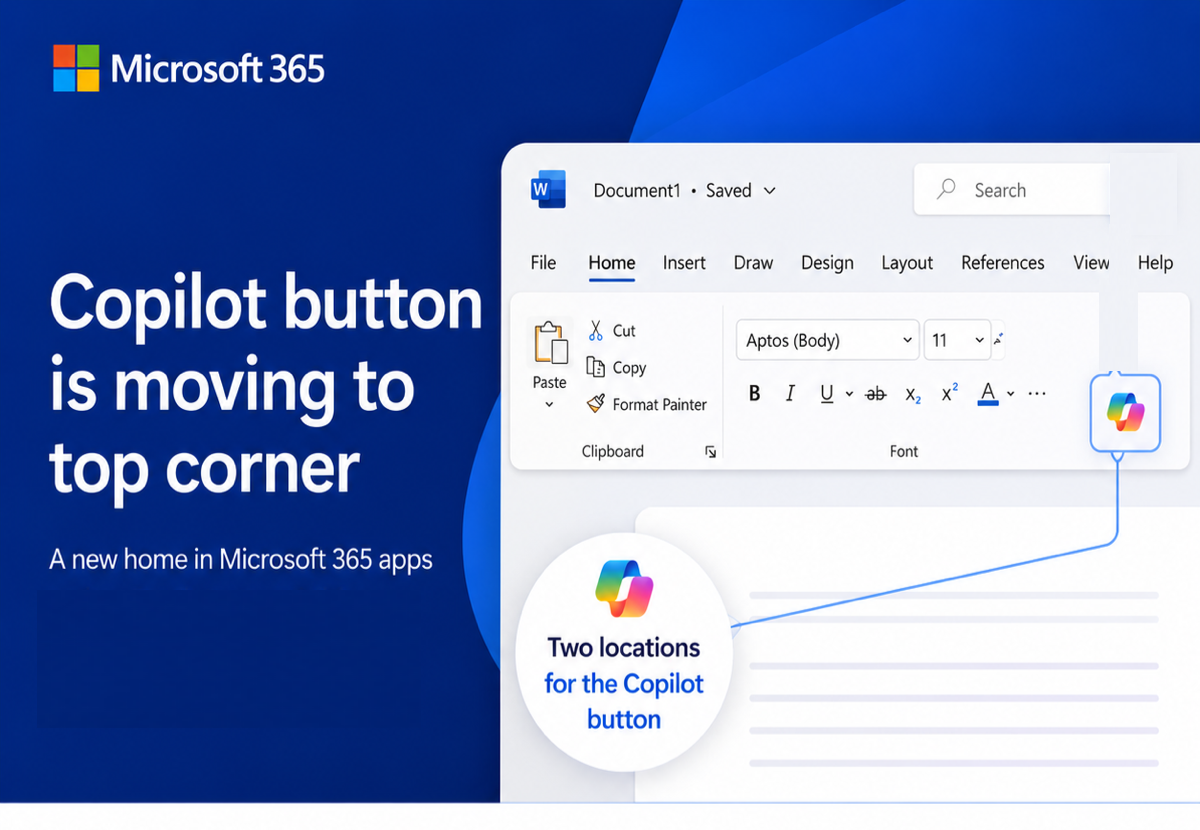
Here’s how to stop Copilot prompts appearing in your documents, sheets and slides. Microsoft 365 customers are now seeing “Copilot Clutter” appearing in their Microsoft 365 apps, Word, Excel and PowerPoint. There is now a way to Disable Copilot available to some Microsoft 365 customers A Microsoft executive expressed surprise
QR Codes are those funny little boxes you see in apps and signs. They were once a bit unusual but COVID have made them part of our lives. You can add them to your Word, Excel or PowerPoint documents. Scan that code with your smartphone camera and it’ll read information,
There’s important change in the way Microsoft handles browser logins to Microsoft accounts. If you’re using someone else’s computer or a public terminal, you need to know about this new security hole. Whenever you’ve signed into a Microsoft account for a web site, you’ve almost certainly seen this box. Stay
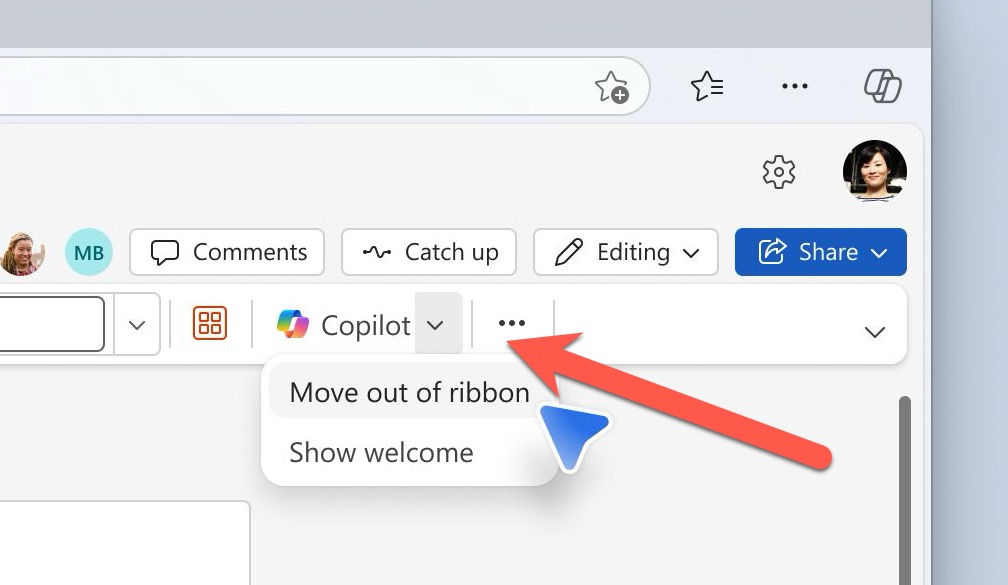
Microsoft is slowly adding an option to disable Copilot AI from their Microsoft 365 apps, Word, Excel and PowerPoint. Here’s what you’re supposed to see on your computer, but won’t necessarily. An option to disable Copilot is being rolled out to Microsoft 365 for Windows and Mac. First in Word
AI technology without limits is available in Microsoft Office with Copilot Pro. AI features are integrated into Word, Excel, PowerPoint and Outlook for personal customers. Here’s how to get Copilot Pro and the secrets to getting it working. Copilot is Microsoft’s name for their AI based cloud services. They have
Microsoft 365 customers around the world are waking up to a new look in their Word, Excel, PowerPoint and Outlook apps. It’s part of Microsoft’s huge changes to Microsoft 365 Family and Personal plans which include a very limited Copilot AI service and a big price rise. Microsoft 365 users