Featured
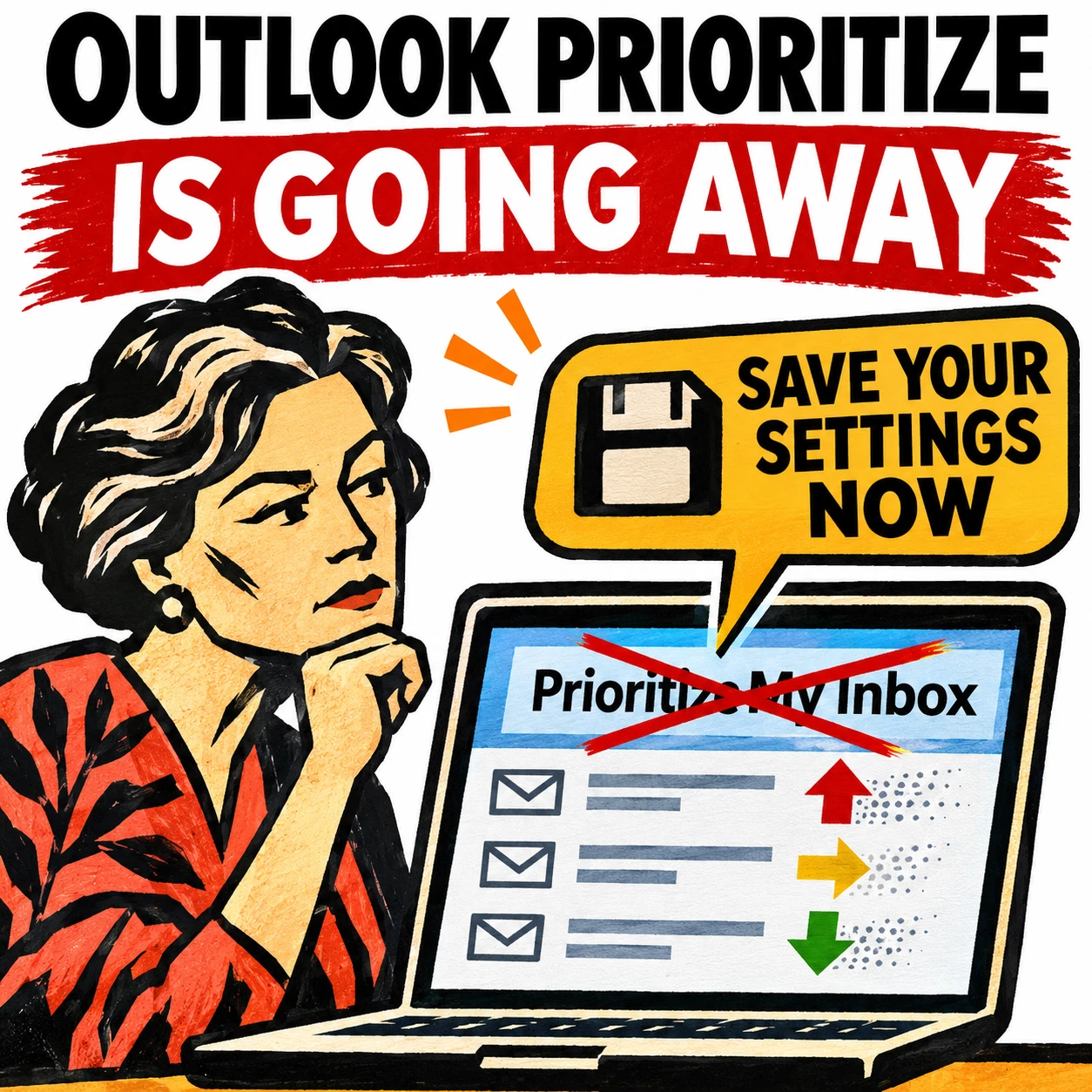
Outlook’s Prioritize My Inbox Is Going Away, Save Your Settings Before It’s Too Late
If the priority arrows have vanished from your Outlook inbox, Microsoft has started removing Prioritize My Inbox, the Copilot feature that sorted email into high, normal and low priority. The rollback began on October 26, 2026 and will finish by March 2027 with no opt-out. Here’s what’s changing, what you lose and what to do […]

Latest

Latest




Microsoft 365
Outlook’s Prioritize My Inbox Is Going Away, Save Your Settings Before It’s Too Late
If the priority arrows have vanished from your Outlook inbox, Microsoft has started removing Prioritize My Inbox, the Copilot feature that sorted email into high, normal and low priority. The rollback began on October 26, 2026 and will finish by March 2027 with no opt-out. Here’s what’s changing, what you lose and what to do […]
Office for Mac

Halloween Emoji List: Copy and Paste Spooky Symbols Instantly 🎃
Looking for the perfect Halloween emoji? Browse our searchable list of 30+ spooky symbols — from 🎃 jack-o’-lanterns to 👻 ghosts and 🧛 vampires — ready to copy and paste into your documents, emails, spreadsheets and presentations. In Microsoft 365, Office 2024 and Office 2021 there are also Halloween icons and symbols for Word, Powerpoint […]
Buying Office
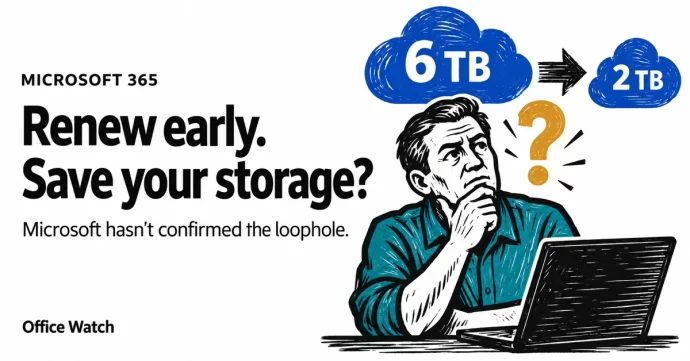
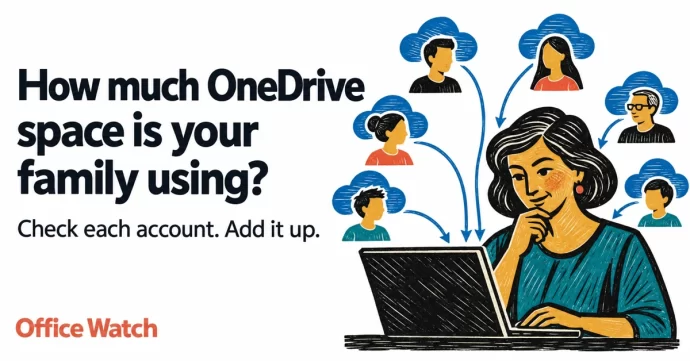
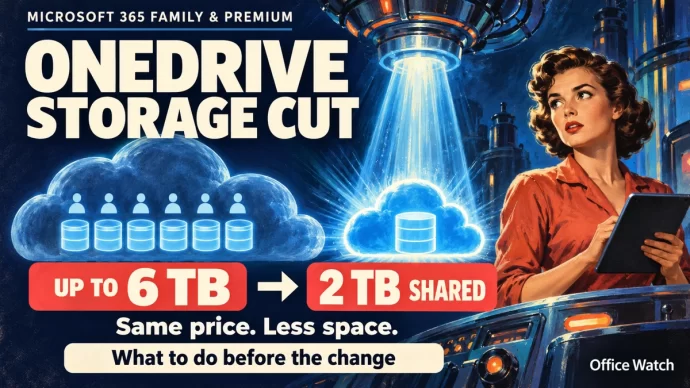
Can You Dodge Microsoft 365’s OneDrive Storage Cut by Renewing Early?
Microsoft is shrinking OneDrive from 6 TB to 2 TB for Microsoft 365 Family and Premium plans, but the change only hits existing subscribers at their next renewal after May 2027. That gives you a window and some customers are asking whether renewing early could lock in the current storage for years. Here’s what we […]
eBook Shop