It took many weeks and repeated public shaming but Microsoft has finally fixed the social connectors link in Outlook 2013. The ‘Connect to another social network’ link now works – well sort of. Microsoft’s problem, and the reason why the link went to a ‘Page not found’ error, was the
A reader asks how to install OneNote (available free from Microsoft) with the older versions of Office like Office 2003 or Office 2007. OneNote 2013 is available free from Microsoft as are versions for Mac, Apple and Android. Any attempt to mix versions of Office should begin with installing the
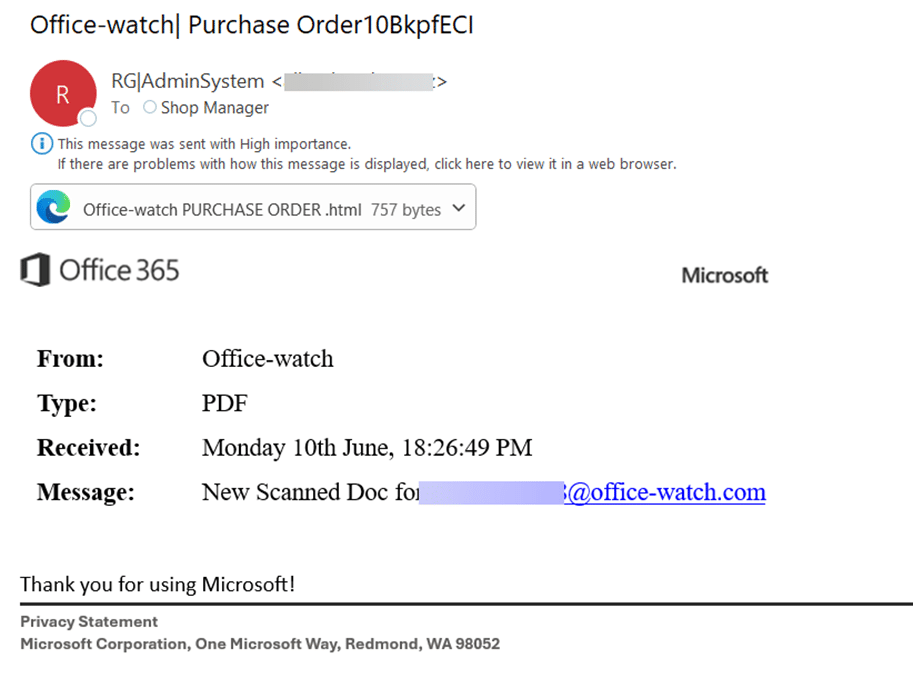
It’s an old scam which has resurfaced for the gullible. You get an email that promises vast wealth from Microsoft in some award scheme you’ve never heard of: “ Your address just won you $500,000 in the Microsoft Word awards.” “ Your address just won you Five hundred thousand pounds sterling in
As part of the 2015 BUILD conference, Microsoft announced a series of new tools for Office developers. They are new and updated API’s (Application Program Interface) which let developers work with software or a web service. For example a OneDrive or DropBox API lets a separate program directly save, read
Microsoft has announced that the concept of add-ins, now limited to Office for Windows, will soon be coming to Office for iPad. Just like in Office for Windows, Office for iPad will have a side pane that can add more to Excel. Here’s Microsoft’s example of a Dun and Bradstreet
There’s plenty of uncritical hype about the Outlook apps for Apple and Android devices that don’t mention the two big downsides of the Microsoft Outlook app. Single app = Single view In Outlook for Windows or Mac you can open up many different views. One each for the Inbox, Calendar
If there’s a common theme through Office Watch these days it’s the lack of disclosure by Microsoft about what they are doing with Office software. One example is the apparently silent update to the English language dictionary in Office. A few days ago we mentioned the addition to the English
A few weeks ago we told you and Microsoft about a broken web link from Outlook 2013. The link to add more social connectors to Outlook 2013 goes to a fancy ‘Page not found’ page that’s no help at all. This isn’t a mistake by Microsoft, they’ve had some time
Ellen F writes: ” Thanks for this: Outlook Categories – Why and How , which Microsoft of course doesn’t tell us about. However, I’m using Outlook Web Access and I can see how to apply categories to my emails but cannot figure out how to assign text labels to the
How can you send an Office document safely and securely to another person? A simple question with no simple answer. Who you are guarding against? A random snooper at the recipient’s end who accidentally finds the document, or someone targeting your or your data, such as a commercial rival,
Almost a year ago we sarcastically complained about the lack of words from ‘Game of Thrones’ in the Office dictionary. We didn’t expect Microsoft to do anything out it and, if they did, thought they’d tell customers. Slate magazine has noticed that many Westeros names now don’t get a red
Microsoft has now released a preview version of Microsoft Office for Android devices running Intel x86 processors. Until now, Office for Android has been restricted to ARM chip devices, which is the vast majority. But Intel x86 power some of the more powerful tablets which better suit Office. Android Lollipop
Microsoft has made yet another Office announcement … not a big announcement but an opportunity to explain the idea of Universal apps for Office and how they compare with traditional desktop apps. The Microsoft announcement was that a preview version of Office for Windows 10 for phones will be available
The days of carrying a separate presentation ‘clicker’ may be over as Microsoft brings it’s Office remote app to Android. Office Remote turns a smartphone into a controller for a PowerPoint presentation, Excel worksheets (including Slicers and PivotTables) plus Word documents. Image supplied by Microsoft. The smartphone connects to your
Microsoft has released an Android version of their Office Lens app. What is Office Lens? Office Lens main feature is an image to text conversion. You can take a photo of a document, receipt etc and it’ll convert into plain text (OCR) for use in OneNote, Word etc. It comes
In Outlook 2013 you may have noticed the ‘Link Contacts …’ item on each contact card. We’ll explain why it’s there and what it can do for you. Link Contacts is different from ‘Contact Linking’ that’s been available in many versions of Outlook. Contact Linking lets you connect a contact
Getting Outlook windows into the positions you want, and keeping them there, is one of those mysteries that Microsoft offers to us mere customers. We’ll try to explain what’s going on but, alas, can’t guarantee any solid answers. Most Outlook users have more than one window open at any time.
LiveLoop was an interesting product. You could share a PowerPoint presentation via the web to any computer or phone. But not anymore. We use the past tense because new customers aren’t being accepted and existing customers have until 24 April 2015 to retrieve any data from the system. There’s nothing
ZDnet is reporting that an ebay merchant is offering an Office 365 Personal subscription for $29.99. The ebay item is here and we’re wary about it. Many have been sold (1,154 as we type this) and there’s good feedback both for the merchant and the Office 365 purchases. An Office
Finally, in this series about the ‘not so permanently’ deleted Outlook items, how do you recover a supposedly ‘permanently’ deleted item? Or maybe check to see if something you want wiped from your computer has truly been removed. All this is embarrassingly easy (embarrassing to Microsoft). There are various tools on
The fact that Outlook doesn’t ‘permanently’ delete items (like it says it does) has advantages or disadvantages depending on your need. Both needs are, thankfully, rare but worth keeping in mind. Cons These days we’re all more concerned about data privacy and where information can be stored without us realizing
So now we know that an Outlook item is not ‘permanently deleted’ even if Microsoft says so. How can you truly delete an Outlook message, appointment etc. You might want to truly delete when you’ve received something in error (as in the Aussie case) or simply want to prevent sensitive
There’s a vital but broken web page link in Outlook 2013 that stops people adding to one of it’s most promoted features. Outlook 2013 comes with some ‘Social Connectors’ to link contacts to Facebook and Sharepoint. For others you click a link ‘Connect to another social network’ (In Outlook Contacts,
Here’s a simple way to speed up Outlook when connected to accounts via IMAP. In short, make Outlook work offline at all times except when connecting to send/receive messages. Go to Send / Receive and click Work Offline On the Outlook status bar it’ll show ‘Working Offline’. Then go to