
Grok AI in Microsoft 365: What Copilot Users Need to Know Before Turning It On
Microsoft has added Grok AI from SpaceXAI as a model option in Copilot for Word, Excel and PowerPoint. Before you turn it on, there are privacy trade-offs and restrictions you need to understand. Choosing Grok means your data leaves Microsoft’s servers, the feature is blocked in Europe and the UK, and your admin has to […]

Excel Copy and Paste Broken by Microsoft’s Own Security Update — How to Fix It
Microsoft’s September 2026 security update for Excel has broken copy and paste for users across Excel 2016, 2019, 2021, and 2024. Update KB5002914, released on September 8, silently kills paste operations with no error message and no warning, creating a serious data integrity risk. Here is how to check whether you are affected, how to […]

September 2026 Patch Tuesday: 20 Critical Office Bugs to Fix Now
Microsoft’s September 2026 Patch Tuesday landed on September 8, 2026 with a record 966 fixes, and Office took the worst of it: 124 patches across Word, Excel, Outlook and the shared code, 20 of them rated Critical. Excel alone has six Critical remote code execution holes, which means a single booby trapped workbook can run […]

Equal Earth Map in Word, Excel and PowerPoint: How to Add It Free
The UN has just picked a new favorite world map, and the Mercator projection most of us grew up with is out of favor. If your reports, slides or dashboards use a world map, the Equal Earth projection is now the one to reach for. Microsoft Office does not include it, but you can drop […]

Put a Picture Inside Another Picture in Office, Even at an Angle
Dragging one image on top of another almost never looks right. The moment the screen or frame in the background photo sits at an angle, the picture you drop on it looks pasted on. There is a better way built into Word, Excel and PowerPoint that takes about two minutes: draw a shape over the […]
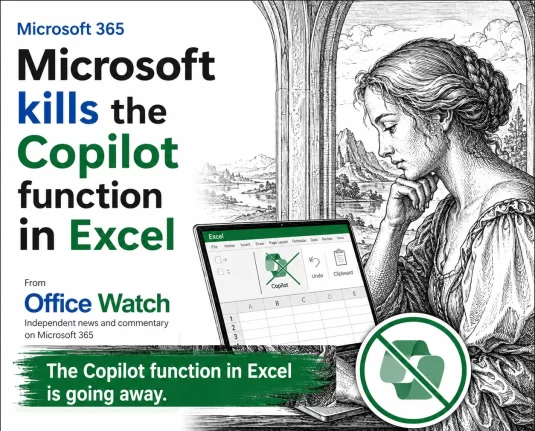
Microsoft Drops Excel COPILOT(): Convert Your Formulas Before They Break
Microsoft is switching off the COPILOT() worksheet function in Excel on September 14, 2026, with barely a month’s warning. If you are on the Microsoft 365 Insider or Frontier channels and have COPILOT() formulas sitting in a workbook, assume they will break. Convert those results to static values now, before the deadline. Here is exactly […]
August 2026 Patch Tuesday: Office Bugs That Fire From the Preview Pane
Ten Critical bugs fixed in Microsoft’s August 2026 Patch Tuesday can be triggered just by previewing a file. No opening it, no macro warning, no “Enable Content” click. Selecting a message in Outlook’s Reading Pane or clicking a file once in File Explorer is enough to run an attacker’s code on an unpatched machine. That […]
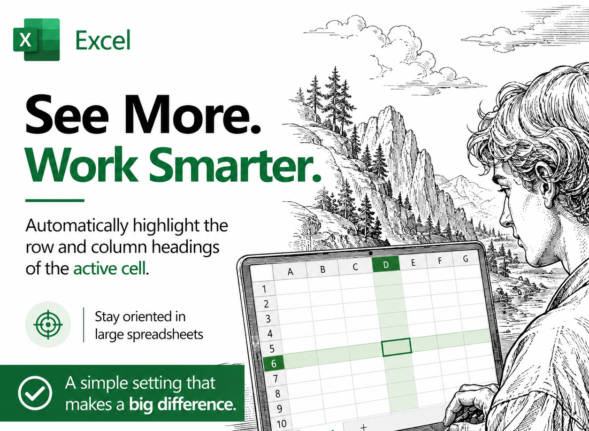
Highlight the Selected Row and Column in Excel and Stop Data Errors
Large Excel worksheets punish you for a moment of inattention. Your eye drifts one row, you type a score or a price into the wrong cell, and nobody notices for weeks. Excel can fix that by highlighting the row and column of whatever cell you click on, so the right cell is always obvious. It […]
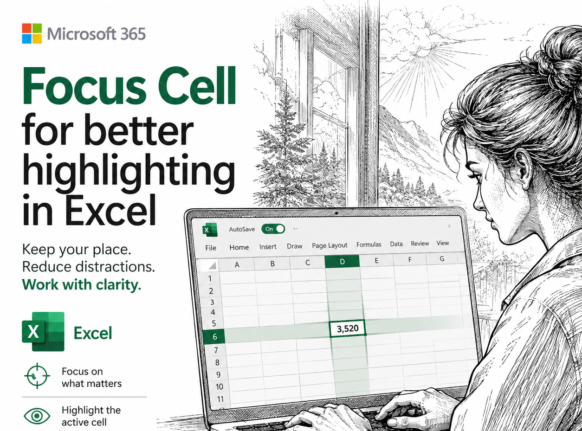
Excel 365 Focus Cell: Highlight the Row and Column You Are In
Typing a number into the wrong row is one of the easiest mistakes to make in a large worksheet and one of the hardest to spot weeks later. Excel’s Focus Cell fixes that by shading the entire row and column of whatever cell you click on, so the right cell is always obvious. It is […]
Claude’s Opus 5 model in Microsoft 365 apps
Another day, another AI model. At least that’s how it seems. Just between Anthropic’s Claude, OpenAI’s ChatGPT, and Microsoft’s own MAI models, there’s a constant flow of new and updated AI models for Microsoft 365 apps. Be aware of changes in AI models because the new software can behave in a different way. Sometimes better, […]

Which Copilot Model Should You Use in Excel? Auto, GPT or Claude
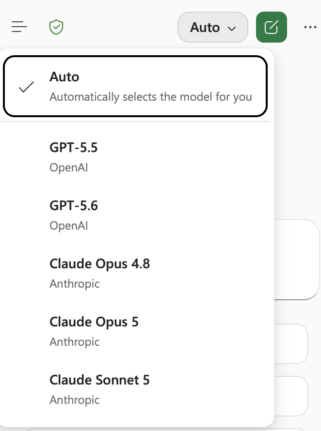
Excel now lets you choose which AI model powers Copilot, but Microsoft does a poor job of explaining what each one does. The Copilot model picker in Excel offers Auto, two OpenAI GPT models and two Anthropic Claude models. Here is which Copilot model to leave selected for everyday work, and when it pays to […]

July 2026 Patch Tuesday: 570 Fixes and a Critical BitLocker Flaw
Microsoft’s July 2026 Patch Tuesday is one of the biggest on record, with a massive 570 bug and security fixes landing on your Windows, Microsoft 365 and Office machines. One buried fix is critical: a BitLocker bypass that let thieves open an encrypted drive without your password or recovery key. Here’s what to patch, when […]

Edit SVG colors in Word, Excel and PowerPoint the Easy Way
Microsoft Office lets you drop an SVG graphic into Word, Excel or PowerPoint, then recolor the whole thing and nothing more. Want the circle orange and the bar black? The fix is simpler than you would guess: open the SVG in Notepad or any plain text editor, change a few color values, delete or hide […]
Better Than Flash Fill: 4 Smarter Ways to Split Text in Excel
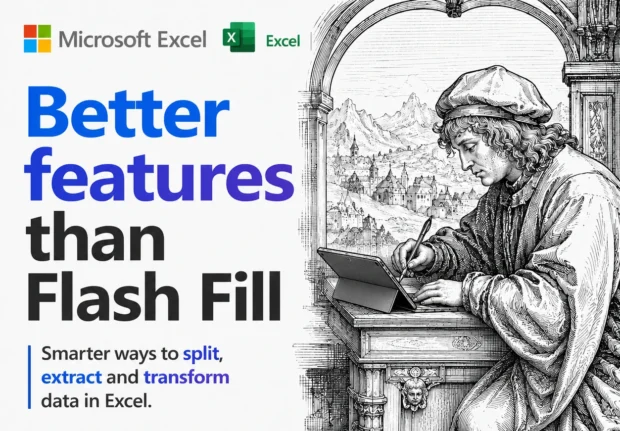
Excel’s Flash Fill has a fatal flaw: it forgets. Flash Fill runs once, on the rows in front of it, and then it’s done. Edit a cell, add a row or refresh the data and nothing updates. Excel now has four alternatives all better ways to split or join text that stick around and keep […]
Split Text in Excel the Easy Way: TEXTSPLIT, TEXTBEFORE and TEXTAFTER Explained
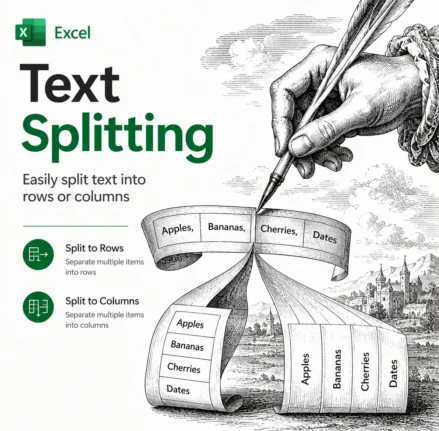
Splitting text in Excel used to mean wrestling with nested LEFT, RIGHT, MID and SEARCH formulas. Not any more. Excel 365 and Excel 2024 have three functions that do the job in one step: TEXTBEFORE, TEXTAFTER and TEXTSPLIT. TEXTBEFORE grabs everything before a delimiter, TEXTAFTER grabs everything after it, and TEXTSPLIT breaks a whole string […]
Excel Flash Fill Magic: Split, Join and Reformat Text Fast
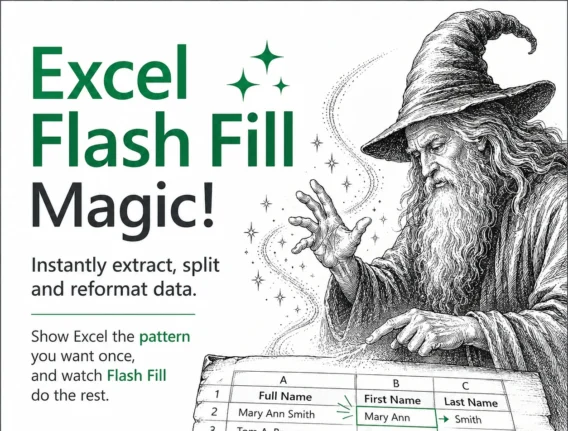
Excel Flash Fill is one of the fastest ways to split, join and reformat text in Microsoft Excel without writing a single formula. Type one or two examples of the result you want and Excel spots the pattern, then fills the rest of the column automatically. It works on Windows and Mac in Excel 2013 […]









