PowerToys Shortcut Guide Now Works With Word, Excel and Outlook
Microsoft has rebuilt the PowerToys Shortcut Guide, and this version finally earns a place in every Microsoft 365 or Microsoft Office user’s toolkit. Instead of a generic list of Windows shortcuts, the guide is now app aware. Open Word, Excel, Outlook classic, PowerPoint, Access, OneNote, Project, Publisher or Visio, and the guide instantly shows the […]
Microsoft 365 Workplace Discount Program: Get 30% Off, Even After You Quit
The Microsoft 365 Workplace Discount Program (WDP) cuts 30% off Microsoft 365 Premium, Family and Personal for employees of companies and government agencies that buy Microsoft volume licenses with Software Assurance. Formerly the Home Use Program, the WDP is now simple to claim: enter your work email, verify, and link your personal Microsoft account. Even […]
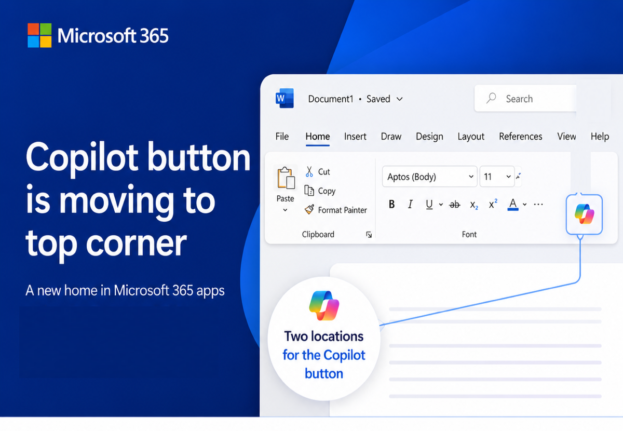
Microsoft’s Copilot ‘Move to Ribbon’ Arrives, But Not as Promised
Microsoft’s much hated Copilot button finally has a way to get out of your way, and we’ve found the first real world example running on a live machine. The promised “Move to Ribbon” choice has arrived in Word, Excel and PowerPoint, but it’s not quite what Microsoft pledged. Instead of a proper ribbon button you […]
What’s Really Inside a Word, Excel, or PowerPoint File (And How to See It)
Every Word, Excel, and PowerPoint file you save is actually a ZIP archive packed with small XML files. That means you can crack open any .docx, .xlsx, or .pptx file using nothing more than Windows Explorer or a free compression tool, no special software required. Whether you want to see which fonts are embedded in […]
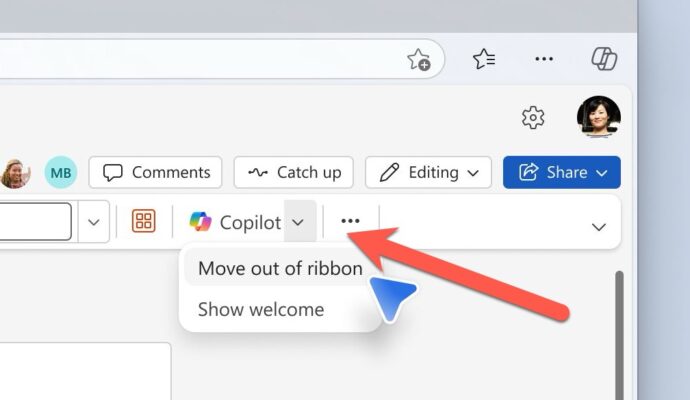
Microsoft Fixes the Annoying Copilot Button with ‘Move to Ribbon’ Option
Microsoft has quietly added a “Move to ribbon” option to the much hated Copilot Dynamic Access Button in Word, Excel and PowerPoint, after a wave of customer complaints about the floating button cluttering every document, workbook and slide deck. The fix gives paying Microsoft 365 customers a way to push Copilot back where it belongs […]

KeyTips Explained: The Fastest Microsoft Office Keyboard Shortcuts You Already Have
Wanna be a better, faster Office user? Impress your friends? Be the envy of women and men for miles around? Use simple keyboard shortcuts, called KeyTips, that you don’t have to memorize because they are on the screen. Instantly access Ribbon commands in Word, Excel, PowerPoint, and Outlook for Windows or Mac. Save time and […]
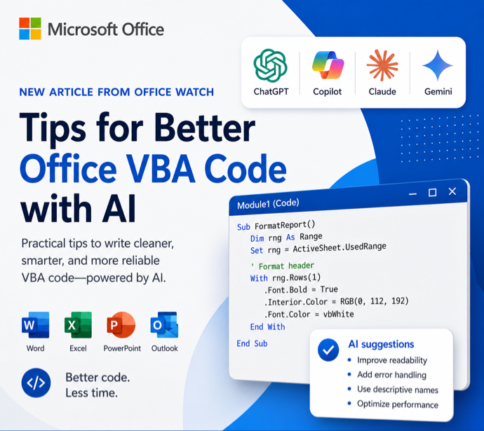
How to Get Office VBA Code from any AI (4 Smart Prompt Tips)
Asking ChatGPT, Copilot or any AI to write Office VBA code can save hours, but only if you prompt it the right way. These four practical prompting tips help you get cleaner, working VBA for Word, Excel, PowerPoint and Outlook on Windows or Mac, with fewer rewrites and far less debugging. Use them whether you […]
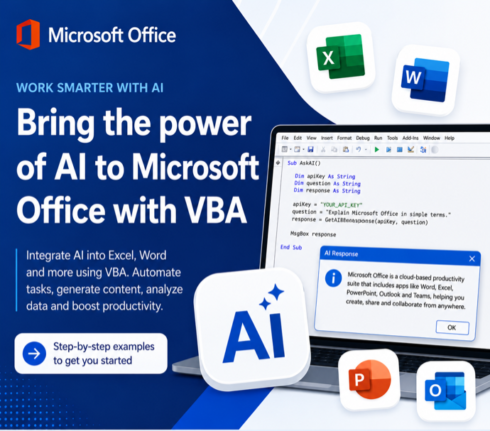
Write Office VBA with ChatGPT or any AI Real Examples That Work in 2026
ChatGPT, Copilot, Claude and Gemini can all write Microsoft Office VBA code for you, and they have improved dramatically. Ask any modern AI to write a Word macro, an Excel automation, a PowerPoint slide builder or an Outlook search routine and you will get working code in seconds. We tested the same four prompts we […]
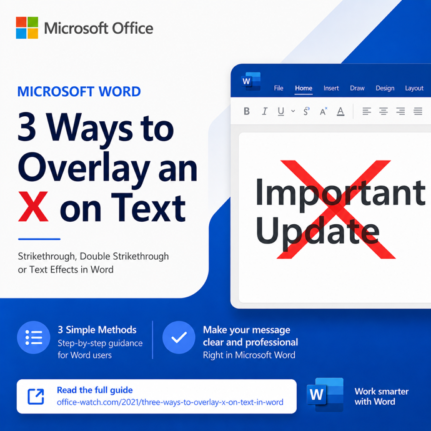
3 Easy Ways to Overlay an X Over Text in Word and PowerPoint
Need a bolder alternative to strikethrough? An overlaid X works far better than a thin line when you have large headings, signs, or slide text to cross out. This guide walks you through three reliable ways to overlay an X on text in Microsoft Word and PowerPoint: a quick image overlay, a smart table border […]
3 Easy Ways to Get an X Symbol in Word and PowerPoint
Need to drop an X symbol in Word or PowerPoint to cross something out, overlay a “don’t do this” graphic, or just mark a spot? Microsoft Office gives you two solid sources built right into the apps, plus a fourth option that opens up the entire web. Each one comes with tradeoffs around transparency, sizing […]
Open Office Files in Browser or Desktop App: How to Take Control
Clicking a link to a Word, Excel, or PowerPoint file should be simple, but Microsoft has turned it into a guessing game. Sometimes the document opens in your browser, sometimes in the desktop app, and the setting that controls it is scattered across Outlook, Office apps, and OneDrive options. This guide shows you exactly where […]
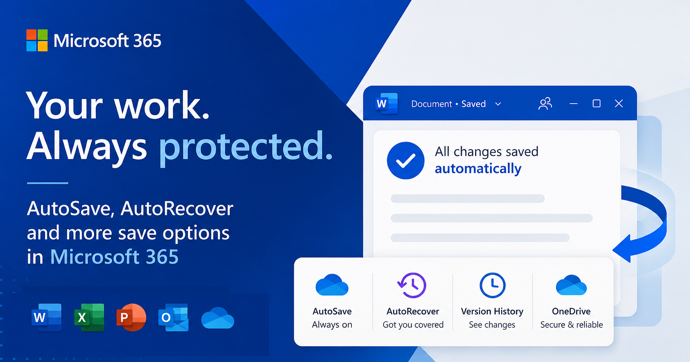
AutoSave vs AutoRecover in Microsoft Office: What Each One Actually Does to Save Your Work
AutoSave and AutoRecover sound like the same thing, but in Microsoft Office they do very different jobs, and only one of them is a real save. If you use Word, Excel or PowerPoint every day, knowing the difference is the line between recovering a crashed document and watching hours of work disappear. This guide breaks […]
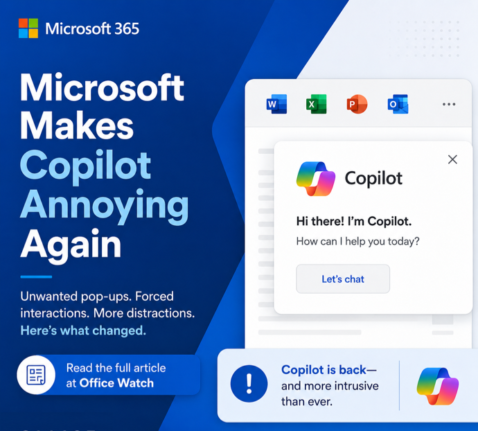
Microsoft buries the Copilot button and floats a nag in its place
Microsoft has quietly removed the Copilot button from the Home tab in Word, Excel and PowerPoint and replaced it with a permanent floating icon at the bottom right of every document, sheet and slide. You cannot turn it off. You can only shrink it. We explain how this annoyance works, why Microsoft is doing this […]
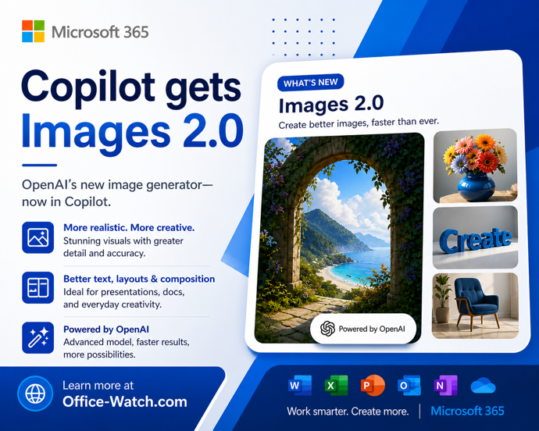
ChatGPT Images 2.0: New AI Image Generator in Copilot
The new ChatGPT Images 2.0 is worth a look for Copilot users. Instead of jumping straight to pixels, it reasons through your prompt first and can even search the web before generating a single image. If you have ever given up on AI images because the text was garbled, the results were inconsistent, or the […]
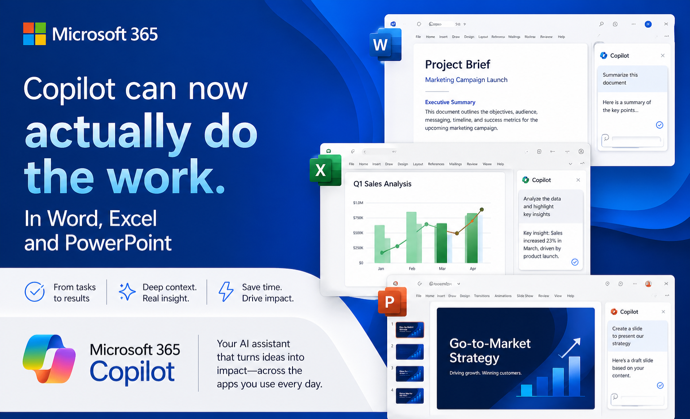
Copilot Can Now Actually Do the Work in Word, Excel, and PowerPoint
Microsoft has quietly flipped a major switch. Copilot Agent Mode is now the default experience in Word, Excel, and PowerPoint. It works very differently from the Copilot you may have ignored until now. Instead of suggesting what you should do, it actually works on your document, spreadsheet, or presentation and makes changes itself. You describe […]

PowerPoint Now Catches More Color Contrast Problems in Slides
Microsoft has upgraded the Accessibility Assistant in PowerPoint for Microsoft 365 to detect color contrast issues on transparent backgrounds, not just solid-colored ones. Until now, if your slide text sat on top of an image, gradient, or layered visual, PowerPoint’s checker could miss real readability problems entirely. The tool now evaluates contrast against what your […]









