GPT 5.6 Arrives in Microsoft 365 Copilot, But Microsoft Hides What You Get
Microsoft has quietly added OpenAI’s new GPT 5.6 model to Microsoft 365 Copilot on the very same day it reached ChatGPT, a surprisingly fast turnaround. The catch is that Microsoft renames the model, so instead of the clear Sol, Terra and Luna labels that OpenAI uses, Copilot users only see vague choices like “Quick Response” […]
PowerToys Shortcut Guide Now Works With Word, Excel and Outlook
Microsoft has rebuilt the PowerToys Shortcut Guide, and this version finally earns a place in every Microsoft 365 or Microsoft Office user’s toolkit. Instead of a generic list of Windows shortcuts, the guide is now app aware. Open Word, Excel, Outlook classic, PowerPoint, Access, OneNote, Project, Publisher or Visio, and the guide instantly shows the […]
Word Draft View Bug: Page Break Lines Are Vanishing
Microsoft Word’s Draft view is meant to keep editing simple by stripping away page layout, margins, and headers so you can focus on the words. But a new bug in recent Word 365 builds for Windows and Mac is breaking one of its most useful cues: the faint dotted lines that mark page breaks are […]
Microsoft 365 Workplace Discount Program: Get 30% Off, Even After You Quit
The Microsoft 365 Workplace Discount Program (WDP) cuts 30% off Microsoft 365 Premium, Family and Personal for employees of companies and government agencies that buy Microsoft volume licenses with Software Assurance. Formerly the Home Use Program, the WDP is now simple to claim: enter your work email, verify, and link your personal Microsoft account. Even […]

Copilot Model Choices Explained: Which One to Pick and Why
Copilot in Word, Excel and PowerPoint lets you pick which AI model handles each task, but the menu is confusing and changes all the time. So what is an AI model, why does Microsoft offer several, and which Copilot model should you actually choose? This plain English guide explains the model options and how to […]
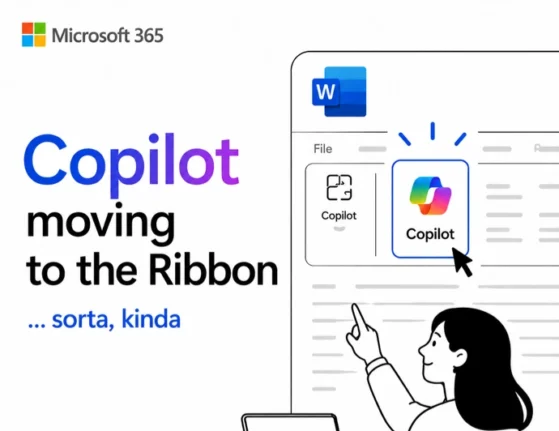
Copilot “Move to Ribbon” Finally Works in Windows (With One Big Catch)
The much anticipated Copilot “Move to Ribbon” option has finally arrived in Microsoft 365 for Windows, and unlike the Mac version, the Copilot button really does return to the ribbon. The good news is that the choice is sticky, so it applies to all future Word documents instead of being a one time fix. The […]
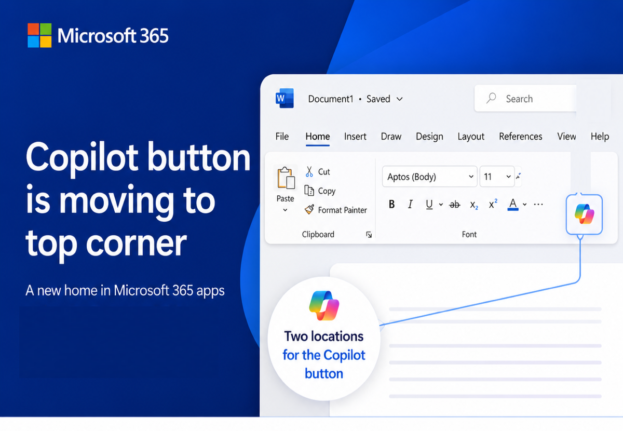
Microsoft’s Copilot ‘Move to Ribbon’ Arrives, But Not as Promised
Microsoft’s much hated Copilot button finally has a way to get out of your way, and we’ve found the first real world example running on a live machine. The promised “Move to Ribbon” choice has arrived in Word, Excel and PowerPoint, but it’s not quite what Microsoft pledged. Instead of a proper ribbon button you […]
Why Word Layouts Break: Section Breaks Explained
Section breaks are the hidden cause behind some of Word’s most frustrating layout problems: random extra pages, headers that change unexpectedly, and pages that refuse to switch from portrait to landscape. Most Word users have never heard of section breaks, let alone seen one, because Word keeps them invisible by default. This guide explains exactly […]
What’s Really Inside a Word, Excel, or PowerPoint File (And How to See It)
Every Word, Excel, and PowerPoint file you save is actually a ZIP archive packed with small XML files. That means you can crack open any .docx, .xlsx, or .pptx file using nothing more than Windows Explorer or a free compression tool, no special software required. Whether you want to see which fonts are embedded in […]
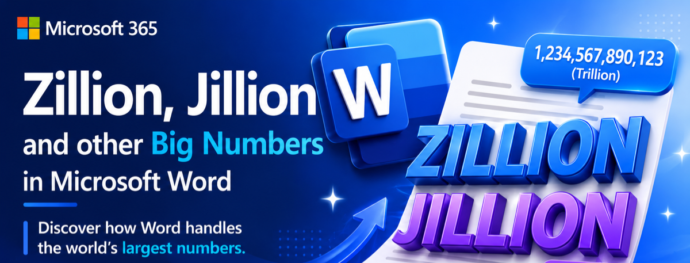
Does Microsoft Word Know “Zillion”? Testing Big Number Slang in Word’s Dictionary
Microsoft Word knows more slang than you might expect. Words like zillion, jillion, squillion, gazillion, bazillion, and oodles are all recognized as correct spellings in Word’s US English dictionary, so you won’t get the dreaded red squiggly line if you drop one into a document. Word’s thesaurus even offers alternatives for “zillion,” though some of […]
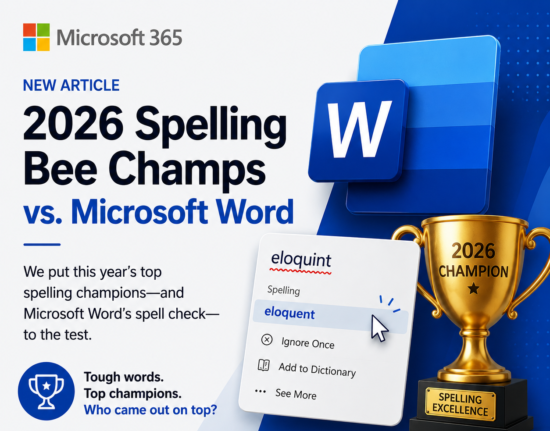
2026 Spelling Bee vs Microsoft Word: Word Scores Its Worst Ever
Every year after the Scripps National Spelling Bee, we test the winning and finalist words against Microsoft Word’s spell checker to see how many get the dreaded red squiggly line. In 2026, Word had its worst performance ever, recognizing just 4 out of 21 words correctly for US, UK, and Australian English. A group of […]
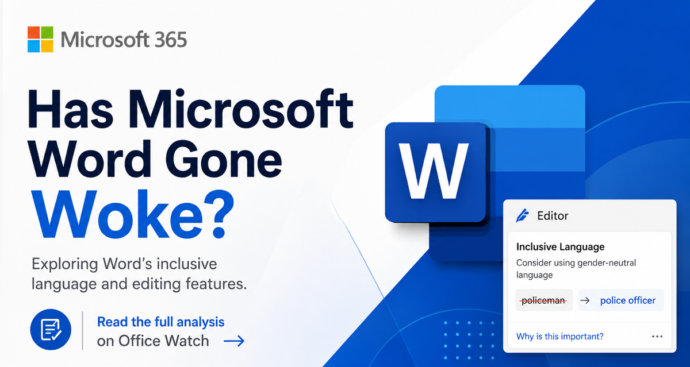
Microsoft Word ‘Woke’ Settings Explained: Old, Optional, and Easy to Ignore
Microsoft Word has not gone ‘woke’. Despite press stories claiming Word enforces ‘politically correct’ language, the truth is far less dramatic. The Inclusiveness grammar checks behind the headlines are optional, off by default, and have been part of Word since before 2020. They flag words like mankind, postman and showgirl with a purple squiggly line […]

Word 365’s New ‘Overpaste’ Trick Makes Hyperlinks in One Step
Microsoft Word 365 has a new overpaste feature that turns selected text into a clickable hyperlink in a single paste, no dialog box required. Instead of pressing Ctrl + K, pasting the URL, and clicking OK, you can now copy a link, highlight the text you want to convert, and paste straight over it. The […]
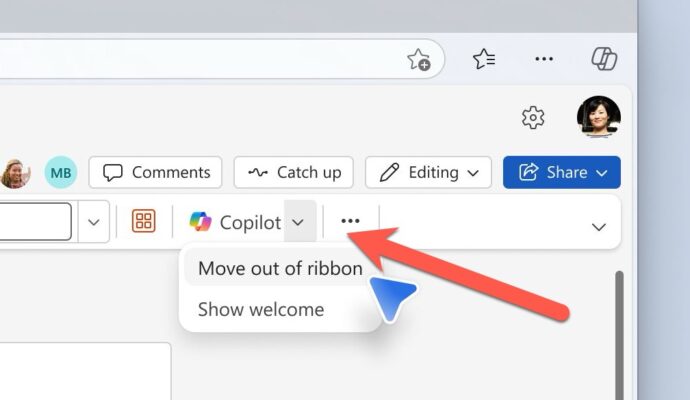
Microsoft Fixes the Annoying Copilot Button with ‘Move to Ribbon’ Option
Microsoft has quietly added a “Move to ribbon” option to the much hated Copilot Dynamic Access Button in Word, Excel and PowerPoint, after a wave of customer complaints about the floating button cluttering every document, workbook and slide deck. The fix gives paying Microsoft 365 customers a way to push Copilot back where it belongs […]

KeyTips Explained: The Fastest Microsoft Office Keyboard Shortcuts You Already Have
Wanna be a better, faster Office user? Impress your friends? Be the envy of women and men for miles around? Use simple keyboard shortcuts, called KeyTips, that you don’t have to memorize because they are on the screen. Instantly access Ribbon commands in Word, Excel, PowerPoint, and Outlook for Windows or Mac. Save time and […]
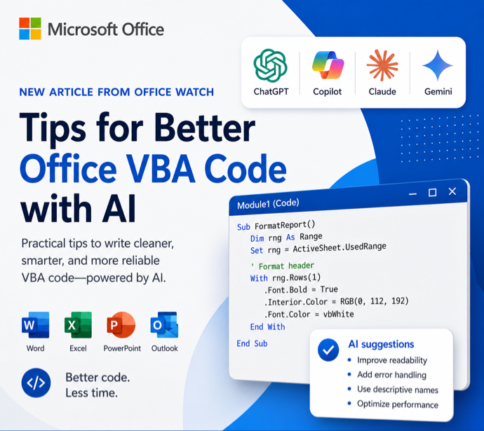
How to Get Office VBA Code from any AI (4 Smart Prompt Tips)
Asking ChatGPT, Copilot or any AI to write Office VBA code can save hours, but only if you prompt it the right way. These four practical prompting tips help you get cleaner, working VBA for Word, Excel, PowerPoint and Outlook on Windows or Mac, with fewer rewrites and far less debugging. Use them whether you […]









